7 Best AI Lyric Generators for Every Rapper
The popular advice says there's one best AI lyric generator. That's the wrong question. A tool that excels at a polished pop demo may produce weak battle bars, while a rap-focused generator may be overkill for a songwriter refining one chorus line at a time.
This roundup judges seven platforms by the job they perform best: personalized roasts, battle lyrics, hook ideation, line-by-line songwriting, freestyle practice, or complete audio demos. The category has moved beyond novelty, with one industry estimate valuing the AI music generator market at USD 872.4 million in 2025, while another projects the broader generative AI in music market to reach USD 2.79 billion by 2030](https://www.snsinsider.com/reports/ai-music-generator-market-11224).
Each pick gets the same practical treatment: best use case, standout capabilities, access or pricing notes, output direction, limitations, and the creator who should choose it. If you're also turning songs into short-form content, pair your workflow with this streamer clip tool guide. DissTrack AI is the specialist choice for targeted diss tracks, but the other six tools earn their place in different workflows.
1. DissTrack AI
Best for personalized roasts and battle bars
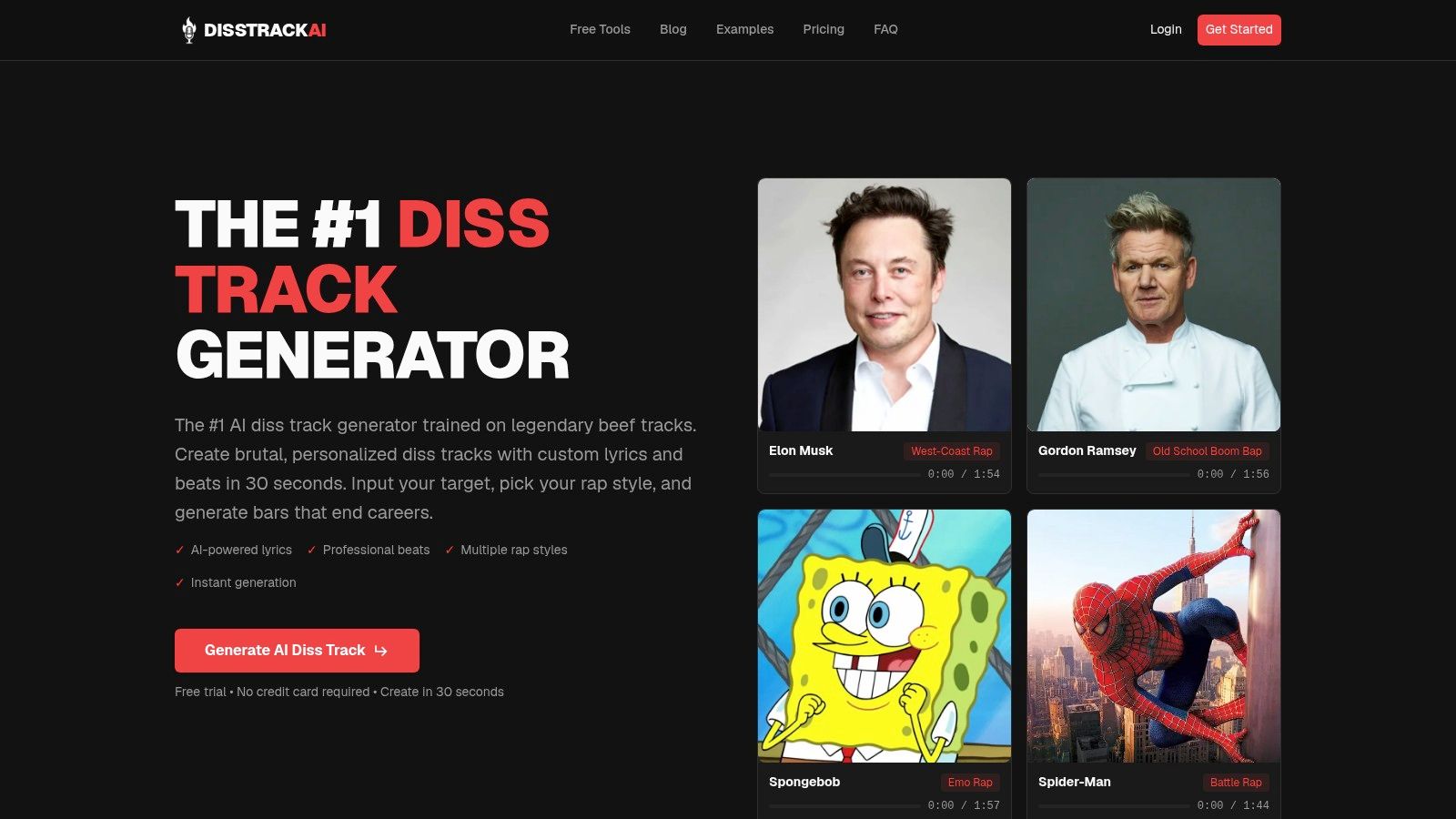
DissTrack AI knows its lane. Use it when you already have a target, a few real details, and want sharper lines than a generic chatbot usually spits out. Drop in the name, the relationship, the material you can safely use, and the tone you want. Then pick a style such as West Coast, Old School Boom Bap, Trap, Battle Rap, Drill, Emo Rap, or UK Grime.
It generates structured verses with multiple variations, and you can edit, export, and share them without much friction. The pitch is speed, with generations advertised at about 30 seconds, so it fits live battles, roast videos, friend-group dares, streams, and rough studio drafts. The system is tuned around battle-rap and diss-track patterns associated with artists such as 2Pac, Nas, Eminem, and Pusha T, so it starts in a stronger place for punchlines, attack angles, rhyme schemes, and flow than a broad songwriting helper.
Best practical use: Feed it specific, harmless details, then ask for several angles. The strongest version is usually the one you edit, not the first verse it returns.
The savagery control is the main selling point. You can keep it playful or push it into harder battle territory, and advanced controls let experienced rappers shape the punchlines and attitude. Beginners get preset prompts. Stronger writers can refine the output instead of staring at an empty box.
DissTrack AI also advertises beats, basic vocal styles, and in-app audio mixing for quick sharing. Treat those as extras, not the main event. The lyric workflow is the core product, while the audio side is basic or still developing. Producers who want polished vocal production should move the lyrics into a more capable music environment.
Access, rights, and limitations
The free plan includes one diss track. Pro costs $9.99 per month for 15 diss tracks monthly, while Creator costs $29.99 per month for 100 diss tracks monthly. Paid tiers include commercial licensing, and yearly billing advertises a saving of about 20%. You retain rights to generated lyrics, and creations remain private until you publish them, according to the product information from DissTrack AI.
 DissTrack AI
Use it responsibly. Personalized attacks can turn into harassment or defamation when people aim them at real individuals without care. Keep private information out of prompts, avoid claims you cannot support, and use the tool for comedy, performance, and creative competition, not threats or abuse.
Verdict: Pick DissTrack AI if you want personalized diss lyrics, punchline density, and battle-rap structure. It is the clearest specialist pick in this list.
2. Suno
Best for turning a lyric idea into a complete demo
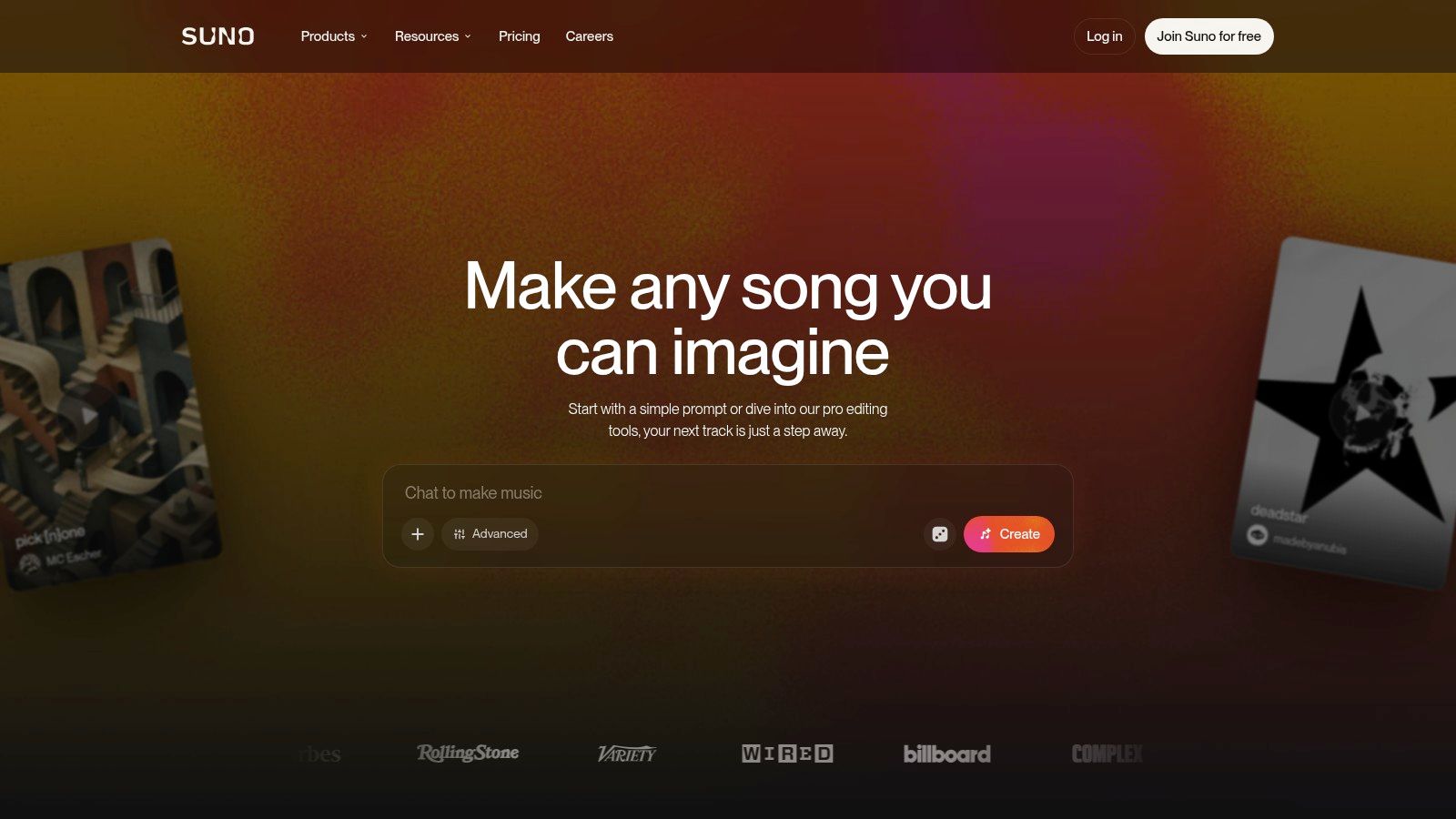
Suno is the fastest route from a text prompt to a song you can hear. Instead of stopping at verses and hooks, it generates lyrics, vocals, and instrumentation in one workflow. That makes it a strong choice for creators who care less about manually perfecting every line and more about testing the entire idea as a listenable track.
You can write or edit lyrics, replace sections, and extend a song when a promising idea needs more room. Paid plans provide access to advanced models, concurrent generations, and commercial rights. Higher tiers also support audio uploads and stem separation for files up to 30 minutes, which makes Suno more useful when you're bringing existing material into the process.
Suno is a demo machine first and a line-editing environment second.
That distinction matters. A generated hook may sound convincing in context but still contain an awkward syllable, a generic image, or a line that doesn't fit your voice. Suno lets you work with the lyric, but it won't give the same granular writing experience as a dedicated line-by-line editor.
Access rules can change as the platform updates models, credits, downloads, and commercial-use policies. The free plan doesn't include song downloads, and advanced capabilities require a subscription. Check the current terms inside Suno before releasing a track commercially.
For a deeper workflow, creators can use a lyric generator to develop a concept, then move the idea into Suno for arrangement and vocal testing. This text-to-music workflow works best when you already know the emotional direction, genre, and chorus concept you want to hear.
 Suno
Verdict: Pick Suno when the priority is a complete song demo with vocals and instrumentation, not meticulous control over every lyric line.
3. Udio
Best for hands-on lyric editing beside polished audio
Udio sits closer to a songwriting studio than a one-click lyric page. Its Lyric Editor lets you write, generate, and revise lyrics line by line, with timing control for individual phrases. That's the feature to care about if you've already got a verse that's nearly right and need to adjust wording without throwing away the entire track.
The platform supports song extensions, style controls, and audio clip uploads on Pro. It also offers AI album art generation and cross-device library syncing, so the workflow extends beyond text into lightweight project development. Compared with a generator that gives you a finished audio block, Udio gives you more room to experiment with phrasing, hooks, and timing.
Try a chorus with short lines, then alter one phrase at a time while listening to how the vocal lands. That process exposes problems that look fine on the page, including crowded syllables, weak stresses, and a final word that arrives too late for the beat.
Udio allows exports from the free tier with daily credits, while advanced controls and some features are reserved for Pro. Pricing information is presented transparently for U.S. users through the App Store, but mobile-first descriptions mean desktop and web feature parity may vary. Review the current access details on Udio before building a larger release workflow around it.
Use Udio when the lyric has to survive contact with the vocal performance.
The limitation is scope. It's still a music-generation platform, so it won't replace a specialist rap editor when you need a dense series of personal punchlines or carefully counted battle rounds. It's strongest when the writing and the audio need to evolve together.
Verdict: Choose Udio for line-level lyric control, timing experiments, and polished audio variations in the same workspace.
4. Uberduck
Best for lyrics-to-rap vocal experiments
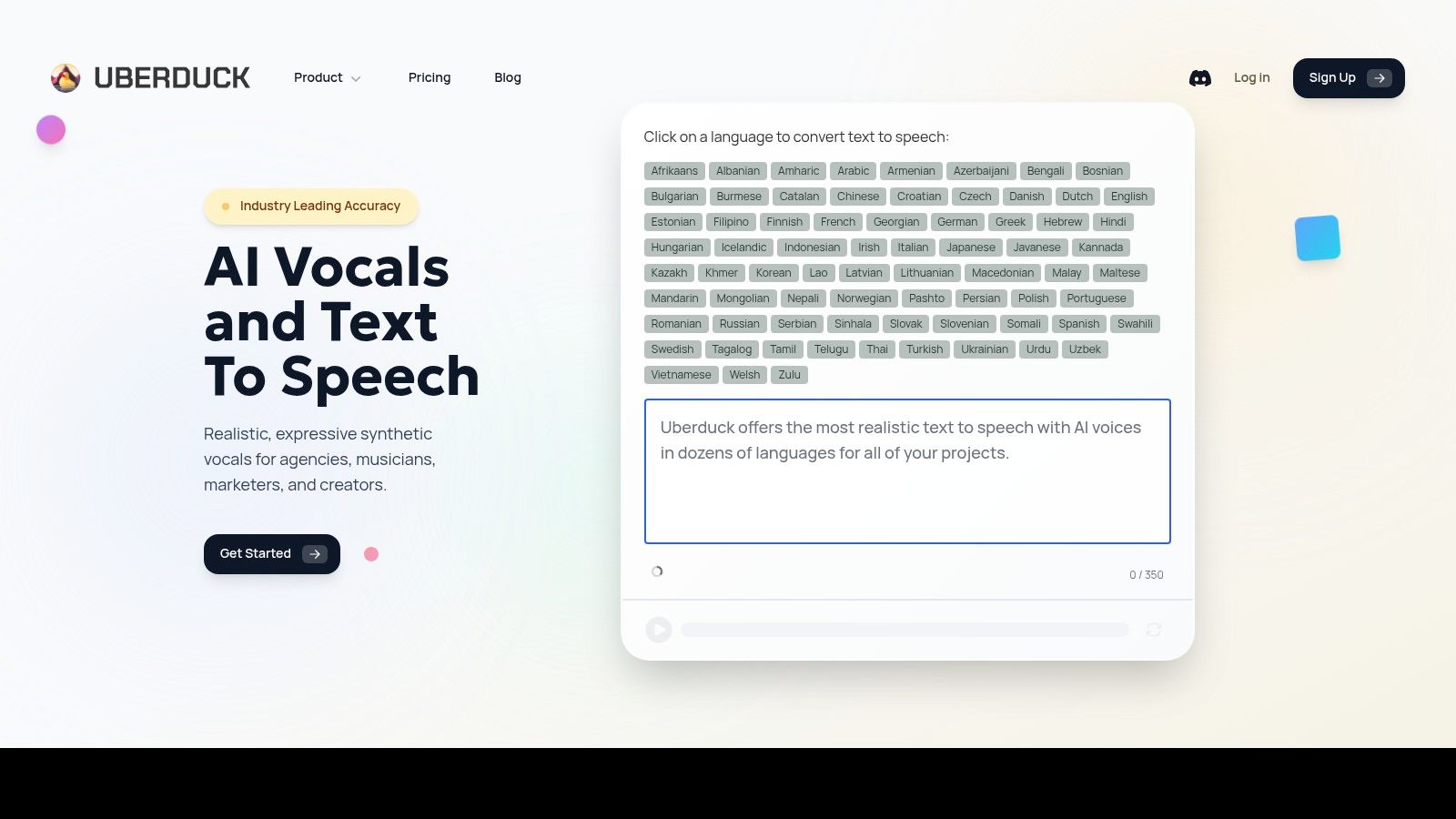
Uberduck is for creators who want to hear rap lyrics performed, not just stare at them in an editor. Its workflow combines AI-generated rap writing with text-to-rap vocals and voice models oriented toward flow. That makes it a natural fit for rough battle takes, character performances, social clips, and demos that need an audible delivery.
You can generate lyrics and move directly into a performed version over a beat. Paid Creator and Pro plans provide API access for custom integrations, while credit-based tiers support different levels of production volume. Paid plans also include commercial licensing, which is important if the output is headed into monetized content rather than a private experiment.
The strongest results come from deliberate prompting. Specify the flow, energy, topic, and performance attitude, then revise the weakest bars before generating another take. A good voice model can make a mediocre line sound exciting, but it can't fix a vague concept or a chorus with no repeatable idea.
The voice is part of the test. If the bar only works on the page, Uberduck will expose that quickly.
Quality varies by voice model and prompt, and heavy users can run into credit limits on lower tiers. The platform also isn't a substitute for a human rapper when you need nuanced breath control, personal identity, or a final vocal performance. Treat the generated take as a sketch, character voice, or creative direction.
For creators exploring synthetic rap delivery, this AI rap voice guide offers a useful companion workflow. You can find the current platform and access options at Uberduck.
 Uberduck
Verdict: Pick Uberduck for fast lyrics-to-rap performance experiments, especially when the voice and delivery matter as much as the words.
5. LyricStudio
Best for controlled co-writing
LyricStudio takes the opposite approach to a complete-song generator. It stays focused on the words and helps you develop them line by line. The dedicated editor offers rhyme-aware suggestions shaped to your direction, which makes it useful when you want an AI collaborator without handing over the entire song.
Start with a theme, a partial line, or a punchline. LyricStudio can suggest ways to continue, alternative wording, and rhyme options while you remain responsible for the final voice. Its Gold tier provides access to the strongest lyric model, and the product messaging emphasizes lyric ownership and rights.
That setup suits writers who already know what they want to say but need more options. You can test a tighter rhyme, a less predictable image, or a cleaner ending without regenerating an entire verse. It also reduces the risk of accepting a generic first draft just because it arrived quickly.
Where it fits in a production workflow
LyricStudio doesn't generate a finished song or vocal. You'll export the lyrics and take them into a DAW, beat platform, or recording session. That's a limitation for beginners who want instant audio, but an advantage for writers who don't want arrangement decisions mixed into the lyric process.
Pricing details may remain unclear until signup, so check the current offer before committing. The platform's songwriting-focused lineage and research-driven positioning make it a more focused choice than a general-purpose text assistant, but you should still review the terms covering storage, privacy, and commercial use.
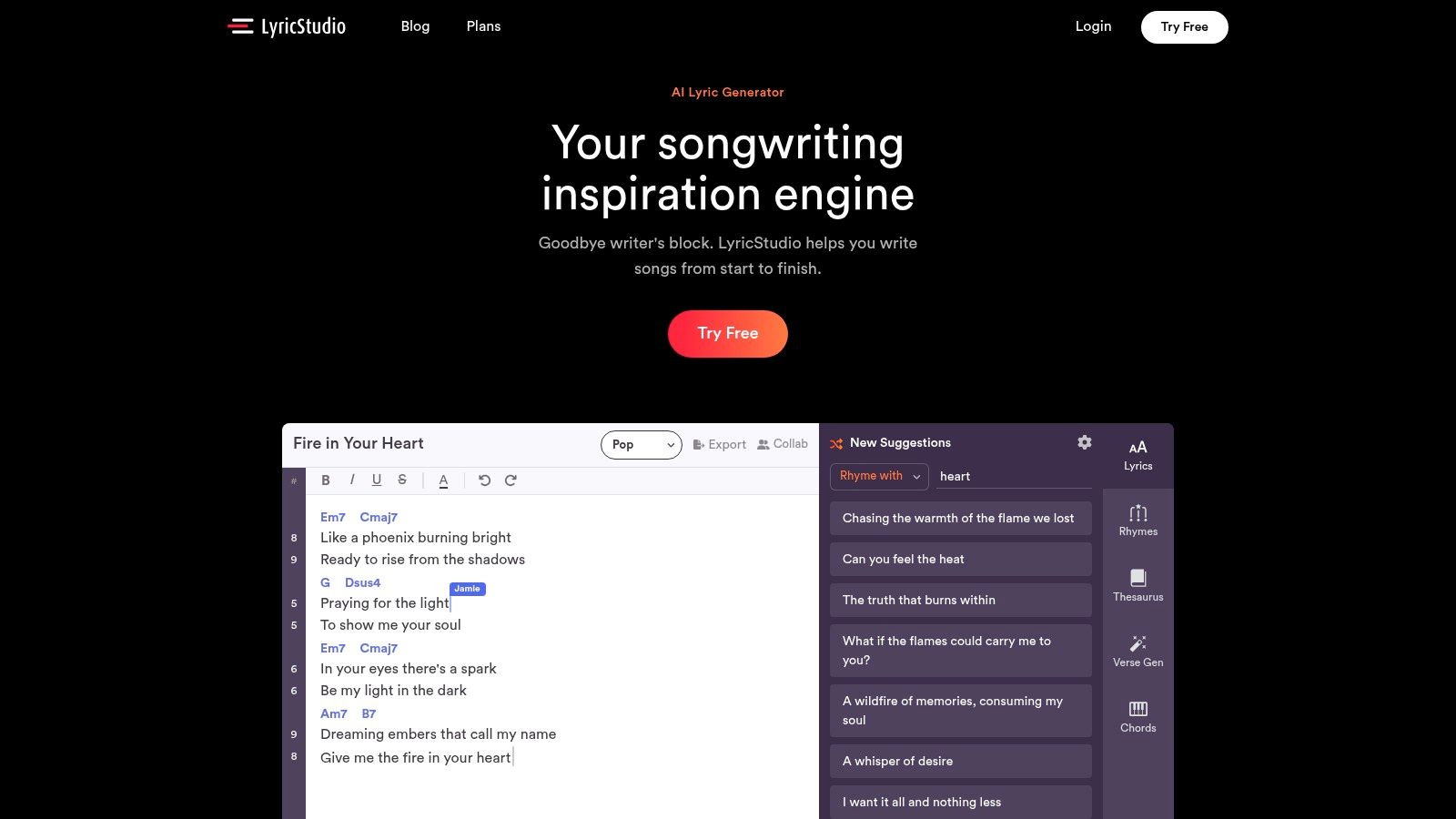 LyricStudio (WaveAI)
A writer working on hip-hop material can use it to explore multisyllabic rhymes and punchline alternatives, then manually check syllable count and breath placement over the chosen beat. That human edit remains essential because formulaic end rhymes can sound tidy on screen but weak in performance.
For more focused rap writing prompts, this hip-hop lyrics generator resource fits naturally alongside the editor. Visit LyricStudio to check the current writing tools and access options.
Verdict: Choose LyricStudio for line-by-line songwriting, rhyme exploration, and writers who want control instead of one-click songs.
6. These Lyrics Do Not Exist
Best for free, low-friction ideation
Some writing sessions don't need a full production suite. They need a button that produces a chorus before the blank page wins. These Lyrics Do Not Exist keeps the process simple: choose a genre and mood, enter a topic, generate lyrics, and regenerate when the result points in a better direction.
The tool can produce a chorus and verses quickly, with Rap available among its genre choices. There's no account requirement for rapid ideation, and immediate downloads make it easy to save a promising starting point. That makes it useful for comedy drafts, hook concepts, freestyle themes, and deliberately strange combinations you wouldn't have written yourself.
Treat every output as raw material, not a release-ready song.
The trade-off is control. You won't get deep structure settings, detailed line editing, integrated recording, or a production pipeline. Output quality can vary, and the language may feel generic or too literal when the prompt lacks a strong point of view.
That weakness can become useful if you use the tool as a volume-based brainstorming partner. Generate several directions around the same topic, keep only the unusual images or memorable phrases, then rewrite the section in your own voice. Don't copy a full draft just because it has a rhyme at the end of every line.
The tool's main appeal is access. It's free and fast, so it's a sensible first stop for a beginner who wants to test whether AI-assisted writing feels useful before paying for editing or audio features. Find it at These Lyrics Do Not Exist.
Verdict: Pick These Lyrics Do Not Exist for free hooks, quick prompts, and low-pressure idea generation. Move elsewhere when you need precision.
7. Solmi
Best for bar-counted freestyle practice
Solmi is the most practical choice here for rappers who think in rounds, bars, and rhyme patterns. The free web tool generates 4-bar, 8-bar, or 16-bar freestyle material from a topic, with presets for battle rap, boom-bap, drill, melodic, and conscious styles.
That bar awareness gives it a different purpose from a general song generator. You can request an angle, choose a style, and use the result to practice delivery over a beat. The output focuses on internal rhymes and multisyllabic rhyme patterns, so it's particularly useful when you need several approaches to a diss concept or want to warm up before writing your own round.
Try generating the same topic in battle and conscious modes. The contrast can reveal whether the idea works because of its subject matter or because of its tone. Then keep the strongest setups, replace predictable punchlines, and count the syllables against the track.
Where the audio handoff works
Solmi can hand lyrics into connected AI rap-song and lyric-video tools, allowing you to hear or package the material after the writing stage. The handoff is useful, but it also means the final vocal and audio quality depend on the toolchain you choose next.
There's no native DAW integration, so producers will need to export and arrange elsewhere. Privacy and commercial-use terms should be checked before publishing prompts or generated lyrics, especially for projects involving real people or client work. Visit Solmi to test the current freestyle workflow.
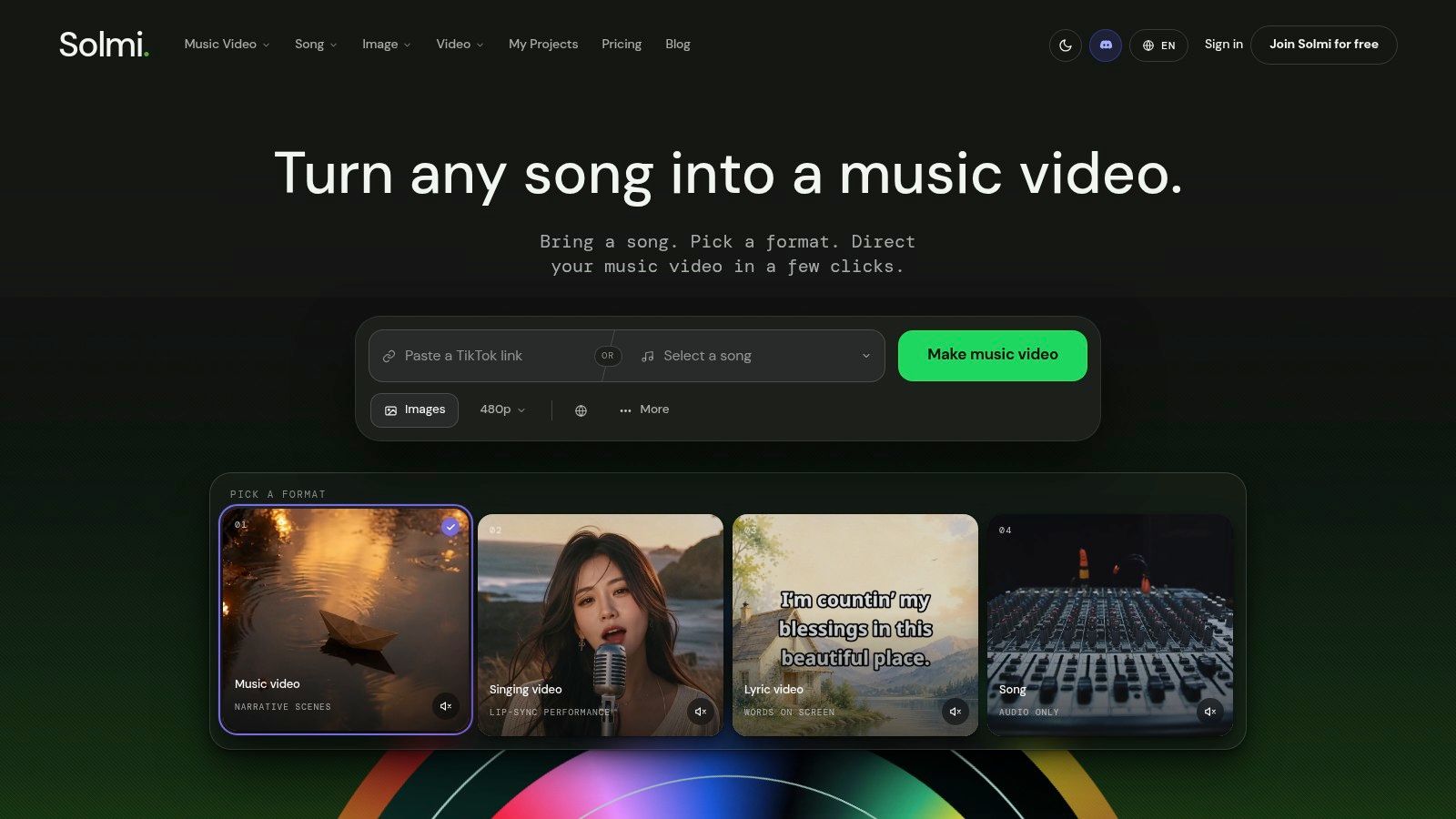 Solmi
Solmi isn't the right pick if you want a finished record inside one app. It is the right pick when a rapper needs fast, structured material to practice, reshape, and perform.
Verdict: Choose Solmi for bar-counted freestyle drills, battle angles, and rapid rhyme experimentation at no cost.
Top 7 AI Lyric Generators Comparison
| Product | Implementation & Complexity (🔄) | Resources & Cost (⚡) | Expected Output Quality (⭐📊) | Ideal Use Cases (💡) | Key Advantages |
|---|---|---|---|---|---|
| DissTrack AI | Low 🔄, web app with presets + advanced tuning | Free (1 diss); Pro $9.99/mo; Creator $29.99/mo; commercial rights included | High ⭐⭐⭐⭐, purpose-trained battle-rap lyrics; basic audio options | Quick diss tracks, battle prep, viral content | Purpose-trained punchlines; ultra-fast (~30s); ownership & privacy |
| Suno | Medium 🔄, full text-to-music pipeline, model options | Free limited; paid for downloads/advanced models; paid tiers grant commercial rights | High ⭐⭐⭐⭐, full songs with strong vocal realism & instrumentation | Rapid demo production, releasable demos, end-to-end song creation | Text-to-full-song workflow; realistic vocals; commercial-ready |
| Udio | Medium 🔄, lyric editor with line/timing controls; mobile-first | Free exports with daily credits; Pro for extensions/features; App Store pricing | High ⭐⭐⭐⭐, precise lyric-to-audio timing and polish | Refining verses/hooks, timing-sensitive songwriting | Granular phrase timing; integrated lyric + audio tooling; clear pricing |
| Uberduck | Medium-High 🔄, voice models + API; requires iteration for best results | Affordable entry tier; credit-based; API on Creator/Pro; paid commercial license | Good ⭐⭐⭐, rap-oriented vocal performances vary by model | Lyric-to-performance pipeline, integrations, novelty vocals | Rap-focused voices; API access; affordable entry |
| LyricStudio (WaveAI) | Low 🔄, lyric-only co-writer with rhyme engine | Paid tiers; “Gold” tier for strongest model; ownership-focused (pricing may require signup) | High ⭐⭐⭐⭐, rhyme-aware, line-by-line lyric suggestions | Songwriting, lyric ideation, polishing punchlines | Dedicated rhyme engine; fine-grained lyric control; research-driven |
| These Lyrics Do Not Exist | Very Low 🔄, instant web generator, no signup | Free; immediate downloads | Low-Mid ⭐⭐, fast hooks/concepts but generic output | Brainstorming hooks, quick prompts, comedic drafts | 100% free; immediate results; very low friction |
| Solmi | Very Low 🔄, free web freestyle generator with presets | Free; no signup; can hand off to external audio tools | Mid ⭐⭐⭐, bar-aware lines with internal/multi rhymes | Freestyle practice, battle bars, flow drills | Bar-counted output; style presets (battle/drill/boom-bap); zero cost |
Choose the Generator That Matches Your Next Track
There isn't one universal winner because “lyrics” can mean several different jobs. A rapper preparing a personalized roast needs sharper targeting and punchline control. A songwriter with a melody needs line edits and phrasing alternatives. A content creator may care more about hearing a complete demo than preserving every word from the original prompt.
Choose DissTrack AI for personalized roasts, battle-ready lyrics, and targeted diss tracks. Its style controls, savagery setting, structured variations, and rap-first positioning make it the specialist choice for high-impact bars. Choose Suno when you want the fastest path from an idea to a complete song with lyrics, vocals, and instrumentation.
Choose Udio when you want to edit lyrics beside polished audio and adjust phrases with more control. Choose Uberduck when the main experiment is hearing rap lyrics performed through AI voices. Choose LyricStudio for controlled co-writing, rhyme-aware suggestions, and a dedicated lyric editor. Choose These Lyrics Do Not Exist for free, immediate brainstorming, and choose Solmi for bar-counted freestyle practice.
Use this compact decision checklist before you start:
- Lyric control: Do you need full drafts, line-by-line editing, bar counts, or only a hook idea?
- Audio needs: Are you brainstorming text, testing a vocal, or building a complete demo?
- Budget: Do you need a free tool, a paid commercial tier, or higher-volume generation?
- Commercial use: Check whether your plan grants commercial rights before monetizing the result.
- Output volume: Frequent content production may justify a higher generation limit.
- Privacy: Don't enter private personal details or sensitive allegations about a real person.
AI lyric tools work best as revision partners, not automatic replacements for taste. Independent commentary has flagged formulaic rhyme patterns and clichés in current generators, while other guidance recommends using AI for prompts and manually refining syllable count, scansion, and rhymes. Human preference testing is also becoming central to music-generation evaluation, including benchmarks with more than 110,000 pseudo-labelled preference pairs and 4,000 expert-annotated comparisons across genres, moods, instruments, and multilingual prompts, as described by Queen Mary University of London.
Start each session with a clear target or theme. Specify the genre and mood, request a verse-and-hook structure or an exact bar count, generate multiple angles, and edit the strongest lines for your own cadence. Before publishing personalized material, remove private information and review whether the joke is still creative rather than harmful.
Visit DissTrack AI when you need personalized roast lyrics, battle-rap structures, style controls, and multiple editable versions in seconds. Enter your target, relationship, inside jokes, and desired savagery level, then turn the strongest angle into a track, video, or performance draft.