
Best AI Music Generator Free Tools in 2026: Top 10 Picks
The most popular advice about free AI music generators is also the least useful: pick whichever makes the best-sounding song. A brilliant chorus won't help if you can't download it, your free license excludes monetization, or your supposedly private roast is available for strangers to hear.
Free generation isn't the same as a free, usable track. Some services let you experiment inside the browser but charge for exports. Others permit downloads while restricting commercial use. Public-by-default publishing adds another wrinkle, especially when your lyrics contain a friend's name, unreleased punchlines, or client material.
If you've searched for AI music generator free options, judge them by what happens after you press Generate. Can you save the audio? Can you edit the underlying composition? Can you publish it in a monetized video?
Producer's rule: Test the export and license before you fall in love with the chorus.
The options below suit different jobs: complete vocal songs, beat sketches, cinematic compositions, stems, and sound design. They aren't interchangeable, and a larger credit allowance doesn't automatically make a better free plan.
For broader creative utilities, Simply Tech Today's free AI picks offers another starting point. For music, though, start with the deliverable you need, not the flashiest demo.
1. Suno
 Suno
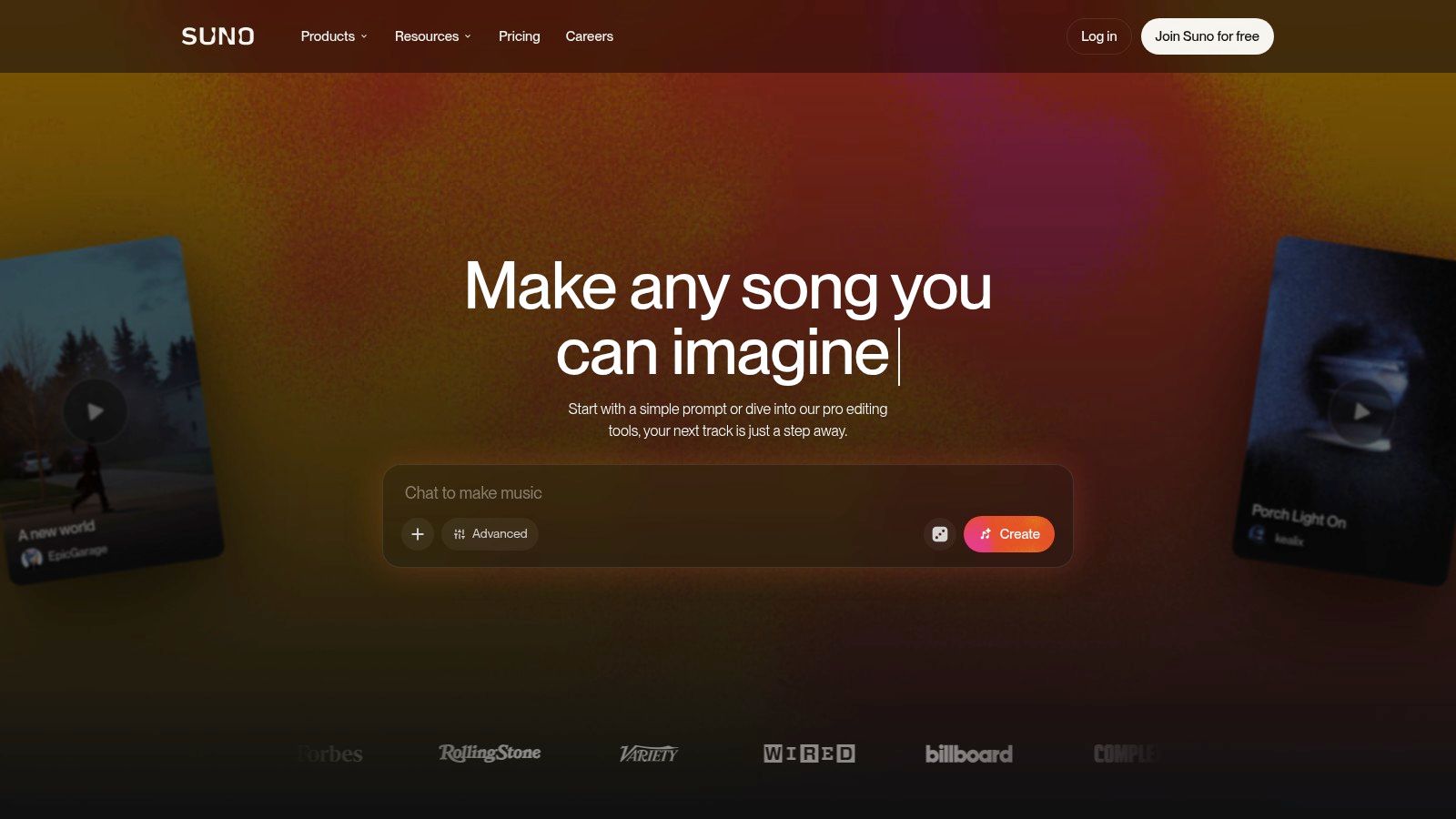
Best for complete vocal-song drafts. Suno is a sensible starting point when you want lyrics, singing, melody, and backing instrumentation together rather than a lonely drum loop.
Give it a musical direction and either supply your lyrics or describe the song. For a battle-rap sketch, specify the delivery, musical character, and space around the vocal: dry rap delivery, sparse boom-bap drums, muted bass, and no sung hook.
The practical benefit is hearing whether your writing works as a song. A punchline that looks devastating in a notes app can feel clumsy when the performer has to squeeze it into a bar.
Treat the free plan as a writing room
Suno's free access renews daily, but free-plan songs don't include commercial rights, and the plan doesn't provide recurring monthly song downloads. That makes it more useful for experimentation than for building an export-dependent release workflow.
- Use it for testing hooks, comparing moods in backing tracks without vocals, and hearing lyric phrasing.
- Don't assume a playable song is downloadable or cleared for your monetized channel.
- Improve your prompt by describing rhythm, arrangement, and delivery rather than requesting a famous performer's identity.
The text-to-music workflow guide helps translate a vague idea into clearer musical instructions. I'd choose Suno for fast songwriting exploration, then settle the export and licensing questions before developing a draft into a release.
2. Eleven Music
 Eleven Music
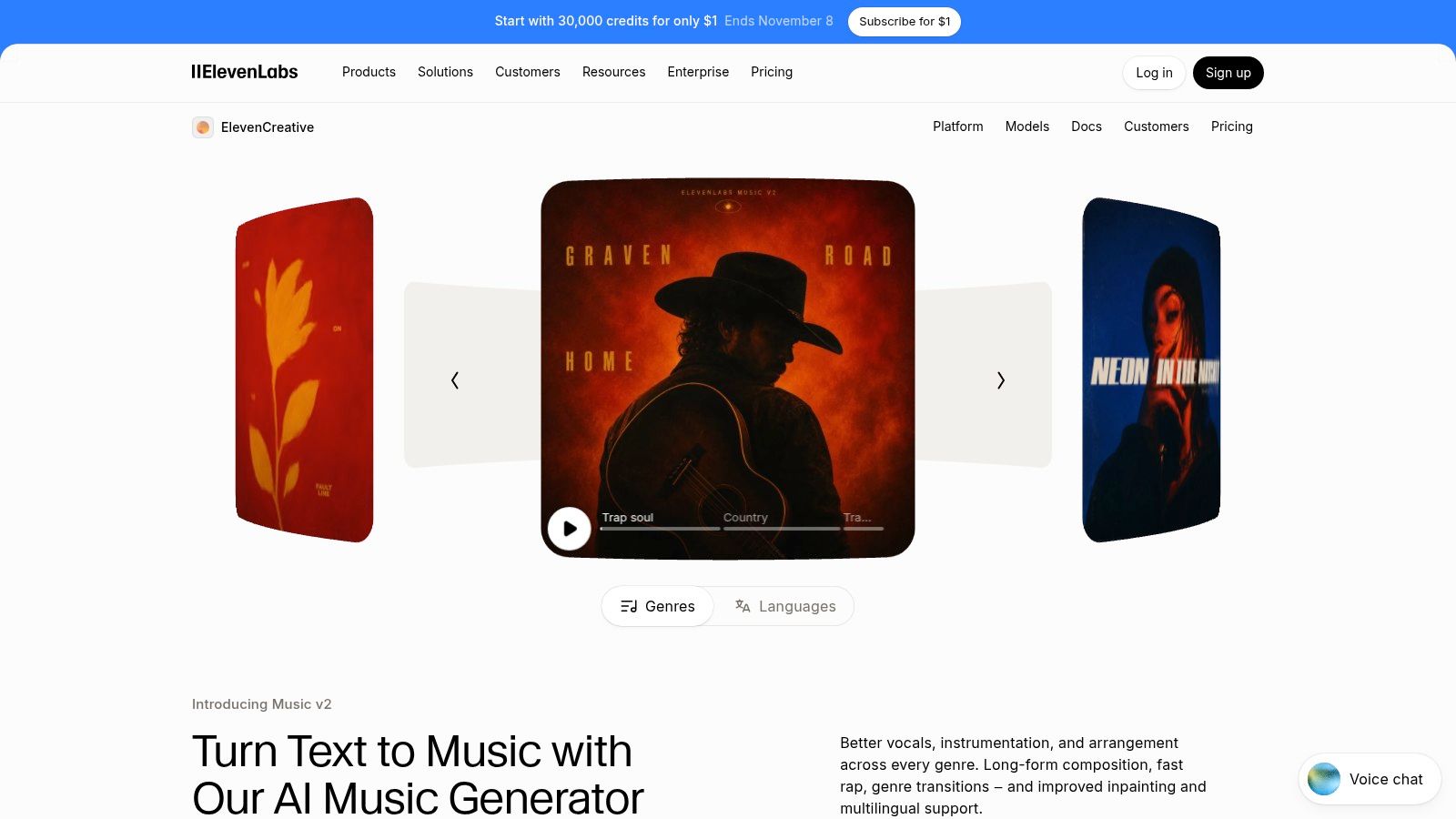
A good verse followed by a weak chorus shouldn't require abandoning the whole idea. Section-level control is the reason to consider Eleven Music, particularly if you think in arrangements rather than isolated prompts.
It supports vocal music generation, audio-reference guidance, and editing of song sections. That suits a creator who wants an understated opening, a busier verse, and a hook that leaves room for an on-screen joke.
Don't confuse that control with a conventional recording session. You're directing generated material, so evaluate whether a replacement section preserves the surrounding groove, vocal character, and transition.
Useful editing, restricted delivery
The free plan includes music generation, but its published music terms restrict free use to personal purposes and don't permit music downloads. Credits are also shared with other features in the service, which matters if you use the account for voice work.
- Strong fit for developing verse-and-chorus structure inside the platform.
- Weak fit for a free workflow that must end with audio imported into your editor.
- Useful test is replacing a weak section while keeping the musical direction consistent.
I'd prioritize Eleven Music over a simpler generator when arrangement control is the question you're trying to answer. If the question is whether you can export a finished soundtrack without paying, its free tier doesn't solve that problem.
3. Udio
Best for comparing different interpretations of the same idea. Udio generates songs from descriptions of style, mood, and theme, with alternative takes that make comparison part of the workflow.
That's valuable when your prompt is still undecided. A sinister battle beat and a comic roast backing track might share instruments but need very different energy, and hearing contrasting versions can clarify the direction faster than adding more adjectives.
Udio also offers extension, remixing, and editing tools. Free accounts have generation limits, while audio uploads are a paid feature, so don't plan a free workflow around feeding it your existing track.
Compare the delivery of the actual punchline, not just the polish of the opening. A glossy intro can distract you from a verse that never finds the pocket.
For a useful comparison, keep the lyrics stable and change the musical brief. Listen for intelligibility, rhythmic placement, and whether the arrangement leaves the vocal enough room.
The important limitation is export uncertainty. Check download availability and the rights attached to your account before treating Udio as a route into your digital audio workstation.
I'd shortlist it for exploratory full-song creation, especially when you want to audition contrasting musical directions. I wouldn't promise a collaborator downloadable stems or a commercially usable master until the current account terms explicitly support that delivery.
4. Sonauto
 Sonauto
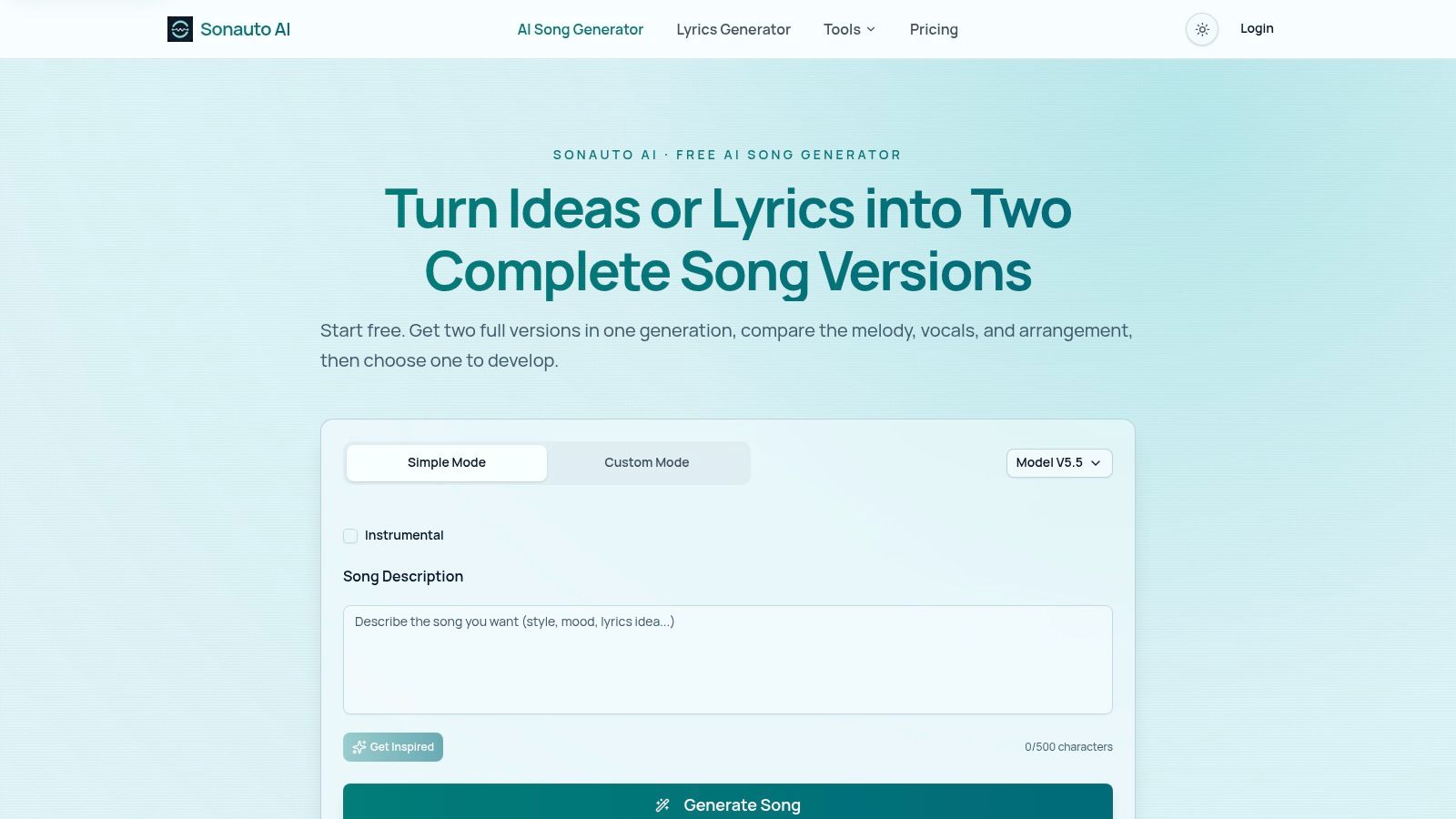
Before pasting your friend group's finest ammunition into Sonauto, consider the privacy trade-off. Free tracks are public by default, making this a poor place for confidential lyrics, private names, or unreleased client material.
Sonauto builds songs from prompts or user-written lyrics and supports music without vocals. Its alternative interpretations are useful when you want to hear how the same writing behaves with a different melody or backing arrangement.
For roast lyrics, supply cleanly separated sections and remove unnecessary stage directions. Keep the words you need performed distinct from the instructions describing the music.
Public experimentation, not private storage
Free access is available after signing in, but it's intended for online listening rather than downloads or commercial use. That makes Sonauto an option for open experimentation, not a substitute for a private production workspace.
- Good material includes fictional battle scenarios, disposable hook ideas, and lyrics you're comfortable sharing.
- Poor material includes private conversations, identifying details, or a client's unreleased campaign.
- Useful comparison is whether different interpretations preserve your phrasing and the emphasis of the joke.
Public visibility and training-data use are separate questions. Don't assume a visibility setting answers every privacy concern.
I'd use Sonauto with deliberately non-sensitive material. If the whole joke depends on an inside story that shouldn't leave the group chat, rewrite it before uploading rather than trusting obscurity to protect it.
5. Loudly
 Loudly
Sometimes you don't need an AI singer. You need a beat that stops arguing with the rapper.
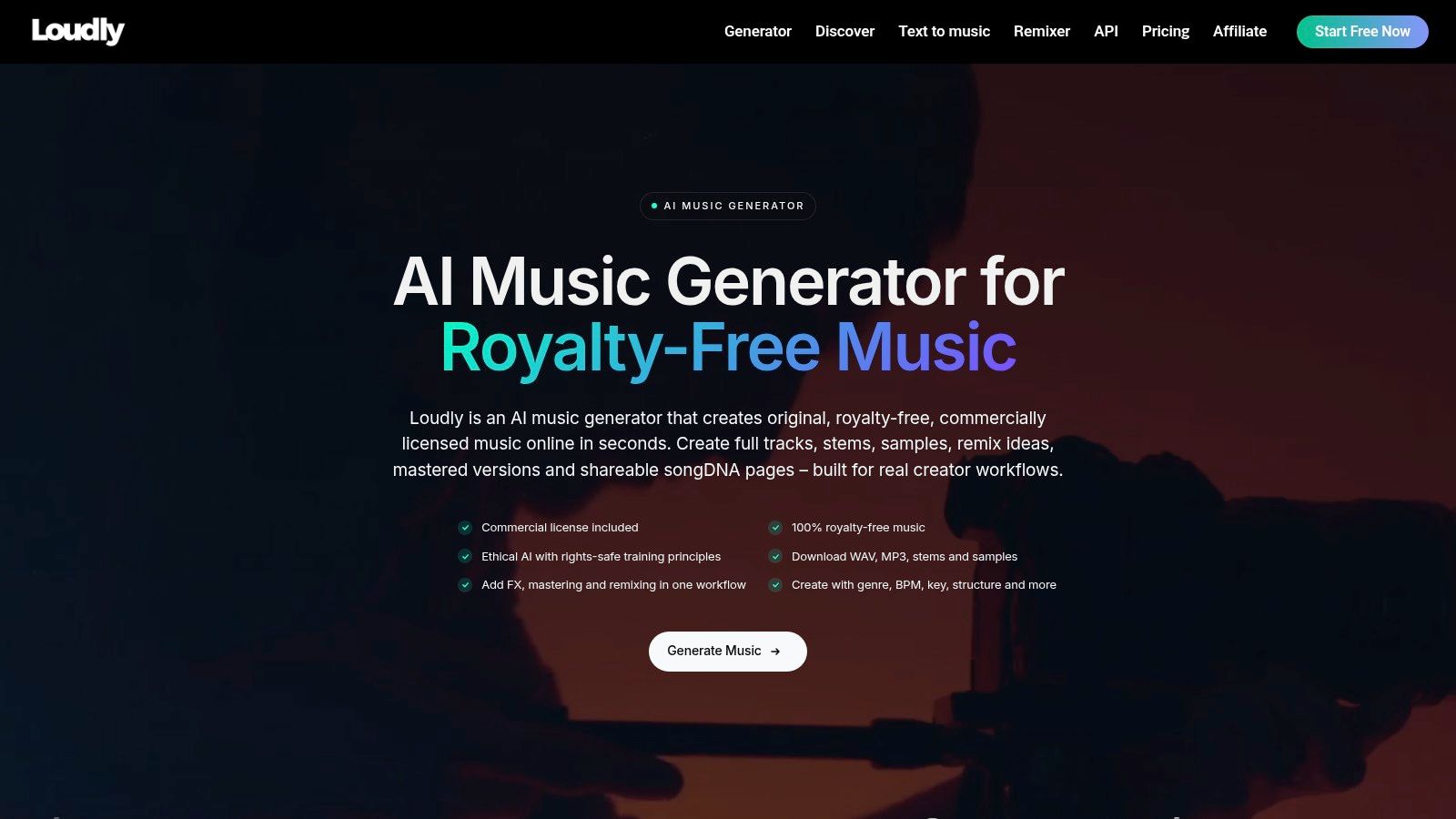
Loudly suits that job because it offers controls for genre, tempo, key, energy, instrumentation, and structure. Those settings make it easier to shape a backing-track idea than endlessly rewriting a broad prompt.
For spoken roasts, start sparse. Choose restrained instrumentation and leave the midrange clear enough for consonants to cut through; a busy lead melody can compete with the exact words that make the joke land.
Better for beat direction than free final delivery
The free plan provides short previews and a daily generation allowance, while fuller downloads require a paid plan. Check the licensing terms against the actual project rather than assuming background music is automatically cleared.
- For beat sketches adjust tempo and energy before changing the entire genre.
- For roast videos audition the music underneath speech, not in isolation.
- For release planning confirm duration, export access, and permitted use before arranging an edit around the track.
Loudly's appeal is hands-on musical direction. Its limitation is that a useful preview doesn't necessarily become a usable free production asset.
I'd choose it to explore the feel of a track, especially when a full-song generator keeps adding vocals you never requested. Producers needing a finished beat should evaluate the download and license together, not treat either as an afterthought.
6. Boomy
 Boomy
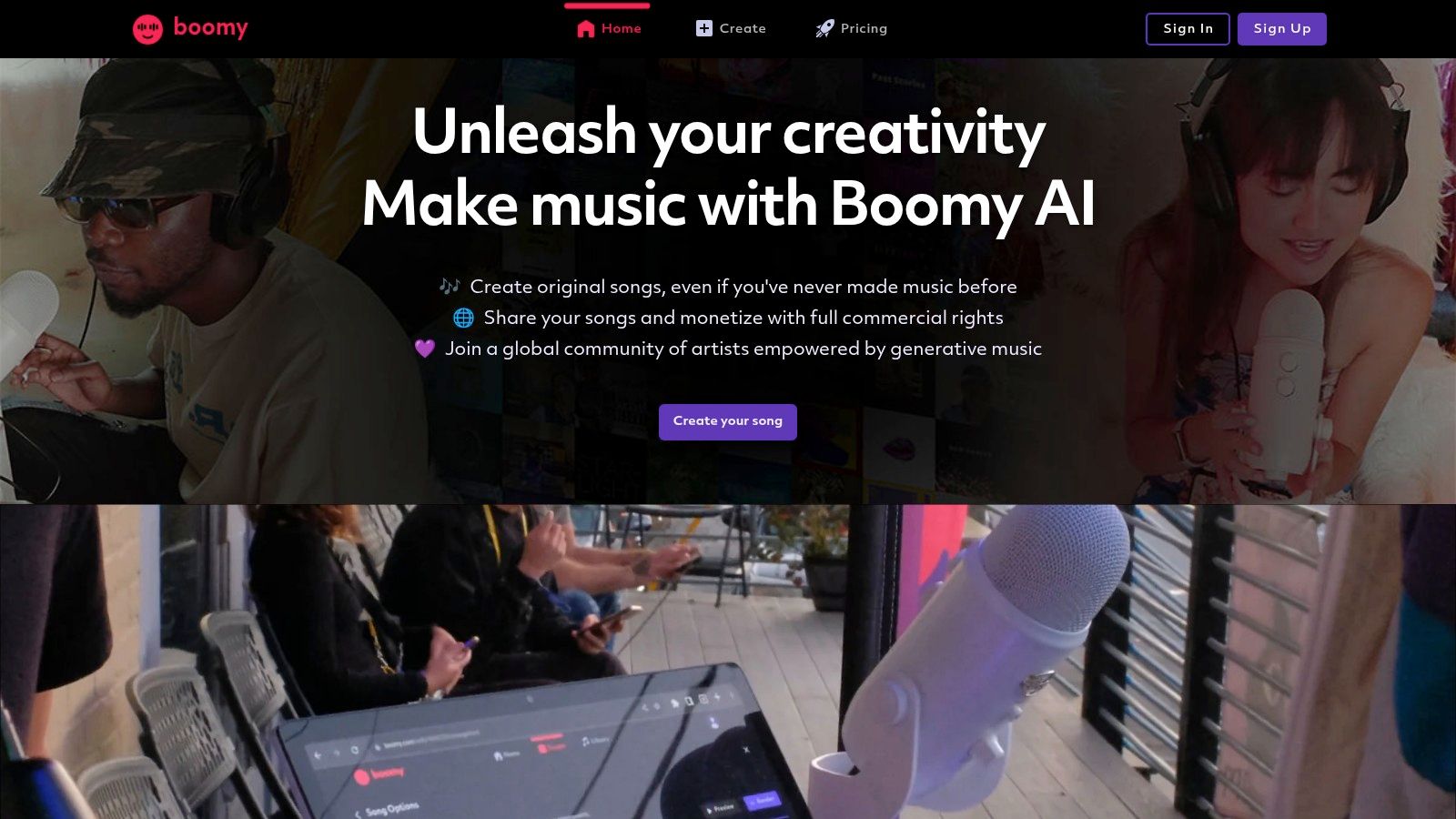
Boomy is for getting started, not micromanaging the session. Boomy lets beginners create a starting track, make basic edits, and save ideas without learning production software first.
That's a legitimate use case. A rapper who hasn't built beats can use a simple arrangement to practice entrances, breath placement, and where a punchline should land.
The trade-off is less detailed prompt control than some dedicated song generators. If you already know exactly how the drums should swing and where the bass should drop out, a simplified workflow may feel restrictive rather than helpful.
Workflow warning: Saving a song inside an account isn't the same as downloading an audio file you control.
Boomy's free plan supports experimentation within the platform, but free users can't download tracks and don't receive commercial-use permission. A saved collection therefore shouldn't be mistaken for a ready-to-publish music library.
Use it to learn what you like. Compare arrangements, practice writing over them, and note which musical choices help or obstruct your delivery.
I'd recommend Boomy to someone who wants to begin making musical decisions without wrestling with a digital audio workstation. I'd steer a producer elsewhere if the immediate requirement is exportable material, precise arrangement control, or a free beat for a monetized video.
7. AIVA
A download button changes the recommendation. AIVA offers MP3 and MIDI downloads on its free tier, making it particularly relevant when you want to move beyond browser playback.
Its focus is composition, especially cinematic and classical work. Think dramatic underscoring for a battle introduction, a mock-serious villain theme, or a musical bed beneath a narrated roast.
MIDI is the important distinction. Instead of treating the generated audio as a finished object, you can refine note timing, replace sounds, adjust voicings, and reshape the composition in your production software.
Editable doesn't mean commercially unrestricted
AIVA limits free downloads and track length. Its free tracks are non-commercial, attribution is required, and AIVA retains copyright under the free-plan arrangement.
- Choose MP3 to audition a cue against a video edit or practice performance.
- Choose MIDI when you want to change instrumentation or develop the musical arrangement.
- Check attribution before sharing a permitted project, rather than adding a credit as an afterthought.
MIDI editing doesn't automatically remove the source license. Replacing a piano sound with strings is a production choice, not a shortcut around the terms attached to the composition.
I'd choose AIVA for cinematic sketching and composition practice over a vocal-song generator. It's a stronger fit when you want musical material you can inspect and refine, but the free tier still isn't blanket permission to score a paid campaign or commercial release.
8. Stable Audio
 Stable Audio
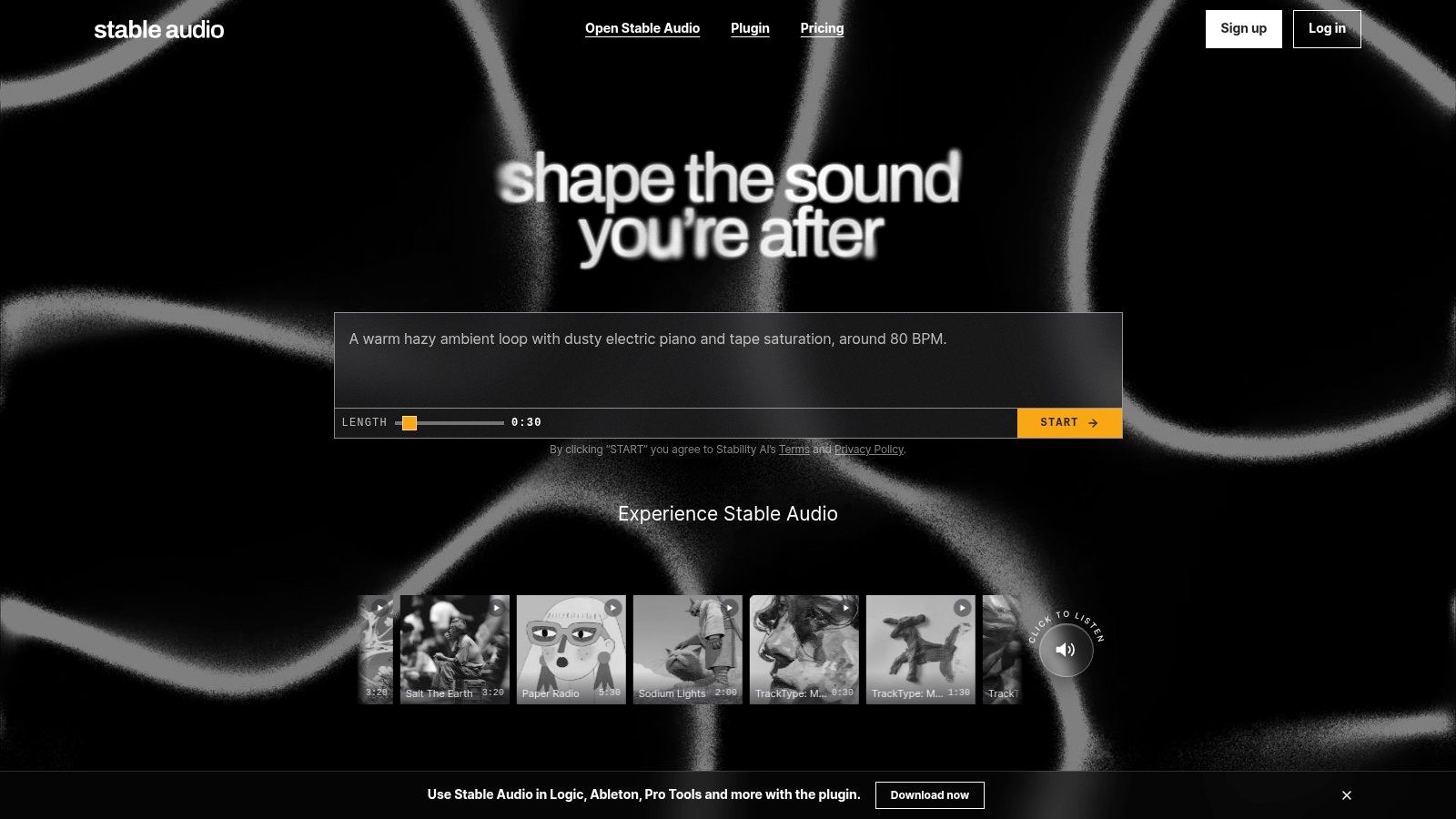
A tense drone underneath a battle entrance can be more useful than another complete song. Stable Audio belongs on the shortlist for sound design, ambience, loops, and texture layers.
Describe the sound itself: distorted sub-bass pulse, metallic percussion, distant room ambience, or a restrained electronic bed. Include the role it should play so you don't ask for a foreground performance when you need background tension.
The free allowance is limited, so prepare the brief before generating. Changing every part of the prompt at once makes it harder to identify which instruction improved the result.
Separate the web app from the API
Stable Audio's web application and API can have different terms. A commercial-use statement about an API output shouldn't be treated as permission covering everything generated through a free browser account.
- For loops listen at the join and check for abrupt changes in ambience or rhythm.
- For dialogue beds test the texture underneath the actual voice recording.
- For licensing confirm which product and account generated the file.
The guide to randomly generated music is useful context for treating generation as material selection rather than a finished-song guarantee.
I'd choose Stable Audio when the missing ingredient is atmosphere. For a rap project, use it to explore entrances, transitions, and background textures rather than expecting a purpose-built battle vocal or a complete songwriting environment.
9. Mubert
 Mubert
For producers, the useful question isn't always whether an app can write a song. It's whether it can help extract, reshape, or prepare the material already on the session timeline.
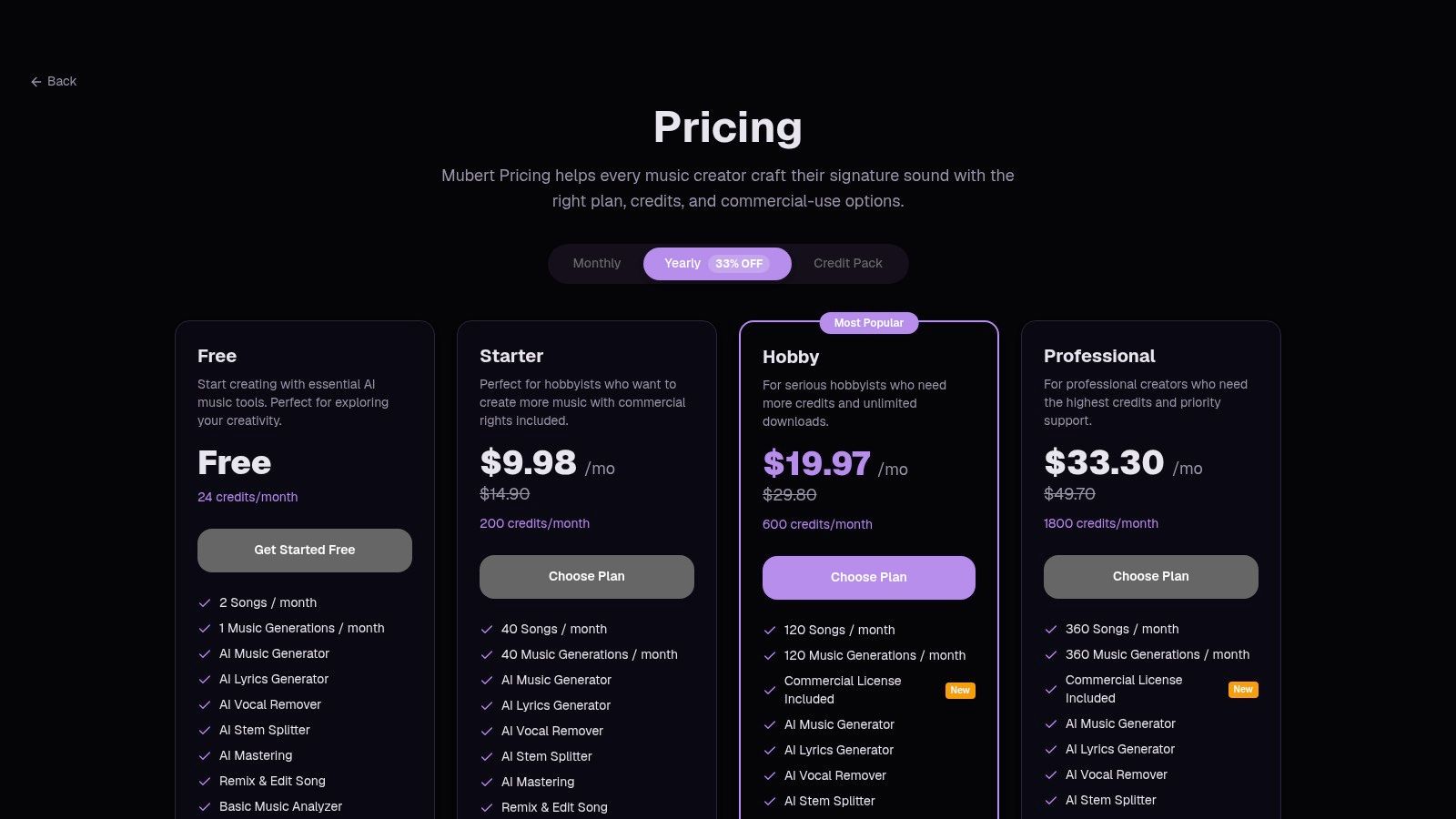
The service described on Mubert's pricing page combines generation with tools for remixing, vocal removal, stem splitting, and mastering. That makes it relevant to creators exploring backing tracks and component-based audio workflows, not just complete-song generation.
Its free plan includes downloads, but free outputs are limited to personal, non-commercial use. Credits also limit experimentation, so establish which operation you need before spending the allowance.
Listen to the extracted parts alone
Stem separation is useful only if the result survives the intended edit. Listen for watery cymbals, vocal remnants in the backing track, and missing consonants in the isolated voice.
- For rehearsal a backing-track extraction may be adequate even with audible artifacts.
- For exposed edits solo the separated part and inspect the passage you'll use.
- For mastering compare at matched loudness so a louder result doesn't win by default.
Only upload recordings you're authorized to process. Separating a commercial recording into parts doesn't grant permission to sample or redistribute those parts.
The AI music app guide can help distinguish generation from supporting audio tools. I'd shortlist Mubert for exploring stems and backing-track ideas, while checking the exact feature allowance and export rights before committing a production workflow.
10. Meta MusicGen
 Meta MusicGen
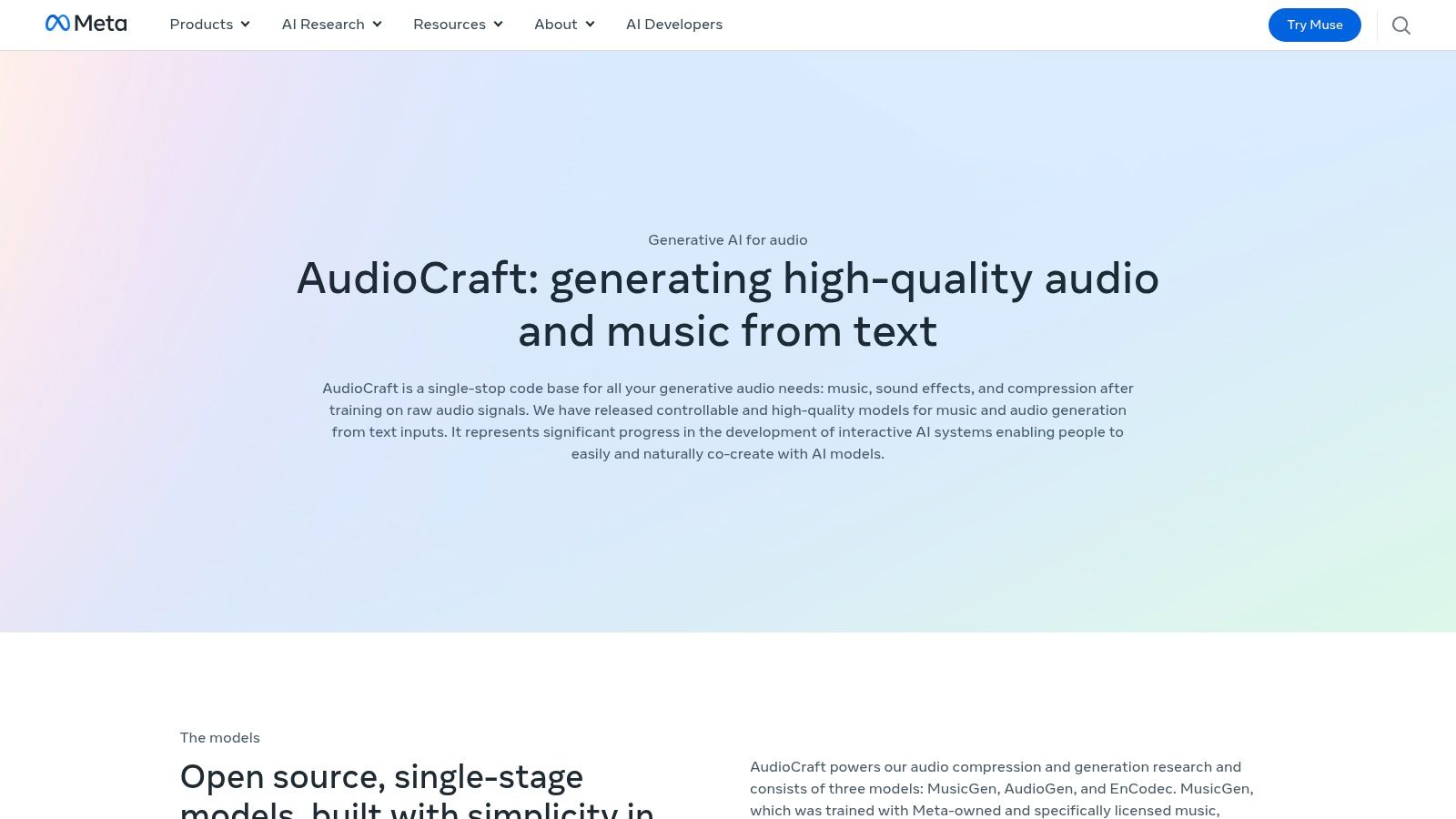
MusicGen is the tinkerer's choice. Meta's AudioCraft project provides a route into text-guided music generation through published code, models, and an online demo rather than a polished songwriting subscription.
The attraction is experimentation. You can explore how musical descriptions affect results and investigate local operation instead of relying entirely on a hosted song-creation interface.
The cost is technical effort. Local runs may require suitable computing resources, dependency management, and troubleshooting, while hosted demos can have access or capacity limits.
Open code isn't a universal music license
Distinguish the code license, model license, and permissions governing your intended use. Being able to download and run a project doesn't automatically mean you can sell every output without restrictions.
MusicGen makes more sense for studying generation and testing musical ideas than for someone who needs a finished vocal song before their stream starts. Keep an experiment log with the prompt, settings, and notes about what you hear.
The field also has cultural blind spots: the Missing Melodies preprint found that approximately 86% of dataset hours focused on music from the Global North. That isn't a MusicGen-specific score, but it's a reason to audition culturally specific results carefully rather than trusting genre labels.
I'd choose MusicGen to learn and customize. I wouldn't choose it to avoid every form of cost, because setup time and computing resources still matter.
Free AI Music Generator Plans at a Glance
| Tool | Free Allowance | Downloads on Free Plan | Commercial Use | Best For |
|---|---|---|---|---|
| Suno | 50 daily credits | No monthly song downloads | Not included | Complete vocal songs and drafts |
| Eleven Music | 10,000 monthly credits | Not permitted | Personal use only | Songs with structured sections |
| Udio | Daily credits plus a monthly allowance | Check current account terms | Check current account terms | Exploring song ideas and variations |
| Sonauto | Free plan after sign-in | Not included | Not included | Turning lyrics into songs |
| Loudly | Daily generation allowance | Full downloads require a paid plan | Check licensing terms | Background music and beat ideas |
| Boomy | 25 song saves | Not included | Not included | Beginner-friendly song creation |
| AIVA | 3 downloads per month; tracks up to 3 minutes | MP3 and MIDI | Non-commercial; attribution required | Cinematic and instrumental composition |
| Stable Audio | 25 credits for new accounts | Check current plan terms | Terms vary by web app and API | Loops, ambience, and sound design |
| Mubert | 24 monthly credits | Included | Personal, non-commercial use only | Background music and audio tools |
| Meta MusicGen | Online demo and model access; limits may apply | No standard download allowance specified | Check the model license | Technical experimentation |
Pick Your Tool, Check the Fine Print, and Start Creating
The right free AI music generator depends on what you need to leave with. A playable song, an exported recording, editable MIDI, and separated stems are different deliverables. Choose the wrong category and you can spend your entire allowance solving a problem you don't have.
For full vocal-song experiments, start with Suno or Udio. Choose Eleven Music when section-level development matters more than a simple prompt-to-song workflow, and consider Sonauto only when you're comfortable with the visibility of free generations.
For backing track work, narrow the choice further:
- Beat ideas suit Loudly's tempo, instrumentation, and energy controls.
- Cinematic composition suits AIVA, particularly when MIDI editing and actual free downloads matter.
- Stems and backing-track exploration make Mubert worth evaluating.
- Textures and sound design suit Stable Audio.
- Technical experimentation suits MusicGen, provided you accept the setup work.
Before publishing, separate download permission, commercial licensing, copyright ownership, and disclosure. A service allowing you to save a file answers only the download question; it doesn't settle every right connected with the music.
Disclosure deserves attention too. The European Commission's response on synthetic audio explains requirements for providers to make synthetic outputs machine-readable as artificially generated or manipulated. Don't treat an unlabeled export as evidence that disclosure can be ignored.
Save your original lyrics, drafts, edits, and the applicable license terms. Those records help you explain your contribution and establish which permissions applied when you created the project, although they don't guarantee copyright protection.
If you're ready to pay, first identify the restriction you need removed. You can find a deal on song creation, but a discount only helps if the plan includes your required exports and permitted use.
If your real bottleneck is the writing rather than the music, our DissTrack AI free plan includes a single personalized diss track with no credit card required. We generate lyrics in 30 seconds, provide multiple variations, and don't claim rights to your lyrics; output is currently text, not generated audio.
Most free music plans are best treated as personal-use experimentation unless their terms explicitly allow more. Pick the tool that matches your deliverable, verify the license before publishing, and use the free tier to test the complete workflow, not just the Generate button.
Build the bars before you build the beat. Visit DissTrack AI to generate personalized roast lyrics, compare variations, and edit the punchlines into your own voice, then pair them with music you're licensed to use.