7 Best Online Recorder Songs Studios for 2026
Your browser is now a recording studio, and the old gap between a Chrome tab and a serious setup has shrunk fast. The bigger problem isn't access anymore, it's choosing the right tool for the job. Online recorder songs tools now cover everything from scratch vocal ideas to remote multitrack sessions, and the wrong pick will waste your time just as quickly as a bad mic choice. If you're sketching a hook, building a beat, or pulling in a featured artist remotely, the best studio is the one that matches that exact job. For a quick related workflow, you can also convert video into text when you need lyrics, notes, or dialogue out of a clip fast.
1. BandLab Web Studio
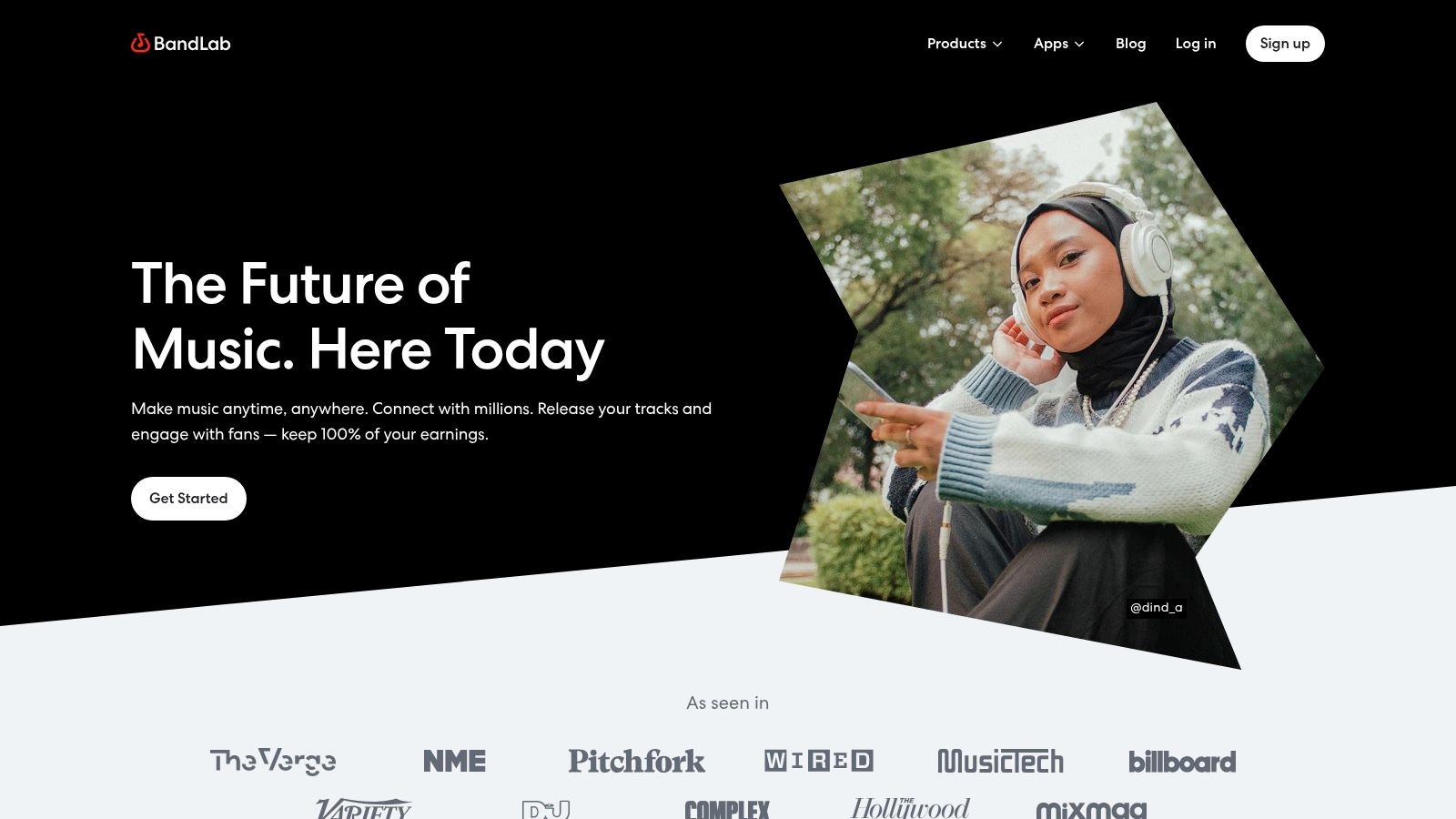
BandLab is the easiest place to start if you want to record vocals or instruments in the browser without thinking too hard about the setup. It gives you a real multitrack workflow, cloud projects, and a fast path from rough idea to shareable demo, which is exactly why it works so well for casual creators and early-stage songwriters. Open it in the browser, load a session, and you're making music instead of troubleshooting software.
 BandLab (Web Studio)
Best for fast vocal demos and easy collaboration
BandLab's real strength is the speed of the vocal workflow. AutoPitch, Voice Cleaner, and built-in mastering let you polish a take quickly, and the cloud sync makes it simple to move between desktop and mobile without losing the session. If you want a browser DAW that feels friendly instead of intimidating, this is the clear winner.
Practical rule: If you need to capture an idea before it disappears, BandLab is the first tab to open.
The platform also fits creators who want samples without digging around the web. BandLab Sounds gives you a built-in library, and that matters when you need to build a beat fast or test a topline against a backing idea. For a beat-focused workflow, it pairs naturally with this guide on apps to make a beat, especially if you're starting from vocals and want to add drums later.
Why I recommend it
- Easy onboarding: You can get from login to recording fast.
- Strong free tier: Good enough to start without paying.
- Cloud sharing: Useful when you want to send a rough mix to a collaborator.
Where it falls short
- No third-party VST support in the web version.
- Advanced users may outgrow it once they want deeper control.
Go to BandLab if you want the most straightforward browser studio for demos, sketches, and quick collabs.
2. Soundtrap by Spotify
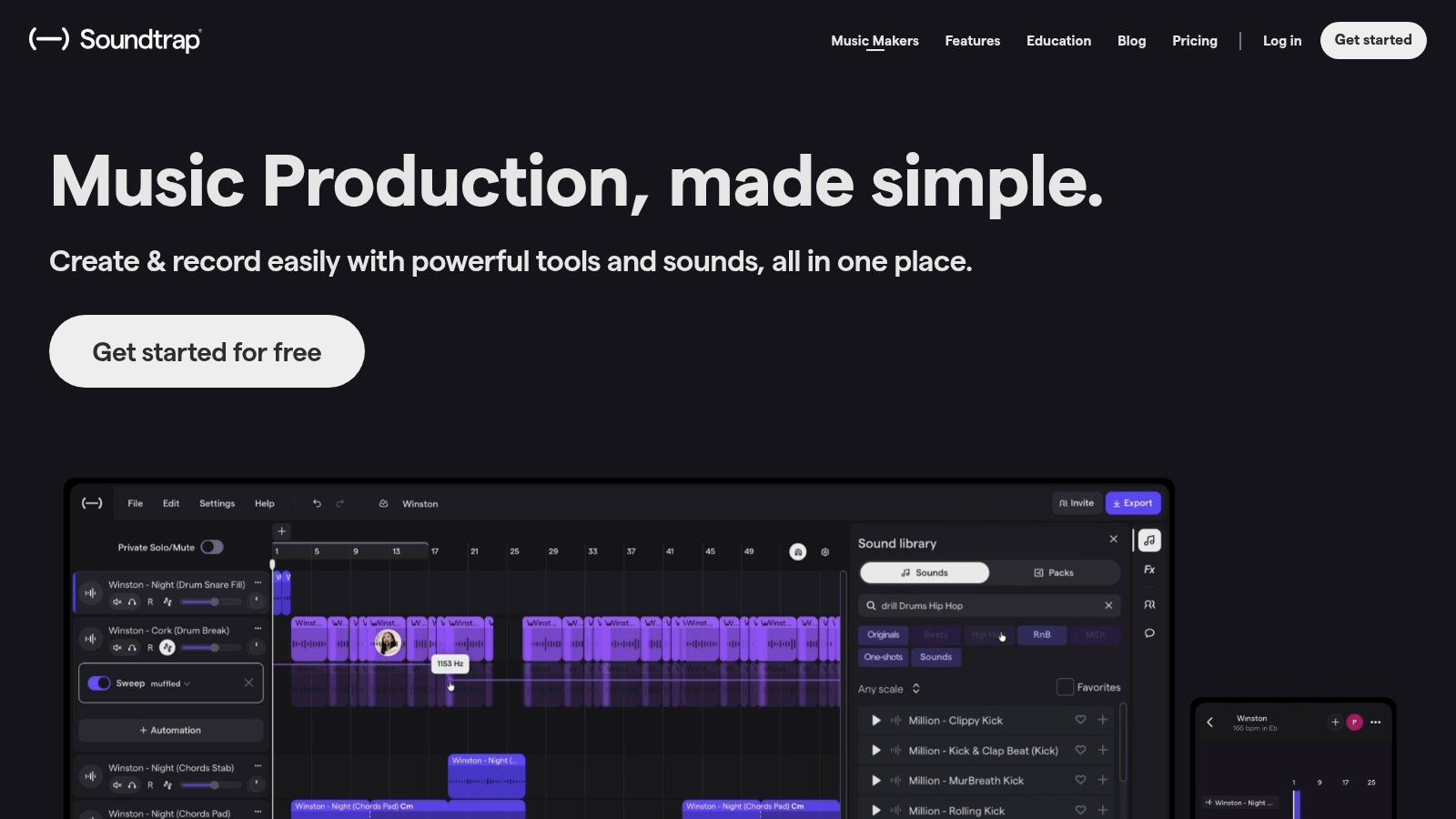
Soundtrap is the better choice when the song has to move between people fast. Use it for remote co-writing, shared tracking, and browser-based arranging when the goal is to finish a demo without forcing everyone into the same studio setup. It also works well for school projects and small teams that need a quick way to build songs together without a lot of setup.
 Soundtrap by Spotify
Best for remote co-writing and shared sessions
Soundtrap keeps the whole collaboration inside one browser window. Built-in chat, multitrack recording, loops, and virtual instruments sit together, so you can write, record, and arrange without bouncing between apps. That makes it a stronger fit than a basic voice recorder for shared songwriting, and less clumsy than a desktop DAW for teams that want to move quickly.
It also lowers the barrier for non-technical collaborators. A singer can open a link, record a part, and leave comments without learning a complicated interface, which is exactly what a live writing session needs. If you plan to release the track later, keep your next step organized with how to share a song on Spotify, so the song does not stall after the final take.
Soundtrap is for people who need to create together, not just record alone.
Why I recommend it
- Real-time collaboration: The right fit for writers working from different places.
- Loop and instrument tools: Useful for sketching arrangements without leaving the project.
- Browser and desktop access: Lets you keep the same session across devices.
Where it falls short
- Plans are tiered, so the feature set changes by level.
- Pricing can be confusing until you reach checkout.
Open Soundtrap if your priority is remote songwriting with a shared workflow that stays in one place.
3. Amped Studio
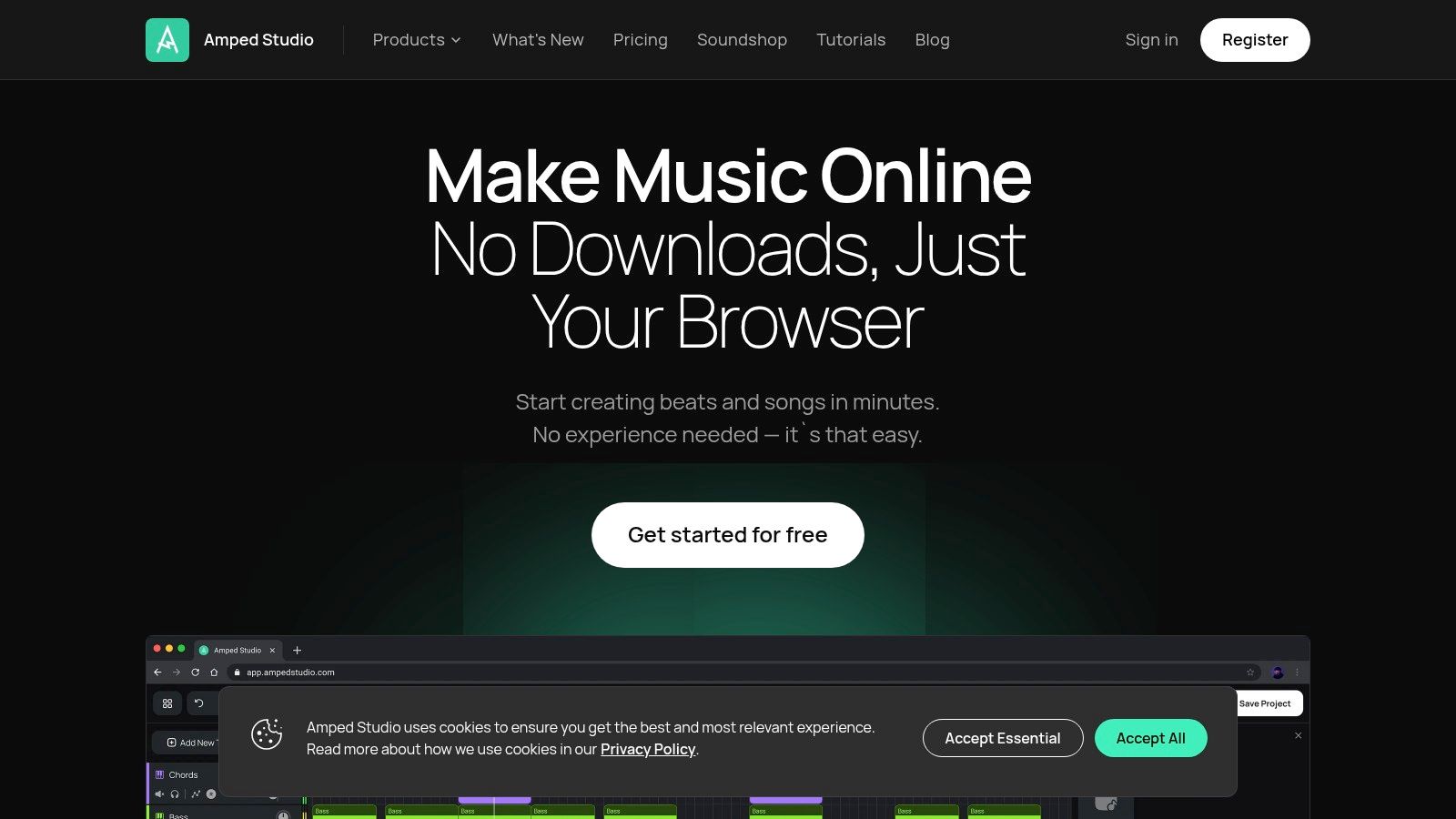
Amped Studio is the pick for creators who want browser convenience without settling for toy-level tools. It pushes online recording closer to a real production setup, with plugin support, arrangement control, and AI features that help you move from rough ideas to a usable session faster. Use it when you want more than a quick demo and you are ready to work like a producer.
 Amped Studio
Best for creators who want more power in the browser
The main reason to choose Amped Studio is the VST3 plugin support in paid tiers. That matters if you want familiar processing and instruments inside a browser workflow instead of jumping between separate apps. The AI tools also give it useful range, with splitter, voice changer, and assistant features that help with vocal prep and arrangement work without turning the session into a blank, bare setup.
Amped Studio makes the most sense for creators stretching a smaller budget into a more serious setup. Its feature ladder is clearer than in many online studios, so you can start with the basics and move up when your project needs more control. That makes it a stronger long-term choice than flashy tools that run out of room the moment you want deeper editing.
It also suits producers who want a browser DAW that can grow with the project instead of forcing a restart later. The workflow is aimed at people who care about building tracks with room to expand, not just capturing a single take. For a broader look at how browser-based music tools compare, see this comparison of programs that create music.
Why I recommend it
- Plugin support: The biggest reason serious creators should open it first.
- AI tools: Useful for speeding up vocal cleanup and arrangement prep.
- Scalable workflow: Better for steady growth than sketch-only tools.
Where it falls short
- The free plan is restrictive on export and storage.
- Full value sits in paid tiers, not the stripped-down version.
If you want a browser DAW that moves closer to pro production, open Amped Studio.
4. Audiotool New Audiotool Studio
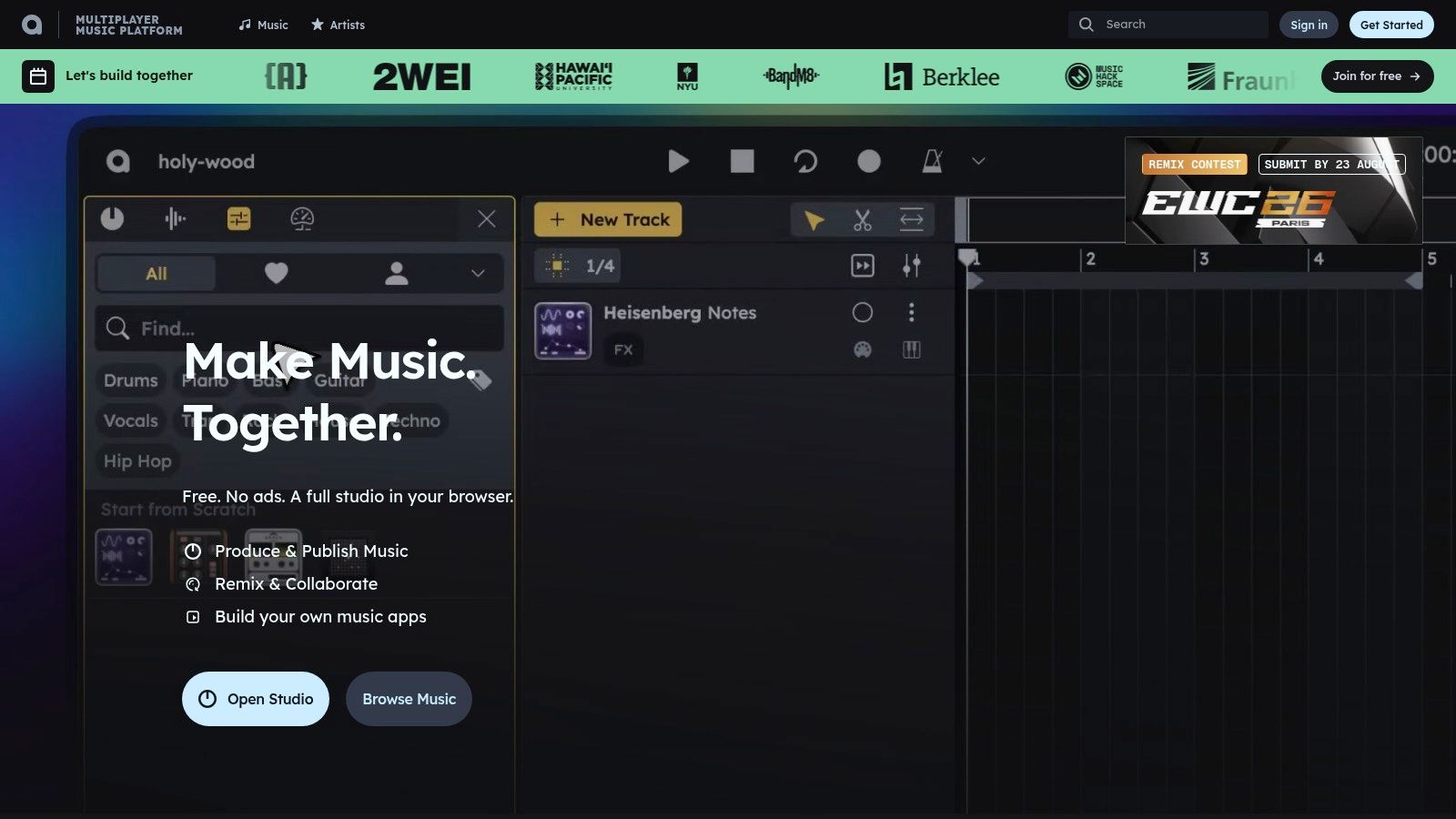 Audiotool (New Audiotool Studio)
Audiotool stands out the moment you start patching devices together. Its modular routing lets you connect synths, drum machines, and effects visually, so you build a session like a rack of hardware inside your browser. For producers who want to shape sound from the ground up, that matters more than a plain recording timeline.
Best for beatmakers and modular production
Audiotool is the right call for beatmakers, sound designers, and anyone who wants the session to feel hands-on. The built-in synths, drum machines, effects, and routing give you real control over how a track is assembled, not just how it is recorded. That makes it a stronger fit than simpler browser tools when the project depends on texture, structure, and experimentation.
The learning curve is real. That is the tradeoff, and it is worth it if you want depth instead of a stripped-back sketchpad. Modular routing rewards patience, and the community resources help when you hit a wall while building something more experimental. For a broader look at browser music-making tools, the overview of programs that create music pairs well with Audiotool's approach.
Best use case: Build the beat first, then record vocals into a session that already has character.
Why I recommend it
- Free core access: Easy to start.
- Strong community: Useful for learning and collaboration.
- Advanced in-browser sound design: Better than most users expect.
Where it falls short
- Steep learning curve.
- Needs a stable connection to stay smooth.
Open Audiotool if you want browser-based production with real depth and a producer-first mindset.
5. Soundation
Soundation is the practical choice for beginners, classrooms, and fast sessions that need a browser DAW without extra friction. It has been around long enough to feel familiar, and that matters when the job is simple recording plus basic arranging, not a technical marathon. If you want a tool that stays out of the way, this is the one to open first.
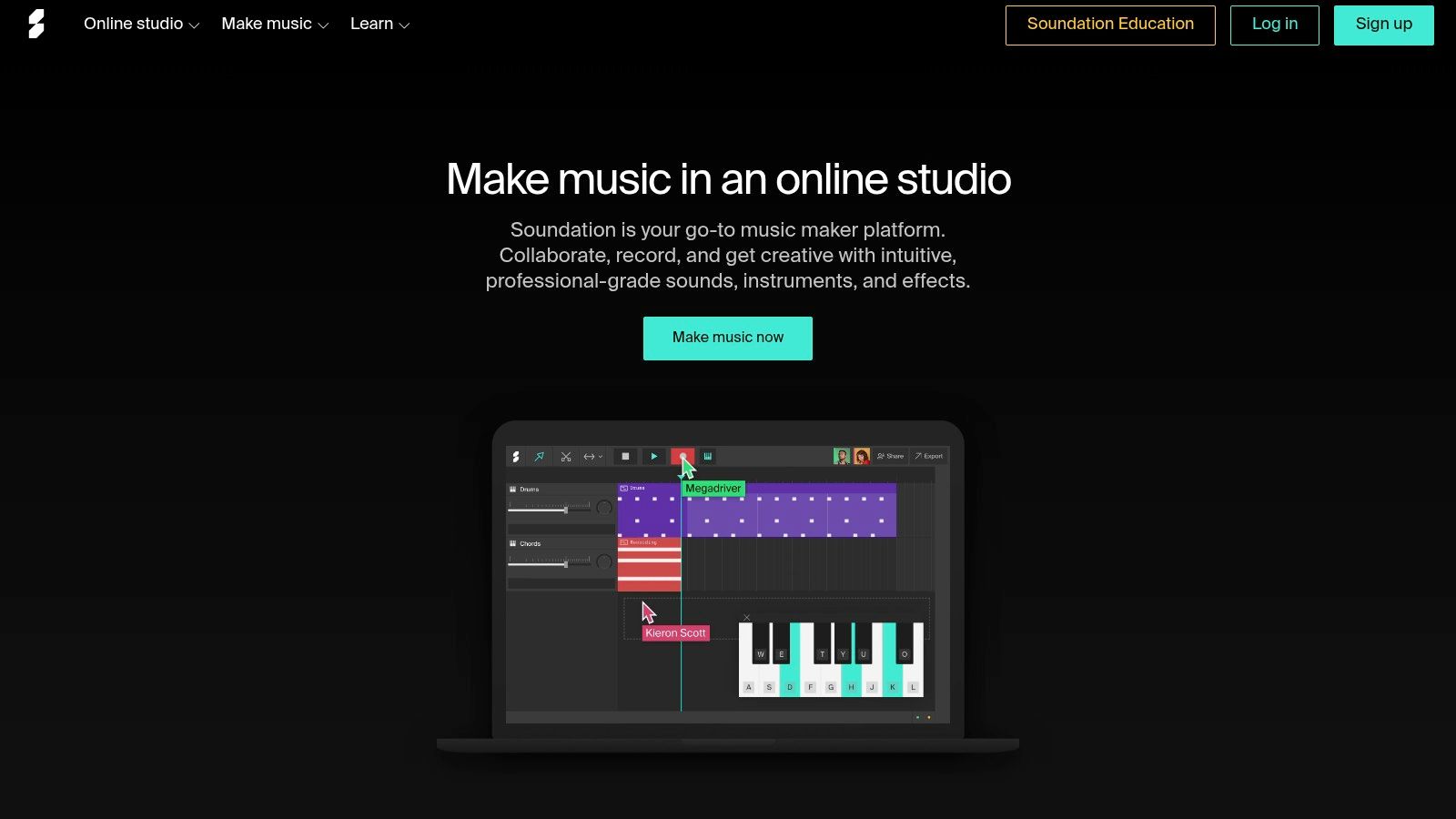 Soundation
 makes the strongest case for people who need to capture ideas, build a backing track, and keep moving. The browser audio recorder, virtual instruments, MIDI editing, beatmaker tools, and export options give you enough room to finish a song without forcing you into a cluttered interface. That is the point. It is not trying to impress experienced producers with complexity, it is trying to help beginners get from a rough idea to a usable track.
That same simplicity works well in classrooms and workshop settings. Teachers can get students recording and arranging quickly, and learners do not have to rebuild their entire music workflow just to start making something. Soundation gives enough structure to guide the process, which matters more than a long feature list.
Why I recommend it
- Straightforward workflow: Easy to learn fast.
- Solid instrument set: Enough to move beyond a voice note.
- Good for education: Friendly to guided learning.
Where it falls short
- Paid tiers provide more useful features.
- Less advanced than top desktop DAWs.
If your priority is the least intimidating start, choose Soundation.
6. Riverside
Riverside is the browser recorder to open when the take matters more than the room around it. It records each participant locally, so a weak connection is less likely to spoil a remote featured artist, an interview-style song, a spoken-word passage, or any session where one bad drop would wreck the result. If your priority is clean files first and fast editing second, this is the right choice.
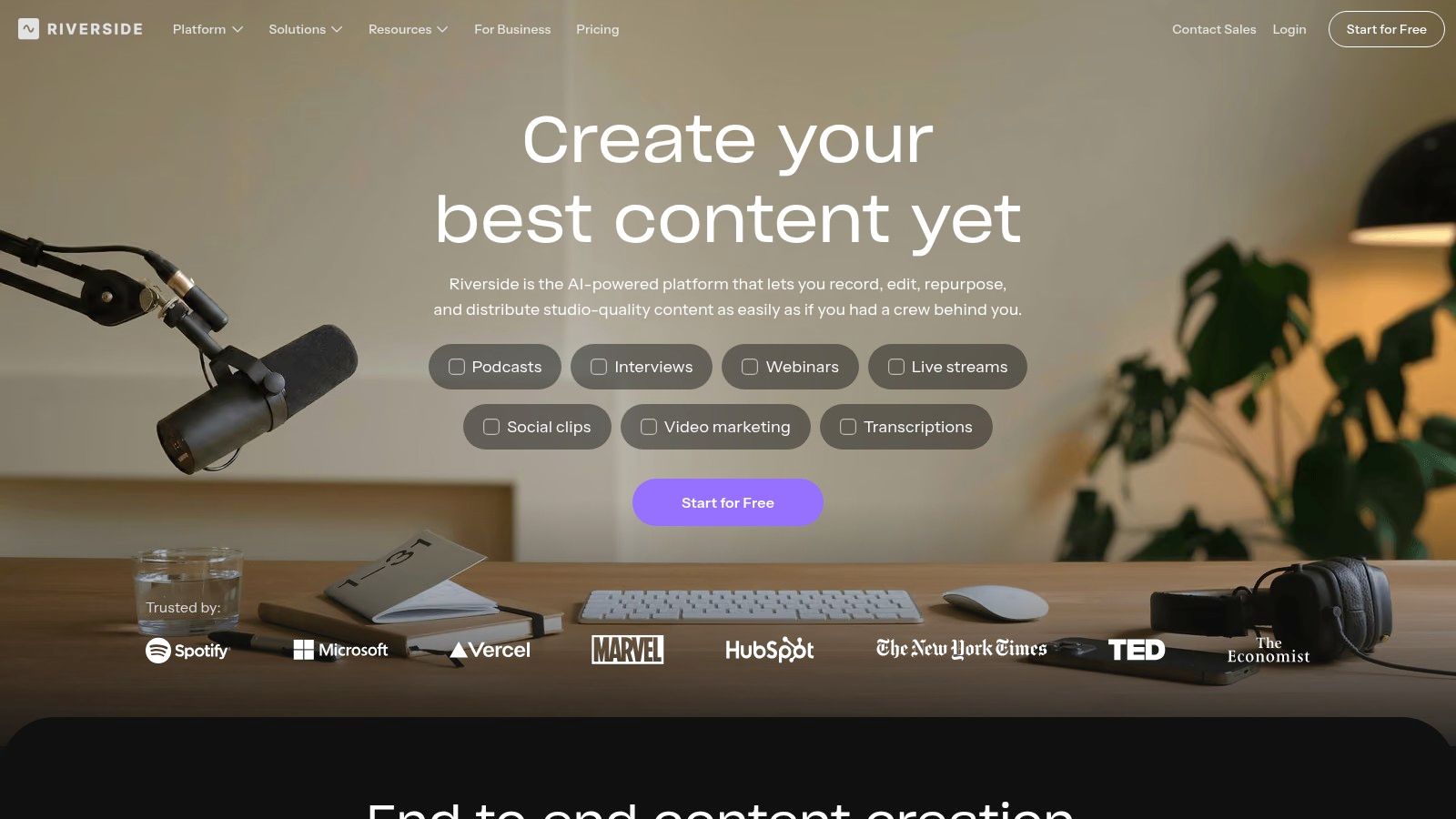 Riverside
's strongest use case is straightforward: capture remote vocals, preserve quality, and move the files into editing with as little cleanup as possible. The platform records separate tracks with up to 48 kHz audio, and Riverside's product description on its site also says it supports up to 4K video. That puts it in a different category from lightweight online recorders, especially for creators who want solid source files before any post-production begins.
It also makes repurposing easy. Text-based editing, transcripts, a teleprompter, and Magic Audio tools help turn a session into clips or polished excerpts without much friction. For songwriter sessions that include video, guest intros, or performance clips, that mix matters. For a wider comparison on webinar-style use cases, see choose a webinar recorder.
Why I recommend it
- Local track capture: Better protection against dropouts.
- Fast editing tools: Useful for repurposing clips.
- Works in Chrome and Edge: Easy for guests to join.
Where it falls short
- Not a full music-production environment.
- Stronger for audio and video capture than beat building.
Go to Riverside if you want high-fidelity remote recording with minimal friction.
7. Cleanfeed
Cleanfeed records each guest as a separate stream and keeps the workflow focused on clean audio handoff. It is built for sessions where the priority is a direct, reliable recording path, not browser effects or a crowded interface. If you need remote vocals that can go straight into a DAW later, this is the platform to open.
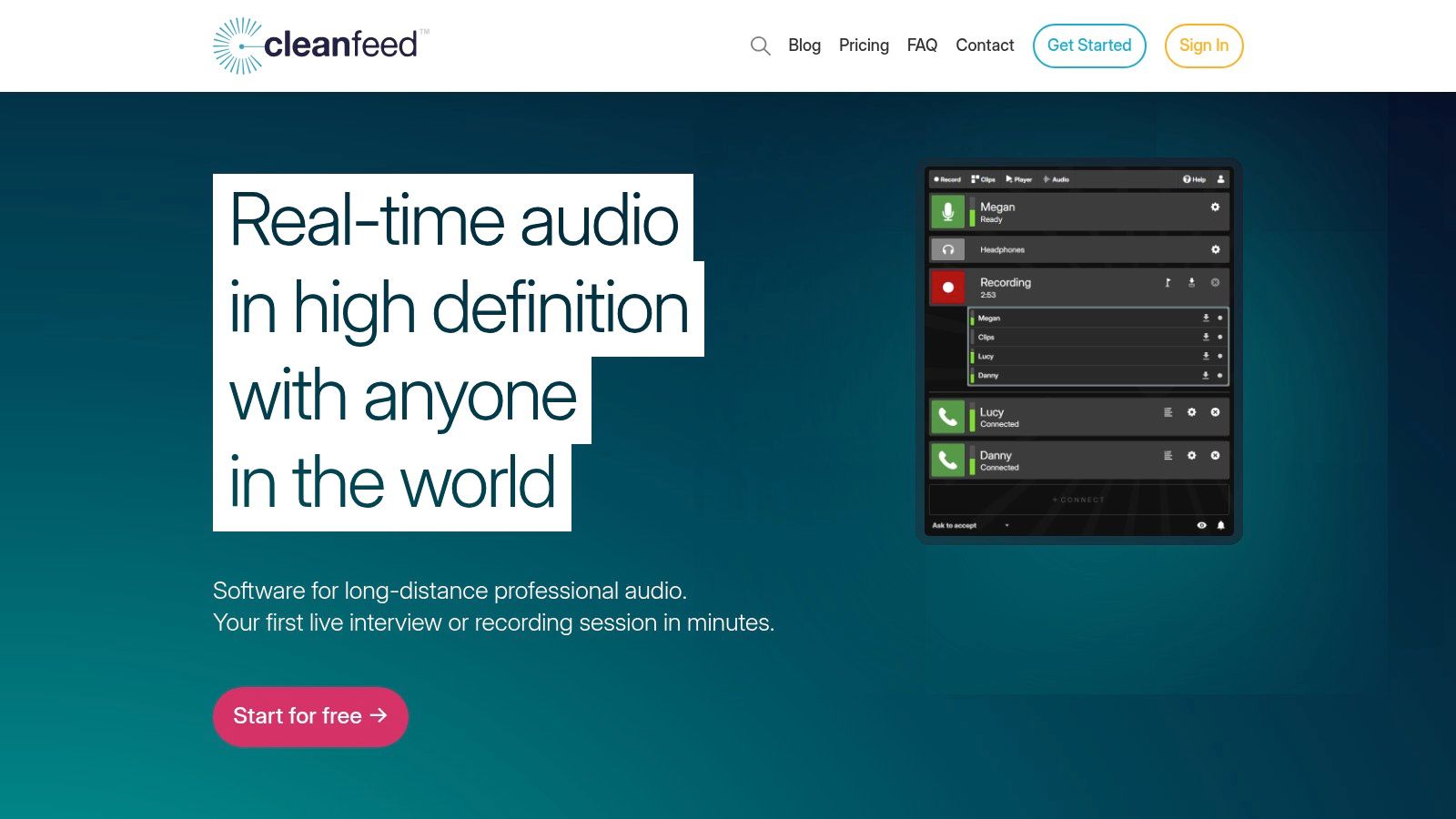 Cleanfeed
Best for clean remote vocals and studio handoffs
Cleanfeed's main strength is the recording chain itself. The platform focuses on very low-latency remote audio, multitrack capture on Pro, stereo remote channels, and tools like markers, notes, and buffer controls. That combination makes it a practical front end for sessions that will later be mixed in a separate DAW, which is how serious remote recording workflows should be handled.
For guest sessions, it keeps the process simple without making the audio feel stripped down. Clean invites, stable audio, and straightforward recording matter more than flashy UI. If you need a browser studio that acts like a clean recording line for collaborators, this is the clear choice.
Why I recommend it
- Audio-first reliability: Fewer moving parts, fewer excuses.
- Multitrack remote recording: Ideal for serious handoffs.
- Easy to pair with a DAW later: Great for mixing elsewhere.
Where it falls short
- No full music-production timeline.
- Video is limited to higher-tier workflows.
Open Cleanfeed if you want the cleanest browser-based remote audio capture in this lineup.
Online Recorder Songs: 7-Platform Comparison
| Platform | 🔄 Implementation Complexity | ⚡ Resource Requirements | 📊 Expected Outcomes (Quality/Impact) | 💡 Ideal Use Cases | ⭐ Key Advantages |
|---|---|---|---|---|---|
| BandLab (Web Studio) | Low 🔄 Browser-based; fast onboarding | Low ⚡ Works on desktop/mobile; cloud storage | Good 📊 Polished demos and cleaned vocals; mastering presets | Quick vocal takes, demos, remote collab | ⭐ Free tier, large sample library, built-in vocal tools |
| Soundtrap by Spotify | Low–Medium 🔄 Browser + desktop app; built-in collaboration | Medium ⚡ Device/browser + subscription for full content | Good 📊 Collaborative tracks with loop-based polish | Remote co-writing, education, real-time sessions | ⭐ Strong real-time collaboration and loop library |
| Amped Studio | Medium 🔄 Browser DAW with VST3 (paid) and AI tools | Medium ⚡ Best with paid tier for VST/plugin use | High 📊 More advanced production and sound design online | Creators needing plugin support without desktop DAW | ⭐ VST3 support, AI assistant/splitter, affordable tiers |
| Audiotool (New Audiotool Studio) | High 🔄 Deep modular routing and synths; steeper learning curve | Low–Medium ⚡ Free core access but needs stable internet | High 📊 Powerful sound design and experimental beats | Beatmakers, experimental production, community remixes | ⭐ Full-featured synths/drum machines and active community |
| Soundation | Low 🔄 Straightforward UI; easy for beginners | Low ⚡ Browser-based; paid tiers for expanded exports/sounds | Moderate 📊 Solid entry-level production and arrangements | Classroom use, entry-level producers, quick sessions | ⭐ Simple workflow and useful virtual instruments |
| Riverside | Low–Medium 🔄 Focused recorder (simple UI) optimized for remote capture | Medium ⚡ Requires stable connection; Chrome/Edge; background uploads | Very High 📊 Studio-grade separate-track recordings (up to 48 kHz/4K) | High-fidelity remote vocal takes, featured artists, podcast/video | ⭐ Local multitrack capture, drop-resistant uploads, fast editing |
| Cleanfeed | Low 🔄 Audio-first workflow; minimal setup for guests | Low–Medium ⚡ Low-latency connections; Pro for multitrack/large guests | High 📊 Extremely clean remote audio suited for mixing in a DAW | Radio, studios, podcasting, remote vocal capture for DAW mixing | ⭐ Very low latency, reliable multitrack capture, long recordings |
Which Online Recorder Should You Open First?
Pick the tool based on the job, not the brand. I just want to capture a vocal idea, so open BandLab or Soundation. I want to produce a full track in-browser, so go with Audiotool or Amped Studio. I need to record a remote featured artist, so choose Riverside if video matters, or Cleanfeed if you want audio-only studio capture.
If you're leaning toward a song that needs sharp bars before you record, use DissTrack AI to generate the lyrics first, then drop them into the studio that fits your format. That keeps the creative energy moving and saves you from staring at a blank session window. For a different content workflow, you can also find the right vertical video tool with if your track is headed straight to shorts or reels.
The smart move is simple, bookmark the studio that matches your most common use case so the next song idea doesn't die in your voice memos.
DissTrack AI turns raw ideas into savage, structured verses in seconds, which makes it a clean fit for anyone using online recorder songs tools to cut demos, roast tracks, or battle-ready hooks. If you want punchy lyrics first and recording second, visit DissTrack AI and generate the bars before you open your studio.