
Top 10 Software Mixer Audio Tools for 2026
Your vocals are clipping, the beat feels crowded, and the stream chat is hearing every little glitch. That's usually not a talent problem, it's a mixer problem. The right software mixer audio setup can clean up battle-rap vocals, keep ad-libs in place, and stop your live output from turning into a CPU smoke test. If you're also turning rough ideas into tracks from transcripts, the workflow gets even tighter, which is why a solid audio file transcription guide can matter before you ever hit record.
The category has gone from niche to normal in clear steps, from early DAW milestones in the late 1970s and early 1990s to plugin support and standardized cross-platform instruments by the mid-1990s, which helped software-based mixing move beyond tape-bound editing into expandable computer workflows as documented in the history of the DAW. That shift matters today because most creators want one tool that can track vocals, shape beats, route inputs, and survive a live set without drama. The tools below are the ones that hold up when you're trying to make radio-ready vocals for a diss track, manage layered ad-libs, or keep a stream stable while juggling game audio, mic input, and an AI lyric tool like DissTrack AI.
1. Ableton Live 12
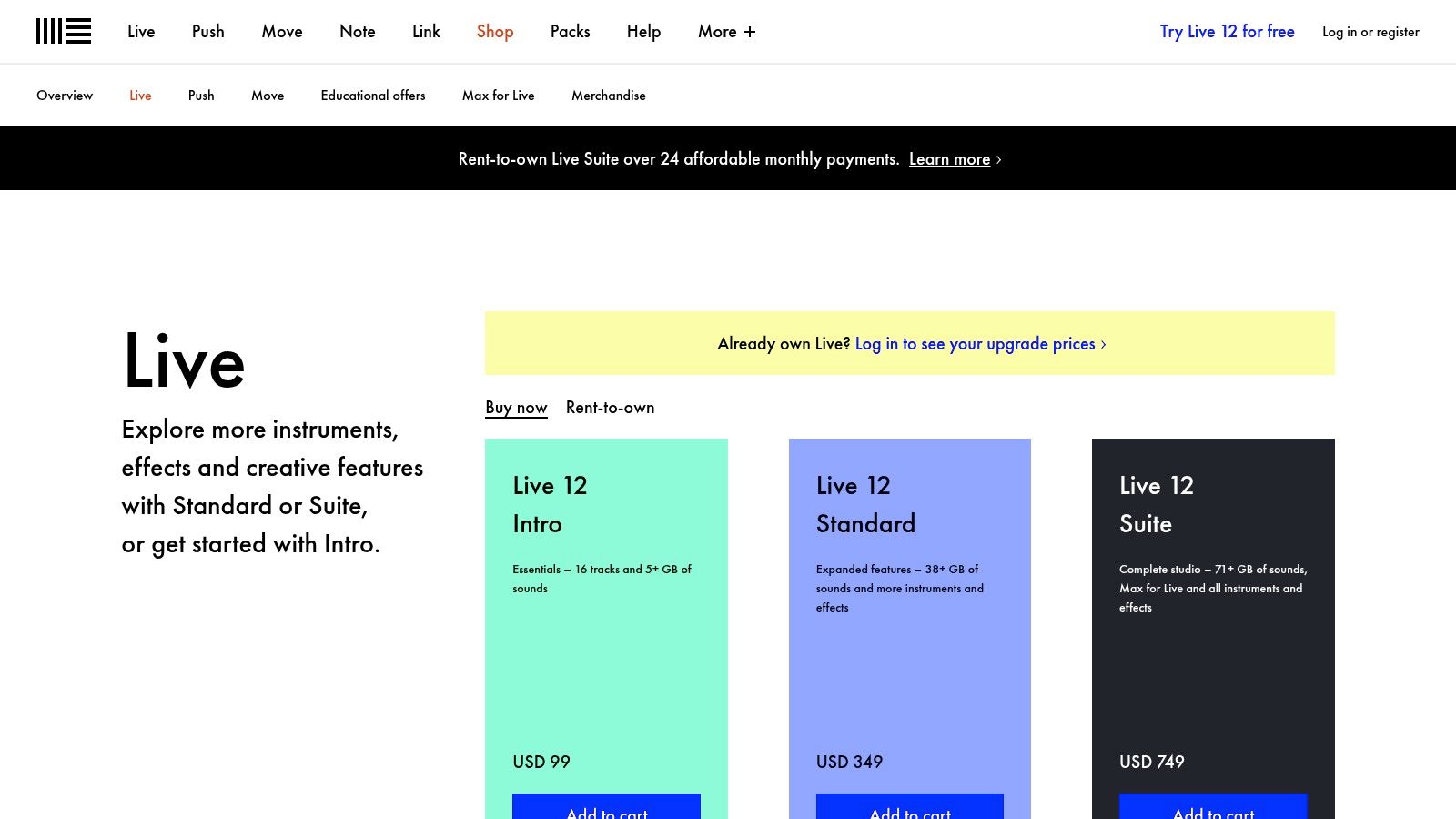
A battle-rap session can get messy fast. Ableton Live 12 handles that pressure well because the Mix view stays readable, routing stays flexible, and group processing lets you lock drums, vocals, or hook stacks together without constantly jumping around the screen. If your work moves from beat idea to live performance, that speed matters more than a long list of features you never touch.
 Ableton Live 12
Why it works in real sessions
Ableton's sends and returns make shared delay and reverb easy to manage, so one vocal chain does not wash over every track in the session. Group tracks are just as useful when you want leads, doubles, and ad-libs to behave like one vocal lane, especially on battle-rap records where the hook needs to stay aggressive but controlled. The warping tools matter when a rapper's timing drifts, because you can tighten phrasing without rebuilding the whole session.
If you are writing and building beats in the same project, the workflow gets cleaner when you pair it with this beat-making app guide, since the writing, production, and mix decisions stay closer together.
Practical rule: if the beat already lives in Ableton, stop fighting the platform. Mix inside it, then save final polish for a separate mastering pass.
For battle-rap vocals, clean monitoring helps just as much as the mix itself, so compare wireless gaming headset options if you need a stable headphone setup for long sessions. The main trade-off with Live 12 is cost, because the stronger feature set sits higher up the product ladder on the Ableton Live shop page. Intro also has real limits, so it is not the version I would pick for someone trying to run a full rap or stream workflow.
For producers who build around beats first, Live 12 stays one of the fastest ways to move from idea to finished mix. It also holds up on stage, which makes it a smart choice when the session has to do double duty as the performance setup.
2. FL Studio
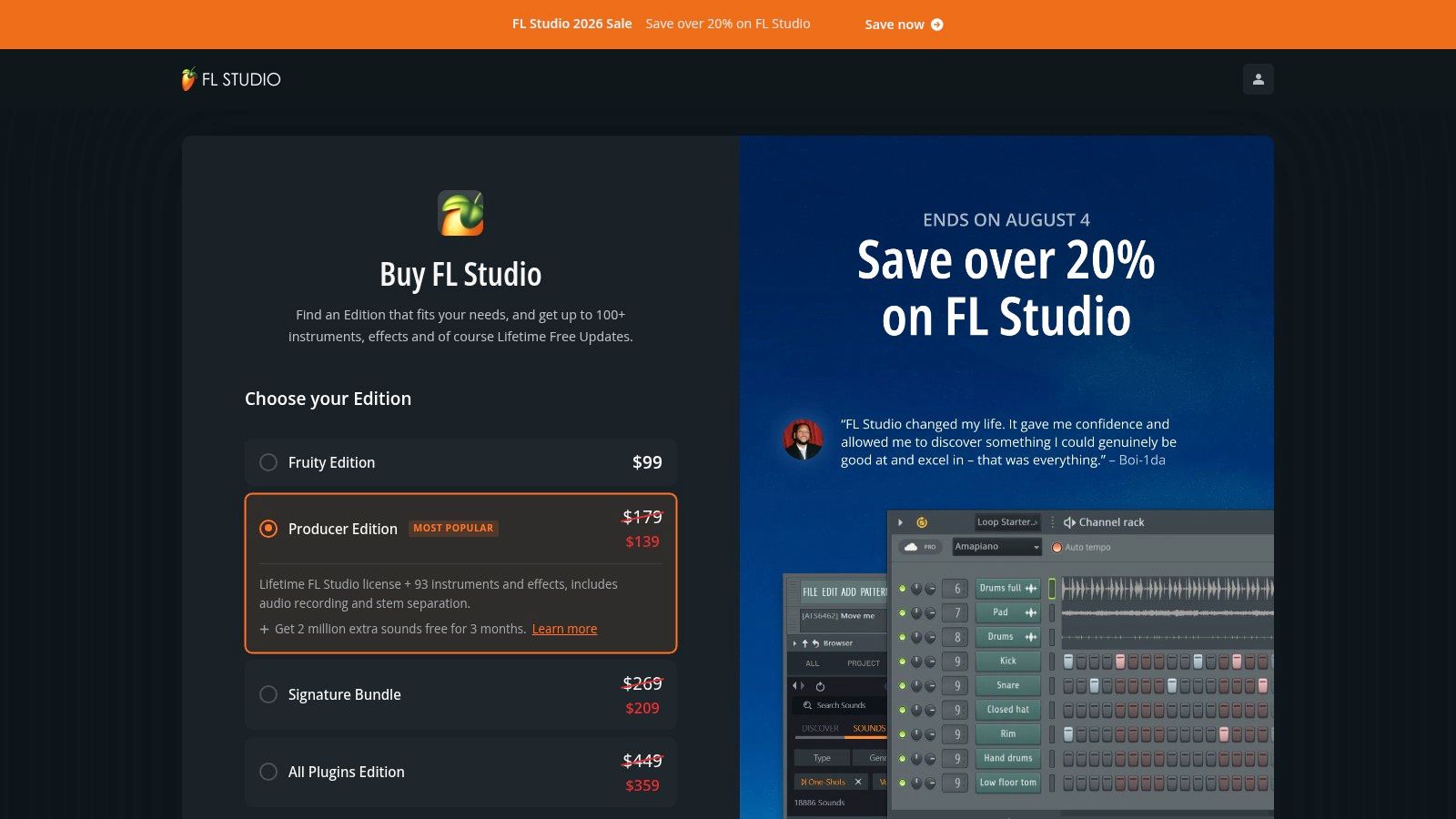
FL Studio still feels tailor-made for beat makers who think in loops first and full arrangement second. The mixer is deep enough for serious vocal work, with plenty of channels, flexible sends, and slot-based control that makes it easy to stack ad-libs, doubles, and FX returns. If your track lives in the pocket between trap, drill, and battle-rap energy, FL's workflow usually clicks faster than more linear DAWs.
 FL Studio (21/22)
Built for vocal stacking and quick turnaround
The stock tools do a lot of heavy lifting. Edison is useful when you need to chop takes or grab a clean phrase, and NewTime helps when a rapper's cadence needs tightening without losing the attitude. On vocal chains, Maximus and Parametric EQ 2 are still practical choices for shaping harsh mids and keeping a chant hook from sounding brittle.
If you're already building beats in the same ecosystem, it's worth pairing that with apps to make a beat so your writing, production, and mix decisions don't live in separate places.
FL Studio rewards people who commit to templates. If you build one clean vocal chain, one drum bus, and one FX return layout, the whole session gets faster every time.
The biggest trade-off is that arrangement and editing feel different from linear DAWs. Some engineers love that. Some never get comfortable with it. The FL Studio pricing page is also part of the appeal, because the lifetime update model has long been a major reason producers stick with it.
If you want a beat-first mixer that doesn't get in the way of stacked vocals, FL Studio stays one of the most efficient choices on the list.
3. Logic Pro
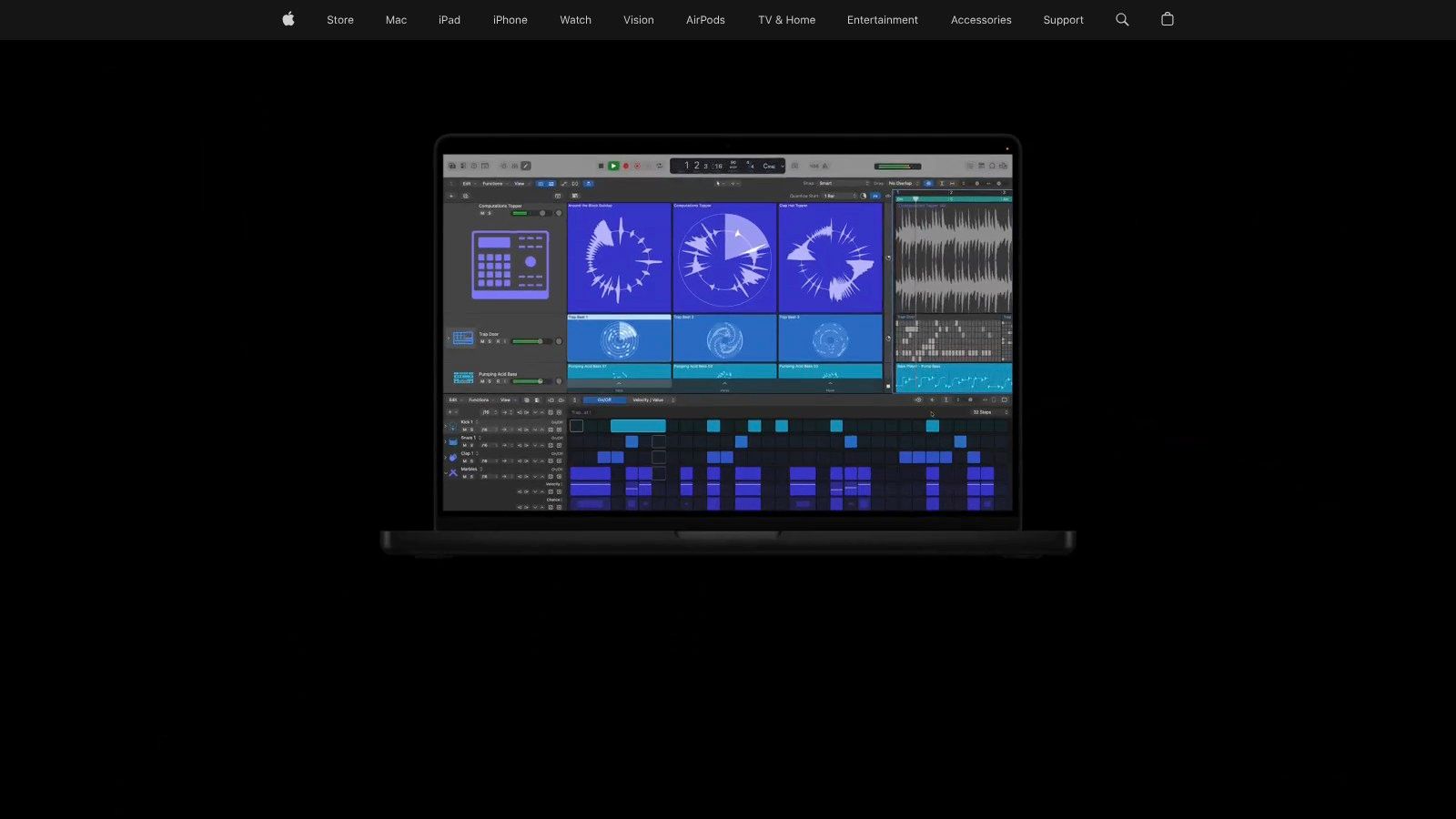
Logic Pro is the kind of DAW that makes sense when you want one box to handle tracking, comping, mixing, and cleanup without paying for a mountain of add-ons. The stock Channel EQ, compressors, de-esser, and reverbs are strong enough that a lot of vocal chains never need to leave the app. On Mac, that makes Logic hard to beat for value and depth.
 Logic Pro
Where it shines for vocal records
Logic's Stem Splitter is useful when you get handed a beat, a reference song, or a rough source file that needs reworking. Smart Tempo also helps when you're dealing with messy imports or live material that doesn't line up neatly to grid. For battle-rap sessions, that means less time fighting the timeline and more time polishing the bars.
The Mac-only reality still matters. If your rig is cross-platform, Logic is a dead end. If you're already on Apple hardware, it becomes a very practical answer, and the Logic Pro website makes the current feature set easy to compare against your needs.
For sketching ideas, tracking takes, or building a polished vocal stack from scratch, Logic has a calm, competent mixer that doesn't get flashy for no reason. It's especially friendly if you want to work on an iPad and then finish on a Mac. If that matters, an audio editor for MacBook can be a useful companion read before you settle on your workflow.
Logic is the quiet overachiever here. It doesn't need much explanation in the room, because the stock tools do the job and stay out of the way.
4. Avid Pro Tools
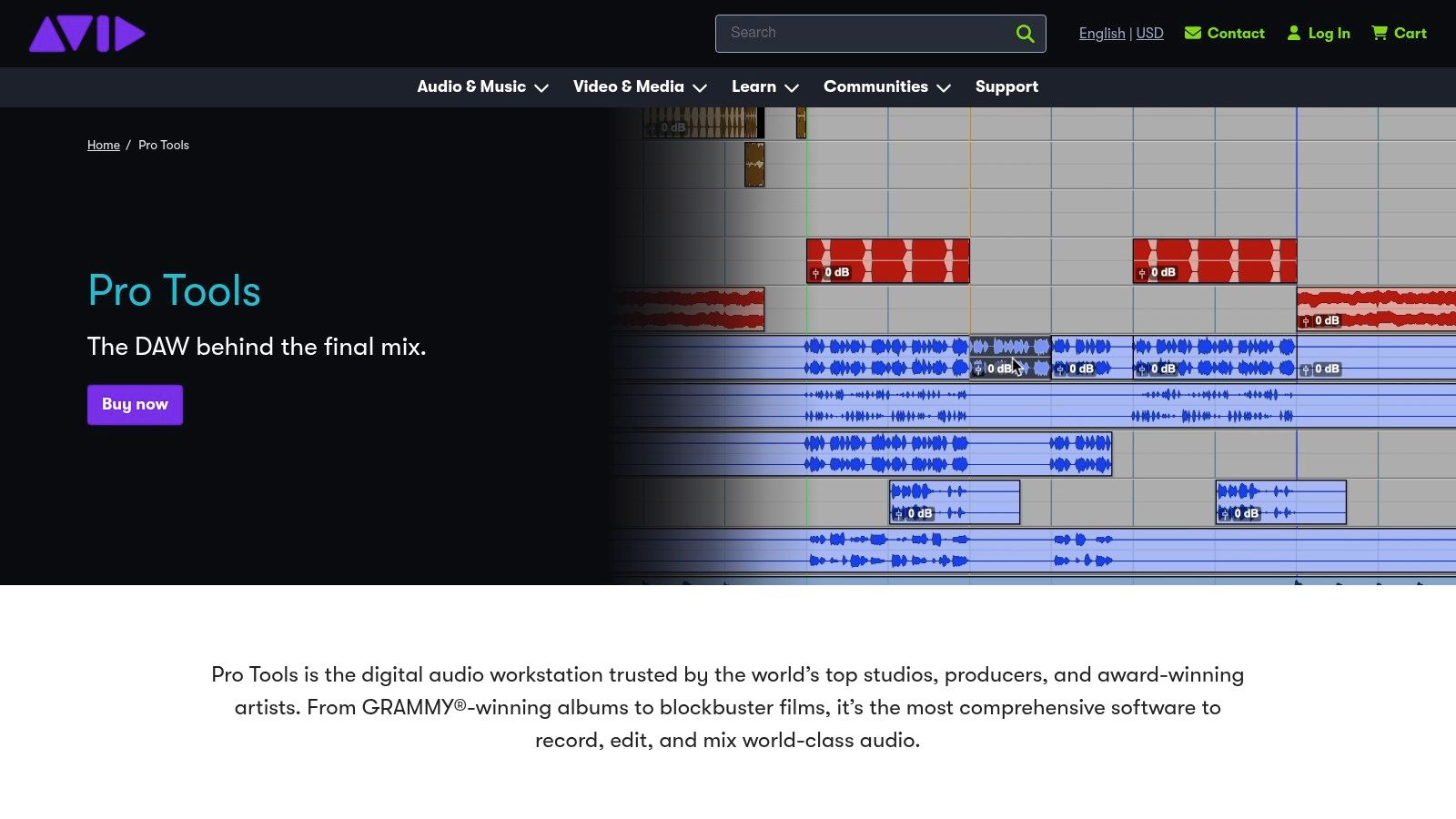
Pro Tools is still the session exchange standard in a lot of professional rooms, and that matters more than people like to admit. If a track has to move between home, studio, and mix engineer without conversion headaches, Pro Tools is often the safest landing spot. Its editing and automation are built for precision, which is exactly what you want when a lead vocal needs surgical cleanup.
Best when the vocal has to sit perfectly
The mixer itself is detailed, the routing is solid, and clip-based workflows make it easy to isolate sections without losing session discipline. That helps with battle-rap records, where every breath, pause, and doubled phrase can change the impact of the line. Pro Tools also plays nicely with serious control surfaces and studio hardware, so it feels at home in a facility that still works like a facility.
 Avid Pro Tools
The trade-off is cost and the subscription-heavy feel of the lineup. That doesn't make it bad, it just makes it a more deliberate purchase. If you're only mixing your own records, it may be more machine than you need. If you're sending sessions to other studios, the Pro Tools product page explains why people still trust it.
Pairing this kind of editing muscle with stem separation software can save a rough demo or help you reconstruct a reference vocal for practice. That's where Pro Tools earns respect, because it gives you a serious workspace for the fixes that matter.
5. Fender Studio Pro
Fender Studio Pro, formerly PreSonus Studio One Pro, is one of the most practical modern DAWs for people who want a fast path from tracking to mastering. The drag-and-drop workflow feels direct, and the mixer stays readable even when a session starts to sprawl. For vocal producers, that simplicity is a real advantage.
A strong choice for end-to-end finishing
The Console Shaper and Mix Engine FX features are useful when you want a more analog-style feel without building a complicated external chain. Pipeline XT also makes hardware inserts less annoying to manage, which is handy if you're blending in outboard gear on a vocal bus or two. The integrated mastering page means you can stay in one project longer, which helps when you're trying to finish a song instead of constantly exporting roughs.
The license and naming situation needs attention, because the product line has changed enough to confuse casual buyers. That means you should verify the exact plan before checkout on the PreSonus website. The name may be in motion, but the workflow remains one of the easier ones to grasp.
For artists who want comping, pitch cleanup, mixing, and final export without a lot of interface friction, this is a strong contender. It's especially appealing when the session has to move quickly and nobody wants to spend an hour setting up buses.
6. Steinberg Cubase 13
Cubase 13 is one of those DAWs that earns trust by being steady over time. The MixConsole is clear, the Control Room routing is useful, and the channel strip gives you a fast way to shape vocals without reaching for ten extra plug-ins. For dense production work, that matters.
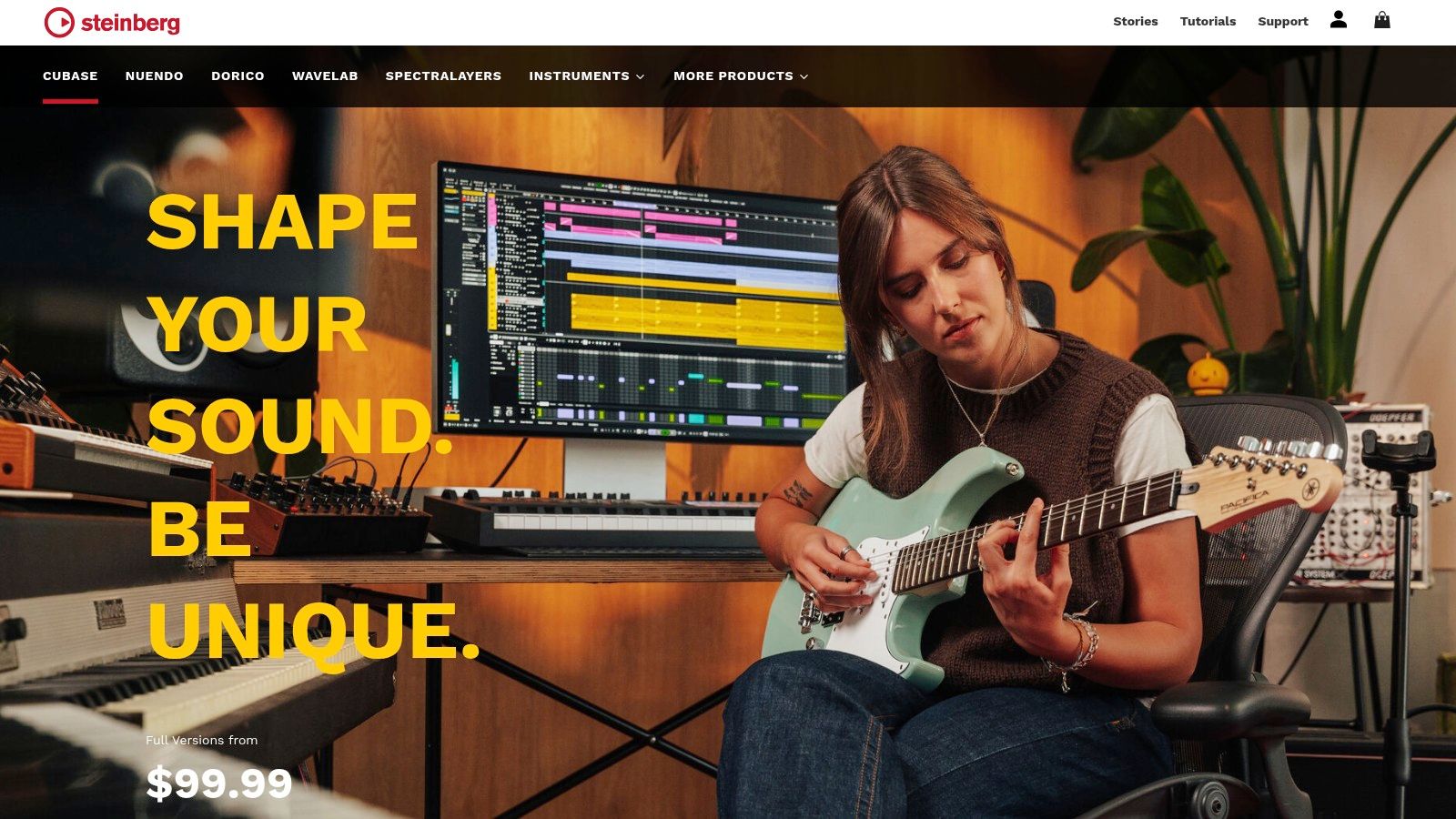 Steinberg Cubase 13
For producers who want control, not chaos
Cubase is especially good when a session has to handle MIDI, audio, and detailed automation in the same project. The vocal tools are serious too, with VariAudio and AudioWarp giving you the kind of pitch and timing control that keeps a hook tight without flattening the performance. That's useful on battle-rap tracks, where a line can't just be in tune, it has to stay dangerous.
The biggest downside is that the product lineup can be confusing, and licensing details have tripped up users over the years. That's why I'd verify the edition carefully on the Cubase website before you commit.
If you build full arrangements and care about control, Cubase rewards that discipline. It's not the flashiest option, but it's one of the more mature ones for people who want a dependable mixer with real depth.
7. Cockos REAPER 7
REAPER is the tool I recommend when budget, speed, and customization matter more than glossy presentation. It installs fast, runs light, and gives you a serious mixer without demanding much from your machine. For home studios, streaming rigs, and laptop setups, that's a big win.
The practical engineer's choice
The routing is the headline. Folders, buses, VCA-style control, and flexible signal paths let you build almost any layout you want, which makes REAPER especially useful if you're mixing podcasts one day and live rap sets the next. Its ReaPlugs are also good enough to cover a lot of routine cleanup without forcing you into expensive add-ons.
If you want to see why so many users treat it like a long-term utility tool, the REAPER purchase page makes the license model clear. The value is less about hype and more about control.
REAPER is the DAW for people who don't want to be told how to route audio.
The downside is setup. You often have to build your own environment before it feels polished. If you like customizing themes, shortcuts, and macros, that's a strength. If you want instant beauty out of the box, it can feel bare. For modest systems and careful mixers, though, it's hard to argue with the value.
8. Bitwig Studio
Bitwig Studio feels like it was built for people who hear a vocal chain and immediately wonder how far they can push it. The modulation system can target almost anything, and the mixer is flexible enough to treat processing as part of the instrument rather than an afterthought. For experimental rap, vocal FX, and oddball sound design, that opens doors.
Good for creative bus work
The clip launcher is useful when you're testing alternate hooks, drops, or performance ideas before committing to an arrangement. The Grid gives you a modular playground for custom effects, which is a real advantage if you want vocal textures that don't sound like everyone else's session template. Bitwig also has a clean, snappy feel that keeps experimentation moving.
The Bitwig pricing page shows the license structure clearly, which is helpful because different editions can steer buyers toward different feature sets. The ecosystem is smaller than the biggest DAWs, so don't expect the same depth of third-party templates or community presets.
For producers who want a mixer that feels alive under their hands, Bitwig is one of the most interesting picks here. It's less about standard studio procedure and more about bending the session until it does something fresh.
9. Universal Audio LUNA
LUNA is interesting because it tries to make software mixing feel closer to a console than a grid of channels. The analog-style summing and tape emulation options give it a softer, more record-like vibe, and the vocal workflow is simple enough to stay focused. The biggest hook is that the core DAW is free.
A simple path to good-sounding vocals
If you already use UAD hardware or plug-ins, the integration makes a lot of sense. Tracking and comping feel fast, the signal path is easy to follow, and the whole environment favors getting a clean take without a lot of menu hopping. That can be a relief when you're recording aggressive vocals and don't want to lose momentum.
The main constraint is ecosystem size. Compared with older DAWs, LUNA has fewer third-party options and some add-ons are paid. That means it works best for people already interested in the Universal Audio world, which you can confirm on the LUNA page.
For vocal tracking and mix sessions that benefit from a straightforward, console-like workflow, LUNA makes a strong case. It's not the most open system, but it can sound and feel very good when the rest of your setup matches it.
10. VB-Audio Voicemeeter
A Windows streaming rig with a USB mic, game audio, browser sound, and a Discord feed can turn messy fast. Voicemeeter is the software mixer audio tool that gives you one place to control that mess. It routes microphones, system audio, and app outputs into separate buses, then sends them wherever you need, including OBS, Discord, or a recording chain. If the problem is routing, not arranging a song, this is the kind of tool that earns its keep.
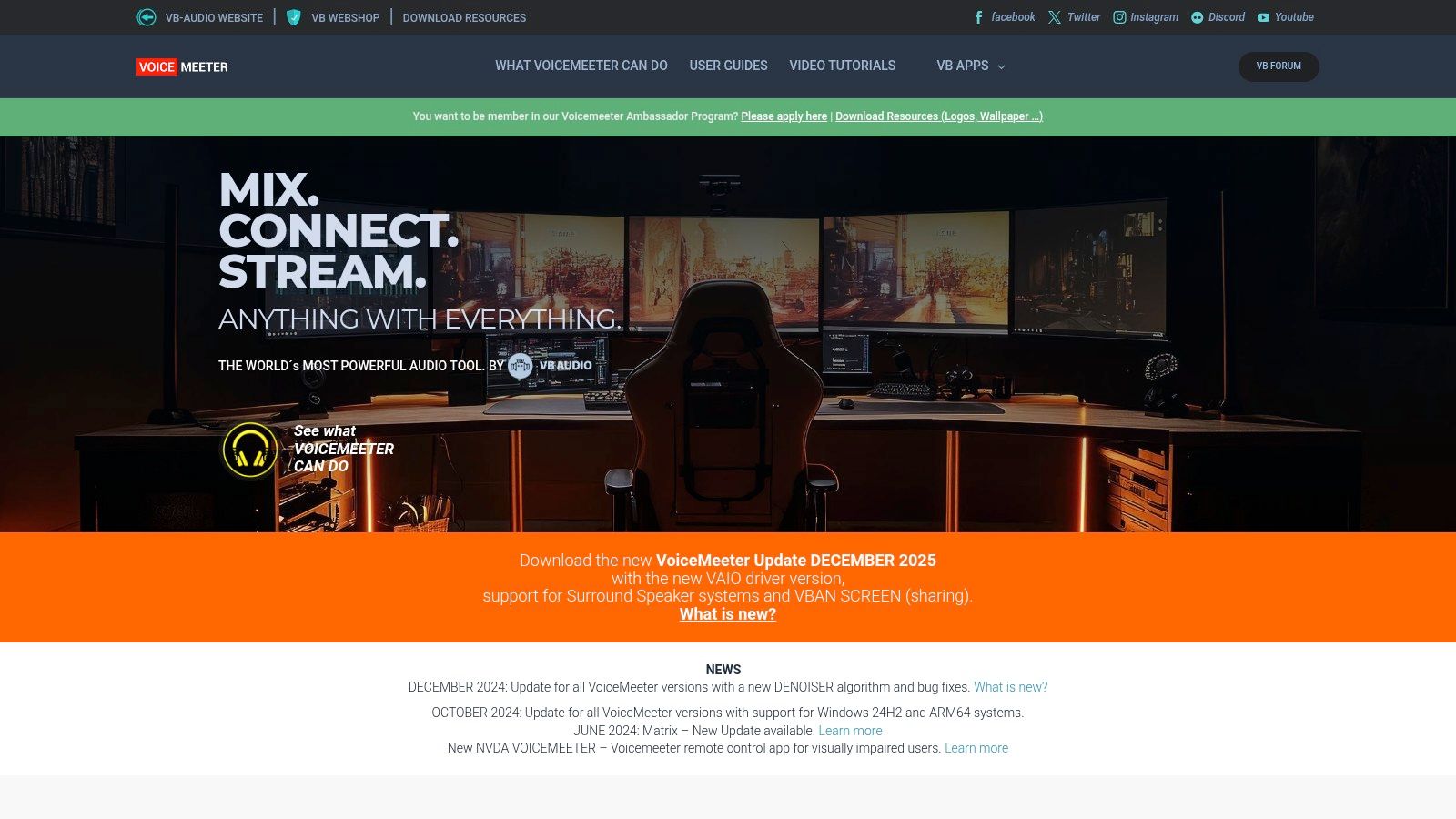 VB-Audio Voicemeeter (Standard, Banana, Potato)
For live control, not song production
The Standard, Banana, and Potato editions scale the available I/O and processing options, so you can start with a simple layout and move into more complex routing as your setup grows. VBAN network audio is useful when you need to move sound across a LAN, and the macro buttons make repetitive stream actions easier to fire without clicking around. The donationware model also keeps the entry point low on Windows.
If you're setting up network audio for a streaming rig, a guide to changing your IP safely can help you configure VBAN routing without conflicts.
The trade-off is straightforward. Voicemeeter can be finicky, and the learning curve is steep if you try to build a complex setup on day one. It is also Windows-only, which rules it out for a lot of producers immediately. For live mixing in software, though, it handles routing work that generic DAWs usually do awkwardly.
The Voicemeeter website is the right starting point if your workflow has multiple audio sources and you need one place to control them. It is less a music production tool and more a control center for real-world routing chaos, which is exactly why streamers, broadcasters, and battle-rap vocal setups keep coming back to it.
Top 10 Software Mixers, Audio Feature Comparison
| Product | Core features & strengths 🏆 | Vocal production ★ | ✨ Unique selling points | 👥 Target audience | 💰 Price / Value |
|---|---|---|---|---|---|
| Ableton Live 12 | Detailed mixer, warping, Max for Live, fast idea→mix workflows | ★★★★☆ | ✨ Live performance tools & Max for Live customization | 👥 Live performers, beatmakers, EDM/hip‑hop producers | 💰 Mid–High (Intro limits; Suite premium) |
| FL Studio (21/22) | Pattern‑based workflow, strong stock FX, efficient CPU use | ★★★★☆ | ✨ Lifetime free updates; great for stacking ad‑libs | 👥 Trap/drill producers, beatmakers, beginners | 💰 One‑time (editions vary) |
| Logic Pro | High‑quality stock plugins, comping, Smart Tempo, Apple ecosystem | ★★★★★ | ✨ Outstanding stock tools + iPad integration | 👥 Mac users, vocalists, producers | 💰 One‑time (Mac‑only) |
| Avid Pro Tools | Session management, deep automation, studio compatibility | ★★★★★ | ✨ Industry standard for session exchange & precision editing | 👥 Pro studios, engineers, mixers | 💰 Subscription‑centric (Artist→Ultimate; costly at top tiers) |
| Fender Studio Pro | Drag‑drop mixing, integrated mastering, Melodyne ARA support | ★★★★☆ | ✨ Integrated mastering + Show Page for live performance | 👥 Singer‑producers, project studios, live performers | 💰 Mid (bundles/hardware deals; naming changes) |
| Steinberg Cubase 13 | Pro MixConsole, Control Room, VariAudio for detailed vocal work | ★★★★☆ | ✨ Mature mixing + deep MIDI/scoring tools | 👥 Arrangers, mixing engineers, composers | 💰 Mid–High (multiple editions) |
| Cockos REAPER 7 | Ultra‑light, flexible routing, deep scripting/theming | ★★★★☆ | ✨ Exceptional value + customizability | 👥 Budget pros, tinkerers, small studios | 💰 Very affordable (low‑cost license) |
| Bitwig Studio | Modular modulators, The Grid, creative per‑track processing | ★★★★☆ | ✨ The Grid for custom sound design & vocal FX | 👥 Experimental producers, sound designers | 💰 Mid (perpetual license + upgrade plan) |
| Universal Audio LUNA | Analog‑style mixer, tape/summing emulation, tight UAD integration | ★★★★☆ | ✨ Free core DAW with premium UAD plugin workflow | 👥 UA Apollo/Volt users, pros seeking console vibe | 💰 Free core; paid extensions/add‑ons |
| VB‑Audio Voicemeeter | Virtual multi‑bus mixer, VBAN networking, macro routing | ★★★★☆ | ✨ Powerful live routing for OBS/Discord; donationware | 👥 Streamers, podcasters, Windows users needing routing | 💰 Donationware / free (optional support) |
Which Software Mixer Is Your Perfect Match?
There's no single best software mixer audio tool, because the right choice depends on your OS, budget, and how ugly your routing gets on a normal day. If you want the fastest path from beat to polished record, Ableton Live 12, FL Studio, and Logic Pro are the strongest production-first options. If you need editing discipline and session compatibility, Avid Pro Tools still earns its place. If you want a lighter, more customizable machine, REAPER 7 is hard to beat, and Voicemeeter is the clear pick when the problem is live routing across multiple apps on Windows.
The market itself tells the same story in broad terms. Software-based mixing has moved from niche research into mainstream use over decades, from early DAW milestones in the late 1970s and early 1990s to plugin support and cross-platform virtual instruments by the mid-1990s as traced in this history of the DAW. On the hardware side, digital consoles and computer control kept pushing software further into live and studio production, from Yamaha's DMP7 in 1986 to the broader spread of digital live-sound consoles by 2001 as covered in the evolution of mixing consoles. That's why the best tool today isn't the one with the biggest feature list, it's the one that keeps your workflow moving when the vocal chain, routing, and monitoring all need to behave at once.
If your setup is mainly studio work, pick a DAW and learn its mixer until you can move without thinking. If you're mixing battle-rap vocals, streaming live, or juggling AI-generated lyrics and a beat session at the same time, prioritize routing stability, low-friction monitoring, and recovery when something clips. The software that feels boring on day one is often the one that saves the session on day 100.
If you want to turn rough ideas into savage, performance-ready lyrics faster, DissTrack AI gives you a direct way to generate personalized battle bars without staring at a blank page. It fits this workflow because a tighter mix and better lyrics work together, so you can spend less time fighting the setup and more time delivering the record. Visit it when you're ready to build the bars before you fine-tune the mix.