
Top 10 AI Content Generator Free Tools: Limits Compared
It's 11 p.m. Your post is due at 9 a.m. You open the free AI tool you bookmarked, paste in your prompt, get halfway through the draft, and then hit the actual feature: an upgrade screen.
That's the free plan trap. Feature pages tell you what a tool can do. Deadlines expose what it lets you produce before the quota, character cap, daily limit, or locked model gets in the way.
This list ranks ten AI content generator free tools by practical output. Not by the longest feature list. Each tool gets one primary job, whether that's a blog draft, a social caption, an edited paragraph, research-backed copy, or a short-form video script. You'll see where the free tier works, where it runs out, and what to use when the first draft still sounds like it was assembled by a polite toaster.
The best free plan is the one that fits your real weekly output, not the one with the longest feature page.
1. ChatGPT from OpenAI
ChatGPT is the best general-purpose starting point when you need to turn a messy idea into usable copy quickly. Give it a topic, audience, tone, and format, and it can produce a caption, outline, email, script, lyric, or first draft in the same conversational thread.
Its strongest free use is rapid drafting and rewriting. You can paste in a weak paragraph and ask for a sharper version. You can upload a screenshot of a flyer or social post and ask for copy that matches it. That mixed text-and-image workflow is useful when the brief lives partly in a document and partly in your head.
 ChatGPT (OpenAI)
The catch is capacity. Free-plan model access and rate limits can change, and heavy use may push you toward a paid tier. The output can also become bland if your prompt says only “write a social post.” Add the audience, platform, desired length, point of view, and one example of your preferred style.
Best job: First drafts across almost any text format.
For lyrics, a niche workflow such as this hip-hop lyrics generator may get you to a structured result faster than repeatedly steering a general chatbot. You can also dictate the rough brief with voice to text for AI tools before asking ChatGPT to shape it.
2. Google Gemini
Google Gemini earns its place when the content job begins inside the Google ecosystem. It's convenient for turning a rough idea into a structured outline, checklist, caption set, or draft that you'll continue editing in Docs. Voice and image inputs also make it practical when you're working from a phone instead of a quiet desk.
Gemini's primary job here is structured content planning. Ask for a short-form video script with a hook, three talking points, a visual suggestion, and a closing prompt. Or provide a product page screenshot and request a sequence of social captions that follow the same positioning.
The free experience isn't a fixed promise. Daily limits apply, access to some models can change, and higher-end capabilities sit behind paid Pro or Ultra plans. That matters if you're using it for a large batch. A tool that gives you an excellent outline but stops during the third revision hasn't saved the deadline.
 Google Gemini
Gemini is also useful when your draft needs information from your existing Google workflow. Still, retrieval convenience doesn't remove the need to check facts, especially when the copy makes claims about products, laws, health, or current events.
Use it when:
- Your brief is visual: Upload an image, screenshot, or reference and build copy around it.
- Your content needs structure: Request headings, steps, scenes, and calls to action before writing prose.
- Your workflow lives in Google: Move from planning to Docs with less copy-and-paste friction.
Best job: Turning loose ideas into organized content plans and scripts.
3. Microsoft Copilot
Microsoft Copilot is a practical choice for web-grounded copy and quick revisions. It works well when you need a short summary, a source-linked explanation, a cleaner email, or a social post built around information you've just researched.
Its useful edge is context from the web. If you're writing a short explainer or a post reacting to a current topic, Copilot can help gather relevant material and provide source links. That's more useful than asking a writing-only tool to confidently fill in missing facts.
Copilot also supports image generation through Designer and fits naturally into Edge and Microsoft workflows. You can tweak copy while browsing, then continue in Microsoft apps if your team already works there. The free entry point is accessible for general questions and web tasks, but several advanced features have moved into paid tiers.
The default tone can sound formal. It often produces copy that feels suitable for a corporate memo, even when you asked for something punchy. Tell it to write for a specific platform, use shorter sentences, avoid business jargon, and open with a concrete problem.
Practical rule: Ask for the source-backed facts first, then ask for the entertaining version.
That two-step process reduces the chance that a lively caption invents a detail on its own. It also gives you a cleaner editing job. You can verify the substance before polishing the voice.
Best job: Fast, web-aware summaries and social copy that needs supporting links.
4. Perplexity
Perplexity is less useful as a pure “make this sound exciting” machine. It's better at the stage before that, when you need facts, context, and source links for a brief.
Its primary job is research-backed content preparation. Ask it to gather the main points about a topic, identify competing perspectives, or summarize several sources. Then use the result as a factual brief for your preferred writing tool. The inline citations make it easier to inspect where a claim came from before it reaches your article or video script.
Perplexity can also draft paragraphs, summaries, and short-form copy. Its free plan is solid for everyday research and lighter writing, but deeper model access and higher quotas are reserved for paid plans. The writing can be concise, so ask for the intended length and audience when you need more than a compact answer.
The best workflow is deliberately split:
- Collect: Ask for source-linked facts and relevant context.
- Filter: Remove claims that don't fit your audience or that you can't verify.
- Shape: Convert the approved notes into a human-sounding post, script, or article.
That separation matters because sourced information and persuasive writing are different jobs. Perplexity helps with the first. It shouldn't be your excuse to publish every sentence it generates.
Best job: Finding and organizing evidence before you write.
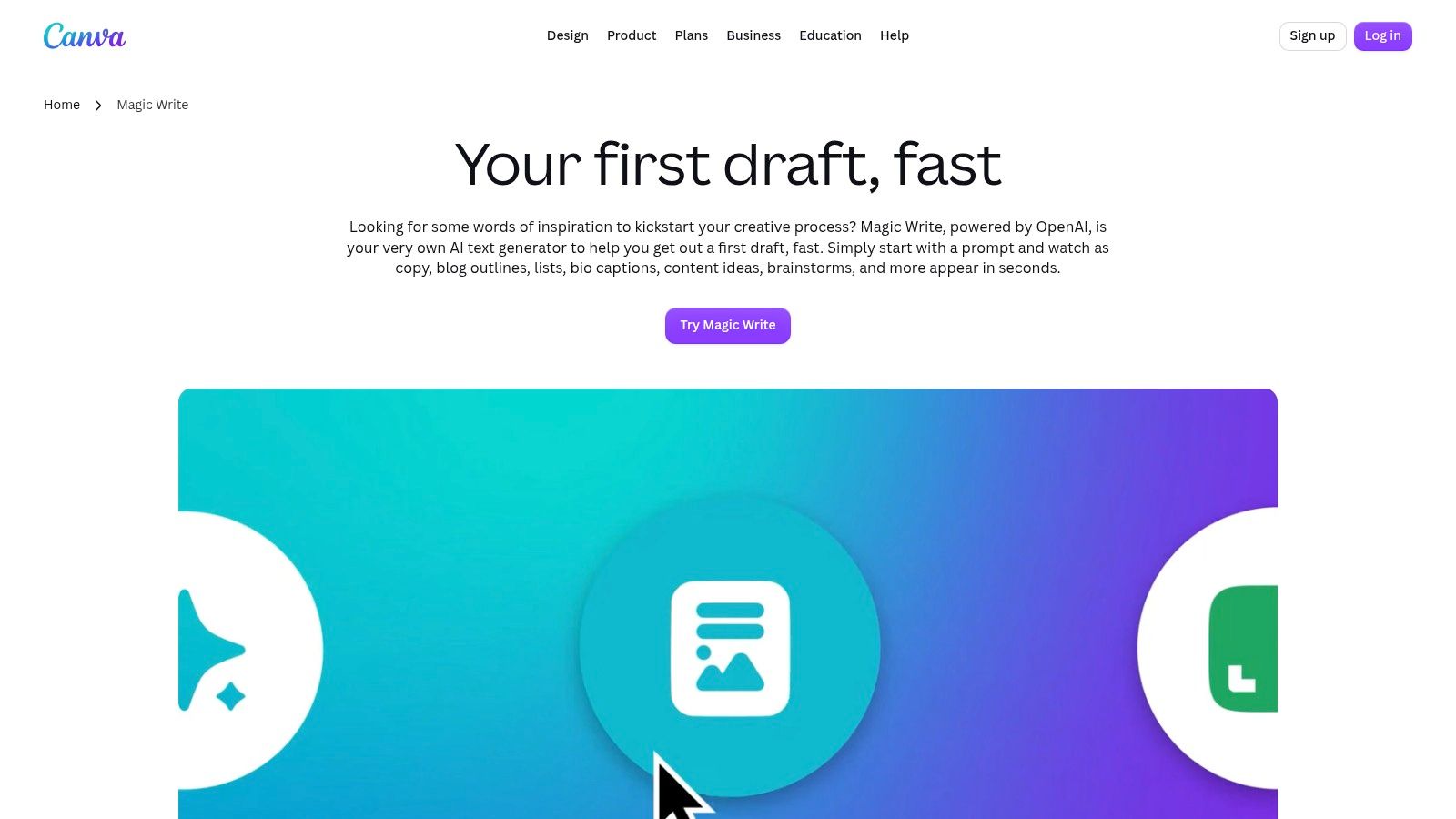
5. Canva Magic Write
Canva Magic Write is the obvious pick when your content has to look good before it leaves the building. It puts AI writing inside Canva's design surfaces, so you can draft a caption, product description, hook, ad line, or presentation text without leaving the visual workspace.
Its primary job is copy for designed social assets. Generate a few headline options, shorten a paragraph to fit a graphic, or turn product features into a caption set. Then place the words directly into the post, thumbnail, flyer, or presentation. That immediate visual feedback is the advantage. A headline that sounds fine in a chat may look painfully long once it sits over an image.
Free usage is limited by query allowances, and those allowances can vary by tool or task. Magic Write is also more comfortable with short and medium copy than with a long article that needs sustained argument, research, and a distinct point of view. Use it for the text that supports the asset, not as a replacement for the entire editorial process.
What works well:
- Hooks: Generate several opening lines and test which one fits the layout.
- Captions: Turn a finished design into platform-ready supporting copy.
- Revisions: Expand, shorten, or simplify text while looking at the actual design.
The tool's real win is fewer awkward handoffs. You're not generating copy in one place, exporting it, and discovering that the words don't fit. You're editing against the final visual from the start.
Best job: Captions, headlines, and short copy inside visual content workflows.
6. Grammarly AI Writing Assistant
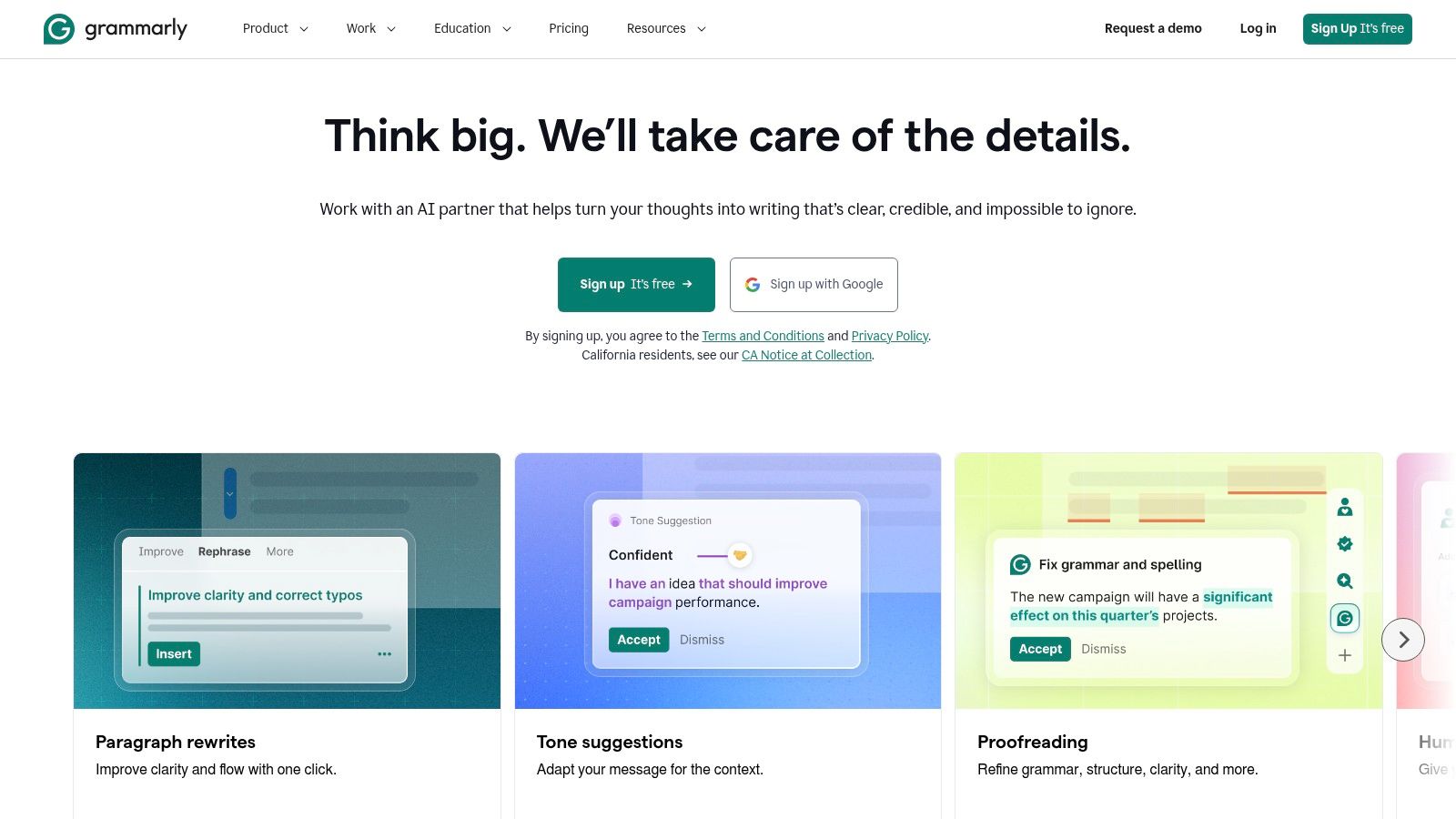
Grammarly is strongest after the first draft exists. Its primary job is editing and polishing, not creating a complete content strategy from a blank page.
You can use its generative prompts to draft or rewrite sections, but its real value appears when your copy is almost ready. It can tighten awkward phrasing, improve clarity, adjust tone, and flag sentences that drag. That makes it useful for emails, landing-page copy, social posts, and scripts that need to sound natural when read aloud.
 Grammarly (AI Writing Assistant)
The free monthly prompt allowance suits many lighter workflows, but heavy users can burn through it. Free users also get fewer brand and style controls, while collaboration and more advanced features require paid plans. That means Grammarly works best as a finishing layer, especially if you already have a draft from ChatGPT, Gemini, or your own notes.
A useful editing pass asks for one change at a time. First improve clarity. Then remove repetition. Then make the tone warmer or more direct. If you ask for everything at once, the tool may “improve” the sentence until your original voice disappears.
For creative copy, compare the rewrite with the original rather than accepting it automatically. A smoother sentence isn't always a better sentence. Sometimes the odd phrase is the personality.
For lyric projects, a dedicated song writer app may handle creative structure more directly, while Grammarly can still help polish the surrounding description or promotional post. This AI writing assistant comparison is also useful when editing is your main requirement.
Best job: Making an existing draft cleaner, clearer, and easier to publish.
7. QuillBot
QuillBot is the utility knife of this list. Its primary job is rewriting lines into useful alternatives. That sounds modest, but it solves a common deadline problem: the idea is right, the sentence is not.
Use the Paraphraser for alternate wording, Summarizer for compressing source material, and the translator or citation features when your workflow needs them. Its AI Chat and Co-Writer workspace can support drafting, but the free plan limits modes, queries, and advanced suggestions. Long-form work is generally more comfortable when QuillBot is paired with another generator.
Here's where it shines:
- Punchlines: Try several phrasings without rewriting the whole section.
- Repetition: Find a new way to express a point you've already made.
- Length control: Turn a long explanation into a caption or short voiceover.
- Tone testing: Compare a direct, playful, professional, or sharper version.
Don't use paraphrasing as a substitute for thinking. A tool can rearrange words while preserving a weak idea. Before you generate alternatives, decide what the line must do. Does it need to surprise, explain, persuade, or land as a joke? The answer gives the rewrite a target.
A good free workflow is to draft elsewhere, bring in only the lines that need work, and save your limited queries for meaningful revisions. QuillBot is less exciting than a one-click article generator. It's often more useful at 11 p.m., when one stubborn paragraph is holding up the entire post.
 QuillBot
Best job: Producing alternate phrasing, tighter lines, and quick variations.
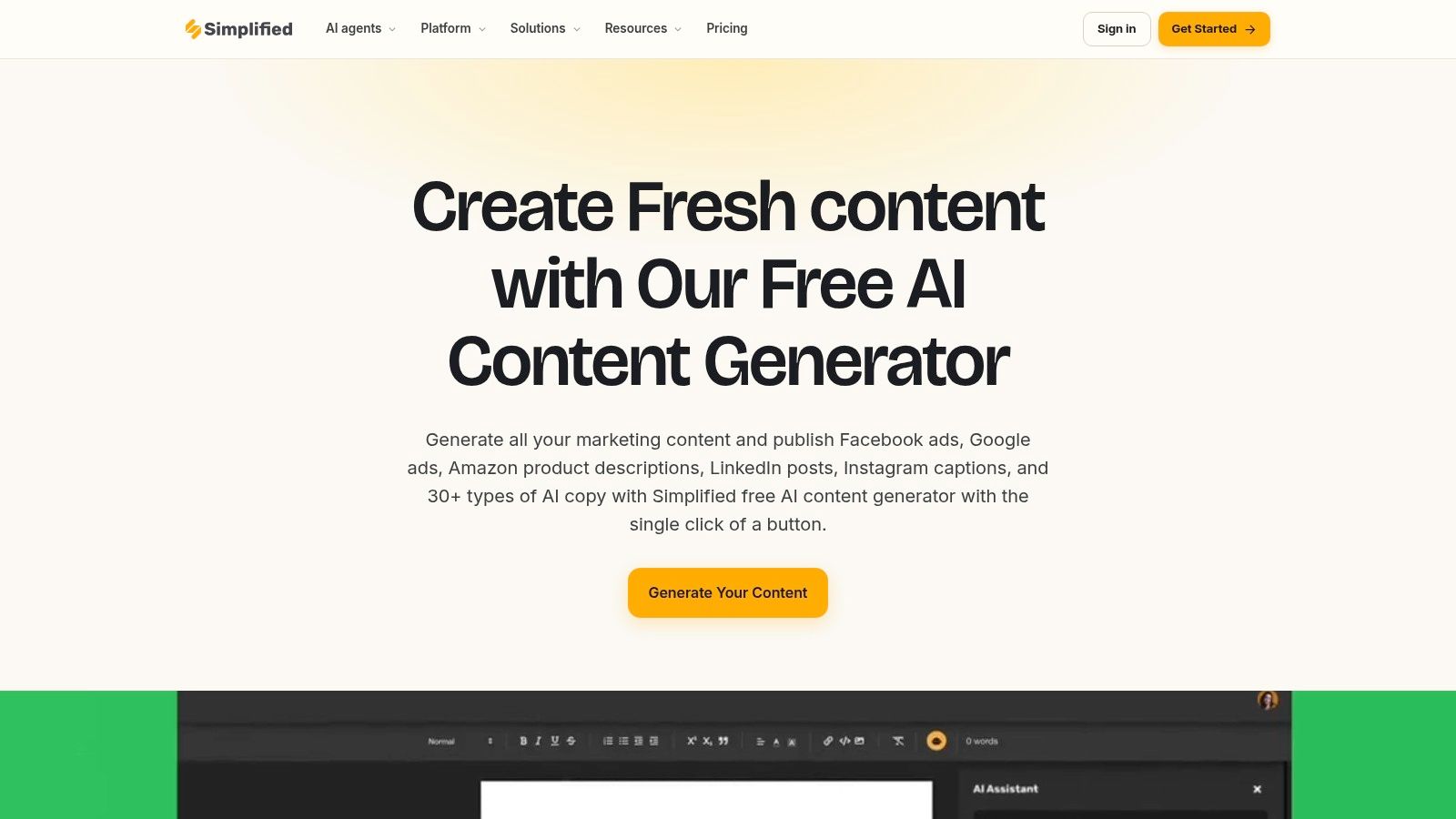
8. Simplified AI Content Generator
Simplified is built for people who don't want a writing tool separated from their design, video, and scheduling workflow. Its primary job is packaging content into ready-to-post assets.
The platform includes templates for blogs, ads, product copy, and captions, plus a Blog Wizard for more structured drafting. Its broader creative suite connects AI writing with design, video, and social scheduling. That can save time when a campaign needs a caption, a visual, and a publishing step rather than a lonely block of text.
The free-forever plan is suitable for light monthly use. Heavy writers will notice the small word quota quickly, especially if they use the Blog Wizard for repeated long-form drafts. Advanced brand voice and knowledge-base features also sit behind paid tiers.
That makes Simplified a better fit for a small campaign than for a high-volume editorial desk. Give it a clear content package:
- Asset: A short video, carousel, product graphic, or post.
- Audience: Who should stop scrolling?
- Message: What should they understand?
- Action: What should they do next?
The output improves when the tool knows the destination. “Write about our product” produces generic copy. “Write three caption options for a short product demo aimed at first-time buyers, each with a different opening hook” gives it something to build.
Best job: Turning light monthly content ideas into coordinated social assets.
9. Rytr
Rytr is the fast, uncomplicated option for short copy and caption variations. It doesn't bury the first draft under a complicated setup. Choose a use case, select a tone, enter the context, and generate.
The tool offers many use-case templates and tones, with a browser extension and a simple long-form assistant. That makes it useful for one-liners, email openings, social captions, product descriptions, and rough outlines. The free plan is clear enough for testing, but it limits users to one language and a low monthly character allowance.
That character cap changes how you should use it. Don't spend your available output asking for five versions of a paragraph you could write yourself. Use Rytr for the parts that benefit from rapid variation, such as hooks, calls to action, subject lines, and opening sentences.
It's also a reasonable choice when you want a lightweight tool that doesn't turn a simple caption into a production meeting. The trade-off is control. Compared with larger writing suites, Rytr gives you less room to shape a detailed brand voice or complex editorial workflow.
Use the free quota for options, not volume. One strong hook can rescue a post more effectively than a full page of disposable copy.
For rap-related work, a specialist free rap lyrics generator is likely to provide more relevant structure than a general template tool. Rytr remains better suited to the promotional caption, announcement, or outline around that creative work.
 Rytr
Best job: Fast captions, hooks, outlines, and short copy with minimal setup.
10. DissTrack AI
DissTrack AI takes a different route from the general writing assistants. Its primary job is personalized roast lyrics and battle-rap content, not blog posts or routine marketing copy.
You enter a target name, relationship, and inside jokes, then choose a style such as West Coast, Old School Boom Bap, Trap, Battle Rap, Drill, Emo Rap, or UK Grime. You can also adjust the level of savagery. The result is structured lyrics with multiple variations that you can edit, export, or share.
The free tier is built for a single diss track, which makes it a clear test rather than a high-volume content plan. That's useful if you need one roast for a friend group, stream, short, party, or creative experiment. You won't mistake it for unlimited production, and you'll know quickly whether the specialized format suits your idea.
The tool's stated creative positioning is battle-rap focused, with attention to rhyme schemes, wordplay, flow, and attack patterns. Preset examples help beginners start quickly, while more experienced writers can edit the tone and punchlines until the verse sounds like their voice. The product also promotes commercial licensing on its paid plans, which matters if you're producing monetized content. Check the current terms before publishing or selling anything.
The product messaging around audio needs a careful look. Promotional pages show AI vocals, beats, and mixed-track workflows, while FAQ language indicates that the current product may focus on lyrics rather than audio generation. If finished vocals or integrated mixing is essential, verify the live feature set before paying.
Use the output responsibly. A fictional roast, playful battle, or clearly consensual joke is different from publishing allegations, threats, impersonation, or targeted harassment. Privacy also matters. Don't paste sensitive personal information into any free AI tool without understanding its retention and training settings.
Best job: Fast, personalized diss lyrics for creators, rappers, streamers, and friend groups.
Top 10 Free AI Content Generators, Comparison
| Tool | Core features ✨ | Quality / UX ★ | Price & value 💰 | Target audience 👥 | Unique selling points ✨ |
|---|---|---|---|---|---|
| ChatGPT (OpenAI) | Conversational drafts, multimodal chat, rapid ideation | ★★★★☆ Reliable, easy UI | 💰 Free tier; paid for higher usage | 👥 Creators, marketers, generalists | ✨ Strong prompt ecosystem & workflows |
| Google Gemini | Workspace tie-ins, voice/image inputs, retrieval | ★★★★☆ Integrated with Google apps | 💰 Free/Plus; Pro/Ultra for premium | 👥 Google ecosystem users, researchers | ✨ Best for Docs/Sheets/Slides retrieval |
| Microsoft Copilot | Web‑grounded answers + citations, Office integration | ★★★☆☆ Good for factual copy/edits | 💰 Basic free; paid for full Copilot features | 👥 Office/Microsoft users, professionals | ✨ Browser/Office inline workflow & citations |
| Perplexity | Source-cited answers, writing/academic modes | ★★★★☆ Transparent, research-friendly | 💰 Solid free plan; paid for higher quotas | 👥 Researchers, fact-checkers, writers | ✨ Inline sources & follow-up refinement |
| Canva Magic Write | Copy generation inside design surfaces | ★★★☆☆ Seamless for short copy in design | 💰 Free limited; Canva Pro unlocks more | 👥 Designers, social creators | ✨ Instant copy + visual layout pairing |
| Grammarly (AI Writing Assistant) | Drafting, tone control, grammar edits | ★★★★☆ Excellent editing polish | 💰 Freemium; Premium for advanced features | 👥 Writers, editors, performers polishing lines | ✨ Powerful grammar + tone & clarity tools |
| QuillBot | Paraphraser, summarizer, translator, co-writer | ★★★☆☆ Lightweight remixing tools | 💰 Freemium; paid for full modes | 👥 Remixers, lyricists, students | ✨ Fast paraphrase/variation generation |
| Simplified (AI Content Generator) | AI writer + design, video & scheduler | ★★★☆☆ All-in-one creative suite | 💰 Free-forever (limited); paid tiers | 👥 Marketers, small teams, social managers | ✨ Templates + scheduling + design in one |
| Rytr | Fast short-copy templates and tones | ★★★☆☆ Quick, minimal setup | 💰 Free limited; paid for higher limits | 👥 Social posters, creators needing speed | ✨ Speedy captions, outlines & one-liners |
| DissTrack AI 🏆 | Battle-rap trained lyrics; style tags; multi-variation export | ★★★★★ Performance-ready, beginner→pro UX | 💰 Free forever (1); Pro $9.99/mo; Creator $29.99/mo | 👥 Creators, rappers, streamers, friend groups | ✨ Trained on legendary diss tracks; commercial license; privacy-first; editable punchlines |
Pick One Tool per Job, Then Test It Against a Real Deadline
You don't need ten AI tools open in ten browser tabs. That's not a workflow. That's a digital junk drawer with better branding.
Pick one general drafter, one editor, and one niche helper only when your work requires one. ChatGPT or Gemini can handle broad first drafts. Grammarly or QuillBot can clean up the parts that sound stiff. Perplexity can support research. Canva Magic Write or Simplified can help when the words need to become a visual asset. DissTrack AI makes sense when the deliverable is a roast track rather than another caption about “unlocking potential.”
The best free plan depends on what you produce repeatedly. A creator making short videos may care more about script variations and hooks than long-form word capacity. A marketer may need source links and editing control. A rapper may care about rhyme, tone, structured verses, and whether a niche generator gets to a usable idea without a long prompt.
Run your shortlist against an actual deadline. Give each tool the same brief, then record:
- Time to a usable draft: Ignore the first impressive sentence. Measure when the whole piece becomes workable.
- Number of generations: Count the retries, rewrites, and follow-up prompts.
- Editing burden: Note whether you're polishing the result or rebuilding it.
- Limit friction: Write down exactly where the free tier blocks you.
- Format fit: Check whether the output matches the platform, audience, and length.
A clear brief will improve almost every free tier more than switching tools. Include the audience, format, purpose, tone, must-use details, forbidden claims, and an example of what “good” sounds like. Vague inputs produce vague content, even when the model is capable.
Free access has become a meaningful entry point for generative AI. In the second half of 2025, global generative-AI use reached 16.3% of the world's population, up from 15.1% in the first half, according to Microsoft's 2025 AI adoption report. That adoption doesn't mean every tool suits every creator. It means more people are testing the same basic promise: enter a prompt, get a starting point, and keep moving.
Free access also works as a product trial. Deloitte's 2025 Connected Consumer survey found that 53% of surveyed U.S. consumers had used or experimented with generative AI, and half of non-paying users said free tools met their needs, as reported in Deloitte's connected consumer research. The practical lesson is simple. Don't upgrade because a pricing page makes you nervous. Upgrade when a limit blocks work you would otherwise finish.
You should also treat privacy and publishing rules as part of the comparison. Prompts can contain names, inside jokes, unreleased campaigns, or client information. Generated copy can create copyright, disclosure, impersonation, or platform-policy problems. Free doesn't mean consequence-free, so review the tool's settings and your publishing context before you paste in anything sensitive.
For teams building repeatable content systems, measure time saved and revision quality rather than chasing the flashiest demo. A broad workforce survey reported an average 15% productivity improvement among workers using generative AI, but that figure is not a guarantee for creative writing, as explained by the CCIA Research Center and Morning Consult survey. Your own deadline log is more relevant than a polished product claim.
Use the free tier until you understand your real output. Then pay for the specific capability that earns its keep, whether that's higher limits, saved projects, stronger controls, export rights, collaboration, or a specialized creative workflow. The goal isn't to collect AI tools. It's to finish better content before the deadline starts laughing.
Content marketing for swag programs follows the same principle. The format changes, but the useful system still begins with a clear audience, a specific message, and a production process that survives real-world limits.
DissTrack AI gives you a free way to turn a target, relationship, and inside jokes into a structured roast lyric, with style and intensity controls for a more personal result. If your next deadline calls for a battle-ready verse instead of another generic caption, visit DissTrack AI and test your one free diss track.