
AI Generator for Music: 10 Tools Compared for Creators
You've got the hook. It arrived at midnight, naturally, when the rest of the house is quiet and tomorrow's video deadline is already breathing down your neck. The melody is catchy, the concept is clear, and the production is nowhere near finished. An AI generator for music can turn that spark into a demo before breakfast, but “generate a song” covers very different jobs. One tool is best at full vocal tracks. Another is better for background music, another for stems, and another for battle-ready lyrics with actual personality.
That distinction matters more than a shiny first result. Creators increasingly use AI as a controllable assistant rather than a one-click replacement for songwriting. In a global LANDR survey of 1,241 music makers, 87% said they used AI somewhere in their workflow, while 29% specifically used song generators. The practical question isn't which platform generates the most audio. It's which one gets your particular job done without turning your edit session into archaeology.
If your first task is finding the right sound for a short-form project, start by learning how to pick sounds for your niche. Then choose the generator that matches the deliverable. Here are ten tools, each judged on the single job it handles best, plus a two-tool workflow that keeps the useful bits and leaves the mush on the cutting-room floor.
1. Suno
Suno is the easiest recommendation when you need a complete song quickly, including lyrics, vocals, arrangement, and enough structure to make the result feel like a real draft rather than a loop wearing a fancy hat. Type a concept, describe the genre, add lyrics or ask for help writing them, and you can move from blank page to full demo in one sitting.
Its newer workflow reaches beyond the initial prompt. You can remix or extend material, upload audio on eligible plans, record or add vocals and instruments, and work with stems for a more surgical edit. The Studio environment is useful when the first generation has one brilliant chorus buried inside three minutes of questionable decisions.
Best use: Get a complete vocal song on the page, then treat the output as a draft to edit, not a finished master.
The biggest advantage is end-to-end speed. You don't need separate lyric, vocal, arrangement, and demo tools just to hear an idea. Paid plans also provide clearer commercial-use options, while the free tier is better treated as an audition room than a release pipeline. Heavy users should watch downloads, credits, and add-on purchases, because unlimited enthusiasm and limited credits are old enemies.
Suno is particularly strong when you're testing several directions for a concept. A pop chorus, a trap verse, and a cinematic rewrite can all emerge from the same brief. The weak spot is precision. If you need exact phrasing, a tightly controlled cadence, or a very specific vocal performance, you'll still spend time regenerating and editing.
For a deeper look at the text-first songwriting workflow, compare it with this guide to text-to-music tools. Suno is the pick when the deliverable is a full song demo and speed matters more than microscopic control.
 Suno
2. Udio
Udio is built for creators who want a fast full-song sketch with more interactive control. It generates vocal tracks from text, lets you edit lyrics, and exposes controls for qualities such as clarity, quality, and length. That makes it a useful middle ground between “write me a song” and “give me every production knob in the building.”
The lyric editor is the practical feature here. A generated line might have the right rhythm but the wrong meaning, or a strong image but a clumsy rhyme. Being able to revise the words without abandoning the whole concept keeps the tool connected to songwriting rather than random audio roulette.
Udio's help documentation also makes subscription, credit, and trial mechanics easier to follow than they are on some rapidly changing creative platforms. Student discounts have been documented, which may matter if you're building a workflow around repeated drafts rather than occasional experiments.
Where Udio earns its place
Use Udio when you want to audition several versions of the same musical idea. Keep the lyric premise stable, then alter the genre, vocal character, arrangement, or length. You'll hear quickly whether the chorus works or whether the chorus only seemed good because you were tired.
Its main trade-off is product volatility. Features can shift during beta periods and updates, and pricing details may sit behind account or app flows. Check the current terms before you promise a client a delivery format or build a production process around one control.
Udio isn't the tool I'd choose for stems-first production or a tightly documented commercial pipeline. It is a strong sketchpad for complete songs, especially when the lyric needs a few rounds of human intervention.
A sensible test is simple:
- Keep the brief fixed: Use the same concept and lyric direction across several generations.
- Change one variable: Adjust genre or vocal tone, not everything at once.
- Save the useful version: Export the strongest draft and note what made it work.
3. Boomy
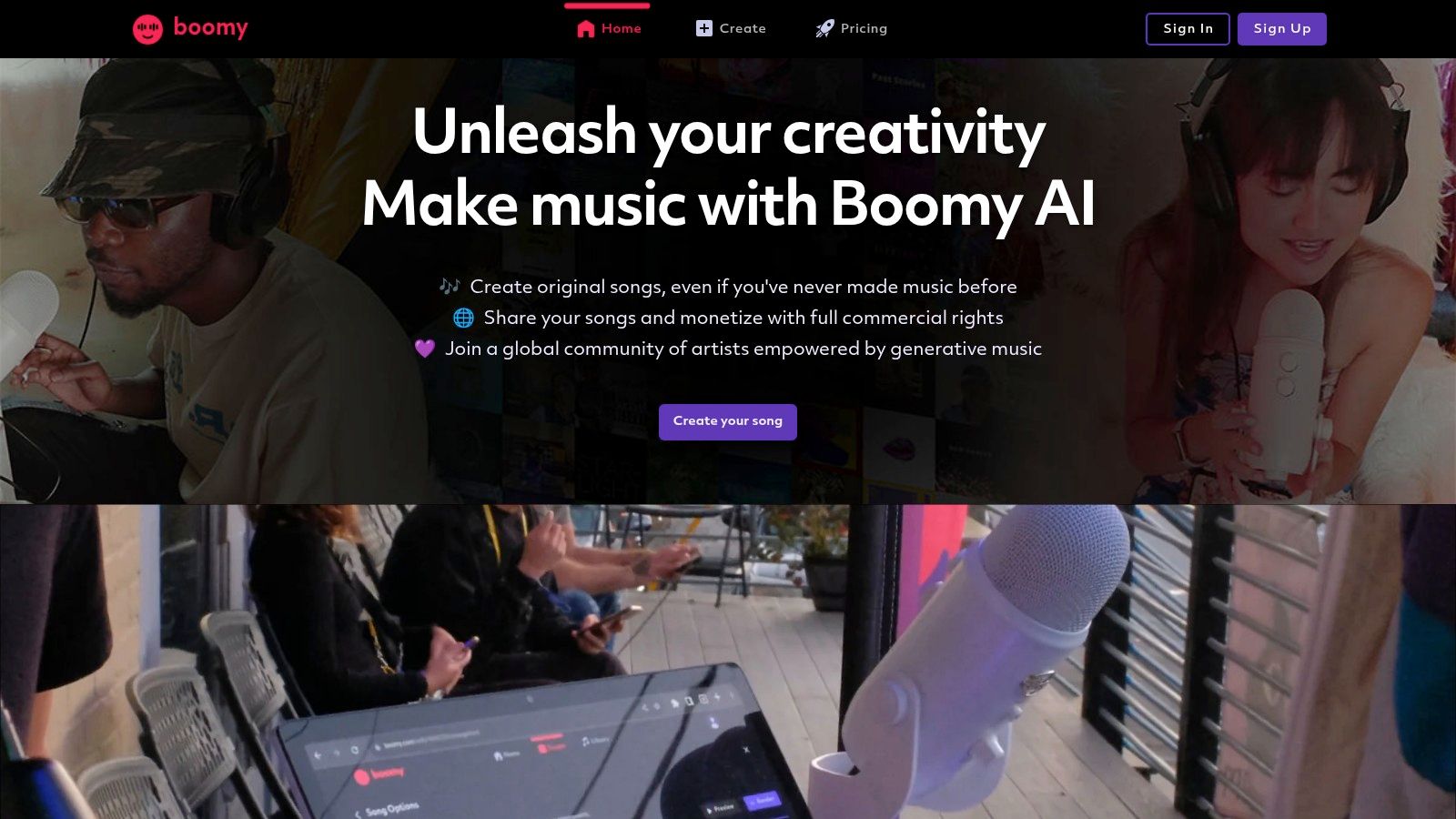
Boomy wins at frictionless song creation for non-musicians. You pick a style, generate a song, and make basic or more advanced edits without needing to understand arrangement, synthesis, or the difference between a snare that cuts and a snare that merely exists.
That simplicity is the point. Boomy is useful when a creator needs a publishable starting point for a video, a fast idea for a social post, or a distribution-ready draft without opening a full digital audio workstation. The platform supports WAV downloads on paid plans, and paid tiers include commercial-use permissions described through its pricing and support materials.
The free plan is mainly for creating and saving. Downloads and commercial use require a paid tier, so don't build a client deliverable on a free account and discover the licensing boundary after export. Boomy's plan limits are relatively clear, but the best value depends on whether you need audio files, commercial rights, or both.
The trade-off is control
Boomy's presets make it fast, but preset-driven workflows can also make results feel familiar. If your brief depends on a distinctive vocal identity, unusual structure, or detailed line-by-line lyric control, this isn't the first tool I'd reach for. It's better at producing a usable song-shaped object than helping you sculpt a personal performance.
That makes Boomy a solid companion to a lyric specialist. Generate the musical bed in Boomy, then bring in custom lyrics or a separately written vocal concept. For creators who want to understand the broader category before choosing a platform, this overview of programs that create music is a useful starting point.
The fastest generator isn't always the best generator. It's the one that gets you to an editable file without creating another problem.
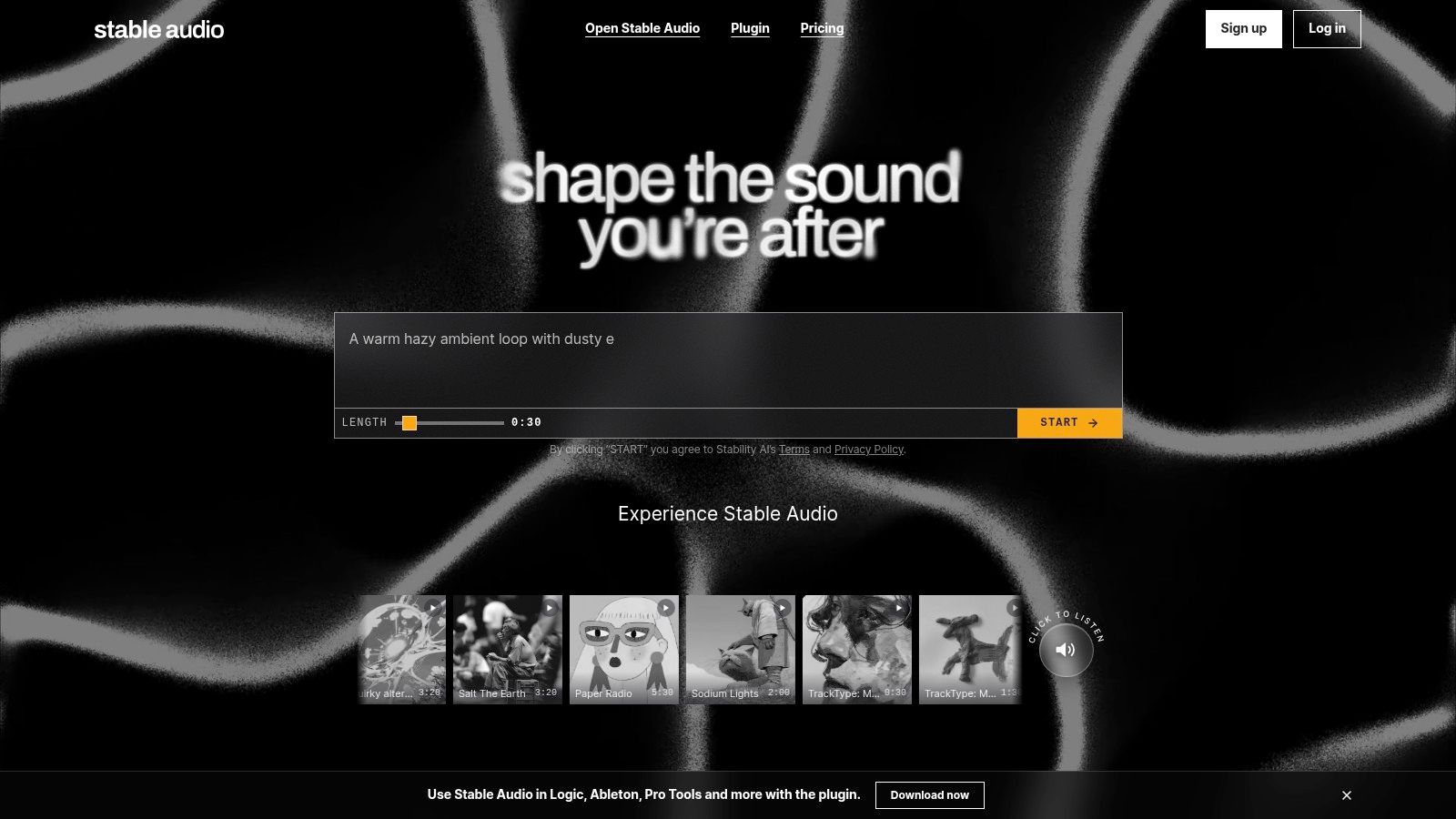
4. Stable Audio
Stable Audio is the specialist pick for background tracks and structured audio, not complete vocal songs. It comes from Stability AI and supports text-to-music as well as audio-to-audio transformations, which makes it useful when you already have a motif, loop, rough recording, or sonic direction that needs development.
You can generate structured tracks up to roughly three minutes in 44.1 kHz stereo, according to the product material. That's enough room for a video cue, a podcast bed, a game moment, or a full backing-track sketch. The platform also offers presets and guidance for shorter loops and longer pieces, which helps you avoid asking one prompt to do five different production jobs.
The audio-to-audio route is the more interesting feature for working creators. A hummed rhythm, rough piano idea, or existing texture can become a new arrangement without starting from an empty prompt. That preserves more of your original intent than a generic “make an upbeat track” request.
Why the licensed-data emphasis matters
Stability AI emphasizes licensed training data, which gives the tool a useful rights conversation for teams that care about provenance and commercial use. Licensing still needs checking for your specific output and use case, but the positioning is more reassuring than platforms that leave every practical question to the user.
The limitation is obvious. Stable Audio isn't designed as a full-song vocal generator in the same way as Suno or Udio. If your project needs lyrics, lead vocals, and a performed chorus, you'll need another tool or a human vocalist.
Use Stable Audio for background scoring, musical ideation, sonic transitions, and audio transformation. Pair it with a lyric or vocal tool when the track needs a recognizable human point of view.
 Stable Audio
5. SOUNDRAW
SOUNDRAW is best at background music with licensing clarity. It targets video creators, podcasters, app teams, and artists who need a track that supports the content instead of demanding the audience's full attention.
The workflow feels practical. Choose a musical direction, generate variations, adjust the result, and download the format your plan allows. Higher plans provide WAV and stems, while eligible plans support broader artist and distribution use. The service also offers API options for developers who need music inside a product rather than inside a browser tab.
Its strongest feature isn't a particular genre preset. It's the effort put into explaining licensing permissions and limits. That matters because “royalty-free” doesn't automatically mean “do anything you want forever.” Distribution, Content ID, downloads, stems, and plan eligibility can each change what you're allowed to do.
Read the plan before you choose the beat
SOUNDRAW's plan differences deserve attention. Some tiers focus on creator use, while others open up artist-facing options and distribution. If you need a WAV file or stems, check that those formats are included before committing. If you want to release the track to streaming services, read the distribution rules rather than relying on a thumbnail-sized “commercial use” label.
SOUNDRAW works especially well for recurring content. A channel can build a consistent sonic palette without commissioning every short cue from scratch. It isn't the obvious pick for personalized lyrics or expressive lead vocals, and that's fine. A background specialist should be judged on whether it stays out of the way.
6. Soundful
Soundful fits template-based music production for creator and business workflows. Choose a style, generate variations, and build a repeatable library for videos, campaigns, or brand content. Download allowances, stem access on higher tiers, and licensing options separate casual experiments from production work.
That structure suits teams with recurring output. A marketing group may need regular exports, while an artist may need stems for a fuller mix. Larger businesses may also require enterprise support or broader rights. Soundful's plans address those jobs separately, though the menu requires careful reading before purchase.
The free plan includes one MP3 download per month. Premium tiers expand MP3, WAV, and stem allowances. Soundful's premium tiers start at a published monthly rate on its pricing page, so verify the current rate before budgeting a content calendar. Review the current Soundful pricing and license details before committing, especially if a project depends on WAV files, stems, or particular usage rights.
For teams: Treat download limits as production capacity, not as a footnote.
Where Soundful falls short
Soundful is less convincing when a track needs one artist's highly specific perspective. Its templates support repeatable generation, but they offer less control for intimate lyric collaboration, distinctive vocal character, or tightly directed performance.
Exclusive and non-exclusive rights also need attention. Those labels can carry different practical consequences across music services, and the permission required for a campaign may differ from what an artist needs for streaming or a client handoff. Save the relevant terms with the project files.
Choose Soundful for repeatable music delivery, especially content calendars, brand libraries, and team production. Pair it with a lyric-focused generator when the brief calls for a personalized rap or diss verse. For current licensing guidance, visit Soundful's official site.
 Soundful
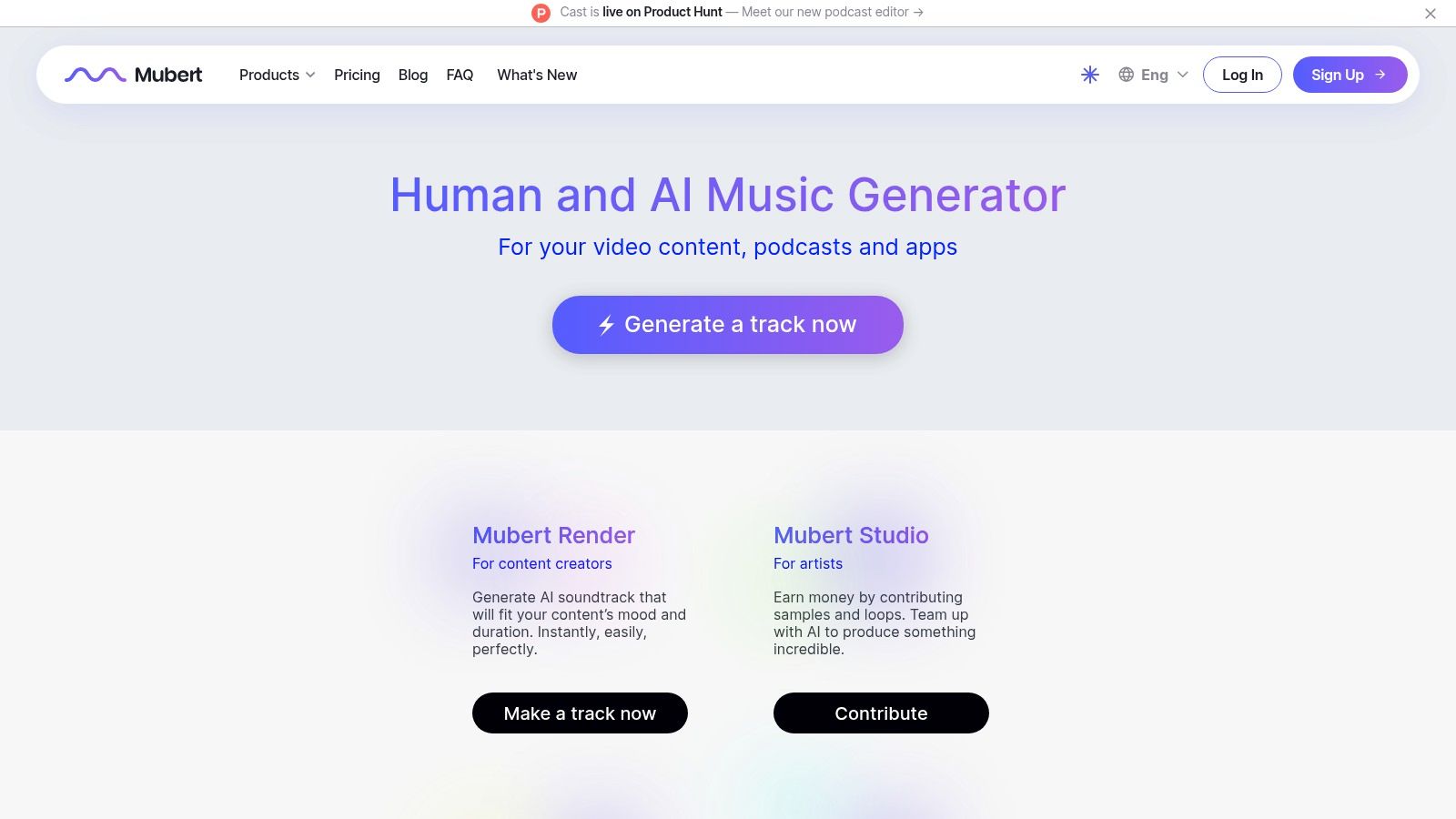
7. Mubert
Mubert is designed for creator-safe background music and app integration, with products aimed at video scoring, podcasts, business use, and developer workflows. Its range is useful when you're not just making one track, but building a repeatable system around music.
The platform offers different creator and rendering experiences, credit-based allowances, business plans, and an API for apps. That makes it more flexible than a single-purpose generator, though flexibility can also create a denser licensing menu. You'll want to know whether you're using a creator subscription, a render license, or an API arrangement before publishing anything.
Mubert's restrictions are especially important for independent distributors. Its license terms prohibit reposting generated music as standalone tracks and restrict Content ID registration. That's not a flaw if you're scoring a video or podcast. It becomes a major constraint if your plan is to upload the generated audio as the primary asset and claim it through platform identification systems.
Mubert's best lane
Use Mubert when music is part of a larger piece of content. A YouTube video, app experience, stream, or podcast can benefit from its catalog and workflow without needing the track to become a standalone release. It's less suitable for artists who want to build a streaming catalog from generated tracks.
The credit system also changes how you should work. Prepare your creative brief first, then generate deliberately. Endless prompt wandering is a good way to turn a simple cue into an administrative task.
For a more playful look at non-deterministic music workflows, see this guide to randomly generated music. Mubert is the practical choice when integration and content licensing matter more than artist-style authorship.
 Mubert
8. Ecrett Music
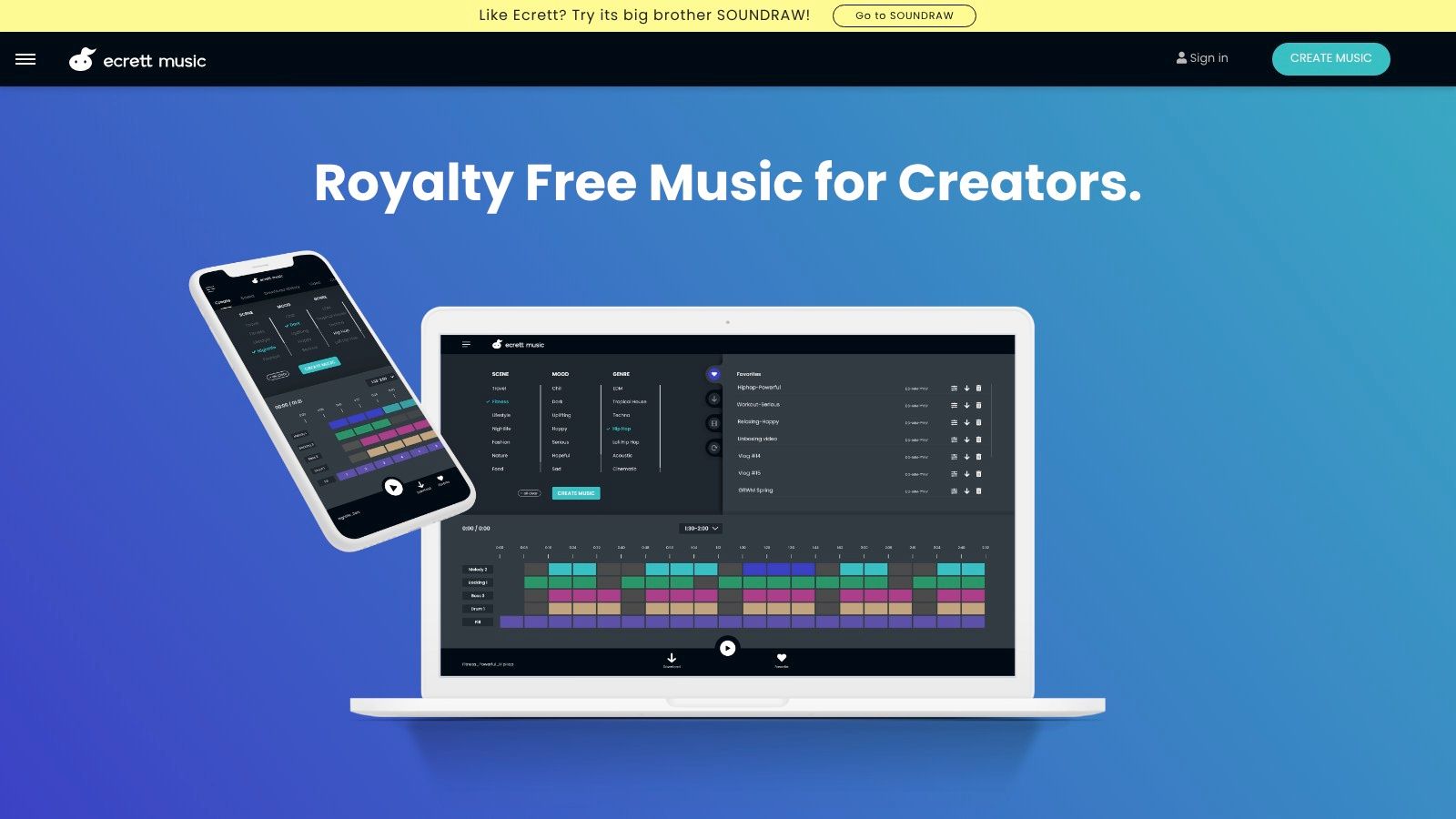
Ecrett Music is the most approachable option for promptless background tracks. Instead of writing a detailed text description, you choose a scene, mood, and genre, then shape the result through straightforward controls.
That makes it ideal for creators who know the emotional job a track needs to perform but don't want to learn production vocabulary. “A tense chase scene with a rising pulse” becomes a selection problem rather than a prompt-engineering contest. You can adjust instruments and basic structure, then generate variations for a game, video, podcast, or advertisement.
Ecrett focuses on music without vocals. There's no full vocal-song workflow here, which is a feature when you need unobtrusive background music and a limitation when you need a chorus people can sing back after one listen.
Why the simple interface works
Ecrett reduces the number of creative decisions you need to make at once. That's useful for editors, teachers, small businesses, and social creators who need a track now and don't want to become part-time audio engineers. Subscription plans offer unlimited creations and downloads, so the platform is suited to testing several moods against the same cut.
The trade-off is depth. If you want detailed lyric control, vocal identity, complex arrangement instructions, or stems for a serious mix, Ecrett isn't the right end point. It's a fast background-music generator, and it does that job cleanly.
Use it when the music should support the scene, not become the scene. A suspenseful bed under narration, a bright loop under a product clip, or a gentle cue beneath a podcast intro are all better matches than an artist release.
 Ecrett Music
9. Loudly
Loudly is the choice for generation plus post-production in one ecosystem. It covers text-to-music, music creation without vocals, remixing, samples, stems, mastering, and optional distribution. You can start with an idea, reshape it, export parts, and prepare the result without immediately jumping between five separate services.
That broader toolset is valuable for creators who think in edits. Maybe the first generation has the right drums but a weak bass line. Maybe the arrangement works for the intro but needs a shorter ending. Stems and remix features give you more options than downloading one stereo file and hoping your editor can rescue it.
Loudly also offers a developer API with pay-as-you-go and volume options. That puts it on the shortlist for app builders, agencies, and brands that want generative music as part of a product experience. Consumer pricing and plan details can change, and some exact monthly rates may sit behind the current in-app flow, so verify before budgeting.
Loudly's real advantage
The value isn't that every individual feature beats every specialist. It's that the platform reduces handoffs. Generation, remixing, stems, mastering, and distribution live in a connected workflow, which can save time when a project moves quickly from concept to delivery.
The downside is choice overload. A user who only needs one calm track may find the larger ecosystem unnecessary. Loudly makes more sense when you expect to revise, repurpose, or distribute the material.
 Loudly
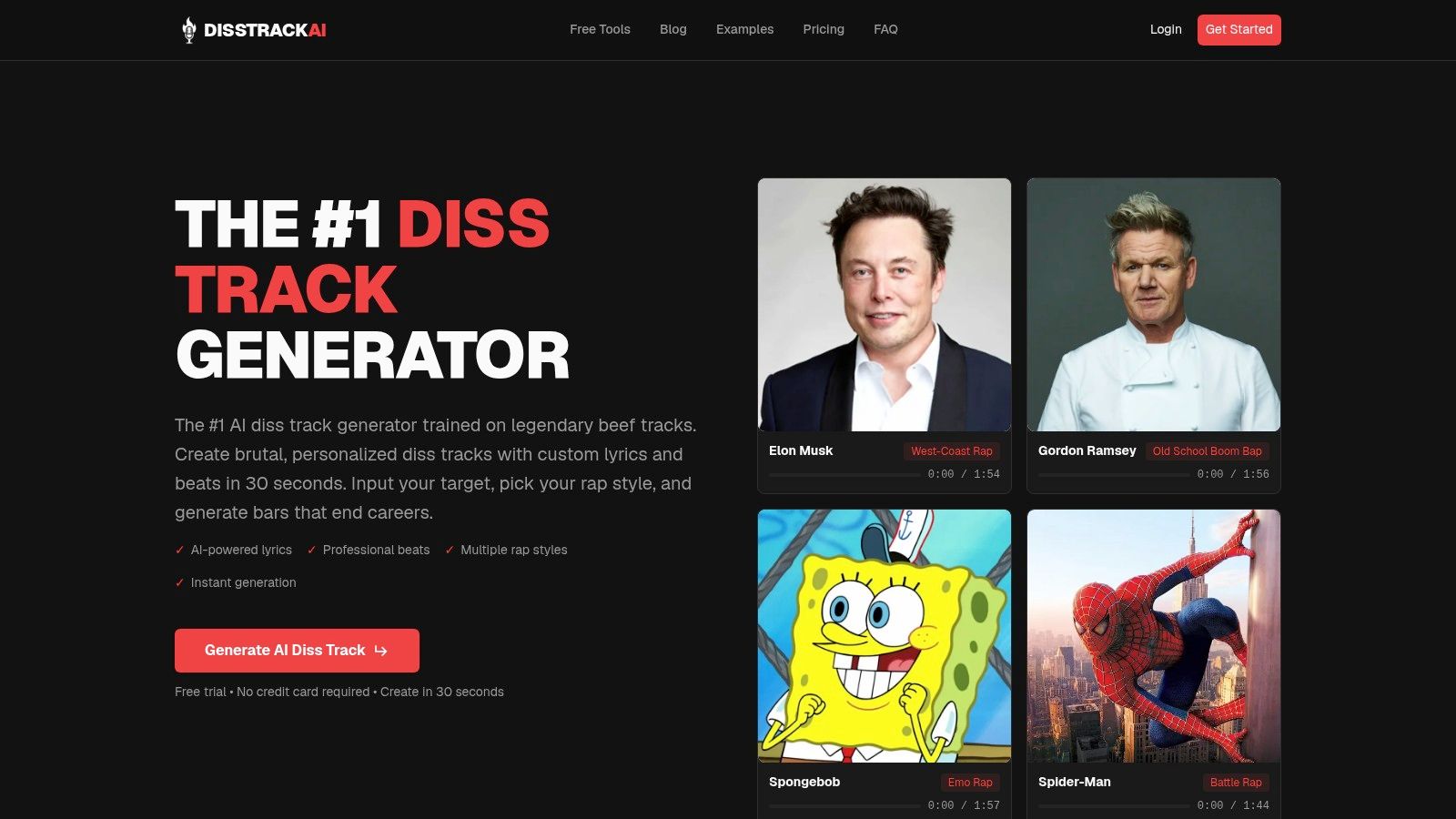
10. DissTrack AI
You have the beat, the inside joke, and one person who absolutely deserves a sharper fourth line. DissTrack AI handles that narrow assignment: personalized battle-style lyrics and diss tracks. Enter the target, relationship, private references, and desired intensity, then refine the result instead of forcing a general music model to infer the context.
The workflow begins with those personal details. Style tags can push the writing toward West Coast, Old School Boom Bap, Trap, Battle Rap, Drill, Emo Rap, or UK Grime. A savagery control adjusts the temperature, preset prompts help new users start quickly, and manual edits let experienced writers tune the tone, punchlines, and performance intent.
Its most practical feature is multiple variations. You can compare alternate punchlines and different routes through the same joke. That saves time when the opening works but the next bar sounds like it was written by a vending machine with unresolved feelings.
Best job, strongest workflow
DissTrack AI earns its place when the main creative asset is the lyric concept itself. A rapper can reshape the verses for a personal performance, a streamer can build a roast video around a custom hook, and a friend group can make a party diss filled with shared history rather than generic insults.
The platform emphasizes private generations until publication, ownership of the output, and export or sharing options. Commercial licensing is advertised, but check the live feature and pricing pages before promising finished audio to a client. The features page lists AI vocals as coming soon, while the pricing page implies they are included. Confirm which functions are live, especially if the deliverable requires full audio, AI vocals, or a completed mix.
Use personalization as a creative control, not as permission to target anyone without limits.
Roast lyrics can raise privacy, publicity-rights, harassment, or defamation concerns. A consenting joke between friends differs from targeted content about a private individual, minor, employer, or public figure. AI-generated text is not automatically safe, and it is not automatically unprotectable either. Keep records of your prompts, edits, samples, and human contributions if the material is heading for public release.
The narrower workflow also matches how creators use music tools in practice. In a Water & Music and Moises study of more than 1,500 musicians, stem separation was used by 71% of respondents, while full-track generation reached 24%, suggesting that bounded assistance can be more useful than full automation for some projects. DissTrack AI fits that approach when the job is lyrical ideation, variation, and revision.
The service advertises a free tier for testing the workflow, plus paid Pro and Creator options for heavier use. Pricing and feature availability can change, so check the current offer before budgeting. For a complete backing track, pair the finished lyrics with Suno, Udio, or a melody-focused tool. For sharp, personalized roast writing, start with DissTrack AI.
Visit DissTrack AI
 DissTrack AI
Top 10 AI Music Generators, Comparison
| Product | Core features ✨ | UX & Quality ★ | Price & Value 💰 | Target audience 👥 | Why choose / Unique selling points 🏆/✨ |
|---|---|---|---|---|---|
| Suno | ✨ Text-to-song (lyrics + vocals); studio editor; stem separation | ★★★★☆ Clear end-to-end flow; pro tools | 💰 Free tier (no downloads); paid plans with commercial rights | 👥 Musicians & producers wanting full song creation | ✨ End-to-end song + vocal output; studio environment |
| Udio | ✨ Text-to-music with vocal output; lyric editor; adjustable clarity/length | ★★★★☆ Fast generation; interactive controls | 💰 Subscription/credit model (pricing gated in app) | 👥 Songwriters & fast drafters | ✨ Tunable vocal quality and length; good docs/support |
| Boomy | ✨ Style pickers; create/edit songs; WAV downloads on paid tiers | ★★★★ Simple, consumer-friendly UI | 💰 Free create/save; paid for downloads & commercial use | 👥 Non-musicians & indie creators | ✨ Simple workflow; distribution-ready exports |
| Stable Audio | ✨ Text-to-music + audio-to-audio; ~3-min instrumentals; API | ★★★★ Strong instrumental coherence; developer tools | 💰 Usage-based API; web pricing published | 👥 Developers & instrumental producers | ✨ Licensed training data; strong instrumentals & transforms |
| SOUNDRAW | ✨ Creator/Artist plans with stems & unlimited downloads (tiers) | ★★★★ Transparent licensing; stems on higher tiers | 💰 Subscription tiers with download format limits | 👥 Video creators, podcasters, artists | ✨ Clear license pages; distribution options on eligible plans |
| Soundful | ✨ Templates/styles; MP3/WAV/stem allowances by tier | ★★★☆☆ Clear plan entitlements; simple UI | 💰 Free 1 MP3/month; premium tiers increase downloads | 👥 Small teams & creators needing quick tracks | ✨ Flexible business/enterprise offerings; license options |
| Mubert | ✨ Credit-based creator plans; API; multiple product modes | ★★★★☆ Multi-tool UX (scoring/podcasts); detailed plans | 💰 Credit/subscription & API pricing | 👥 Creators, apps, brands needing licensed loops | ✨ Granular licensing; API-first for integrations |
| Ecrett Music | ✨ Promptless scene/mood/genre generator; customizable instruments | ★★★☆☆ Extremely simple; low learning curve | 💰 Low-cost subscriptions; unlimited downloads on plans | 👥 Non-musicians for background music | ✨ Fast template-guided workflows for games/videos |
| Loudly | ✨ Text-to-music + remixing, stems, mastering, distribution | ★★★★ Broad toolset; mastering & post-process included | 💰 Mix of subscription & pay-as-you-go API | 👥 Creators & brands wanting full production stack | ✨ All-in-one generation → mastering → distribution |
| DissTrack AI 🏆 | ✨ Battle‑rap trained lyric generator; style tags; savagery tuning; multi-variation export | ★★★★★ Ultra-fast (~30s); authentic rhyme schemes & flow | 💰 Free forever (1 roast); Pro $9.99/mo (15); Creator $29.99/mo (100); commercial licensing | 👥 Creators, performers, roasters, battle-rap fans | 🏆 Purpose-built for diss tracks; privacy & ownership; beginner presets + pro editing |
Pick Your Lane and Start Generating
The right AI generator for music depends on what you're trying to hand off at the end. Need a full song with vocals and arrangement? Start with Suno or Udio. Want a simple song draft without much technical setup? Boomy is the friendlier door. Need music without vocals for a video, podcast, app, or ad? Stable Audio, SOUNDRAW, Soundful, Mubert, and Ecrett Music make more sense, with different approaches to licensing, downloads, and customization. Need stems and post-production in the same ecosystem? Loudly has the broader workspace. Need a personalized roast with rhyme, cadence, and punchline control? DissTrack AI is the specialist.
The two-tool workflow is where these platforms become more useful. Start with the tool that solves the central creative bottleneck, then hand the result to a tool that handles the missing production layer. For example, generate a diss concept and several verse variations in DissTrack AI, then build a backing track in Suno or an environment for music without vocals such as Stable Audio. Or create a background cue in SOUNDRAW, then use a lyric specialist only when the video needs a spoken or performed hook.
Test two free tiers with the same brief. Keep the concept, mood, target audience, and length consistent, then compare the results on practical criteria:
- Editability: Can you change the weak line, section, or instrument without losing the useful idea?
- Rights clarity: Do the current plan terms cover your intended commercial or public use?
- Export usefulness: Do you get the WAV, stems, lyrics, or file format your next tool needs?
- Privacy: Are private drafts protected until you choose to publish?
- Repeat value: Does the tool help on project number five, or was the first result just a lucky accident?
AI music has a long technical history. Documented computer-assisted composition experiments began in 1957, while neural-network research expanded during the late 1980s, creating the path toward systems that learn patterns from musical corpora rather than relying entirely on hand-authored rules. Modern generators are the latest stage of that shift, combining symbolic generation, audio synthesis, multimodal systems, and generative modeling.
The technology is moving quickly, but the workflow lesson is stable. Creators get more value when they preserve control, revise generated material, and match the tool to a narrow job. A complete song can be impressive and still be unusable. A rough stem, a better punchline, or a clean background loop can be the thing that saves the deadline.
Keep a short notes file for every platform you test. Record what it handled well, what it mangled, which plan included the export you needed, and whether the licensing language matched your project. The next late-night hook should start with a decision, not another hour of clicking through random presets.
DissTrack AI gives you personalized roast lyrics with target details, inside jokes, style tags, savagery controls, and multiple verse variations ready to edit or share. If your music project needs battle-style writing instead of generic filler, try DissTrack AI and turn the blank page into a verse worth performing.