
10 AI Tools for Musicians in 2026: What Each Does Best
It's 2 A.M. You have a four-bar loop, solid drums, and a bass line that finally works. The vocal idea is missing, and the demo is due in the morning.
The next step depends on the gap. Use a lyric generator to sketch a verse, a song generator to test a chorus, or a stem separator to inspect a reference arrangement. Each saves time in a different part of the session, with a trade-off: a convincing demo is not editable MIDI, and separated vocals are not clean multitracks.
Mastering has its limits, too. A muddy mix usually stays muddy, only louder.
In LANDR's 2025 survey of 1,241 music makers, 29% said they used song-generator tools at some stage of their workflow, particularly for parts such as vocals and instruments, according to LANDR's AI overview.
Choose the tool for the missing task, not the most impressive demo on its homepage.
For a battle verse, a rehearsal backing track, or another musical starting point, the right tool helps you reach something you can judge sooner. You still need to write, perform, edit, and listen. The practical question is where AI can help in your session, and where its output still needs your hands and ears.
1. DissTrack AI
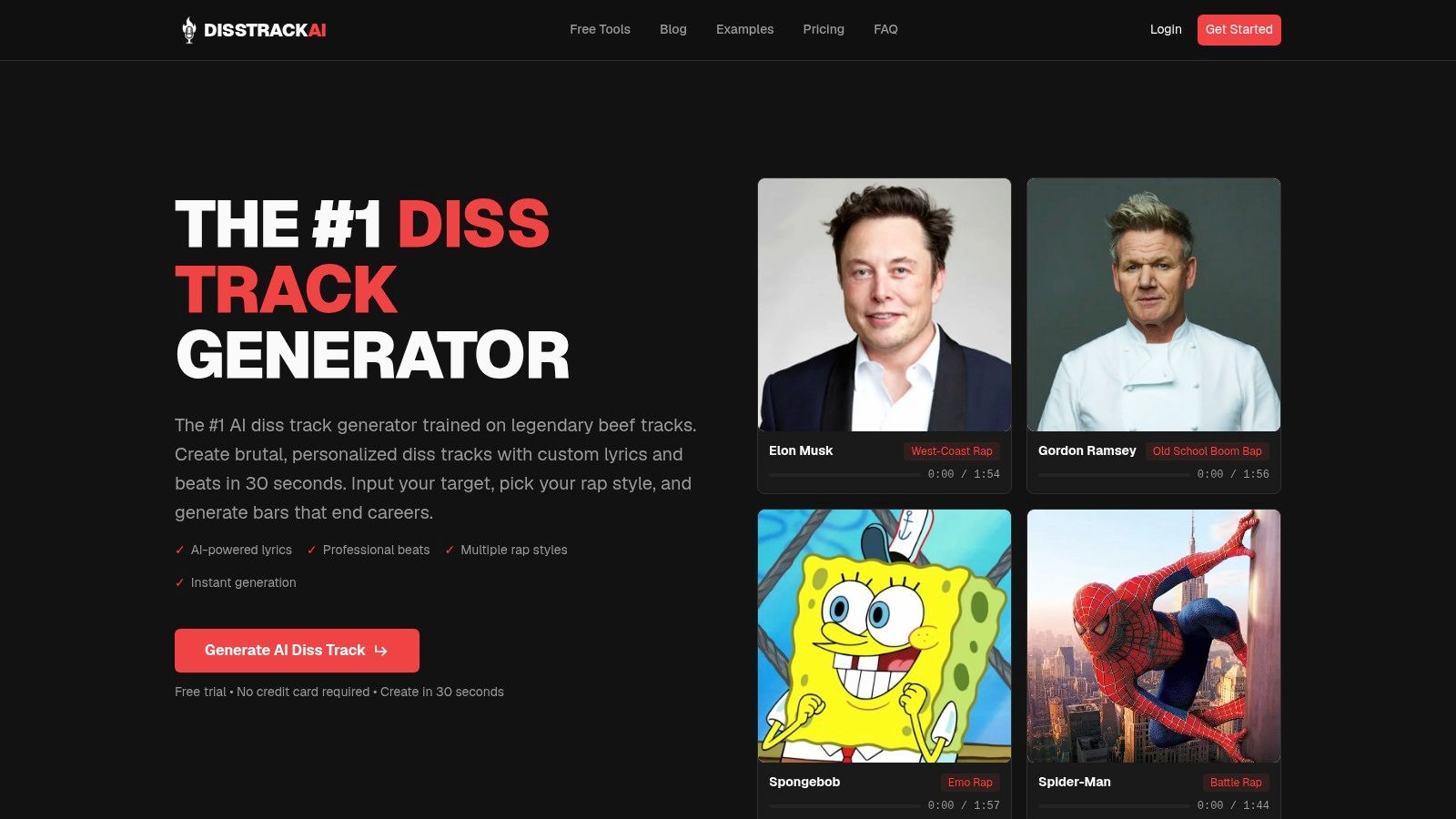 Personalized rap lyric interface
Session fit: personalized lyrics and battle-rap ideas.
A roast verse needs details. Generic insults sound like somebody arguing with a refrigerator. A friend's terrible parking, abandoned mixtape, or suspiciously competitive board-game habits give a writer something useful to work with.
DissTrack AI takes a target's name, relationship, and optional personal details, then combines them with rap-style tags and adjustable intensity. Our supported styles include West Coast Hip-Hop, Old School Boom Bap, Trap, Drill, and UK Grime. Generations stay private unless you choose to publish them.
Turn the draft into a performance
Start with harmless, recognizable details and choose a style that suits your delivery. Generate alternatives, keep the strongest setup and payoff, then rap the lines over your actual beat. Cut syllables wherever the writing fights your breath.
- Useful control: Our generations include multiple variations, and you can edit in the app, regenerate, or export lyrics as text.
- Access: Our Free plan includes a single diss track. Pro costs $9.99 per month for 15 tracks, while Creator costs $29.99 per month for 100 tracks.
- Ownership: You own what we generate, and we don't claim rights to your lyrics. The plans include a commercial license.
The blunt limitation is audio. Some site messaging describes recorded tracks, but our currently available output is lyrics text; audio generation isn't available yet. Treat this as a writing tool, not a finished vocal-production service.
I'd use it for personalized punchline options, then rewrite anything that sounds borrowed, overstuffed, or needlessly cruel. A roast lands because the audience recognizes the joke, not because you selected maximum aggression.
2. Suno
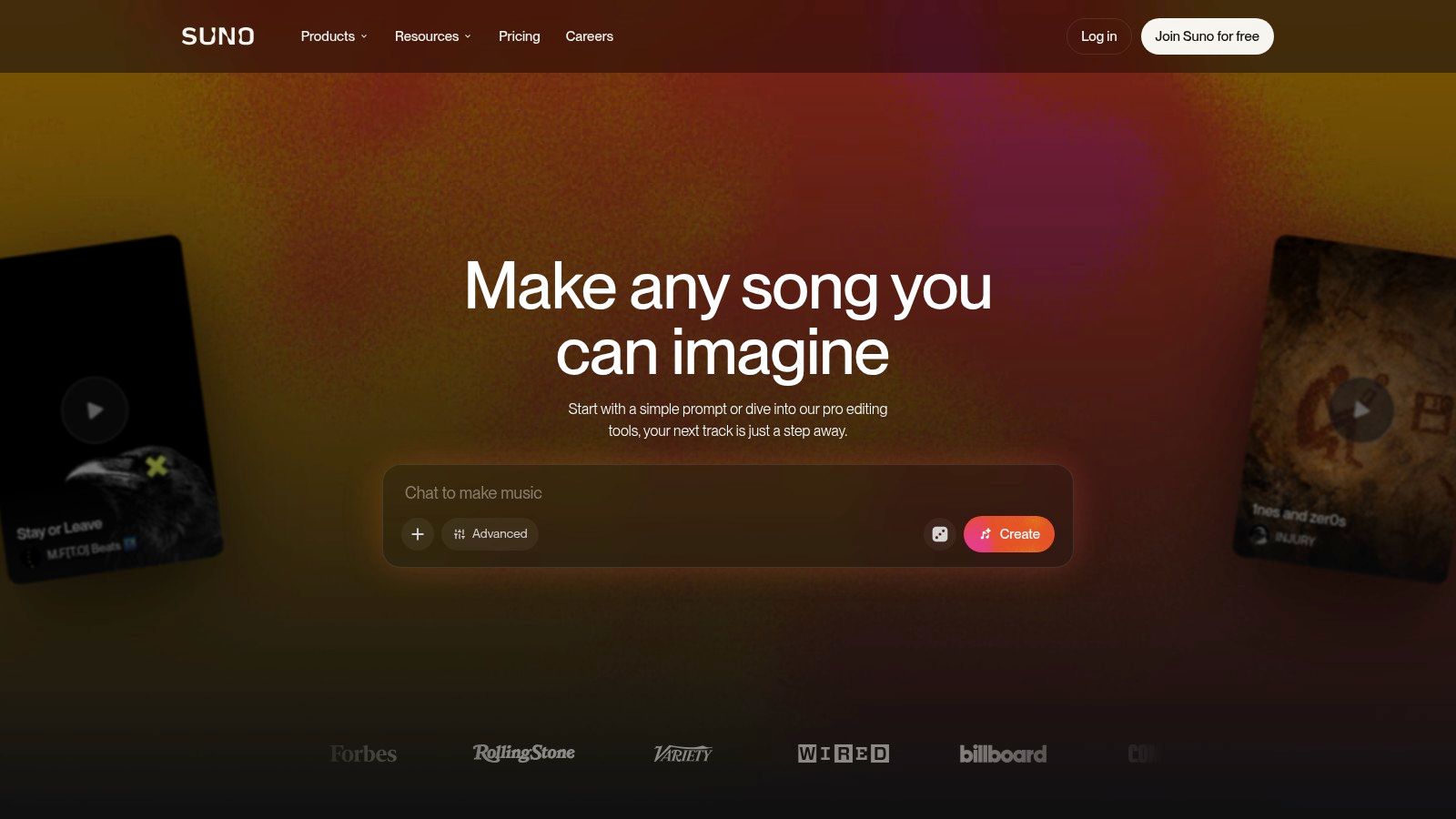 Suno
Session fit: hearing a song idea before committing to an arrangement.
Suno turns prompts and lyrics into vocal songs or music tracks. That makes it useful when you can describe a direction but can't yet hear how the chorus should lift.
Say you've written a hook for a roast video. Test a sparse, bass-heavy version against something brighter and more melodic. Listen for phrasing and energy rather than assuming the generated production belongs in the final release.
Use the demo as a decision tool
Feed it your own lyrics and describe instrumentation, vocal energy, and arrangement movement. Its editing and stem tools can help you develop the result, but generated stems aren't equivalent to the original recording-session files.
- What works: Fast comparisons between musical directions, especially when collaborators need something audible rather than another paragraph of adjectives.
- What doesn't: Repeatedly prompting until every lyric, vocal inflection, and transition obeys you. Results can remain unpredictable.
- Next step: Bring a usable export into your DAW, map the sections, and replace weak performances or awkward transitions.
A text-to-music workflow works best when you arrive with a clear brief. Free generation is available, while commercial-use eligibility depends on the plan and applicable terms.
The trade-off is speed versus exact control. Keep the musical idea you like, not an entire arrangement just because it arrived fully dressed.
3. Udio
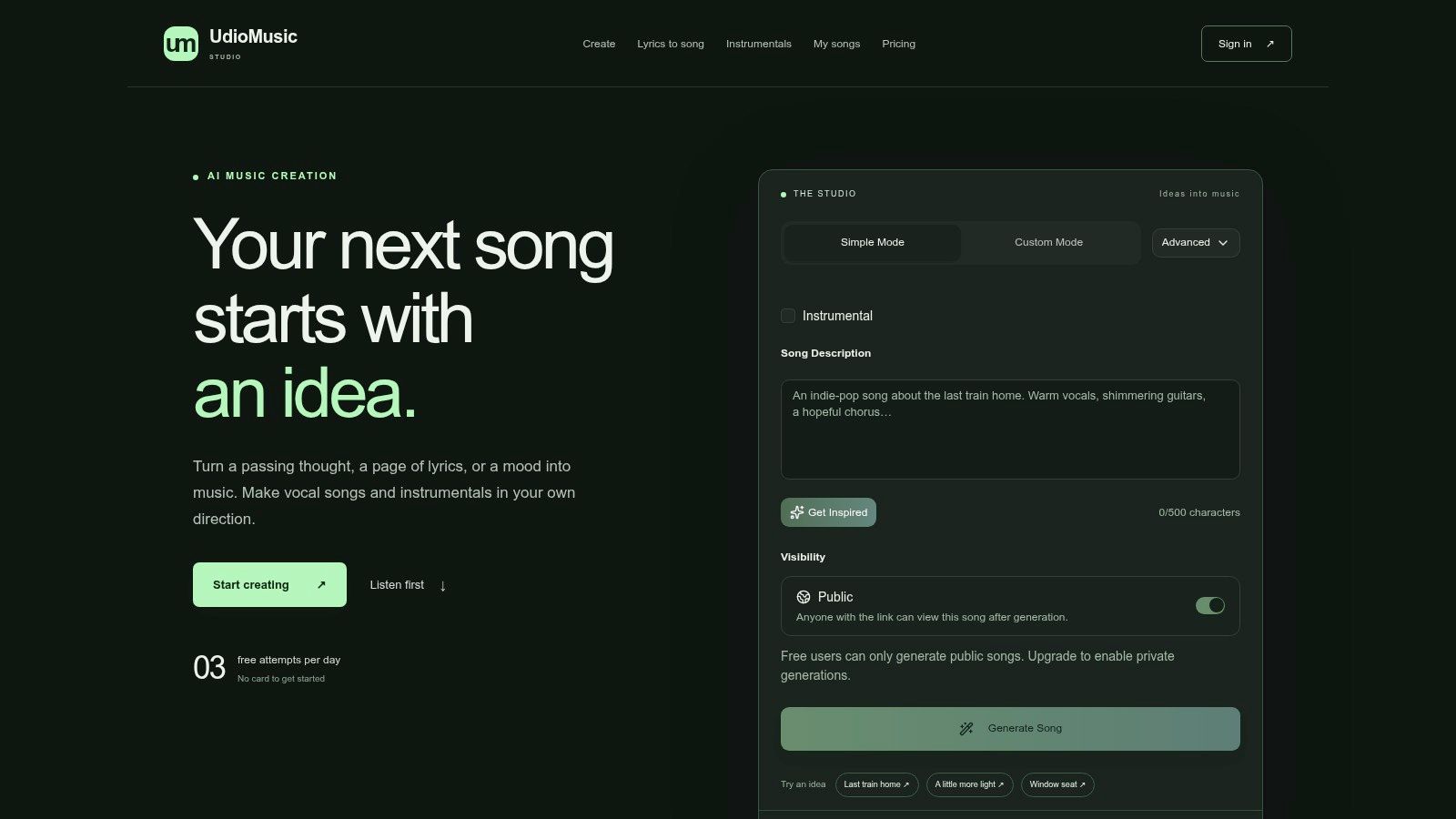 Udio
Session fit: exploring alternate treatments of a lyric or concept.
Already have lyrics but no convincing musical home for them? Udio supports original lyrics, music generation, and simple or custom descriptions of a musical idea.
The useful move is comparison. Keep the lyric steady while changing the backing direction, so you can hear whether the writing wants a loose groove, a darker texture, or more space around the vocal.
Producer's rule: Change the musical brief before rewriting a lyric that might simply be sitting on the wrong backing.
Extensions and editing let you develop promising material. They don't guarantee that a requested section will arrive with the exact structure, emphasis, or style you intended.
Protect the unfinished material
Free generations are public, and downloads require a paid plan under the described offering. That's a meaningful drawback when you're handling an unreleased hook, a client brief, or personalized roast material.
- Before generating: Decide whether the material is suitable for public exposure.
- Before paying: Confirm download access, private-generation options, and stem availability for the selected plan.
- Before arranging: Identify the strongest passage and build around it rather than extending an average result indefinitely.
I'd choose Udio for exploring alternatives, not for a deadline that depends on a precisely specified export. Its trade-off is creative variety against predictability and plan-dependent access. Confirm the current conditions before uploading anything sensitive.
4. BandLab SongStarter
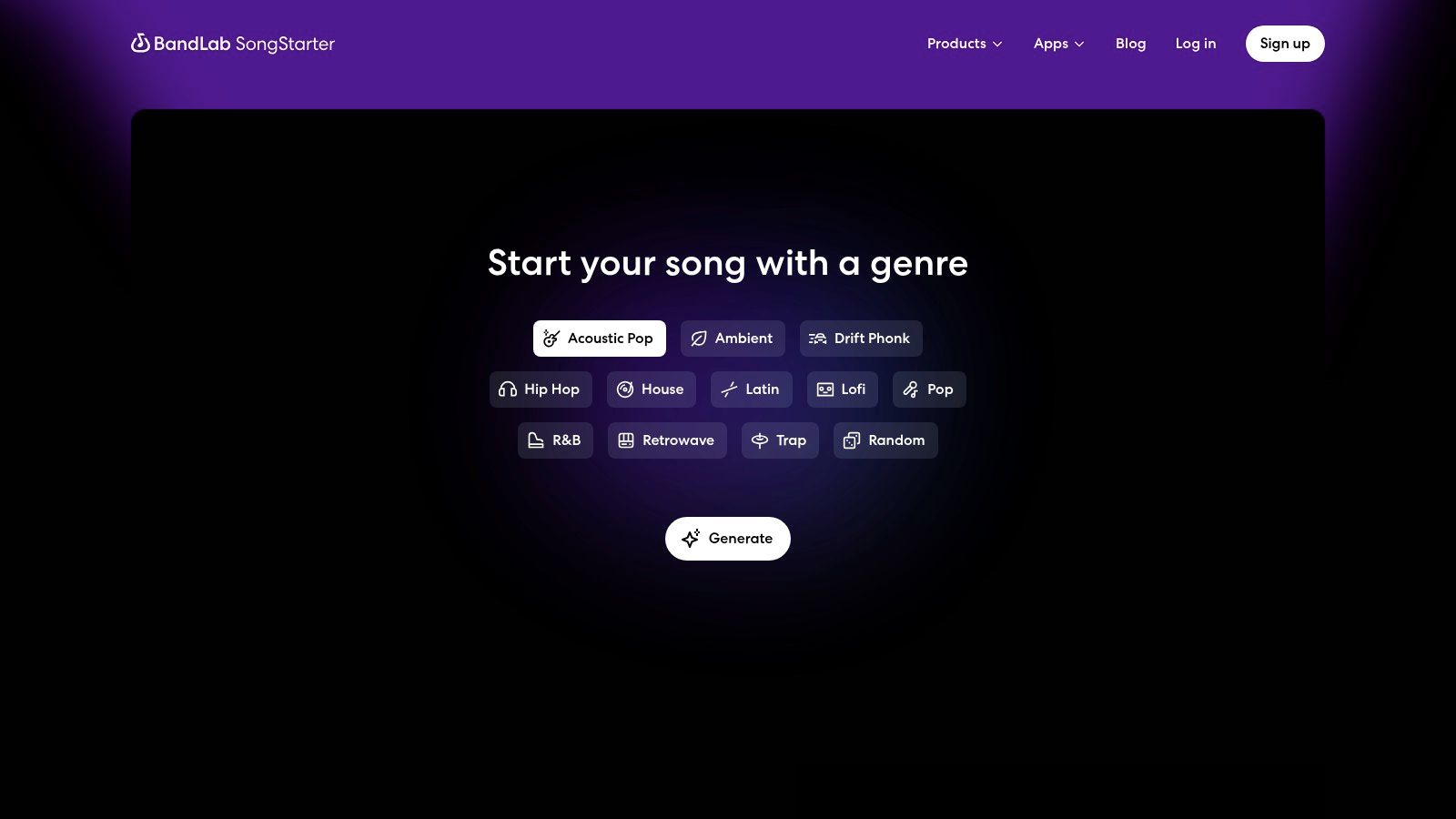 BandLab SongStarter
Session fit: getting past an empty project.
BandLab SongStarter is for the moment before there's even a loop to get bored with. It generates musical starting points, and BandLab's wider creation environment gives you somewhere to develop them.
That narrower job is a strength. You're not asking it to supply the entire artistic identity of a release. You're asking for something that makes you reach for a keyboard, microphone, or drum pad.
Keep the spark, change the furniture
BandLab presents SongStarter as free and describes its generated ideas as royalty-free. That makes it approachable for experimenting, although separate BandLab features can have their own access conditions.
Try this workflow:
- Choose a direction: Find an idea with a useful rhythmic feel or harmonic mood.
- Add your contribution: Record a bass part, change the drum pattern, or write a topline before browsing more options.
- Create contrast: Strip the accompaniment back for a verse and restore density for the hook.
Its limitation is the amount of production still ahead. You'll need arrangement decisions, transitions, sounds, and a performance that makes the result yours.
Among free songwriting apps, this is a sensible starting-point option rather than a specialized lyric writer. I'd pick it for an open-ended writing session, not for generating a personalized battle verse. The trade-off is accessibility versus specificity.
5. AIVA
 AIVA
Session fit: editable musical composition.
Audio can sound finished while being awkward to change. AIVA offers a different route: generated compositions with MIDI export, so you can work on the notes rather than trying to surgically remove something from a stereo file.
That's useful for music beds, melodic sketches, or dramatic accompaniment beneath a spoken introduction. Pick a style model, generate material, and treat the composition as a draft.
MIDI gives you leverage
Import the MIDI into your DAW and assign your own instruments. Then inspect the register, note lengths, and voicings before adding more layers.
A piano idea may need fewer low notes once you introduce an electric bass. A sustained string part may need a simpler melody underneath a fast rap delivery.
- Best advantage: You can change harmony, instrumentation, and timing directly.
- Main limitation: Editable composition still needs sound selection and performance shaping.
- Rights consideration: The free plan is non-commercial and requires AIVA credit; monetization and copyright terms vary by subscription.
Don't expect it to write personalized insults, perform rap vocals, or solve a weak punchline. Its strengths are composition and musical development.
I'd choose AIVA over a finished-song generator when substantial rearrangement is needed. The trade-off is more control over the musical material in exchange for more hands-on production. MIDI makes revision possible; it doesn't make every instrument sound convincing automatically.
6. SOUNDRAW
 SOUNDRAW
Session fit: building and adapting backing tracks.
A streamer needs a bed beneath a roast segment. A rapper needs room for dense lyrics. Those are different arrangements, even if both briefs start with the word trap.
SOUNDRAW generates music from selectable musical characteristics and lets users shape the result. Its separate creator and artist plans reflect different uses, so choose around your intended output rather than the most attractive demo.
For a vocal project, prioritize space. A busy lead melody can compete with every punchline, and a constant wall of percussion leaves nowhere for the delivery to get bigger.
Plan the export before the session
Artist Pro and Artist Unlimited include WAV and stem downloads in the described offering. Other download formats, allowances, and usage permissions depend on the subscription.
- For background content: Check that the selected license covers the video or other production you're making.
- For an artist release: Check distribution and monetization permissions rather than assuming background-use terms apply.
- For mixing: Choose access that gives you the files you need to control the backing beneath your vocal.
The trade-off is convenience versus export and licensing complexity. Customization is useful, but it doesn't remove the need to read the relevant plan conditions.
Once the backing is in your DAW, automate competing elements down beneath the verse. Leave the bigger gestures for the gaps, where listeners can hear them.
7. Moises
 Moises
Session fit: practice, reference analysis, and rough stem extraction.
Mute the lead vocal and try performing the song yourself. You'll quickly discover whether you know the phrasing or merely enjoy shouting the last word.
Moises separates vocals and instruments, detects chords and sections, changes playback key and speed, and transcribes lyrics. It's a practice and audio-analysis tool, not a text-to-song generator.
The most useful application is focused rehearsal. Slow a difficult passage, isolate the part you need, and bring the accompaniment back once the timing feels secure.
A separated stem is a listening aid first. Solo it before deciding it's clean enough for production.
Listen through the artifacts
Dense mixes, heavy reverbs, and overlapping sounds can leave bleed or watery residue. Those imperfections may be fine for learning a bass line and unacceptable beneath an exposed vocal.
- Practice step: Reduce playback speed and rehearse the troublesome phrase without changing your intended articulation.
- Production step: Check extracted audio both soloed and inside the new mix.
- Release boundary: Separating a recording doesn't grant permission to reuse it commercially.
Free usage is limited, and the app is available across web, desktop, and mobile. The trade-off is practical access to individual parts versus imperfect separation.
I'd use Moises to study arrangements and prepare rehearsal material before relying on it to rescue a production. It helps you hear the work more clearly; you still have to do the practicing.
8. LANDR
 LANDR
Session fit: a fast mastering preview and release preparation.
LANDR is useful when the mix is finished enough to evaluate, but you need to hear how it responds to mastering. Its online tools analyze the upload and apply processing, with options such as mastering styles, intensity, and reference mastering.
Don't upload a rough mix and expect the service to untangle your kick and bass. Mastering operates on the combined result, so problems that require separate track adjustments usually belong back in the mix.
Make a fair comparison
Export a clean mix without clipping and avoid adding aggressive final limiting merely to make the upload louder. Preview the master, then compare it with your mix at similar perceived loudness.
- Listen for: Vocal clarity, bass definition, harsh consonants, and whether the drums still have impact.
- Return to the mix for: A buried hook, unstable low end, or an instrument that dominates only in certain sections.
- Check the purchase: Preview access, export formats, and subscription bundles before committing.
The trade-off is speed versus individualized judgment. An experienced mastering engineer can discuss intent and ask for mix revisions; an automated result can't replace that conversation.
If you're also preparing to upload a song for free, keep mastering and distribution decisions separate. A convenient release bundle isn't proof that a particular master is your best-sounding option.
9. iZotope Ozone
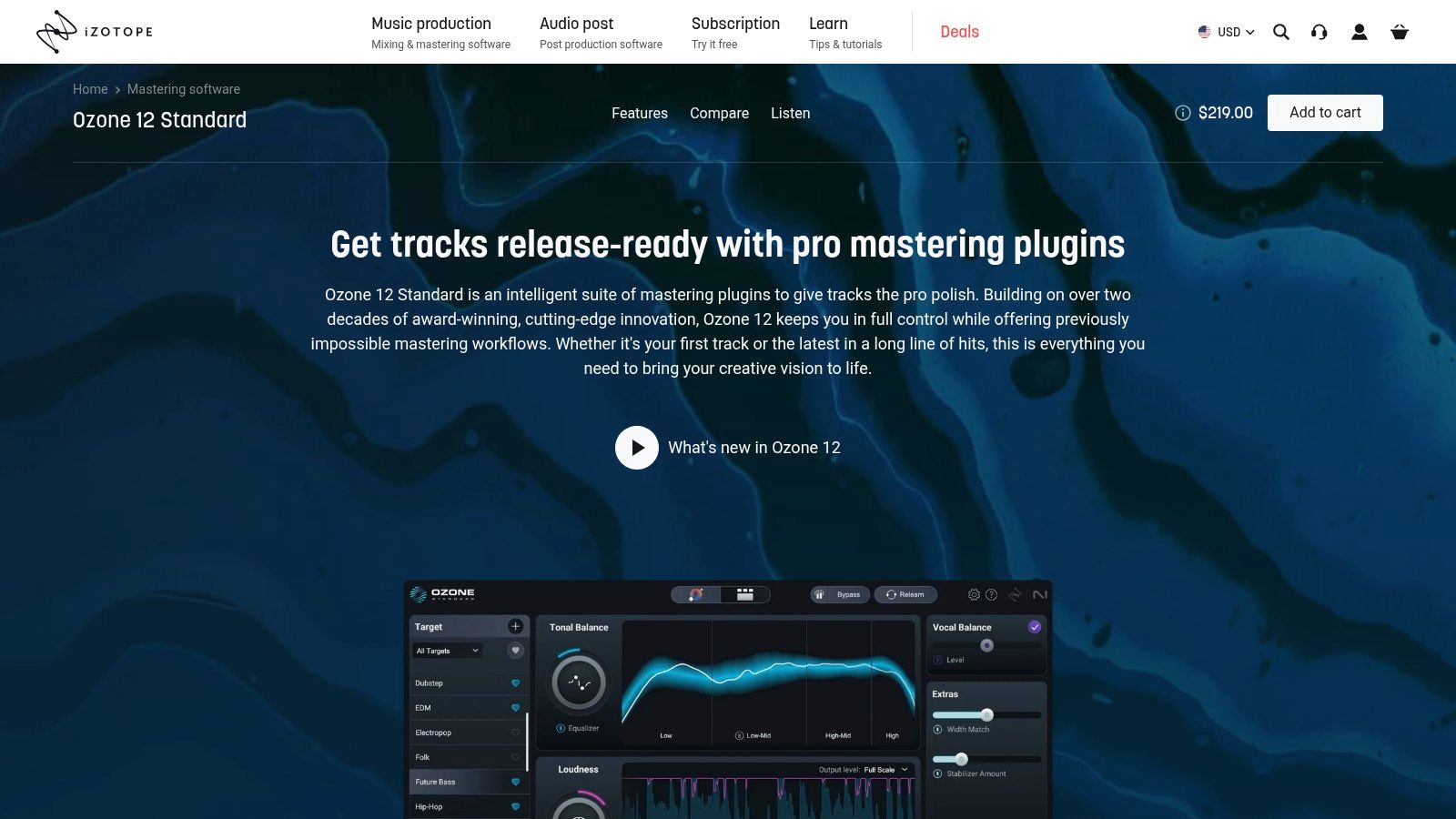 iZotope Ozone
Session fit: hands-on mastering inside your DAW.
Want to know what the assistant changed? iZotope Ozone puts an editable mastering chain in a compatible DAW rather than returning only a processed file.
Master Assistant suggests a starting point based on the audio. Depending on the edition, you can adjust tools such as EQ, dynamics, and limiting, with additional modules and stem-focused tools in higher editions.
Treat the suggestion as a draft
Run the assistant on a representative passage, then inspect the proposed processing. Bypass modules individually and compare at matched loudness so louder doesn't automatically win.
A bright rap vocal may become tiring after extra high-frequency emphasis. A limiter may make the chorus feel exciting while flattening the kick that gave the beat its personality.
- Useful control: Keep helpful changes and reduce or remove the rest.
- Learning opportunity: Connect an audible difference with the processor responsible for it.
- Buying decision: Choose the edition for the modules you'll use, not the longest feature list.
Ozone requires a compatible DAW and some production knowledge. It's less appealing if you want an upload-and-download service with minimal decisions.
The trade-off is control versus responsibility. You can override the assistant, which is the point, but you can also overprocess a good mix. I'd choose Ozone when mastering is a skill you want to develop rather than a task you want to outsource.
10. Lalals
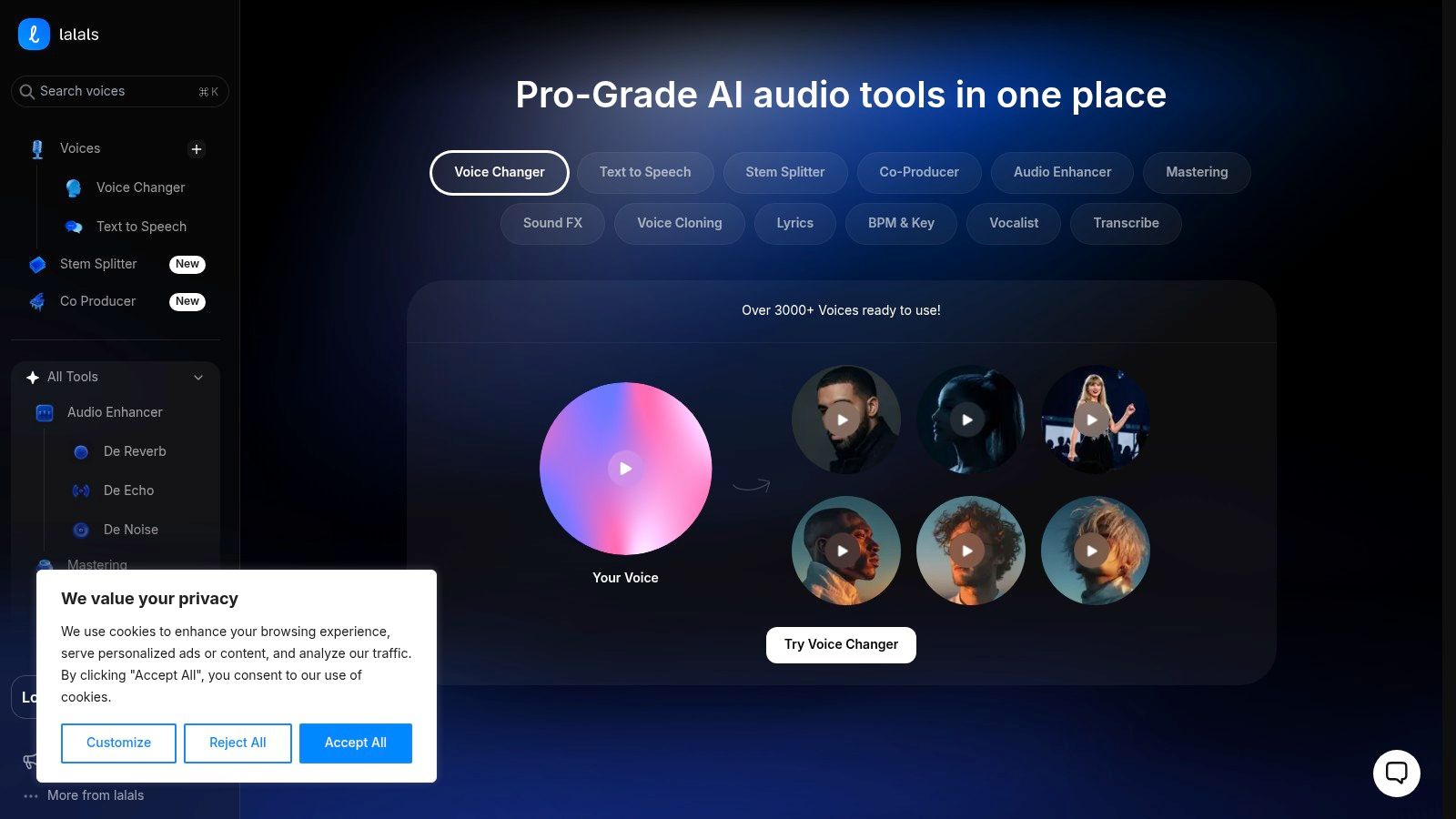 Lalals
Session fit: vocal experimentation and supporting audio tasks.
Lalals combines voice transformation, stem splitting, song-production features, mastering, and transcription. That breadth is convenient when you want to experiment without moving between several services.
It's also a reason to stay disciplined. A large toolbox can turn a simple vocal task into an evening of auditioning effects while the actual verse remains unfinished.
Test the exposed vocal first
Record a dry, clearly articulated performance before trying voice conversion. Heavy room sound, clipping, and effects make it harder to judge whether the transformed output preserves the phrasing you need.
- Check articulation: Listen to consonants, breaths, held vowels, and transitions between registers.
- Check context: Audition the result over the beat, then return to solo playback for glitches.
- Check permission: Use voices you're authorized to use and don't imply that an artist performed or endorsed your track.
Limited free access lets you explore some features, while paid plans list commercial-use rights. Credits, available voices, and stem options depend on the offering, so confirm the relevant conditions before planning a release around them.
The trade-off is breadth versus task-specific focus. I'd test it for vocal textures or a defined audio job, not assume every feature will suit an entire production.
Keep the original recording and an unprocessed backup. If the converted vocal smears the punchline, the novelty isn't worth losing the joke.
How the 10 AI tools for musicians compare on free access, best use, and main limitation
Use the tool that fits the session's current bottleneck. A lyric draft, a usable arrangement, and a polished master are different jobs, so the trade-off matters as much as free access.
| Item | Free Option | Best For | Main Limitation |
|---|---|---|---|
| DissTrack AI | Free plan costs $0 forever and includes 1 diss track | Personalized diss lyrics in styles such as Trap, Battle Rap, Drill, and UK Grime | Output is lyrics text only; audio generation is not available |
| Suno | Free daily song generations | Turning prompts or lyrics into song demos | Results may need revision, and commercial use depends on the plan |
| Udio | Free tier available | Exploring song ideas and generating vocal or instrumental tracks | Free generations are public, and downloads require a paid plan |
| BandLab SongStarter | Free tool | Getting a musical idea started in BandLab | The generated idea still needs arrangement and production |
| AIVA | Free plan available | Composing instrumentals and editing music with MIDI export | Free use is non-commercial, requires credit, and limits downloads |
| SOUNDRAW | Paid subscriptions only; no free tier described in this roundup | Customizing generated music for creator or artist workflows | Track allowances and export options depend on the plan |
| Moises | Limited free usage | Practicing, analyzing songs, and separating audio stems | It does not generate complete songs from text prompts |
| LANDR | Free account lets users preview the service | AI-assisted mastering and release-related services | Automated mastering may not match an experienced engineer's judgment |
| iZotope Ozone | Paid product; no free tier described in this roundup | Hands-on mastering in a compatible DAW | Requires production knowledge and a compatible DAW |
| Lalals | Limited free access | Voice transformation, stem splitting, and other audio tools | Credit limits apply, and output needs review before commercial release |
For a writing session, DissTrack AI provides a single free diss track, but its output is lyrics, not finished audio. Suno and Udio can move an idea toward a listenable demo, with revision and plan restrictions as the trade-off. For arrangement and practice, SongStarter offers a starting point while Moises helps break down existing audio. Neither replaces decisions about the arrangement or the performance.
When the song is ready to finish, AIVA supports MIDI editing, while LANDR and Ozone focus on mastering. SOUNDRAW is for shaping generated music, but paid access and plan-dependent allowances affect how it fits a workflow. Lalals covers several audio tasks, though credit limits and output review can add steps. Match the tool to the stage, then leave room for editing.
Build Your Stack With a Four-Step Workflow That Keeps Your Ownership Clear
You don't need every tool in this roundup. You need a clear handoff between writing, rehearsal, production, and release. Buying overlapping generators won't fix an arrangement you haven't made a decision about.
Start with an idea you can judge
Choose a generator according to the missing piece. Use a personalized lyric tool for punchlines, Suno or Udio for audible song concepts, BandLab SongStarter for a starting direction, or AIVA for composition you can reshape as MIDI.
Save the promising draft and identify what you're keeping. That might be a hook rhythm, a harmonic movement, or a single strong setup. Rewrite around your voice instead of treating the whole output as untouchable.
Rehearse and study with purpose
Use Moises to isolate a reference part, slow difficult phrasing, or prepare accompaniment for rehearsal. Study where the performer breathes, where the drums drop out, and how much space surrounds the hook.
Then close the reference and perform your own material. Analysis should lead to a recording, not become a comfortable substitute for making one.
Keep a clean handoff: Save your lyric draft, original recording, edited session, and final export separately.
Finish the mix before chasing loudness
Bring your chosen material into the DAW and solve the ordinary production problems. Edit timing, manage vocal levels, clear space around the bass, and make the verse-to-hook transition intentional.
Use LANDR when a fast mastering preview suits the job. Choose Ozone when you want editable processing and are prepared to listen critically. If either makes a problem more obvious, return to the mix rather than stacking more processing on top.
Confirm rights and describe the work honestly
Keep a record of the plan and terms that apply to your output. Check commercial use, distribution, uploaded-source permissions, and any restrictions around synthetic voices. A tool's commercial license doesn't automatically clear somebody else's recording or identity.
Audience trust matters too. In a 2025 UK survey of 1,750 music consumers conducted for the BPI, 81.5% said music generated solely by AI should be clearly labelled, according to the BPI's consumer survey. Describe meaningful AI contributions plainly, especially synthetic vocals or fully generated backing.
Once the release is ready, explore music website builders with Julip if you need a home for the track, credits, and release notes.
The best AI tools for musicians accelerate decisions. They don't decide whether the hook works, the roast crosses a line, or the master feels right. That judgment still belongs to you.
Need personalized bars rather than another generic song prompt? Our lyric generator combines target details, rap-style choices, and adjustable roast intensity to give you editable variations for your next verse or roast video. Visit DissTrack AI, build a draft, and put the strongest lines to the ultimate test: your delivery over a beat.