
7 Best AI Music Generators for Every Creator
The popular advice to find one “best AI music generator” is misleading. A tool that turns a prompt into a convincing vocal song may be a poor choice for editable beats, cinematic cues, background music, or developer workflows. The right pick depends on what you need to leave with: a radio-style demo, battle-ready lyrics, stems, MIDI, a licensed composition, or audio generated through an API. This comparison weighs each platform by its strongest job, then checks generation style, creative control, commercial licensing, export options, and practical limitations. The broader market is expanding quickly, with Goldmedia's AI and music study estimating that music applications represented approximately $300 million of the generative-AI market in 2023 and projecting more than $3 billion for AI music solutions by 2028. For more creator-focused software comparisons, see this guide to AI tools for content creators. DissTrack AI is the specialist here, built around rap lyrics and diss-track concepts rather than a universal music workflow. Its current audio-generation and export capabilities should be confirmed before purchase.
1. DissTrack AI
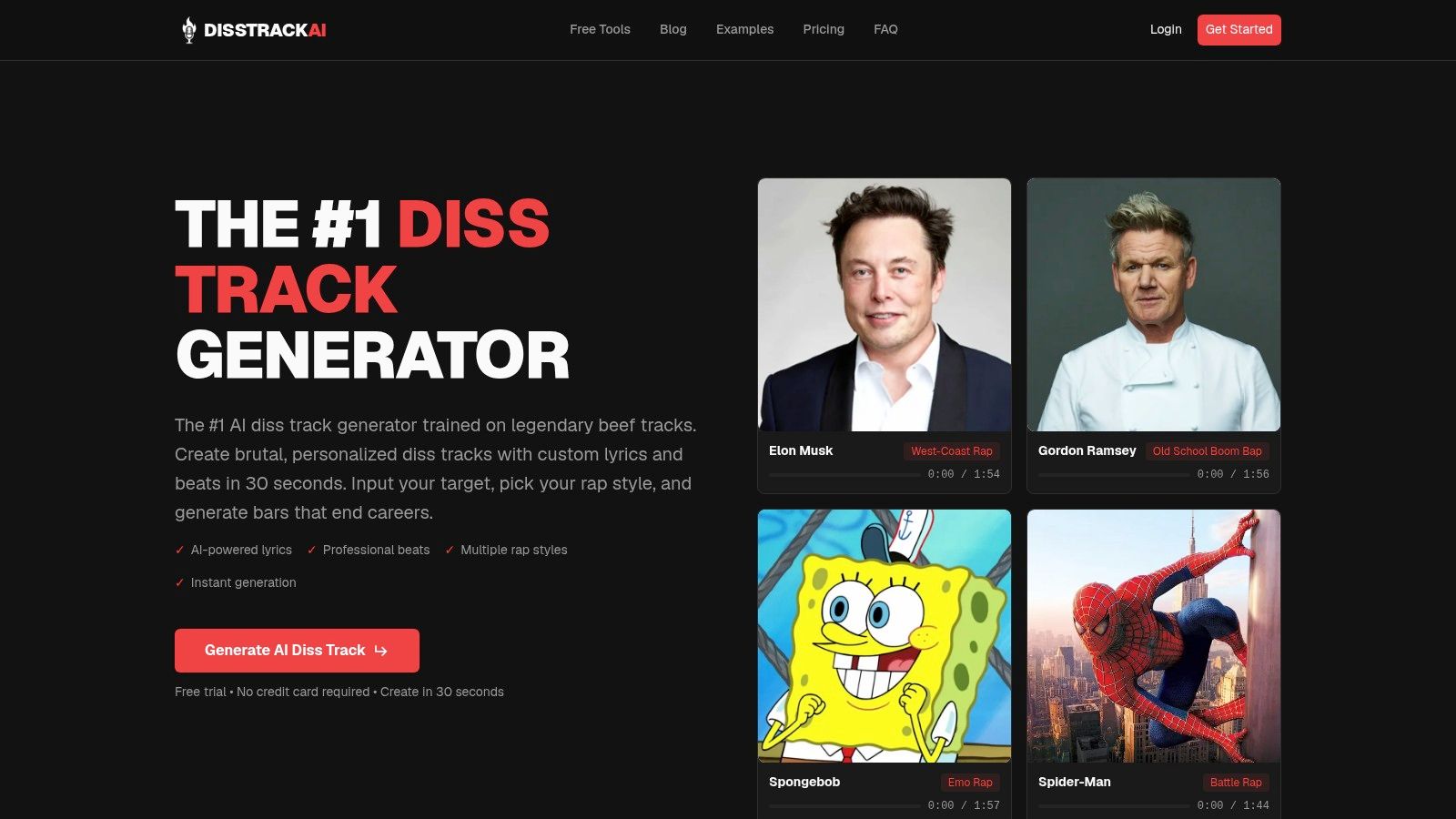
DissTrack AI earns its place by solving a narrower problem than a full song generator: developing insults, rhyme patterns, cadence, and angles for a rap concept. Give it a target, relationship details, inside jokes, style preferences, and an aggression level. It returns structured lyrics with verses and variations that you can edit, export, or share.
That specialization changes the comparison. A general music tool might produce an aggressive rap about a roommate who never washes dishes, but DissTrack AI lets you steer the writing toward battle rap, West Coast, Old School Boom Bap, Trap, Drill, Emo Rap, or UK Grime. Preset targets such as Elon Musk, Gordon Ramsay, and SpongeBob provide quick starting points. More experienced rappers can then adjust tone, punchlines, and delivery ideas.
The product is built around battle-rap conventions, including rhyme schemes, wordplay, flow, and attack patterns. It fits a roast video, streamer segment, party challenge, or rough lyrical draft better than a platform whose main output is polished pop vocals.
Best for lyrical iteration
A global LANDR community survey of 1,241 music makers found that 87% used AI somewhere in their workflow, while 29% used dedicated song-generator tools. It also reported that 40% were interested in trying song-generation tools. Those results suggest that creators often want help developing ideas and parts, rather than handing over an entire song to an autonomous system. The figures are directional because the survey came from a platform community, not a probability sample of all musicians. The survey context is available on LANDR's AI music page.
DissTrack AI suits that ideation-first process. Generate several openings, retain the strongest setup and closing bar, then rewrite language that is too harsh, inaccurate, or legally risky.
Practical rule: Treat a personalized diss as draft material, not automatic publication. Edit names, allegations, threats, and identifying details before sharing it publicly.
Audio remains the main uncertainty. DissTrack AI's marketing shows beats and recorded demonstrations, while its FAQ indicates that audio generation may not yet be available. Check whether the current product includes AI vocals, downloadable audio, professional beats, and commercial rights under your plan.
Verdict: Choose DissTrack AI for a sharp, personalized rap concept or diss-track lyric. Verify its current audio features before treating it as a finished-release tool.
Visit DissTrack AI to test its lyric workflow.
 DissTrack AI
2. Suno
Suno is the obvious starting point for a creator who types a concept and wants something that already resembles a complete song. It generates vocals, lyrics, arrangements, and genre-specific productions from text, so a prompt such as “melodic trap song about missing the last train home” can become a structured demo rather than a bare wordless loop.
That convenience is its main strength. Songwriters can test a chorus idea, creators can make a soundtrack for a short video, and rappers can audition different moods before committing to a recording session. Suno also offers editing-oriented features, including stem separation and a studio environment with tools such as MIDI, effects, automation, and custom plug-ins, according to its product positioning.
The trade-off is control. A full generated track can feel coherent while still missing the exact cadence, vocal identity, transition, or lyric emphasis you had in mind. Regeneration may solve one problem while changing another. That makes Suno powerful for fast exploration, but less predictable than a conventional DAW when you need surgical phrase replacement.
Best for full vocal songs
The platform is strongest when you want a listenably complete vocal sketch quickly. It also gives creators multiple model choices and paid plans with download credits and commercial-use options. The free experience is more limited, and free-plan users don't receive the same commercial permissions or download access as paid users, so a public release requires careful plan-level review.
Suno works particularly well in a two-stage process:
- Draft quickly: Use a compact prompt to test genre, tempo, emotional direction, and vocal arrangement.
- Select the structure: Keep the strongest verse, hook, bridge, or break rather than treating the first output as final.
- Finish manually: Edit lyrics, arrange stems, record replacement vocals, and check the platform terms before monetization.
For a deeper explanation of how text-driven song tools differ from lyric-first systems, read this guide to text-to-music generation.
Verdict: Suno is the strongest general starting point for a creator who wants a complete vocal song from a prompt. It's less suitable when precise editing, provenance, or a fully controlled final production matters more than speed.
Suno's official platform is the place to check current models, plans, downloads, and commercial-use terms.
 Suno
3. Udio
Udio is strongest when the creative task is iterative song development, especially for writers who want to test lyrics, sections, and arrangements without restarting every idea. Its line-by-line lyric editor gives wording more attention than a purely prompt-driven workflow, while Simple and Custom modes accommodate different levels of direction. The platform also supports vocal-free generations, stems, and extensions for tracks that are still taking shape.
Consider a songwriter with a finished verse and several possible choruses. Udio can preserve the starting concept while the writer compares alternate hooks, deliveries, and arrangements. That makes it more useful for lyric iteration than for creators seeking a single polished result from one prompt. Its task-based credit system also makes each generation easier to track than plans that bury usage inside broad limits.
Export remains the main release concern. The supplied product information states that commercial entitlement requires an active annual Starter or Plus plan. Current platform terms should be reviewed before using an output in a client project, DAW, or distribution service, because an in-app result may not be downloadable in the form a production workflow requires.
A practical test for Udio
Use Udio to answer one production question at a time:
- Lyric test: Does the chorus work with a darker vocal delivery?
- Arrangement test: Does the second verse need drums, bass, or a stripped-back opening?
- Genre test: Does the same lyric work better as electronic, rock, or hip-hop?
This method limits wasted generations and makes comparisons clearer. It also exposes Udio's boundary: the editor can guide sections and lyrics, but it does not guarantee exact phrase replacement, identical vocal identity, or preservation of every musical detail after regeneration.
Verdict: Choose Udio when lyric control and rapid variation matter more than one-click simplicity. Check current download access, commercial entitlement, privacy settings, and export formats before paying or planning a release.
Explore UdioMusic Studio for current editing and plan details.
4. Stable Audio
Stable Audio fits a different production job from Suno and Udio. Its strongest use cases are music without vocals, textures, sound effects, and developer-built audio workflows, where a prompt must become a reusable asset or API request rather than a finished vocal single.
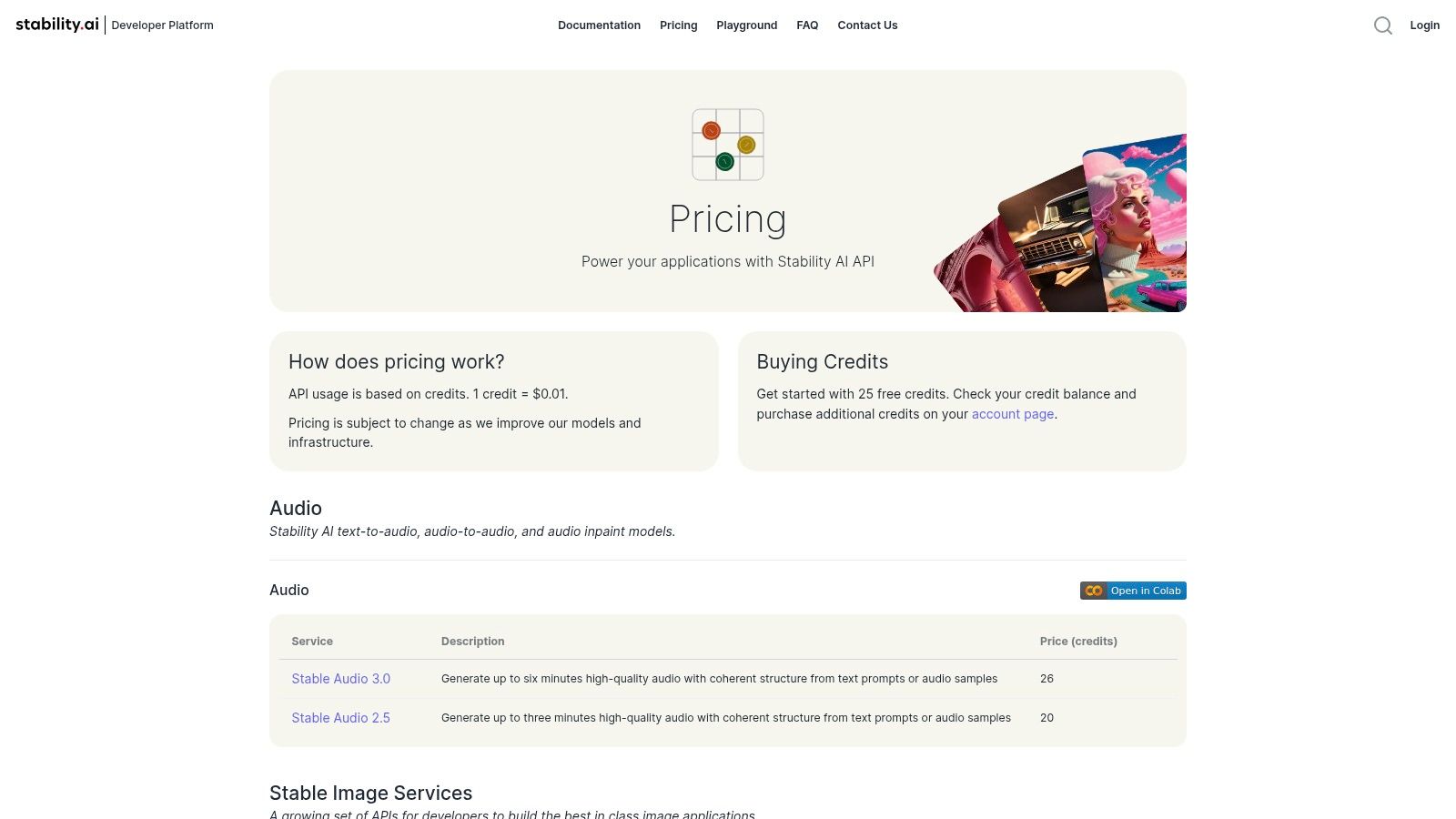
For example, a producer can generate an atmospheric layer beneath spoken word, while a game developer can create environmental audio for a prototype. A software team can connect the hosted API to an application that generates music on demand. Stable Audio supports text-to-audio and audio-to-audio workflows, and its developer documentation uses a credit-based request structure that can simplify programmatic budgeting.
Best for non-vocal tracks and APIs
The license may determine whether Stable Audio fits a business before sound quality does. The supplied product information describes a Community License that permits commercial use for individuals and organizations under $1 million in revenue. Users above that threshold need separate licensing, so larger teams should not treat the community terms as universal commercial clearance.
For a creator building a sound library, the useful capabilities are:
- Prompted beds: Generate ambient, rhythmic, or genre-based foundations for videos, games, and other media.
- Audio transformation: Provide source audio and guide the result toward another texture or arrangement.
- Developer access: Place music generation inside an app or content system through the hosted API.
- Model flexibility: Depending on the current release and license, some models offer open weights or self-hosting options.
These features make Stable Audio a better fit for a background layer, sound-design pass, or repeatable product workflow than for a vocal track built around a memorable topline. It can contribute to a larger production pipeline, while Suno and Udio remain more direct choices for song-focused creation.
The best developer workflow is defined by fit. Its license, request model, output format, and hosting options should match the product you ship.
Verdict: Choose Stable Audio for non-vocal composition, sound design, and API-oriented workflows. Review the current license carefully if your organization is near or above the stated revenue boundary.
Check the latest terms and developer options on Stability AI's Stable Audio pricing page.
 Stable Audio
5. SOUNDRAW
SOUNDRAW is most useful when music must support an edit rather than carry a vocal performance. Its generator targets background tracks for YouTube videos, podcasts, advertising, social clips, and branded content, with controls for structure, mood, and arrangement. The practical question is timing: can the track fit the content without competing with narration or dialogue?
That focus gives SOUNDRAW a different role from song-first tools. A creator can reshape an arrangement when an intro runs too long, a section arrives beneath speech, or the ending needs to match the final shot. Adding recorded vocals is also possible, so the platform can provide the backing foundation for a later song without attempting to replace a vocalist.
Best for editable background music
The licensing model matters for client and content workflows. Paid plans provide a perpetual license for generated tracks, while higher Artist tiers support adding vocals and distributing music to streaming platforms. Higher tiers also offer stems, and an API supports business integrations. Those options suit teams building a repeatable content system or delivering tracks to clients.
The trade-off is clear. SOUNDRAW prioritizes non-vocal production, so a rapper or singer still needs to record vocals or use a separate generator. Download allowances vary by plan, including limits on some Artist tiers. A commercial license therefore does not automatically mean unlimited downloads.
For a video editor, the strongest workflow is arrangement-first:
- Generate variations that match the intended pacing.
- Remove sections that distract from narration or dialogue.
- Export the version that follows the finished edit.
- Store plan and license records with the project files.
- Add human-recorded vocals if the track needs to become a song.
SOUNDRAW earns its place as an editing tool, not a vocal-song benchmark. Choose it for customizable background music, arrangement control, and a practical route from generated idea to finished media. Choose another platform for lyric iteration, full vocal performances, or vocal realism.
Visit SOUNDRAW to review its current creator, artist, download, and API options.
 SOUNDRAW
6. AIVA
AIVA makes more sense as a scoring tool than as a general song generator. Its strongest use cases include film cues, game music, orchestral transitions, and cinematic underscore. It generates compositions across multiple styles and exports audio and MIDI, allowing a composer to continue editing inside a DAW.
MIDI is the practical differentiator. Audio can establish atmosphere, while MIDI lets you change notes, instrumentation, dynamics, voicing, and timing. An indie game developer can adapt a tense loop to a scene, and a filmmaker can re-orchestrate a thematic cue around the final edit. That control can matter more than vocal realism for production work.
Best for cinematic composition
AIVA's license options also require close attention. Its EULA and FAQ distinguish non-commercial, limited-commercial, and full-commercial arrangements. The free tier is non-commercial and may require attribution, so it should not be treated as the default for monetized client projects.
The creative limitation follows the same design choice. AIVA is not built around lyric-driven songs, current vocal production, or battle rap. A pop producer may find its output too score-oriented. A composer working with orchestral material may see that same quality as the main advantage.
A practical scoring workflow starts with the generated piece as source material:
- Shape the theme: Select the motif that supports the scene.
- Export MIDI: Bring the musical material into your DAW.
- Re-orchestrate: Replace generic parts with chosen instruments and articulations.
- Document rights: Save the relevant plan and license information before delivery.
For a broader comparison of machine composition and song generation, read this guide to artificial intelligence in music composition.
Verdict: AIVA fits cinematic, orchestral, classical, and MIDI-focused scoring best. Suno and Udio remain more suitable for vocal songs, lyrics, and contemporary full-track production.
Check the current licensing and export terms on AIVA.
7. Mubert
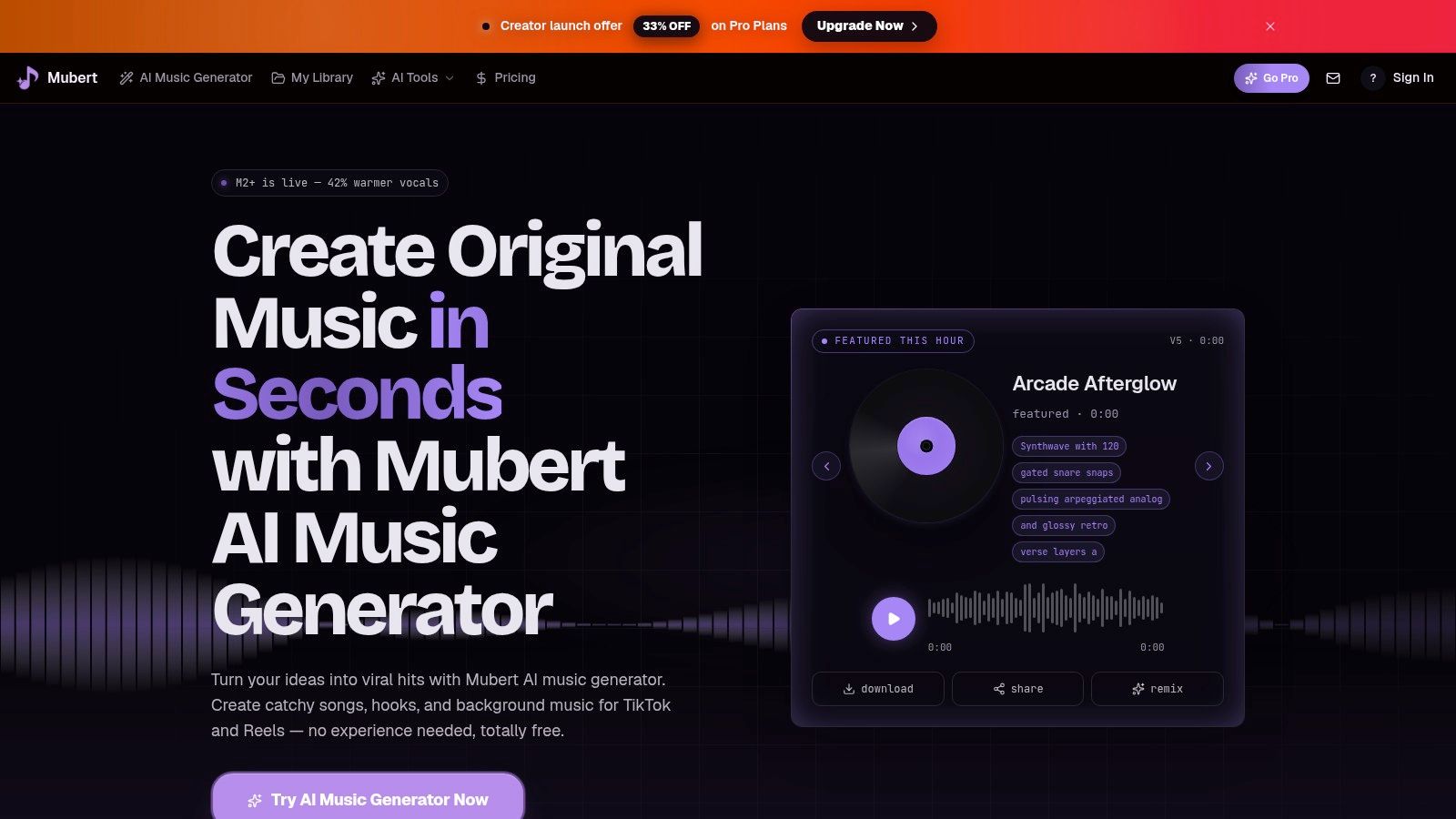
Mubert is built for the production gap between a finished script and a published video. Give it a mood, duration, and placement brief, then choose music that supports the speaker rather than competing with dialogue. Its prompt-based generation, genre and mood controls, creator tools, and API make it suited to background music at scale, especially when content teams need multiple usable variations instead of one distinctive song.
The Fuse-style creator workflow supports quick scoring for social and marketing edits. A marketer can test a warm corporate bed, tense technology cue, or energetic short-form loop without opening a full production environment. Developers can connect the API to an app, product, stream, or content pipeline, making Mubert a practical choice for repeatable background output.
For background on how systems create variations on demand, see this guide to randomly generated music.
Best for scalable background scoring
Mubert's paid tiers provide commercial licensing for creator use, but the permitted use still depends on the project. A monetized video, client advertisement, livestream, and software product may require different permissions. Save the applicable terms and project records rather than treating “royalty-free” as a universal clearance.
Mubert is primarily non-vocal and background-oriented. A rapper who needs vocal identity, detailed lyric editing, or a finished verse will get more from a song-focused generator. Prompt quality also affects the result. A scene brief that specifies pacing, emotional movement, instrumentation, and space for dialogue gives the system more useful direction than a short genre label.
Give background generators the edit's job. State where music enters, where dialogue needs space, and what emotional change the scene requires.
Verdict: Choose Mubert for fast, scalable background music, short-form video scoring, brand content, and developer integrations. Choose another tool for vocal songs or lyric-led composition.
See current creator and API options on Mubert.
 Mubert
Top 7 AI Music Generators Comparison
| Tool | Complexity 🔄 | Resources & Cost ⚡ | Expected Outcomes ⭐ / 📊 | Ideal Use Cases 💡 | Key Advantages ⭐ |
|---|---|---|---|---|---|
| DissTrack AI | 🔄 Low, guided prompts & presets, quick workflow | ⚡ Low compute; free tier (1 roast); Pro $9.99/mo (15), Creator $29.99/mo (100) | ⭐ High lyrical quality (battle-focused); 📊 Multiple verse variations; audio capability unclear | 💡 Battle rap, social roasts, quick lyric generation for creators | ⭐ Specialized diss training; fast output; ownership & licensing options |
| Suno | 🔄 Moderate, multiple models and integrated studio tools | ⚡ Medium, tiered plans, download credits; free plan has no downloads | ⭐ Strong vocal realism; 📊 Full songs, stems, and arrangement exports | 💡 Producers wanting radio-like songs with vocals and editing | ⭐ Integrated studio, vocal-focused generation |
| Udio (UdioMusic Studio) | 🔄 Low–Moderate, Simple & Custom modes, lyric editor | ⚡ Medium, task-based credits, free 3 attempts/day; annual required for some commercial rights | ⭐ Balanced creative control; 📊 Iterative song + lyric drafts | 💡 Songwriters iterating lyrics and quick vocal demos | ⭐ Line-by-line lyric editor; clear crediting model |
| Stable Audio (Stability AI) | 🔄 Moderate, developer/API focus, model choices | ⚡ Variable, per-request credit pricing; Community License for <$1M revenue | ⭐ High-quality instrumentals & SFX; 📊 Programmatic multi-minute audio generation | 💡 Developers, producers needing licensed instrumentals or SFX | ⭐ Flexible licensing; predictable API pricing; self-hosting options |
| SOUNDRAW | 🔄 Low, simple generation + structure editing | ⚡ Medium, paid plans with perpetual license on some tiers; download limits on artist tiers | ⭐ Reliable royalty-free background tracks; 📊 Editable arrangements and stems on higher tiers | 💡 Content creators needing background music and quick customization | ⭐ Perpetual license options; fast, simple customization; API available |
| AIVA | 🔄 Moderate, composition-focused with MIDI export workflow | ⚡ Low–Medium, tiered licensing (free non-commercial with attribution) | ⭐ Strong orchestral/cinematic compositions; 📊 MIDI for deep DAW editing | 💡 Composers, film/score drafting, orchestral arrangements | ⭐ MIDI export; well-documented licensing and EULA |
| Mubert | 🔄 Low–Moderate, prompt-based, real-time streaming tools | ⚡ Medium, paid tiers for commercial use; developer API available | ⭐ Scalable instrumental tracks for background use; 📊 Real-time generation and streaming | 💡 Brands, apps, and creators needing streamable background music | ⭐ Platform-safe licensing; developer-friendly API and streaming capabilities |
Choose by Output, Then Check the License
The most useful answer to "what's the best AI music generator?" starts with the output, not the brand. Choose Suno or Udio when you need a vocal-led song and want to iterate on lyrics, vocals, and arrangements. Choose Stable Audio when the project calls for non-vocal textures, sound effects, or API access. Choose SOUNDRAW or Mubert when background music must support videos, podcasts, streams, advertisements, or scalable content production. Choose AIVA when MIDI export and cinematic composition matter more than vocals. Choose DissTrack AI when the core deliverable is a personalized diss-track concept, roast lyric, or battle-rap draft.
The commercial decision is more complicated than audio quality. A tool may offer commercial permissions through a paid plan while leaving questions about copyright ownership, training-data provenance, artist consent, voice imitation, attribution, Content ID conflicts, or post-cancellation rights. The U.S. Copyright Office guidance discussed in this legal overview indicates that prompts alone generally don't provide sufficient human authorship for copyright protection. Platform licensing and copyright protection are separate questions, so keep human lyrics, edits, arrangements, recordings, prompts, source files, and license records together.
Training-data and imitation risks deserve equal attention. Legal commentary has described copyright cases involving major labels and AI music companies, while EU rules can allow rights holders to reserve works from text-and-data mining without authorization. That means the most convincing artist-like output may also be the hardest to defend publicly. Request original vocal identity and broad musical traits instead of naming a living performer, and disclose synthetic elements when a platform or distributor requires it. The analysis of AI music, songwriters, and legal risk explains why provenance and consent belong in the buying decision.
Before publishing, run one controlled test with the tool that matches your actual deliverable. Use a prompt tied to a real scene or song, generate multiple variations, edit the strongest result, export it in the format your workflow needs, and verify commercial-use, privacy, download, and audio-export terms on the current product page. A generator becomes valuable when it reduces a specific bottleneck without creating a rights problem at the finish line.
DissTrack AI gives rappers, creators, streamers, and friend groups a fast way to turn a target, inside joke, style tag, and tone preference into structured roast lyrics with multiple variations. If your project needs sharper bars before you record, edit, or share a diss track, visit DissTrack AI and test the lyric workflow, then confirm its current audio and licensing features before planning a finished release.