10 Best AI Meme Generator Tools of 2026
The most popular advice about AI meme generators is also the least useful: pick the tool with the most templates. That's how you end up browsing reaction faces for longer than the joke remains funny. A template editor with an AI caption button isn't automatically a better comedy partner. Sometimes it's just another subscription standing between you and a picture of Drake.
Most AI meme generators are overhyped. These ten earn a place for specific jobs, not because they promise to manufacture your personality. Supermeme.ai and Magic Hour suit quick jokes. Kapwing makes sense when timing matters. Predis.ai belongs closer to a publishing calendar, while Ideogram starts with original imagery rather than familiar meme formats.
A useful benchmark comes from a survey of AI image-tool users: dissatisfaction was higher for image quality at 46% than for generation speed at 6%. For meme creators, that's a reminder to judge the result you can post, not the speed of the loading animation.
- Dedicated generators: Choose these when you need a caption and a suitable template without a design project.
- Design suites: Use these when branding, resizing, collaboration, or video editing matters.
- Image generators: Pick these when the joke needs a scene that doesn't already exist.
The recommendations below call out the annoying parts, too. Because making something shareable requires more than exporting a rectangle.
1. Supermeme.ai
 Supermeme.ai
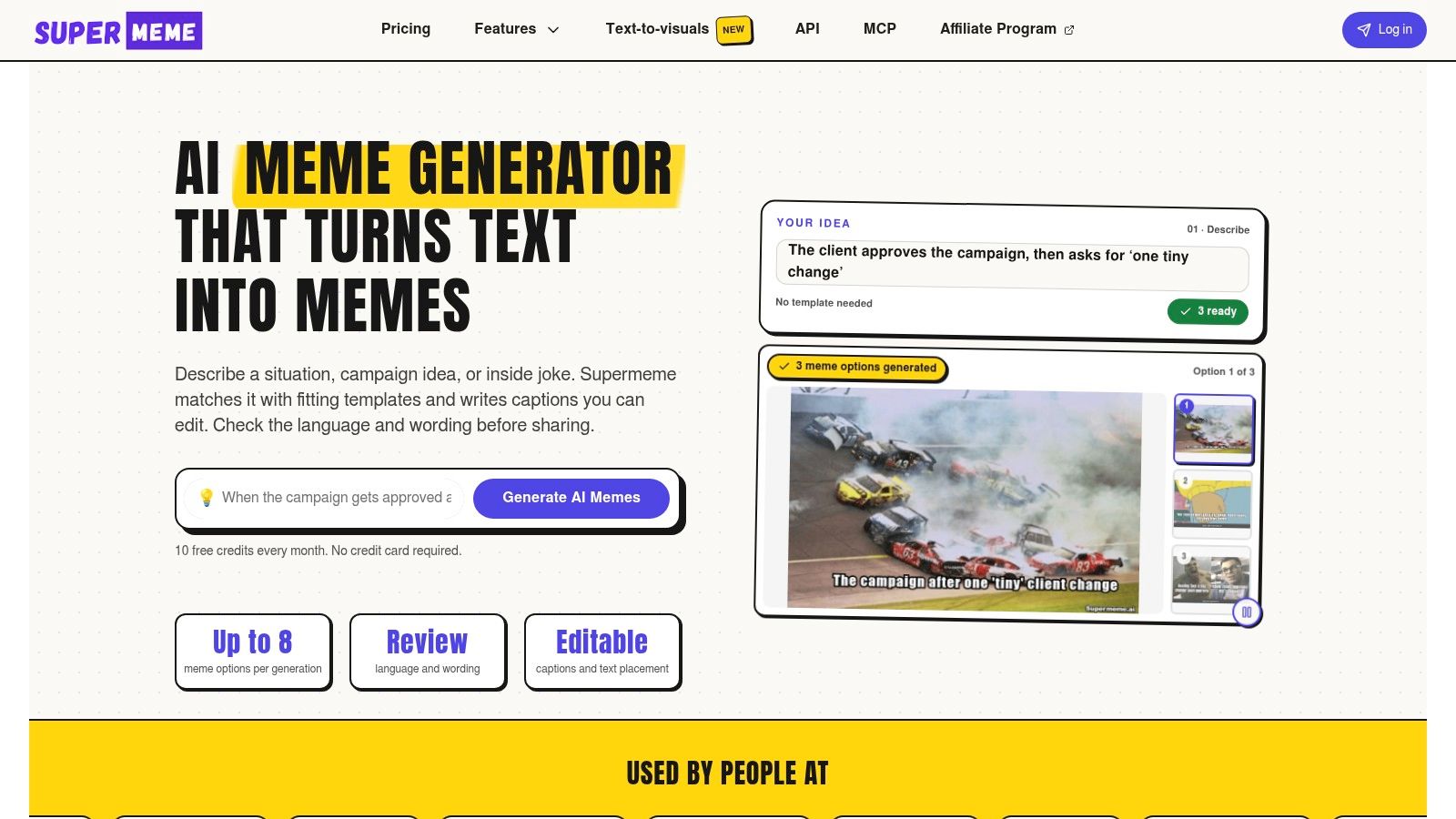
Best for turning an unfinished joke into several usable directions. Supermeme.ai takes a situation or idea, suggests templates, and generates editable captions. That makes it a sensible starting point when you know what's funny about your situation but haven't found the format.
Say your producer keeps announcing that the mix is finished, then sends another revision. Give the generator that contradiction rather than a vague request for a funny music meme. You're supplying the observation; the software helps package it.
Where it saves time
The useful part is comparing alternatives, not accepting the first caption. Template suggestions and multiple generated options let you choose between different treatments without manually rebuilding the same premise.
GIF support, multilingual output, and developer access also give it room beyond casual use. Brand kits and custom watermark options belong to the repeat-production side of the product, rather than being reasons for a friend-group user to upgrade.
Practical rule: Generate different interpretations of the same situation before polishing a caption. A better premise beats a prettier text box.
Where it wastes time: free downloads carry a watermark, and limited credits make aimless prompting expensive in patience. Skip the bigger workflow features if you're only making occasional jokes.
Recommendation: Start here for a one-off roast or campaign concept. Keep the best template, rewrite the weakest phrase, and resist turning a punchline into a paragraph.
2. Imgflip AI
You already know the joke belongs in Two Buttons. You don't need software to discover a cinematic visual identity for your indecisive drummer.
Choose Imgflip AI when the template comes first. Its familiar meme formats, AI creation tools, and manual editor suit people who understand the visual grammar and want help finishing the caption.
That distinction matters. Drake works through rejection and preference; Distracted Boyfriend works through competing attention. If you already know the relationship between the panels, manual control can be more useful than another round of automatic template selection.
- Use the AI for alternatives: Ask for fresh wording when your original contrast feels predictable.
- Keep the editor for precision: Adjust placement and shorten text instead of regenerating an otherwise usable meme.
- Choose visibility deliberately: Private creation and public community sharing serve different purposes.
The catch is access. AI creation tools require a paid plan, while free access includes advertising and watermark restrictions. Don't confuse being able to use the familiar editor with having unrestricted access to the AI features.
For battle rap fans, this is a strong fit for recognizable setup-and-payoff formats. A producer choosing between fixing the kick and adding another synth already has a visual structure.
Skip Imgflip AI if you want original artwork or a polished video workflow. Pick it when you know the format and want control over the final joke, not a machine choosing your entire creative direction.
3. Magic Hour
 Magic Hour
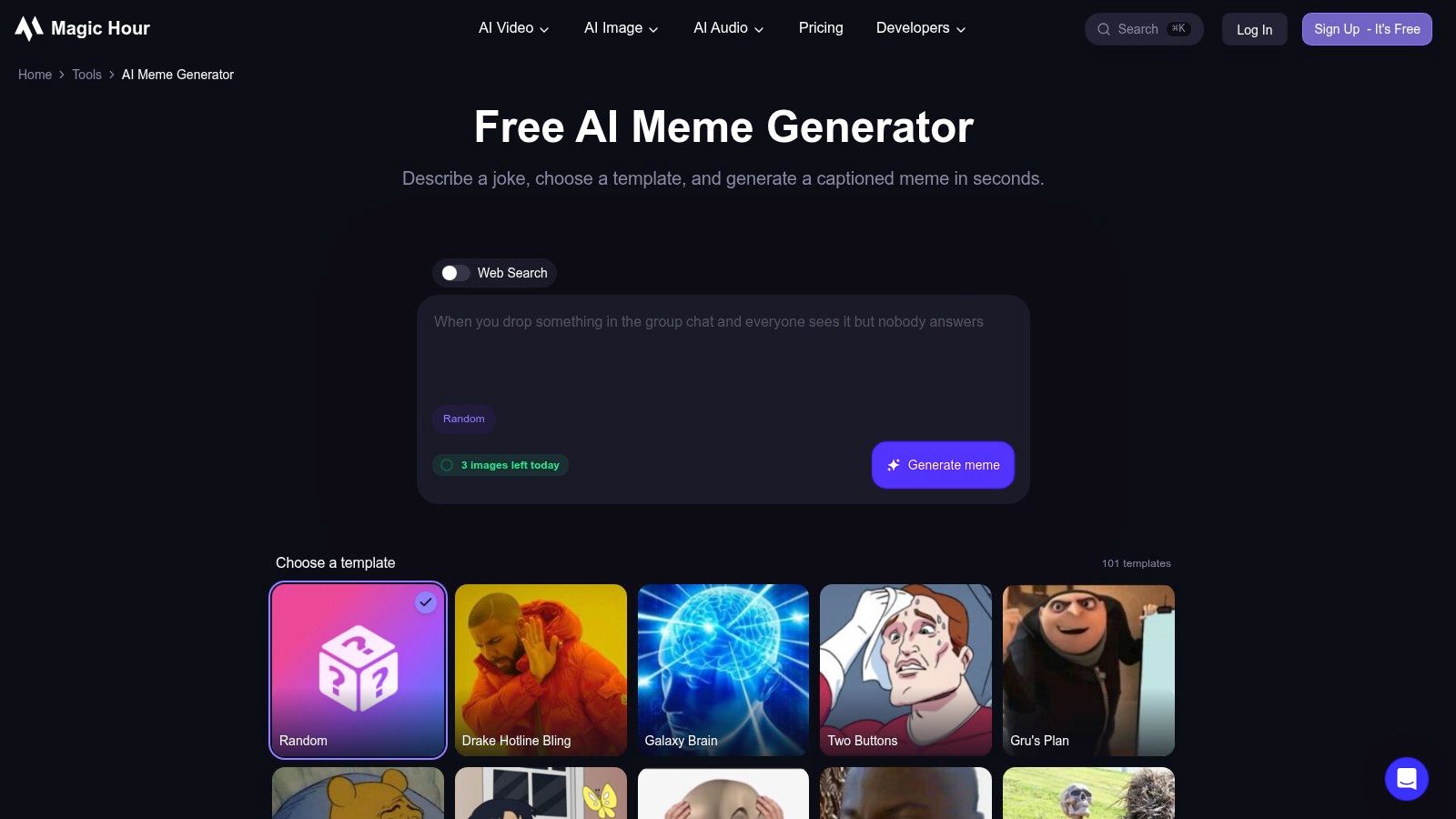
 is the quick-draft pick for creators who might take the idea into motion later. The Magic Hour meme generator pairs a topic prompt with a selected or random template. Familiar formats keep the task focused on the joke rather than the layout.
Use it for a recognizable situation: a streamer promising a calm session before immediately arguing with matchmaking. Select a format that matches that reversal, then judge whether the generated caption makes the contrast sharper.
Keep the workflow honest
Its related image-to-video tools and developer API make it interesting beyond isolated stills. But meme generation, video creation, and API access aren't interchangeable entitlements. The generator advertises free use, while the account workflow can involve credits or sign-in.
Don't choose it primarily to edit an uploaded friend's photo. The documented meme workflow centers on a topic and template, and generated captions still need spelling and joke checks.
If your next step is a performance clip, this guide to AI music-video creation helps separate the visual concept from the editing job. For a scene that familiar templates can't express, compare top AI image generators instead of forcing the wrong format.
Recommendation: Use Magic Hour for quick concept drafts and related visual experiments. Skip it when your real requirement is detailed photo editing or guaranteed frictionless access without an account.
4. Kapwing
 Kapwing
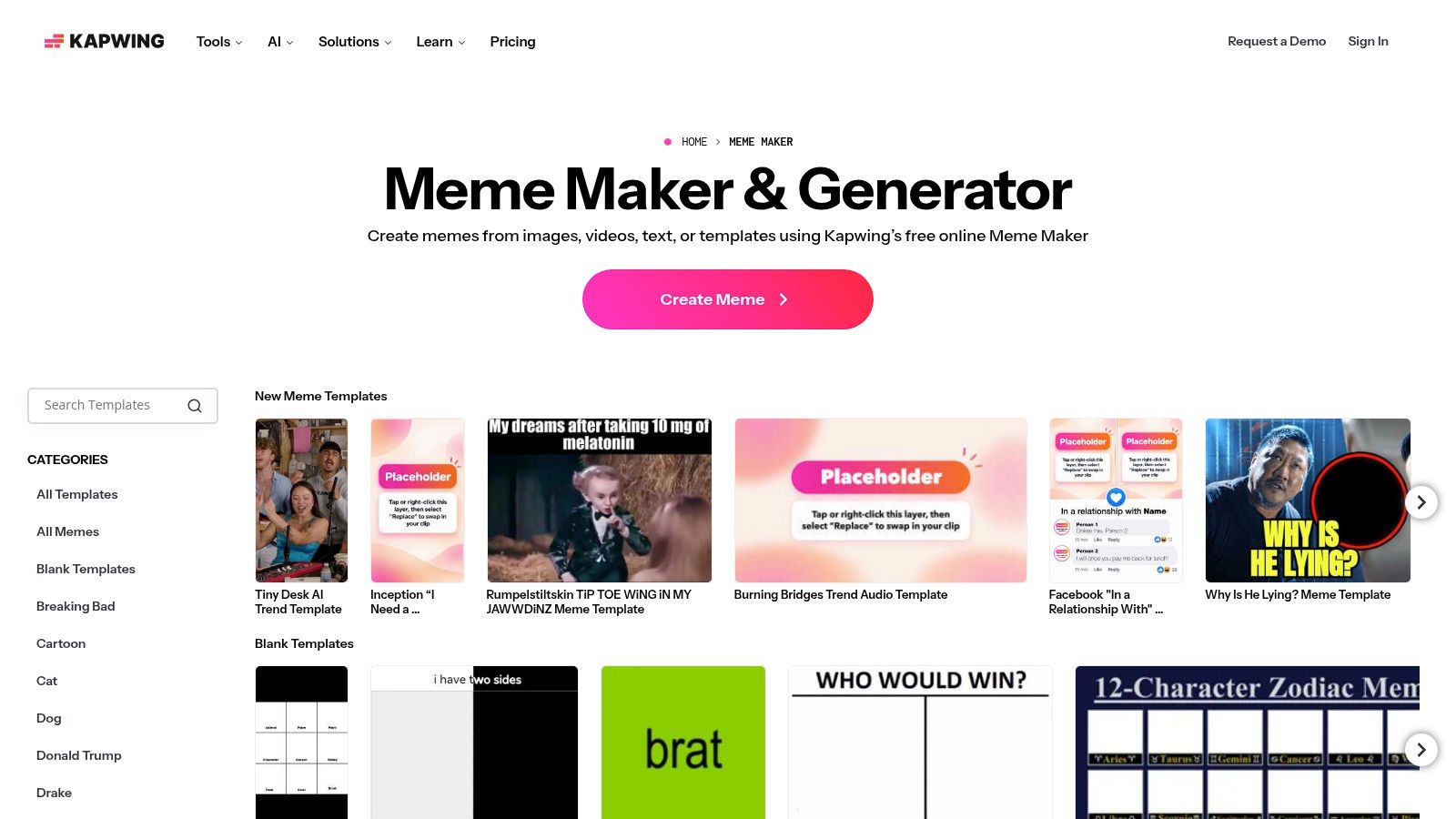
A reaction clip can have the right caption and still fail because the reveal arrives too early. For video memes, choose Kapwing. Its browser-based editor handles images, GIFs, and video, so you can work on timing rather than treating the generated result as untouchable.
For a roast clip, put the setup before the reaction. Let viewers understand the embarrassing claim before the visual contradicts it. That's an editing decision, not something you solve by requesting a more savage caption.
Kapwing's format exports and social-platform sizing also suit creators adapting a joke across different publishing surfaces. The benefit is having room to revise the asset after generation.
A video meme isn't a still image that happens to move. The pause before the punchline is part of the writing.
Where it gets annoying: free-account exports include a watermark, and AI usage can have separate limits. Test the export path before building an elaborate sequence you can't publish the way you intended.
The broader editor is also unnecessary for a basic caption-on-photo joke. You don't need a timeline to announce that your friend has missed another studio session.
Recommendation: Pick Kapwing for reaction edits, subtitle-led clips, GIFs, and short-form video memes. Choose a dedicated generator instead when your whole project is a still image and a sentence.
5. Predis.ai
 Predis.ai
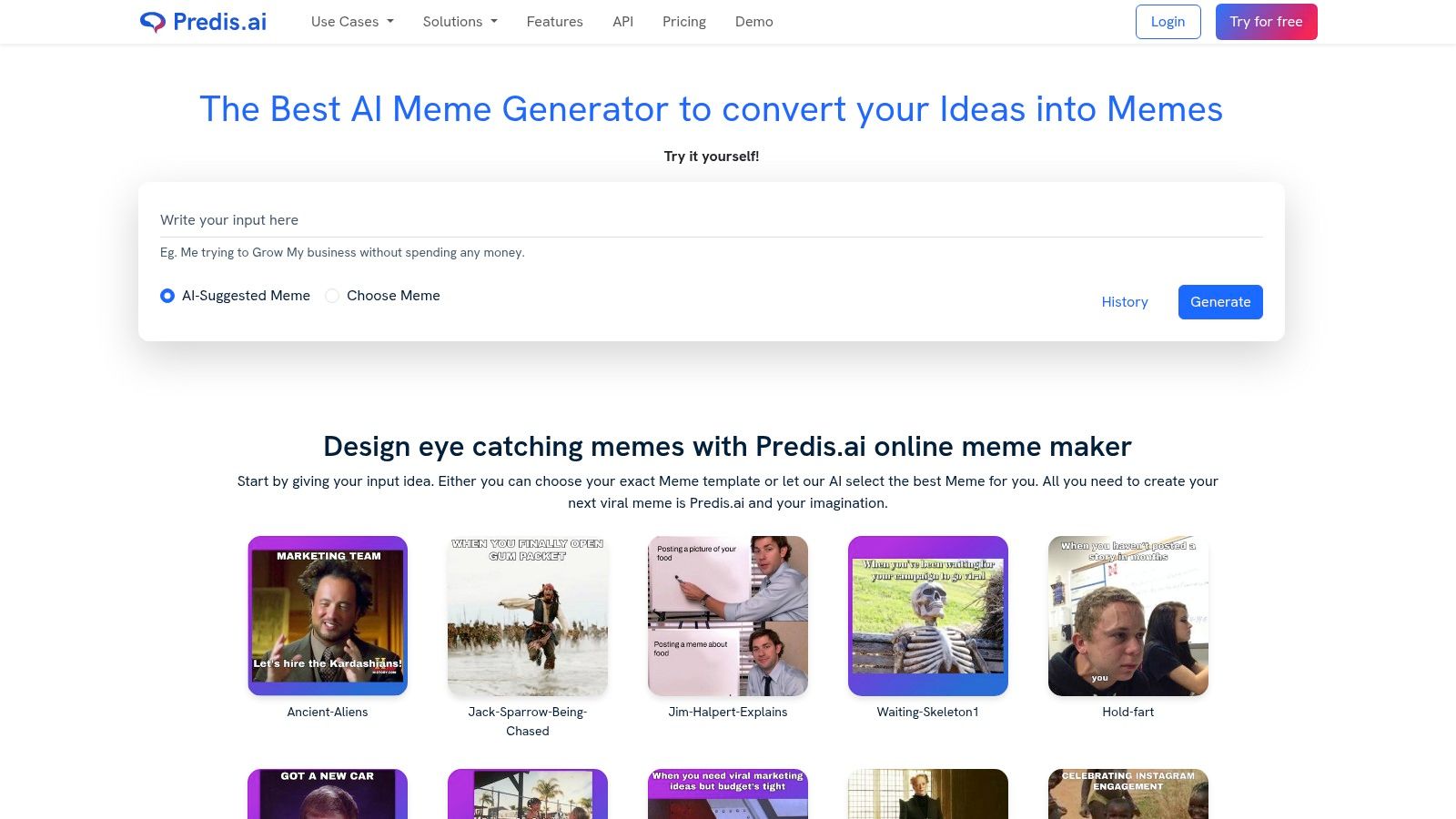
 is for the person who has to post again tomorrow. The Predis.ai meme generator accepts an idea, suggests a suitable format or lets you choose one, then generates and places captions. Its bigger attraction is the surrounding social-content platform.
Planning, scheduling, publishing, and creative production matter when a meme is part of a recurring calendar. They matter much less when you're trying to embarrass your bassist in the group chat.
Buy the workflow, not just the caption
A music page might alternate release announcements, rehearsal jokes, and audience prompts. Predis makes sense when you want meme creation near those other publishing tasks rather than exporting assets into a disconnected routine.
- Choose it for continuity: Keep recurring content production close to planning and publishing.
- Keep human approval: Review the joke, context, and final caption before scheduling.
- Separate the offers: The free generator page and broader paid platform aren't the same commitment.
The full platform is overkill for casual meme-makers. Before entering payment details for a trial, decide whether you need ongoing social production or just today's joke.
A posting calendar also doesn't supply cultural judgment. Use these practical ideas for going viral on social media to sharpen the premise and audience fit rather than just filling empty slots.
Recommendation: Choose Predis for a daily content pipeline. Skip it if your main requirement is occasional meme generation without a wider publishing workflow.
6. Adobe Express
 Adobe Express
Some memes need to look rough. Others need to sit beside a release announcement without looking as though someone exported them from a microwave.
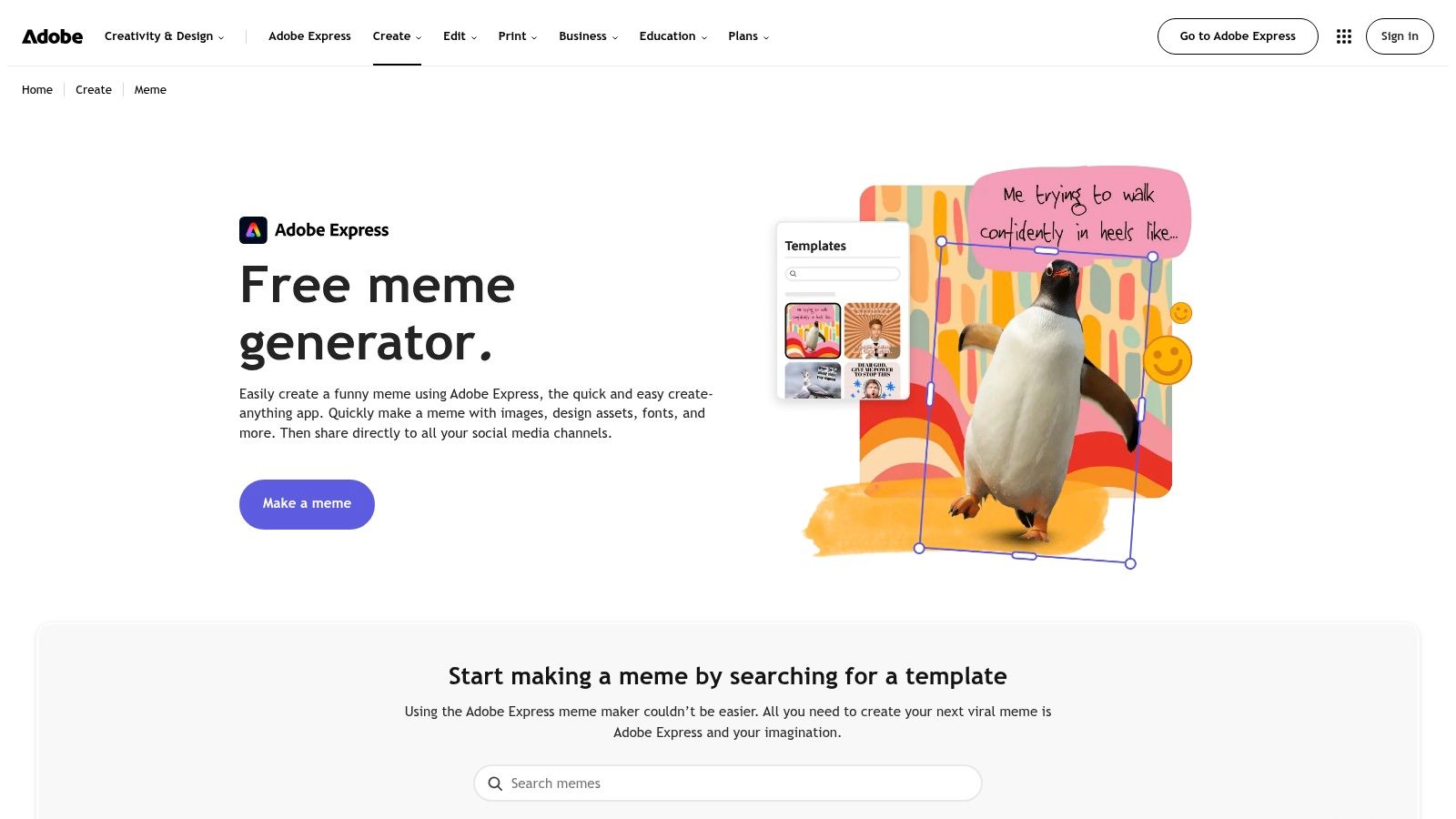
Use Adobe Express when visual polish is part of the assignment. It combines editable meme layouts with image and video editing, design assets, and generative tools. You get more control over typography, spacing, and presentation than a dedicated text-to-meme workflow usually requires.
For an artist page, that could mean keeping an established color palette while making fun of endless release delays. The joke stays informal, but the asset still belongs beside the rest of the campaign.
Don't design the humor out of it
The main time sink is manual design. Once you start adjusting fonts, backgrounds, and decorative elements, it's easy to spend the entire session improving everything except the punchline.
Basic creation is available through a free plan, while some assets and AI usage depend on your plan. Check whether the design uses restricted elements before treating it as your repeatable template.
My recommendation: choose Express for a meme that needs deliberate art direction, branded styling, or a video layout you'll refine. Don't open it just to place a quick caption on a familiar reaction image.
A useful stopping point is readability at phone size. If the caption is clear, the visual supports the joke, and nothing covers the reaction, stop decorating.
7. Canva
 Canva
Already working in Canva? Stay there for memes that belong inside the same design workflow. Templates, editing, brand assets, and collaboration make it practical for teams producing more than jokes.
The important distinction is that AI Meme Machine is a third-party Canva app, not a dedicated native Canva meme generator. It's listed as free with a Canva account, but its terms and permissions are separate from the core platform.
That doesn't make it a bad choice. It means you should understand which service you're giving access to before uploading an unpublished campaign asset or somebody else's photo.
- Best fit: Teams already making social graphics in Canva.
- Main advantage: Keep the meme alongside existing layouts, assets, and approval habits.
- Main annoyance: Moving between an app's generation process and the wider design editor can add steps.
Personal photos deserve particular care. ACM-published user-experience research identified discomfort around increasingly personal meme interactions and demand for consent-based tagging, photo protection, and sharing controls.
For a friend-group roast, get permission before uploading an identifiable face. For a brand, use approved assets and review the app's permissions rather than assuming the surrounding Canva account settles everything.
Recommendation: Canva is the convenience pick for existing Canva users. Don't migrate your whole workflow there solely because an app has AI meme in its name.
8. Memegician
 Memegician
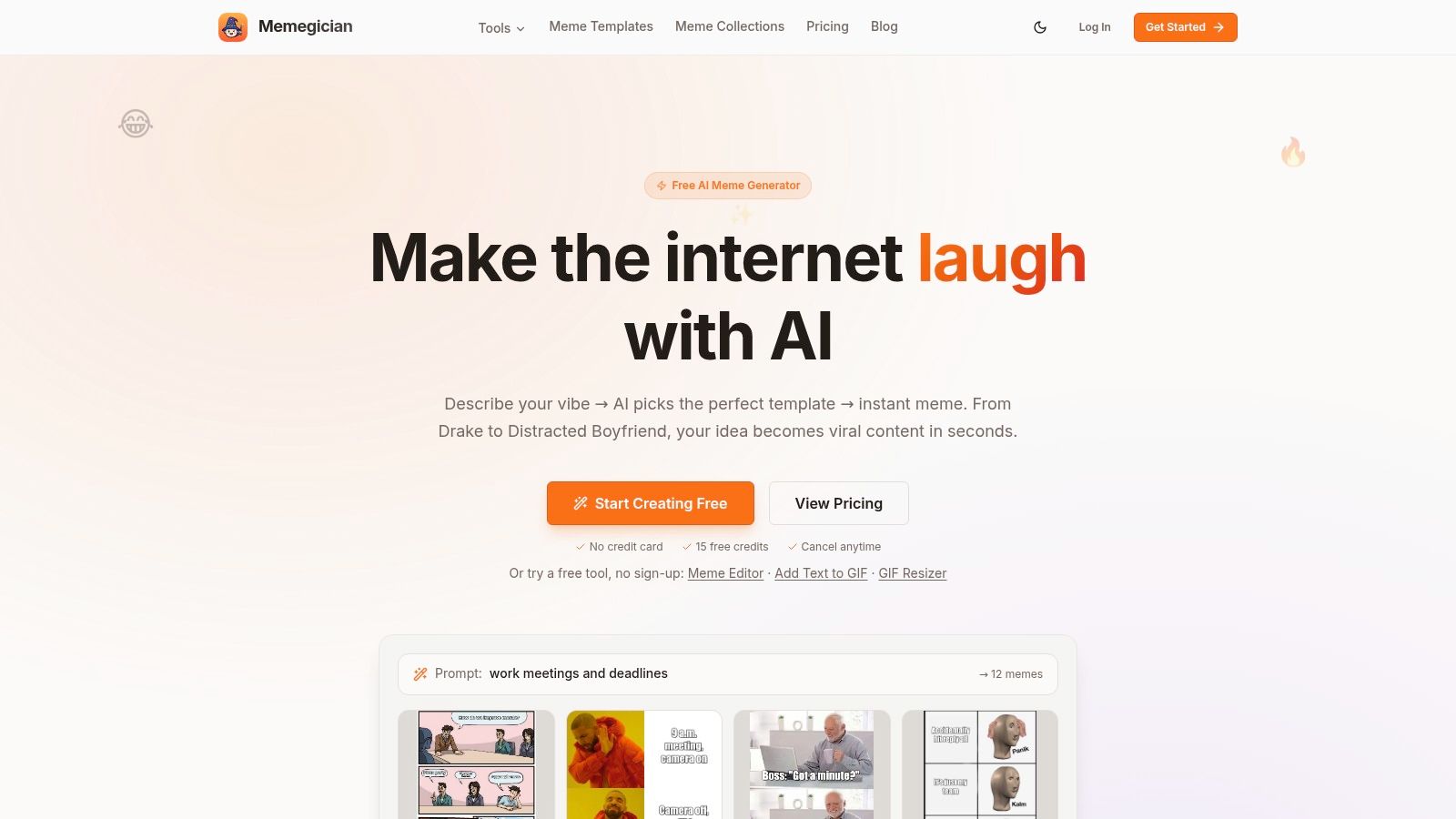
Treat Memegician as a quick alternative to try, not the foundation of a production promise. It advertises standalone AI meme creation and related editing tools. That focused approach is appealing when you don't want a broad design suite.
The limitation is clarity. Public details about plan limits, paid tiers, downloads, and commercial-use terms are less clear than you'd want before committing recurring branded work.
Test the boring part first
Start with a harmless, non-sensitive idea and follow it through to download. Judge the actual output, the editing effort, and whether the finished file fits your use, not just whether the landing page says free.
Before you commit: A generator isn't useful to your workflow until you can retrieve a usable result under terms you understand.
Skip it for deadline-critical client work until those questions are settled. For a casual joke, it's a reasonable option to compare against a more established dedicated generator.
If the punchline depends on delivery rather than imagery, don't keep wrestling with a still image. A speech-to-song workflow can help you think through an audio-led concept instead.
Recommendation: Try Memegician for low-stakes experimentation. Keep your expectations narrow, avoid sensitive uploads, and don't assume an advertised free starting experience guarantees the download or usage rights you need.
9. Flickmeme
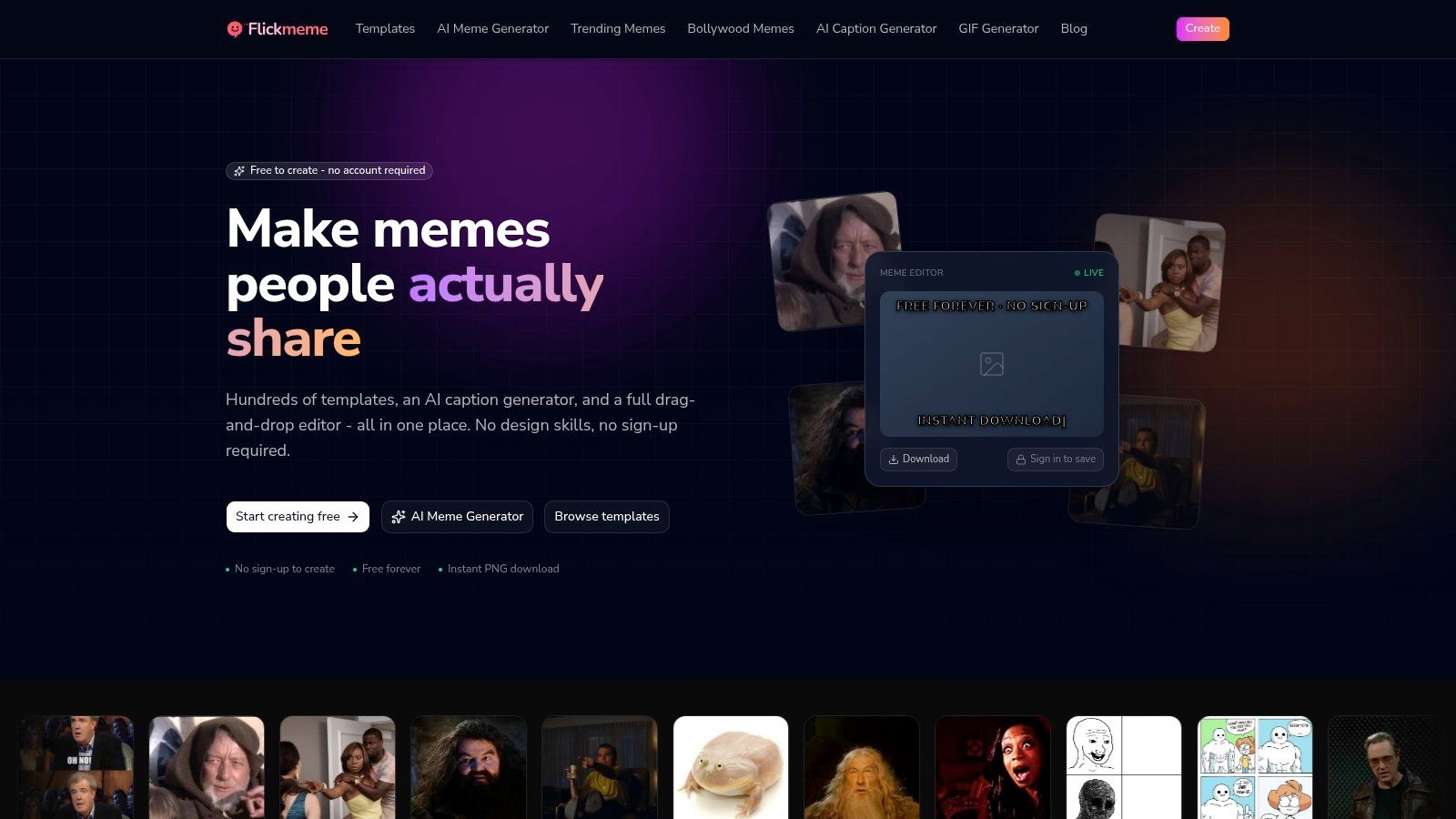 Flickmeme
Your joke may not need a better caption. It may need a better template.
Use Flickmeme as a focused option for template-led brainstorming. It advertises AI meme generation and a template browser, without presenting itself as an entire creative department. That's a useful proposition when you want to stay close to recognizable meme formats.
For a rapper missing every self-imposed release date, try formats built around expectation versus reality. For a producer defending an absurd plugin purchase, look for justification or difficult-choice formats.
- Browse with a premise: Know the contradiction you're trying to express before scrolling.
- Check the finish: Confirm current export options and watermark rules before polishing.
- Verify branded use: Review commercial-use terms rather than assuming template access includes every intended use.
Independent reputation information is limited, so there isn't a strong basis for calling Flickmeme the safest default for a team. Its value is as a focused candidate you can test against your actual caption and template needs.
Where it wastes time: browsing can become procrastination with reaction faces. If none of the formats matches your joke, rewrite the premise or change tools instead of scrolling indefinitely.
Recommendation: Choose Flickmeme when template discovery is the task. Use a better-documented workflow for recurring commercial production until you've confirmed its limits and terms.
10. Ideogram
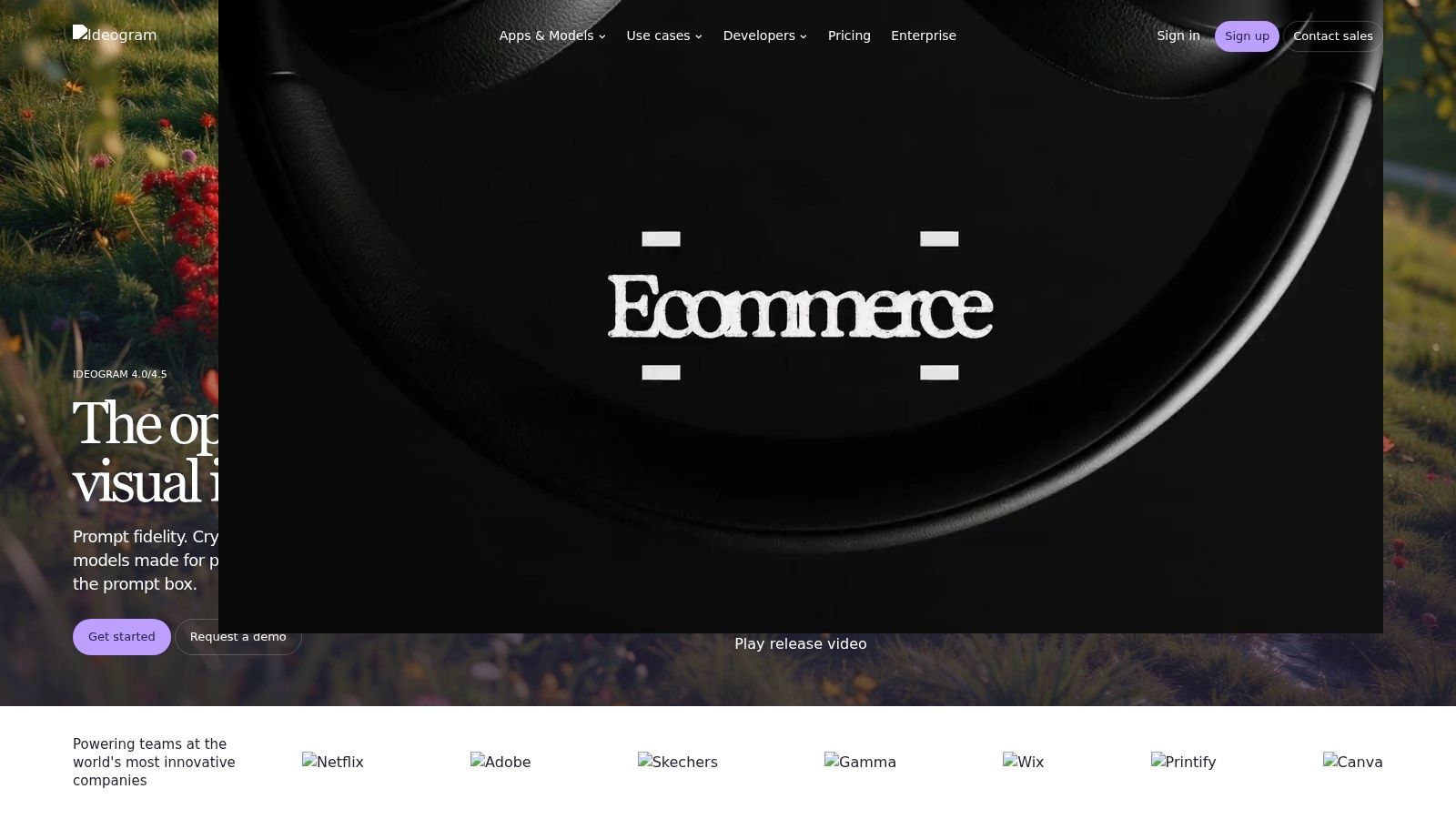 Ideogram
A courtroom where the defendant is an overworked laptop accused of ruining the session isn't necessarily sitting in a meme-template library. That's the job for Ideogram.
Ideogram is an image generator, not a specialist caption-and-template matcher. Prompt-based imagery, text-aware generation, remixing, and editing make it suitable when the scene itself carries the joke.
Give it a concrete visual brief: subject, setting, expression, composition, and space for a caption. Separate those instructions from the punchline so you can revise the wording without rebuilding the whole concept.
Generate the scene, then finish the meme
Prominent lettering is part of Ideogram's appeal, but exact wording still needs inspection. A separate editor can be the sensible place to finalize captions, contrast, and placement.
Free access is limited, while paid plans include private generation. Don't assume an unpublished concept stays private just because you haven't shared a download.
For a closer look at choosing a model for the visual task, use the CreativeClaw image model walkthrough rather than judging solely by attractive example galleries.
Where it wastes time: regenerating an elaborate image to fix a tiny caption. Generate the visual cleanly, then take control of the text.
Recommendation: Pick Ideogram for original meme imagery, surreal roast scenes, and visual concepts that familiar templates can't express. Skip it when Drake already tells the joke.
AI Meme Generator Comparison
A feature list won't tell you which of these ten tools fits your workflow. The job does. One-off joke, daily posting schedule, video meme, original artwork: each points at a different row below, and each has its own way of wasting your afternoon.
| Tool | Best For | Free Access | Key Limitation |
|---|---|---|---|
| Supermeme.ai | Text-to-meme generation with template suggestions | Limited free credits; downloads have a watermark | Watermarked downloads; credits run out quickly |
| Imgflip AI | Creating memes with familiar templates and manual editing | Free access with ads; AI tools require a paid plan | AI creation requires a paid plan |
| Magic Hour | Quickly drafting memes from a topic and template | Advertises free use; credits or sign-in may apply | Captions may need review; workflow may require credits |
| Kapwing | Editing image, GIF, and video memes for social platforms | Free access; exports include a watermark | Broader editor may be excessive for simple memes |
| Predis.ai | Generating memes within a social-content workflow | Dedicated generator advertises free use | Full platform may be more than casual users need |
| Adobe Express | Designing and polishing still or video memes | Free plan for basic creation | More manual design work than dedicated generators |
| Canva | Adding memes to broader design and social-content workflows | Third-party AI Meme Machine is listed as free with a Canva account | Meme-generation app is third-party, with separate terms |
| Memegician | Quick, focused AI meme creation | Advertises a free starting experience | Plan limits and download terms are unclear |
| Flickmeme | Creating memes with a focused generator and template browser | Template browsing and AI meme generation advertised | Watermark and commercial-use terms are less documented than other options |
| Ideogram | Generating original meme visuals with prominent text | Limited free credits | Not specialized for meme templates; a separate editor may be needed |
The traps are in the Free Access and Key Limitation columns. Supermeme.ai, Ideogram, and Memegician all cap free credits, and watermarked exports are standard across the free tiers. Imgflip is the clearest bait and switch: template editing is free, the AI part isn't. Canva's meme machine is a third-party app on its own terms, so your existing subscription covers less than you'd assume. Flickmeme spells out export and commercial rights less clearly than anyone else here, which matters the moment a meme leaves your group chat. Kapwing and Adobe Express bill you in time instead, since both assume you'll do the design work yourself.
Pick One Tool, Then Make the Meme, Plus Quick Tips for Going Viral
For one-off jokes, choose Supermeme.ai or Magic Hour. For video memes, choose Kapwing. For original imagery, choose Ideogram. For a daily publishing pipeline, choose Predis.ai. Existing Canva or Adobe Express users should stay in their familiar editor when design control matters more than automatic joke generation.
Don't collect subscriptions because every landing page promises instant creativity. Choose the tool that removes your actual bottleneck: finding the format, writing the caption, editing the timing, or getting approved content published.
The best AI meme generator for you is the one that leaves you editing the joke, not troubleshooting the workflow.
Quick tips for memes people actually share
- Match the format to the joke: Use comparison formats for competing choices, reaction formats for emotional reversals, and video when the pause or reveal matters.
- Keep captions under two lines: Treat this as an editing target, not a law. Cut explanation before shrinking the font.
- Fix the AI's spelling: Inspect names, slang, lettering, and punctuation in the exported asset. The prompt isn't what your audience sees.
- Repost winners with a twist: Keep a strong premise but change the situation, audience reference, or payoff. Don't just swap a word and call it fresh.
Sharing also depends on whether people recognize the feeling. BBC Future's account of meme culture describes evidence linking stronger emotional responses with greater likelihood of sharing. For your next meme, aim for recognition or surprise rather than assuming louder insults mean a better joke.
Keep the target on behavior: the endlessly delayed mixtape, the suspiciously expensive cable, the friend who arrives after the session ends. Avoid private information and identity-based attacks. A University of Chicago analysis of generative-AI moderation describes inconsistent outcomes and generic refusal explanations, so revise the target and premise rather than trying to sneak harmful content past a filter.
If publishing is the slow part, compare AI tools for social posts before adding another image generator. Better scheduling won't rescue a weak punchline, but it can keep a finished joke from disappearing into your downloads folder.
And if your roast deserves more than an image, our workflow turns a target's name, your relationship, and inside jokes into structured diss lyrics in 30 seconds, with variations you can edit. Our free AI Roast Generator and AI Rap Battle Generator offer another starting point. Roast a consenting friend, then make the meme about their response.
DissTrack AI helps you turn an inside joke into personalized roast lyrics, with style choices, adjustable savagery, and editable variations. Visit DissTrack AI, build a roast for a willing friend, and pull your favorite punchline into your next meme.