
AI Music Visualizer: Create Stunning Audio-Reactive Videos
You've got the song, the rough mix, and a deadline. The temptation is to slap a static cover image on it, maybe a basic waveform, and call it finished. That works when you just need something to upload, but it doesn't help when you want the visual to feel like part of the release.
An AI music visualizer changes that workflow by listening to the track and shaping motion around the music itself. In practice, that means the visual layer can react to structure, rhythm, lyrics, and arrangement instead of just bouncing to loudness. The result is a cleaner path from finished audio to publishable video, especially when you need something that looks intentional across YouTube, Shorts, Reels, or a live stream.
The market signal backs up what creators are already doing. The AI music visuals market was valued at $310 million in 2024 and is projected to reach $927 million by 2033, a 14.2% CAGR according to LyricMV's 2026 state-of-market summary. That same source says lyric videos account for 22% of all official music uploads on YouTube, and synchronized word-by-word lyrics see 60% higher average view duration than static lyric cards. For anyone trying to make a track hold attention, that's not trivia, it's a workflow hint.
Why AI Music Visualizers Are Changing Creator Workflows
A producer finishes a track at 1 a.m., exports the final mix, then opens the folder and sees the same three choices, a cover image, a waveform template, or nothing. That is the point where a lot of releases lose momentum. The audio is finished, but the visual still reads like an afterthought.
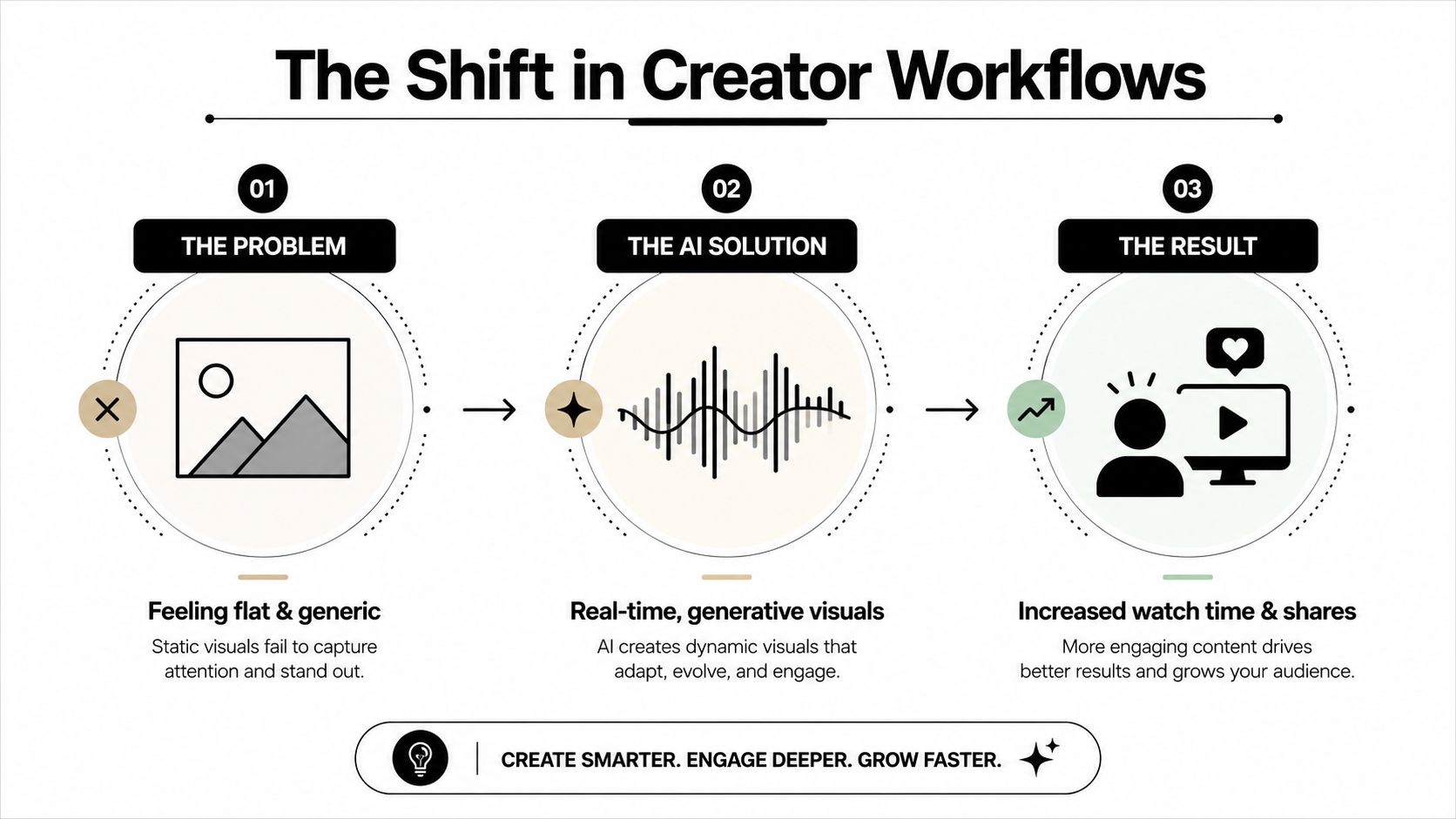 A diagram illustrating the shift in creator workflows from static visuals to dynamic AI-generated content for growth.
An AI music visualizer matters because it sits between a full music video and a placeholder. A traditional template reacts to audio, but it usually behaves like a preset with a meter attached. An AI-driven tool can read the track's shape, then generate or select motion that follows that shape instead of only tracking volume.
Where the category helps
The difference shows up when speed and consistency become the bottleneck. If you are shipping singles regularly, making short-form clips, or posting live content, the visual has to be quick to produce and coherent enough to reuse. A basic motion graphic can work for a looped promo, but it starts to feel thin when the same track needs a lyric version, a vertical cut, and a live overlay.
Creators looking for a practical starting point can also compare this with AI music video creation tips, because the best results usually come from matching the visual style to the release format rather than trying to make everything look like a cinematic music video. That is the boundary. AI helps most when the output needs to feel custom without forcing a full edit cycle.
Practical rule: if the song needs visual personality, section changes, or lyric timing, AI earns its keep. If you only need a branded loop behind audio, a simple motion template is usually enough.
The other reason this category has moved into normal production work is retention. Analysts in in the 2026 LyricMV summary say synchronized word-by-word lyrics hold viewers longer than static lyric cards. That does not mean every project needs text on screen, but it explains why so many creators now treat the visual as part of the listening experience, not decoration on top.
A useful example is a track built from AI-generated vocals from tools like DissTrack AI. In that workflow, the voice may already feel synthetic or highly stylized, so a plain waveform rarely adds much. A visualizer that reflects the cadence, phrasing, or mood of those vocals gives the release a clearer identity, while a simple template can still be the better choice for a quick teaser or a background loop.
What changes the workflow is not just the look, it is the amount of manual interpretation you have to do. A static asset asks the creator to do all the storytelling. An AI visualizer does some of that translation for you, which is why it becomes useful in fast release cycles, repeated content formats, and live setups where the visual has to keep pace with the track.
How AI Music Visualizers Work
A strong AI music visualizer begins by listening for structure, not by trying to paint random motion on top of a track. The software usually pulls out beat and onset timing, frequency-band energy, loudness envelope, tempo changes, and dynamic range, then smooths those signals before they become movement as described in MuseGen's technical analysis. That smoothing matters because raw audio is messy. A snare hit, a sharp vocal consonant, or a busy hi-hat pattern can make visuals jitter if the system reacts too directly.
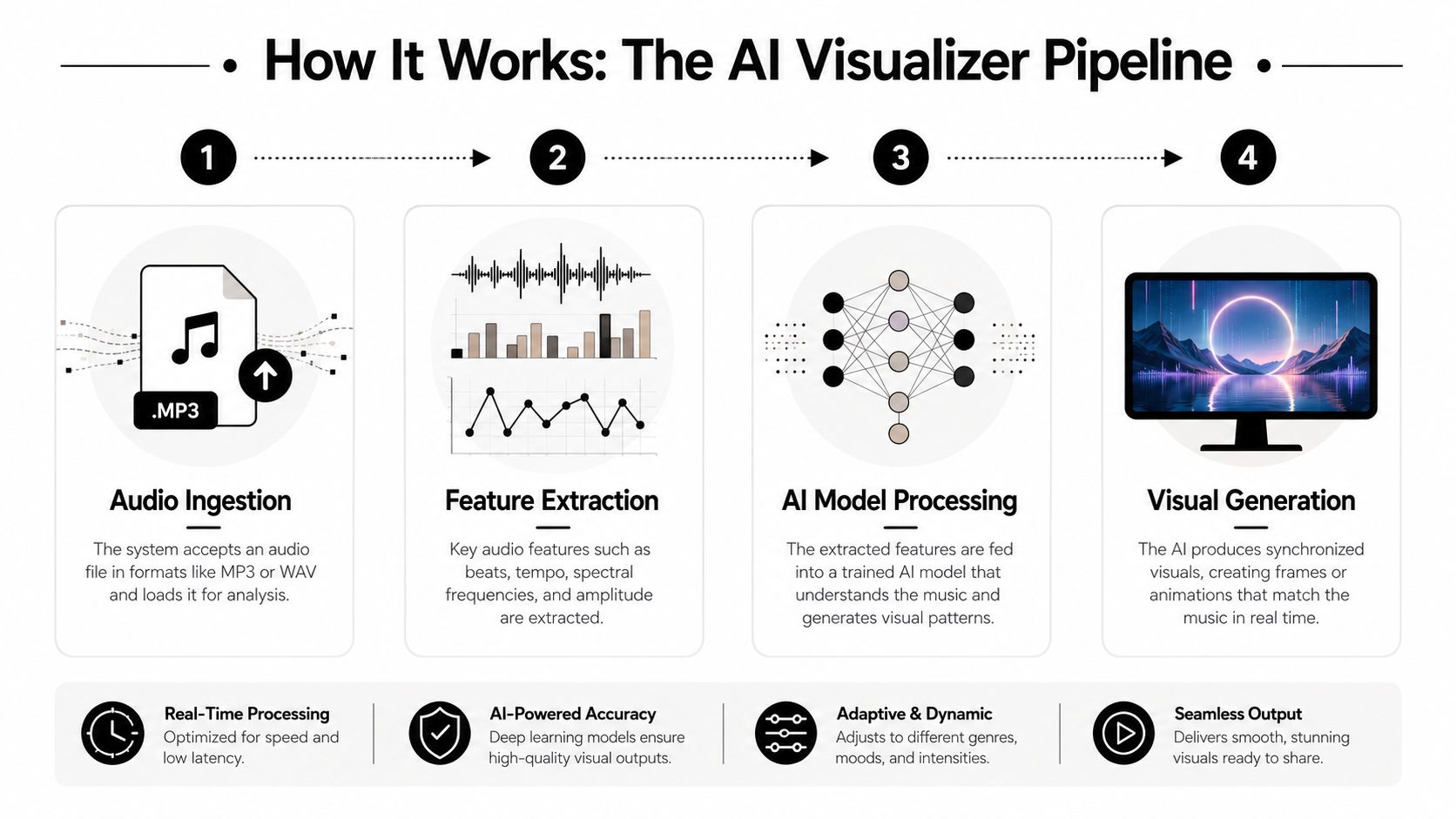 A diagram illustrating the four-step AI music visualizer pipeline process from audio ingestion to visual generation.
From sound to stable motion
The pipeline works like a mixing console with a visual layer attached. Kick drums, snares, hi-hats, and vocals each create different energy spikes, and a good system decides which of those spikes should matter to the picture. If every spike is mapped directly, the result flickers, especially on dense drum patterns, so quality tools use attack and release gating to calm the signal before it reaches the visuals MuseGen explains that transient-heavy input needs this smoothing.
After that, the cleaned signal gets mapped to visual parameters such as scale, color, glow, particle density, and camera motion. The point is control, not noise. Keeping the system tied to 3 to 5 core features helps the render stay readable in production, which is why the better outputs feel designed instead of over-driven.
That difference matters even more when the music already has a strong synthetic identity. A release built with AI-generated vocals from tools like DissTrack AI may already sound stylized, so a plain waveform often adds little. In that case, a visualizer that follows phrasing, intensity, or section changes can give the track a clearer identity, while a simple motion graphic may still be the better choice for a fast teaser or a background loop.
Why the smarter systems feel more musical
More advanced tools go past simple amplitude tracking. They use audio-reactive generation, which lets the software identify structural sections like verse, chorus, and drop, or separate elements like kick, snare, keys, and hi-hats Freebeat's visualizer overview describes this section-aware approach. That means the visual can follow the arrangement itself, not just how loud the track is at one moment.
The jump from waveform reaction to section-aware generation is what makes the visual feel like it belongs to the record.
A section-aware visualizer is more like a live VJ responding to stems than a static template pulsing to volume. If the chorus opens up, the image can widen, brighten, or fill with more motion. If the verse drops back, the visual can tighten and breathe with the arrangement. For creators using a stem separation workflow, the system starts to earn its keep here, because the visual reacts to musical parts instead of a single blended signal the stem separation workflow guide.
That is also why some full-track exports feel more coherent than old-school spectrum bars. A spectrum can prove the music is playing. An arrangement-aware visual can make the release feel intentional from intro to outro. For creators, that is the difference between a placeholder and a publishable asset.
A useful mental model
If you do not work in audio tools every day, keep the process simple. The software listens, picks a few stable signals, smooths them, then turns those signals into motion rules. When that pipeline is clean, the video breathes with the track. When it is too sensitive, it turns into visual noise.
Types of AI Music Visualizers and When to Use Each
The phrase AI music visualizer covers more than one kind of tool, and picking the wrong kind wastes time. A creator making a looped teaser for Instagram doesn't need the same workflow as a streamer building a live overlay. The smartest choice depends on whether you need speed, creative control, or a result that can survive repeated viewing.
The main categories
| Type | Best For | Speed | Creative Control | Platform Fit |
|---|---|---|---|---|
| Template-based reactive visualizer | Quick branded loops and simple promos | Fast | Low to medium | Spotify Canvas, Instagram Reels, YouTube Shorts |
| Generative AI visualizer | Section-aware visuals and stronger creative identity | Medium | High | Full tracks, lyric-led releases, story-driven clips |
| Lyric-syncing visualizer | Word-by-word lyric videos and sing-along content | Medium | Medium | YouTube, Shorts, Reels, karaoke-style edits |
| Real-time visualizer | Live streams and performance overlays | Fast once configured | Medium | OBS, Twitch, live sessions |
When a basic motion graphic is enough
A basic motion graphic wins when the job is simple. If the track needs a branded loop, a clean background, or a fast promo for a short-form post, a template can be the right tool. You're not trying to create a mini film. You're trying to keep the release visually alive without slowing the pipeline.
That's also why the broader market still includes real-time tools. A separate market report places the music visualizer market at $3.2 billion in 2024, with growth to $8.9 billion by 2033 at a 10.8% CAGR in the DataHorizzon Research report. It also says the real-time visualizer segment held 45% of global revenue in 2023, which lines up with how often streamers and live creators still depend on reactive overlays.
When AI adds real value
AI becomes the better choice when the song has structure that the visual can follow. If you've got a verse, a chorus, and a drop, a generative tool can help those sections feel different without manually keyframing every transition. If the song has synchronized lyrics, the timing layer can add another level of movement that a static waveform can't touch.
Use AI when the visual needs to feel composed, not merely animated.
The clearest boundary is platform intent. Spotify Canvas and a lot of short-form promo clips usually reward a loop that's clean and branded. Full-release lyric videos, visualizers for vocal-heavy tracks, and live reactive visuals need more than a template because the viewer expects the image to evolve with the record. That's where AI starts paying for itself.
Building Your AI Visualizer Production Workflow
A good workflow starts before the visualizer opens. If the audio file is clipped, messy, or poorly arranged, the finished video will inherit those problems. A clean source file gives the software better timing, clearer section detection, and fewer odd visual jumps.
Prepare the track before you generate anything
Start with the final mix or the closest approved version. If vocals are part of the release, use the version you plan to publish, because lyric sync and scene changes will lock to that timing. AI-generated vocals make that choice even more important, since a clear verse-to-verse layout gives the visualizer obvious section cues.
Creators using tools like DissTrack AI can move faster at this stage because the track already has a strong stylistic frame. Its style tags, such as West Coast, Old School Boom Bap, Trap, Battle Rap, Drill, Emo Rap, and UK Grime, help you picture the visual mood before you open the editor. A battle-rap style track can point you toward harsh contrast, aggressive cuts, and metallic textures, while a grime-flavored verse can support a darker, starker layout.
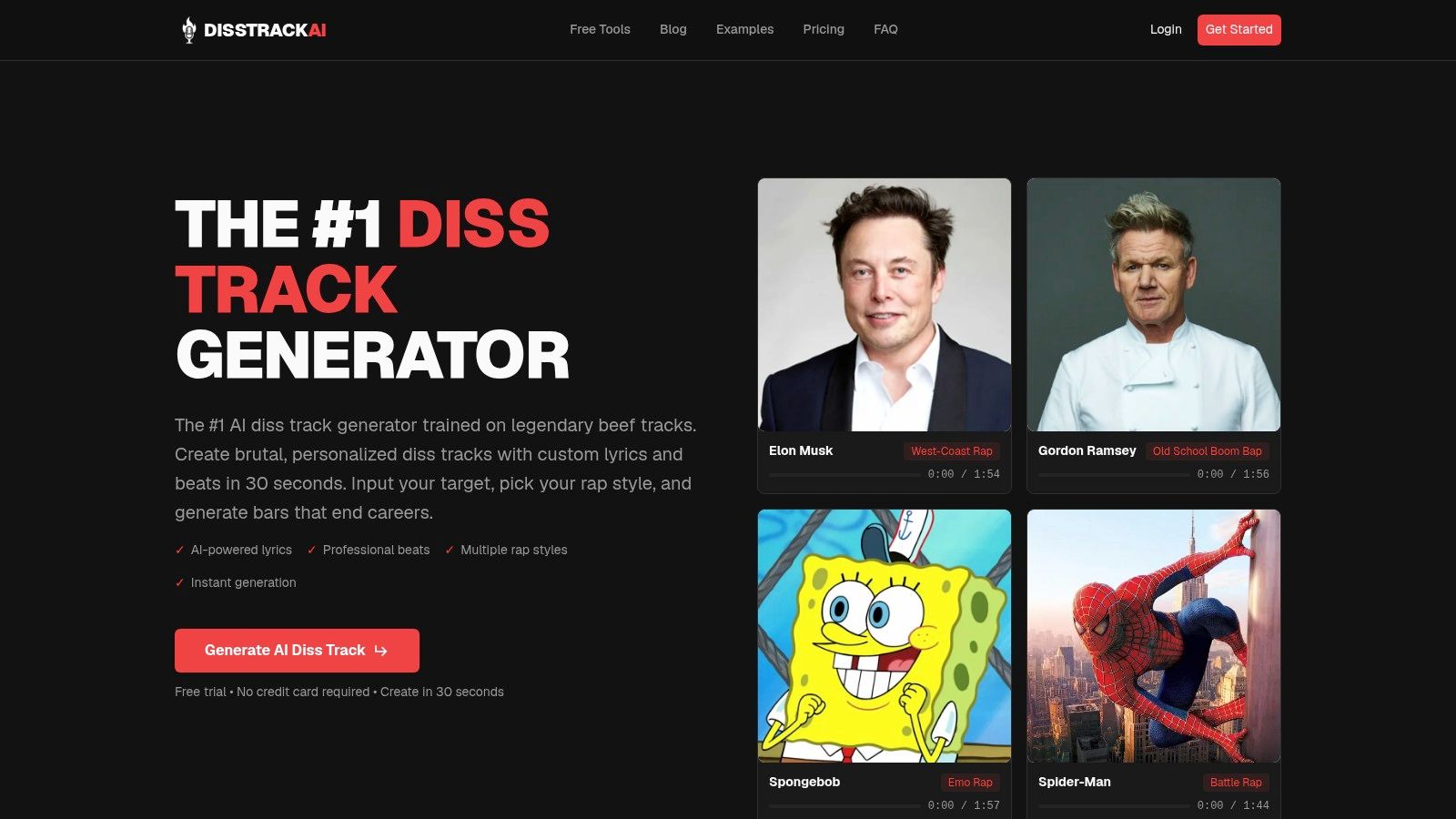 Screenshot from https://aidisstrackgenerator.com
Build the visual around the song structure
Once the audio is loaded, choose a visual style that matches the track's energy, not just its genre tag. A structured verse output makes it easier to assign a different motion language to each section. Verse one can stay restrained, the hook can widen into stronger motion, and the final section can either peak or collapse into a clean outro.
That structure matters for roast content and fast-turnaround social clips. If the vocals come from an AI generator, the visualizer does not need to imitate a traditional music video shoot. It only needs to make the performance feel intentional and easy to share.
The same logic applies when you are preparing different exports. A horizontal version can prioritize the full lyric read, while a vertical cut can keep the subject centered and let the text do more of the work. This workflow guide on using music video AI is useful if you want to compare setup choices before you commit to a final render.
A simple production order
- Lock the audio first. Use the final mix or approved vocal take so timing does not drift later.
- Pick one visual language. Decide whether the track feels glossy, gritty, surreal, or minimal before you touch the effects.
- Map sections deliberately. Give the intro, hook, and outro different motion intensity so the video does not flatten out.
- Preview the weak spots. Watch the transitions where the beat changes, because that is where flicker and awkward cuts usually show up.
- Export for the platform. Vertical clips, lyric videos, and live overlays all need different framing decisions.
The best workflow is not the fanciest one. It is the one you can repeat when the next track is already waiting.
Performance and Aesthetic Best Practices
A good visualizer can still look cheap if the design decisions fight the music. Too much motion, too many colors, and too many reactive layers all at once will bury the track instead of supporting it. The goal is a visual that feels alive but still lets the listener read the song.
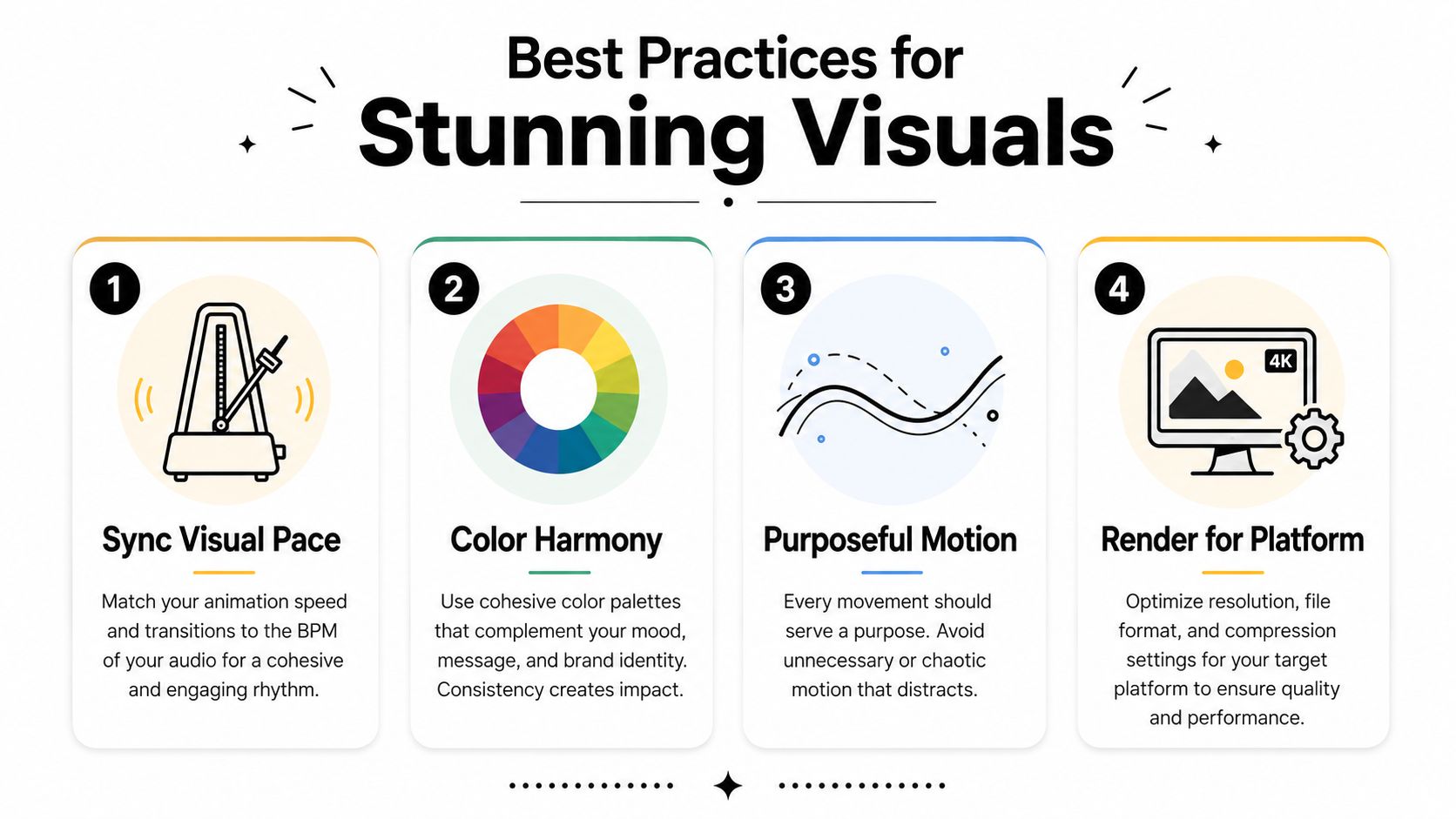 An infographic titled Best Practices for Stunning Visuals featuring four numbered steps for animation design.
Keep the motion readable
The biggest mistake is treating every musical detail as a command to animate. That creates chaos fast, especially on dense drums or layered vocals. A stronger approach is to choose 3 to 5 focal points and let those carry the scene, which lines up with the production guidance in the technical pipeline section above.
Color matters just as much. If the palette is oversaturated, the video starts to feel noisy even when the motion is technically correct. Negative space gives the eye somewhere to rest, which becomes more important when the lyric text is moving at the same time as the background.
Calibrate lyrics and export settings
For lyric sync, timing is everything. Word-by-word animation has to land with the vocal delivery, not slightly after it, because even a small drift makes the whole piece feel amateur. That's why synchronized lyric visuals tend to outperform static lyric cards in viewer retention, according to the verified market summary from LyricMV which also ties stronger average view duration to synchronized word-by-word lyrics.
Platform fit also changes the export decision. YouTube can tolerate more detail, while TikTok and Instagram Reels reward immediate readability in a vertical frame. Spotify Canvas wants a loop that feels polished but doesn't compete with the track, so subtle motion usually wins.
If the eye has to work too hard, the music loses.
Here's the practical checklist I use before export:
- Sync visual pace to the song. Faster sections can support more cuts, but the motion still needs a pattern.
- Protect readability. Keep text away from the busiest part of the background.
- Avoid flicker traps. High-frequency particles and overly sharp strobing can make the render feel unstable.
- Render for the platform first. Aspect ratio and frame framing should match where the clip will live.
The visual should support the release, not audition for attention on its own.
Example Setups for Creators and Streamers
A solo artist dropping a single needs a different setup from a live streamer or a battle-rap clip channel. The tool can be the same, but the intent changes the whole render. Once you think in terms of use case, the choices get a lot easier.
The independent musician
For a single release, the best move is usually a lyric video plus short vertical derivatives. The main version can use a clean centered layout with room for word-by-word sync, while the cutdowns can lean on tighter framing and simpler motion. That gives you one core asset and a set of fast social spin-offs.
The Twitch streamer
A streamer needs the visual to stay reactive without stealing CPU or becoming distracting. Real-time overlays work best when the motion follows the music bed, donation alerts, or intro music, then settles into something stable once the stream begins. In OBS, the smartest setup is usually the one that looks polished at a glance and doesn't clutter the gameplay or camera feed.
The battle rap or roast creator
AI-generated vocals and visualizers fit naturally together. A creator can generate a sharp, structured verse, then pair the track with harsh cuts, aggressive color contrast, and punchline-driven scene changes. If the verse has clear sections, the visual can land each turnaround like a mini reveal.
The producer or DJ
Looping promo assets work best when they're modular. A DJ teaser for Spotify Canvas, for example, needs a small visual loop that can repeat cleanly, while a club promo clip may want brighter motion and a more obvious rhythmic pulse. The visuals don't have to be complicated, but they do need to feel branded enough to reuse across releases.
That's the key advantage of an AI visualizer in creator workflows. It lets each format keep its own job instead of forcing one visual to do everything.
Rights, Privacy, and Where Automation Breaks Down
People talk about speed first, but the awkward questions usually show up later. If you upload an unreleased track to a cloud visualizer, you should care about storage policies, training use, and deletion practices before you hit generate. The same goes for copyright risk when you're visualizing commercial music or releasing content that includes lyrics and artwork you don't fully control.
The other weak point is transcription. Dialect-heavy vocals, multilingual songs, rapid-fire rap, and mumble-heavy deliveries can confuse automated lyric timing. The system may also struggle with ambient tracks, experimental arrangements, or songs where the beat isn't obvious enough to anchor the motion cleanly.
For creators dealing with ownership questions, this guide on synchronization rights is a useful companion read, because the visual layer doesn't exist outside the legal layer. If you're working with unreleased material, ask where the file goes after upload and whether the platform stores it.
The honest boundary is simple. AI visualizers are strong at structured, repeatable, lyric-led, or beat-led content. They need human oversight when the track is unusual, the language is hard to parse, or the visual output could create rights problems. That's not a flaw, it's the line between automation and judgment.
If you want a faster way to turn a track into something shareable, DissTrack AI gives you a clean starting point for bold, structured vocal content that fits the kind of visual workflows covered here. Visit DissTrack AI to try it, then build the visual around the track instead of settling for a flat upload.