
AI Text Generator Free: 7 Tools Compared for 2026
Free sounds generous until you try to use it. Most AI text generator free plans are less “infinite creativity machine” and more “welcome sampler with a bouncer.” They're useful, but only if you know where the gates are, whether those gates are monthly caps, weaker models, or paywalled extras that wait for your credit card.
This roundup skips the fluff and sorts seven tools by what their free plan really gives you, what gets locked away, and which job each one handles best. If you want a broader tool-hunting rabbit hole after this, Yelly Nelly's AI tool picks is a decent place to keep digging.
1. ChatGPT
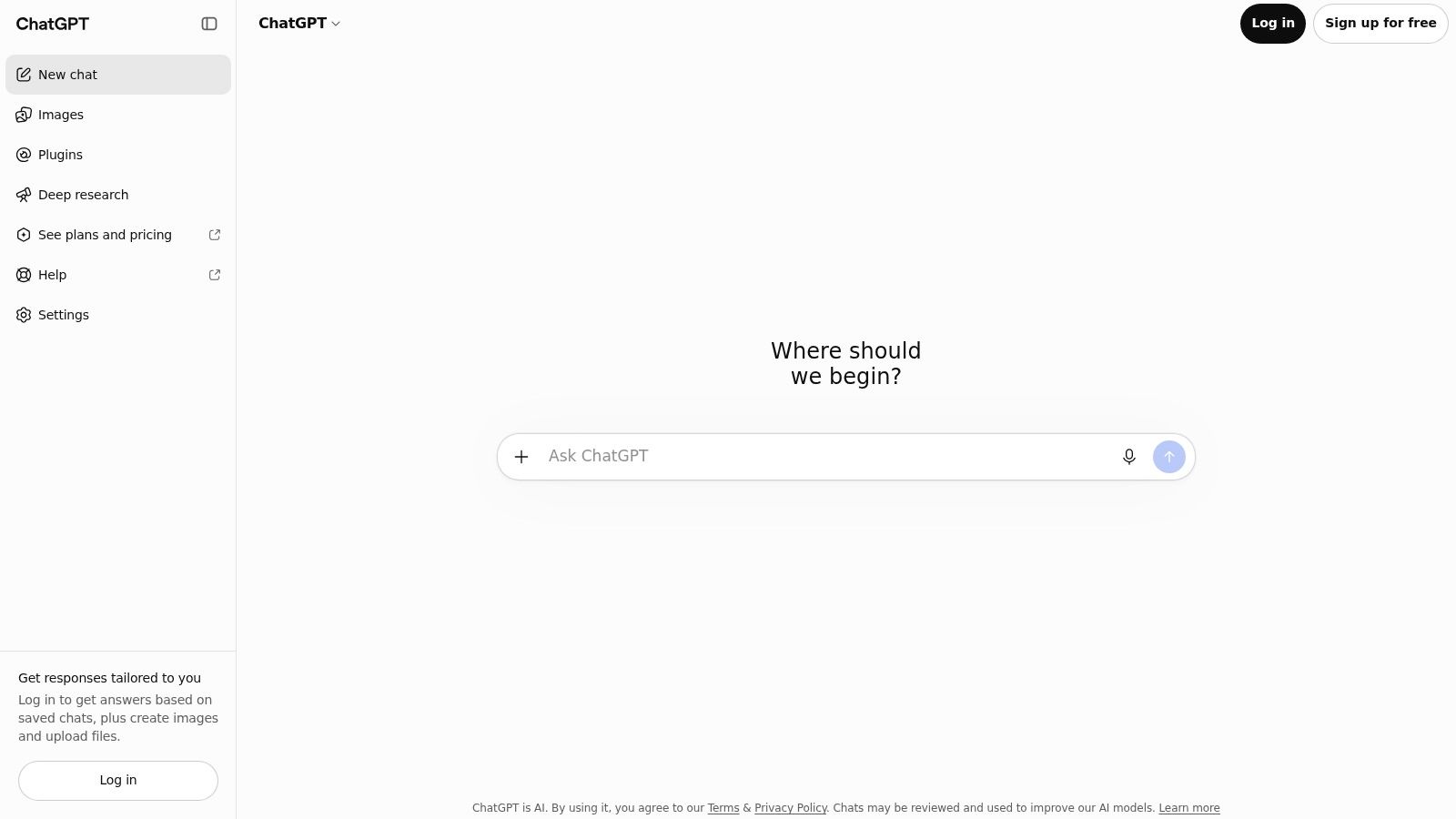 ChatGPT (OpenAI)
ChatGPT is the obvious starting point because it's the nearest thing to a general-purpose writing utility that doesn't make you read a manual first. It works well for outlines, rewrites, brainstorms, and “turn this rough idea into something usable” jobs. The free experience is web-based at ChatGPT, and that convenience matters when you just want to draft and move on.
The catch is exactly what you'd expect from a popular free tool. Free-tier limits and tool restrictions show up faster than you'd like, and the more niche or edgy the request, the more likely the guardrails will step in. For normal work, that's fine. For anything that needs a bit of bite, the machine may suddenly develop a conscience.
Best for fast drafting with broad flexibility
Practical rule: use ChatGPT for first drafts, then edit like a human who plans to publish under their own name.
It's strongest when you need speed and range rather than a narrow specialist feature. That makes it useful for marketers, founders, and anyone who wants one tool that can go from headline ideas to polished copy without switching tabs every five minutes. If you're testing roast-style writing in particular, its general strengths pair well with purpose-built lyric workflows, including DissTrack AI's rap lyrics generator, which is built for that job rather than everything else under the sun.
2. Google Gemini
Google Gemini is the neatest option for people already living in Google land. The setup is simple, the browser experience is quick, and the drafting style is good for summaries, answer-style copy, and fast research-adjacent writing. Start at Google Gemini if you want something that feels less like adopting a new system and more like opening another Google tab.
The free plan's personality has changed lately, and not in the fun direction. Model access on the free tier has narrowed, which means the shiny stuff is increasingly reserved for paid tiers. That doesn't make Gemini bad, it just means the free version is now more basic than people expect from the brand.
Best for Google users who want low-friction drafting
Gemini is strongest when you want clean, quick text and you already use Google services every day. It fits light content work, brainstorming, and quick summaries better than deep creative sessions. If your workflow lives in Gmail, Docs, and Drive, Gemini's integration story will feel natural, even if the free tier is no longer the all-access pass it used to be.
Its value is convenience first, not maximal power first.
That's the trade-off. You get a smooth entry point and decent everyday output, but the free layer is not where you'll find the most capable model behavior or the richest feature set.
3. Microsoft Copilot
Microsoft Copilot is the free tool you pick when you want drafting help without pretending you're joining a new creative philosophy club. It's available on the web at Microsoft Copilot, and it's easy to use for rewrites, listicles, and quick structured responses. If your day already runs through Edge or Windows, the integration angle is a real convenience rather than a marketing slogan.
Copilot's free version is solid for fast starts, but it does have capacity and feature limits. The deeper Microsoft 365-connected capabilities are part of the paid side of the fence. So yes, you can draft here for free, but no, you shouldn't assume every shiny thing is included just because the homepage smiles at you.
Best for quick rewrites inside the Microsoft ecosystem
It works well when the goal is speed, not ceremony. Need to clean up a paragraph, brainstorm three headline variants, or turn notes into a tidy list? Copilot handles that kind of job with very little friction. The web access also makes it easy to hop in from almost any device, which matters more than people admit.
For teams already using Microsoft products, Copilot is often the least annoying free starting point. It doesn't demand a new workflow. It slides into the one you've already got.
4. Perplexity
Perplexity is what happens when search and drafting decide to share a desk. It's useful when you want text that comes with citations attached, because that makes it easier to verify what the tool is saying. Start at Perplexity if your work leans toward sourced outlines, research-backed scripts, or “show me where this came from” writing.
The free version covers the core experience, but model access and advanced tools are limited compared with paid tiers. That's the pattern here too, only the trade-off is more acceptable because the whole point of the tool is clarity and verification. If you're drafting around facts, the citation trail is doing real work.
Best for research-backed drafts with live citations
Perplexity is strongest when you need a readable answer and a way to check it. That makes it attractive for editors, content strategists, and anyone who hates the mystery meat feeling of uncited AI text. You can copy the output, refine it, and keep moving without rebuilding the whole argument from scratch.
Useful habit: treat Perplexity's draft as a sourced outline, not a final publish button.
The free tier is a good fit for light research workflows. If your project needs deeper model options or file-heavy work, that's where the paywall starts looking less like a suggestion and more like the front door.
5. Rytr
Rytr is the budget-friendly option that doesn't waste time pretending to be a giant creative suite. The free plan includes 10,000 characters per month as stated by Rytr, which makes it one of the few permanent free plans that's easy to understand. It's also one of the simplest tools on this list, which is a blessing if you want output, not a scavenger hunt.
The template approach is its main advantage. It gives you structured starting points, including a dedicated Song Lyrics template, so you're not staring into the void waiting for inspiration to volunteer. The downside is equally clear. If you feed it vague prompts, the output can get generic fast.
Best for short-form ideation and lyric templates
Rytr is a good fit for creators who want speed and structure more than deep research. Short posts, hooks, blurbs, and quick lyric experiments all fit its personality. The free character cap is real, though, so this is not the tool for someone trying to mass-produce endless long drafts without ever opening their wallet.
It rewards specificity. It punishes lazy prompts with polite mediocrity.
For rap and lyric experimentation, the template structure is the reason to use it. If you want a more dedicated workflow for roasts and battle-style writing, this free rap lyrics generator guide is more aligned with that use case than a general template library.
6. Simplified
Simplified is for people who want the text tool, the design tool, and the social package without juggling three separate logins like a sleep-deprived intern. Its Free Forever plan gives you a taste of the platform's writing side, but the main appeal is the all-in-one setup. If you need copy, captions, and lightweight visuals in one place, that convenience is the point.
The limit story is less tidy than Rytr's. Free usage comes with credits and word caps, and those allowances can vary by feature. That makes Simplified feel flexible on the surface and a little slippery once you start working regularly.
Best for creators who want text plus visuals
Simplified is strongest for social-first workflows. You can draft a post, turn it into a graphic, and keep moving without bouncing between tools. That matters for small teams and solo creators who care more about shipping than building the perfect stack.
For roast content, the overlap between writing and packaging is useful. A joke isn't finished until it's posted somewhere, and Simplified helps with the “somewhere” part. If you're building themed lyrics or social content around custom verses, write your own song lyrics guidance is a better companion piece than generic writing advice.
The downside is predictability. Free limits can change, and that means it's smarter for quick work than for a workflow you plan to lean on every day.
7. Grammarly
Grammarly is still best known for fixing prose that wandered off the road, but its AI features now give it a broader writing role. The free plan includes 100 AI prompts per month according to Grammarly, which is enough for a fair amount of drafting and rewriting if you're disciplined. It's a strong choice for people who want writing help where they already write.
That cross-app presence is the advantage. Grammarly lives close to the work, which lowers friction and makes it easy to improve a sentence before it turns into a whole paragraph of regret. The free version is useful, but the prompt cap means you will want to use it surgically, not as your only content engine.
Best for editing-first writers who want AI on tap
Grammarly is strongest when your process is “draft elsewhere, refine here.” It tightens tone, clarifies clumsy sentences, and smooths out wording without making you learn a new interface. That's a real advantage for teams and solo writers who care about polish more than novelty.
It's not the best bulk generator on this list, and it doesn't pretend to be. The free plan is more like a smart assistant than a full creative factory. That's fine. Sometimes the best free tool is the one that keeps you from sounding like you wrote your first draft with oven mitts on.
7 Free AI Text Generators, Comparison
| Tool | Implementation complexity 🔄 | Resource requirements ⚡ | Expected outcomes ⭐ | Ideal use cases 📊 | Key advantages / Tips 💡 |
|---|---|---|---|---|---|
| ChatGPT (OpenAI) | Low, web-first, minimal setup; optional account in some regions | Free tier with limits; paid tiers (Go/Plus) unlock higher limits and tools | High-quality, versatile drafts and brainstorming | Broad drafting, rewrites, ideation, structured content | Large prompt community; use paid tiers for uploads/tools |
| Google Gemini | Low, browser/app access; Google account required for full features | Free but narrowing model access; Plus/Pro for advanced models and multimodal | Strong summarization and concise answer-style outputs | Google/Workspace users needing quick summaries and web tasks | Tight Google integration; upgrade for richer multimodal models |
| Microsoft Copilot | Low, built into Edge/Windows and web; easy start with MS account | Free entry-level; advanced workspace features via M365 Copilot paid plans | Fast rewrites and web-grounded answers with product context | Microsoft ecosystem workflows, quick drafts, Edge users | Deep M365 integration; upgrade for data/work-graph features |
| Perplexity | Medium, search-chat hybrid with citation workflow | Free core chat; Pro/Max/Enterprise for more models and tools | Research-backed answers with inline live citations | Fact-checking, research-based outlines and scripts | Provides verifiable citations; use paid tiers for higher usage |
| Rytr | Very low, template-driven, minimal setup | Free 10,000 characters/month; inexpensive paid plans for more quota | Fast short-form outputs; good for template-based content | Short-form copy, song lyrics experimentation, quick ideation | Strong templates (incl. lyrics); prompt detail improves specificity |
| Simplified | Medium, multi-tool creator suite (text + design + video) | Free Forever plan with caps; paid tiers for team/features and higher limits | Packaged, publishable copy with visuals and social assets | Creators needing copy + visuals + scheduling under one account | One login for copy+design; use brand-voice tools on paid plans |
| Grammarly | Very low, installs/extensions; works across apps | Free plan includes 100 AI prompts/month; paid for bulk/generative features | Polished, clearer prose and strong edits | Editing, re-toning, continuous writing across apps | Excellent editing and integrations; pair with other tools for drafting |
Pick Your Free Tool and Test It Today
Free plans suit testing, not heavy production. Match each tool's limit to your weekly workload, draft one real piece in your two strongest candidates, and read each provider's data policy before pasting private or client material. The biggest mistake is treating “free” like a guarantee instead of a trial with rules.
If you want general drafting, ChatGPT and Copilot are the easiest places to start. If you want sourced output, Perplexity earns a look. If you want smaller, more explicit limits, Rytr and Grammarly are easier to budget around. Gemini and Simplified sit in the middle, with convenience doing most of the selling.
For rap-style roast verses, a purpose-built option like DissTrack AI at aidisstrackgenerator.com can fit better than a general-purpose writer. Free tools are fine for experiments, but specialized tools usually win when the format is the whole point.
DissTrack AI gives you a free way to generate personalized roast lyrics from a target, style tags, and inside jokes without starting from a blank page. If your goal is battle-ready writing instead of generic copy, try DissTrack AI and see how a purpose-built lyric tool compares to the usual free AI text generator free options.