
10 AI Tools for Music: Find Your Best Fit
You've got a hook that needs a vocal, a beat that should survive a real mix, a background cue for a short-form video, or a diss verse sharp enough to land on the first listen. The problem isn't finding an AI music generator. It's choosing the one that solves the bottleneck in front of you.
The best AI tools for music aren't interchangeable. One excels at personalized rap lyrics, another produces complete vocal sketches, while others focus on editable instrumentals, royalty-conscious soundbeds, vocal transformation, or developer workflows. A rapper may need rhyme control and multiple punchline variations. A producer may care more about stems, MIDI, arrangement edits, and export formats. A content creator may need a fast track with clear usage terms and no surprise platform restrictions.
That's why this list is organized by the job each tool performs, not by a generic ranking. For every platform, look beyond generation speed. Check the available credits, download limits, export formats, commercial permissions, model-specific licensing, and whether you can edit the result before publishing. A fast draft still needs a human ear, especially when lyrics touch real people, vocals resemble identifiable performers, or a track is headed for a commercial release.
For adjacent voice and audio workflows, browse this voice synthesis catalog. Then choose the tool that matches your intended output, not the most impressive demo on a landing page.
1. DissTrack AI
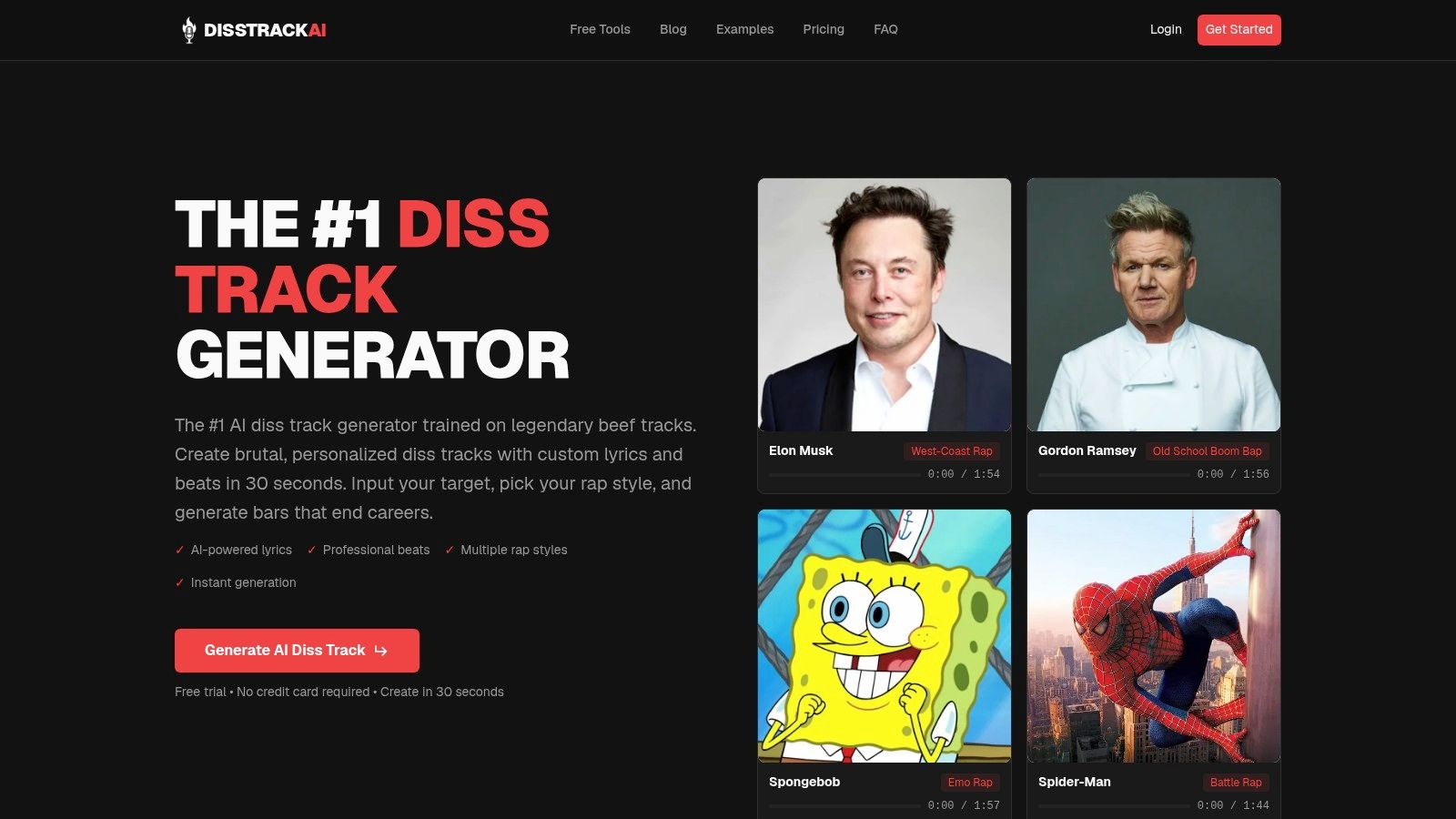 DissTrack AI
 targets one specific production job: turning a person, rivalry, or situation into usable battle-rap material. Enter the target, describe the relationship, provide relevant details, and select a direction such as West Coast, Old School Boom Bap, Trap, Battle Rap, Drill, Emo Rap, or UK Grime. You can also set the desired level of aggression.
That focused setup gives it a different role from complete song generators. The output is built around a premise, internal rhyme, punchline placement, escalation, and a style-specific flow. Rappers can request several approaches quickly, then keep the strongest structure instead of adapting a generic chatbot response into bars.
Where it fits
Use it for lyric ideation with a clear target and context. A creator preparing a roast video can generate different angles, retain the strongest setup, and rewrite the closer to match their own delivery. A rapper facing writer's block can use the draft to test rhyme patterns, then correct syllable counts and replace broad insults with details that fit the subject.
Beginners can start with presets and example prompts. Experienced writers can push the tone, premise, and punchlines further through more specific instructions. The website also presents beats, sample tracks, export, and sharing features, but its FAQ centers on lyric generation and indicates that audio functions may be limited or still rolling out. That makes DissTrack AI more useful as a writing-stage tool than as a replacement for a recording session or DAW.
The first output needs editing. Verify factual claims about real people, remove lines that create ethical or legal problems, and check whether the material suits the intended platform. The strongest result usually comes from treating the generation as a rough writing-room draft, then rebuilding the verses around the rapper's own cadence and perspective.
DissTrack AI uses a straightforward credit structure. The free tier includes one diss track. Pro costs $9.99 per month for 15 diss tracks, while Creator costs $29.99 per month for 100 diss tracks. Paid plans include commercial licensing, and the platform states that generations remain private until publication while users retain rights to use and monetize their bars. Review the current terms before releasing paid or sponsored content. These details are published on the DissTrack AI website.
What works and what doesn't
Its genre controls and battle-rap focus are the main advantages over a blank chat window. The limitation is equally clear: offensive or unfounded material can appear when prompts invite it, so human revision remains necessary. Choose another primary tool if you need a polished vocal, a complete song, or a full DAW session. Choose DissTrack AI when you need battle-ready lyric ammunition with variations.
2. Suno
Suno is the quick route from a text prompt to a complete song concept. It can generate lyrics, vocals, arrangement, and genre direction in one consumer-friendly workflow, which makes it useful when you need to hear an idea rather than stare at a blank project.
For rappers, that means testing a hook concept with a vocal and beat attached. For content creators, it means producing a parody song or social clip without assembling every element manually. The appeal is speed and completeness. You're not just asking for four bars or a chord progression, you're asking the system to demonstrate how the whole idea might work.
Workflow strengths
Suno's text-to-song approach works best during early concept development. Prompt for a vocal-forward rap sketch, a hook in a particular mood, or a genre exercise, then compare the generated versions. Its Studio features support extensions and edits, so a promising idea doesn't have to end as a short one-off preview.
The platform uses monthly credits, and credit consumption can vary by model. Paid tiers add download access and monetization or licensing options, but download quotas and plan details can change. Read the current terms inside your account before treating a generated song as release-ready.
For a practical explanation of where complete song generators fit, this guide to text-to-music workflows is useful context.
The trade-off
Suno is excellent when the bottleneck is getting from an idea to a convincing full-song sketch. It's less satisfying when you need detailed control over every vocal phrase, drum fill, or arrangement transition. A generated performance may communicate the concept while still requiring human rewriting, re-recording, or production work before release.
Use the free or lowest-commitment option to learn how credits behave. Save prompts and versions as you work. Confirm whether the tier you're using grants the commercial permissions you need, rather than assuming that a downloadable file automatically carries identical rights across every plan.
3. Udio
Udio targets creators who want the full-song convenience of text-to-music generation but need more control over lyrics and structure. It generates tracks with vocals, supports line-by-line lyric editing, and offers arrangement tools for users who want to steer the result beyond a single prompt.
The lyric editor is the meaningful distinction for vocal writers. If a generated line has the right rhythm but the wrong word, you can work at the line level instead of discarding the entire concept. That makes Udio a better fit for artists who already hear a specific topline or narrative and want the system to follow it more closely.
Control for vocal sketches
Udio's workflow suits a rapper or singer who wants to explore vocal character, emotional delivery, and song structure before booking a session. Higher-tier controls can include length, clarity, and model selection. Audio clip upload also supports transformation or extension workflows, which gives experienced users more material to shape than a text-only prompt.
The mobile support and synchronized library make it convenient for capturing ideas away from a studio computer. That convenience doesn't remove the need for file management. Keep the source prompts, lyric versions, and downloaded drafts together if you expect to revisit the song later.
Udio's official platform provides current plan information, while its App Store descriptions explain credit details. Because some functions are gated and in-app credit packs can add another cost layer, compare the total workflow cost rather than only the subscription headline.
Who should choose it
Choose Udio when you care about vocal realism and editable lyric timing more than instant simplicity. It's a stronger fit than a basic generator for creators who want to revise a chorus or test alternate lines. It's not a substitute for a multitrack recording session when you need exact control over every element.
The central limitation is access. Advanced controls may require a paid tier, and credit-based systems can make experimentation feel less predictable. Use it for sketches, references, and selective production ideas, then decide which parts deserve human vocals, live instruments, or detailed DAW editing.
4. AIVA
AIVA takes a different route. It's primarily an original music composition and editing environment, not a text-to-vocal song generator. That makes it a better choice for producers, composers, game developers, and filmmakers who need musical material they can continue shaping.
The platform supports composition across 250+ musical styles, accepts audio or MIDI influences, and provides piano-roll editing. You can export MIDI, MP3, WAV, and stems, which gives the result a practical path into a DAW. MIDI is especially important when the generated harmony or melody is useful but the sound selection, voicing, or performance still needs work.
 AIVA
Built for editable music
AIVA works best when you want to compose, inspect, and rearrange, rather than accept a finished audio file. A producer can use its output as a harmonic starting point, change the piano-roll notes, export MIDI, and rebuild the arrangement with their own instruments. A video creator can generate a cue, edit its structure, and render a version that follows a scene more closely.
The main limitation is equally clear. AIVA focuses on music without vocals, so it isn't the tool to choose for realistic AI singers, diss vocals, or complete rap performances. For a deeper look at algorithmic composition and its place in production, see this overview of artificial intelligence in music composition.
Rights and production fit
AIVA's tiered licensing is one of its practical advantages. The Pro plan is described as conveying full copyright ownership, but you should still confirm the current plan terms before using a track in a release, film, or client project. Export rights and ownership language matter more than a tool's ability to produce an impressive preview.
A good instrumental generator gives you something you can edit. If you can't change the notes, arrangement, or stems, you may have a demo rather than a production asset.
Choose AIVA for editable scoring and music development. Choose a vocal generator when the singer, rapper, or topline is the central problem.
5. Mubert Render
Mubert Render serves a different job from Suno or Udio. It creates background music for creators, brands, apps, podcasts, and social content, with licensing and repeatable delivery built into the workflow. The focus is a usable soundbed, not a finished artist performance.
You can generate music from text or images, set its duration, and customize it with stems. That suits a video where the music must support dialogue without competing with it. A brand team may prioritize consistent delivery and clear usage terms, while an app developer may care more about API access and business licensing.
Where it earns its place
Mubert fits high-volume content production. A creator can generate several cues for product clips, podcast segments, or short-form campaigns, then choose one that leaves space for narration. Adjusting duration and mix also reduces the editing needed before publication.
Its plan matrix separates commercial from non-commercial use, so check the selected license before releasing content for a client or brand. The platform's Render licensing and generation workflow provides the current details on restrictions, permitted uses, and available options.
The main limitation appears when you want to release the generated track as an artist-owned catalog asset. Restrictions may apply to DSP distribution and Content ID, and some licenses limit use on music platforms. That works for a YouTube cue or podcast bed, but creates friction for a standalone release intended to build an artist identity.
Best practical use
Use Mubert Render for rights-conscious soundbeds, especially when you need music across many videos or product experiences. Generate multiple options, select one that supports the voice or dialogue, and save the license record with the exported file.
Credits, plan terms, and distribution permissions still require review. A low-friction generation workflow does not automatically provide the rights needed for every release channel.
Creators comparing generated soundbeds with complete compositions can use this guide to randomly generated music for additional context.
6. SOUNDRAW
SOUNDRAW is built around customizable compositions and artist-ready beats. Its useful feature isn't generating a track. It's the ability to modify the structure after generation, including elements such as intro and chorus placement, length, and mood.
That structure-first workflow matters for rappers and producers. A beat may sound good in isolation but fail once a sixteen-bar verse needs room to breathe. Being able to adjust sections gives you a better chance of shaping the arrangement around a vocal rather than forcing the vocal into a fixed AI composition.
 SOUNDRAW
Content creator or recording artist
SOUNDRAW separates its Creator and Artist positioning, which helps clarify the intended use. Content creators can look for a straightforward license for videos and campaigns. Recording artists need to inspect the release permissions, downloads, and whether the selected plan supports the kind of distribution they're planning.
Higher Artist Pro and Unlimited plans provide stems, making the tool more useful for serious mixing. A producer can rebalance drums, bass, and melodic elements instead of accepting a single stereo file. That still doesn't guarantee a perfect production. The stems may need substantial EQ, arrangement edits, and human performance layers.
Cost of deeper control
The trade-off is plan gating. Stems and unlimited downloads sit behind higher-priced options, while some plans impose monthly download limits or concurrent-device restrictions. Those details matter if you work across a studio computer, laptop, and client setup.
Check the current SOUNDRAW plans and licensing before committing to a release workflow. The platform also offers API access for company integrations, so it can support larger content systems as well as individual beat-making.
SOUNDRAW is the sensible middle ground for a creator who needs more arrangement control than a background-music service but doesn't want to compose every track from scratch. It's less suitable if your process depends on MIDI-level note editing or a highly personal live performance.
7. Boomy
Boomy removes much of the production friction. Select a style, let the system arrange a track, make basic edits, and export or distribute through the platform's built-in guidance. It's designed for beginners and creators who want a finished file without setting up a complex DAW session.
That low-lift approach is useful for social experiments, quick releases, and testing a large number of ideas. A streamer might need short tracks for recurring content. A beginner may want to learn what makes a song feel complete before investing in more technical tools.
Fast results, narrower control
Boomy's strength is speed without a steep production learning curve. Its paid tiers add instrument editing, downloads, and commercial rights for downloaded songs. The platform also provides guidance around distribution and album-art prompts, reducing the number of separate tasks between creation and publication.
The compromise is creative control. Compared with a professional DAW workflow, you get fewer ways to reshape arrangement, sound design, and performance detail. The free plan doesn't include downloads, so a free preview isn't the same as a commercially usable asset.
Before releasing anything, read the current Boomy terms and plan information. Confirm that the specific song was created and downloaded under a plan that covers your intended use. Keep a local copy of the project information and licensing record.
Boomy is a strong match for beginner creators and high-volume idea testing. It's not the first choice for a producer who needs stems, MIDI, detailed mixing access, or a distinctive artist sound. Treat the generated track as a complete lightweight product, not as a replacement for a full studio session.
8. Beatoven.ai
Beatoven.ai focuses on music for video, podcasts, games, and other creator projects. Its mood-driven generation makes the workflow less about writing a song and more about matching an emotional function, such as tension under narration, a calm product walkthrough, or momentum behind a montage.
It also includes AI sound effects and exports in MP3 or WAV. Licensing is included per download, and the service offers both pay-per-track and subscription approaches based on download minutes. That structure is easier to align with client work because you can connect a particular download with a particular project.
A useful choice for video teams
Beatoven.ai's creator-friendly licensing and support for YouTube claims are meaningful advantages. Platform flags can interrupt a campaign or delay a client delivery, so having a defined support path is more useful than a vague promise of royalty-free music. The service also identifies its model-training approach through Fairly Trained certification, which gives users more transparency to evaluate.
The limitations are important for artists. Beatoven.ai doesn't directly distribute full tracks to Spotify or Apple, and its stems are intended for remix use rather than every kind of release workflow. If you need a standalone artist single with broad distribution rights, choose a platform designed for that purpose.
Use it for the picture
The right question is, “Does this cue serve the content?” not “Would I put this on an album?” Generate around the visual edit, adjust the mood and duration, then test the mix under speech. The best output often stays behind the story.
Read the current Beatoven.ai licensing information before delivering music to a client. Save the download receipt and project details alongside the final video so the rights trail remains clear.
9. Stable Audio
Stable Audio is for users who want more technical flexibility than a standard consumer music app provides. It supports text-to-audio and audio-to-audio generation, including inpainting and continuation, with open-weight model options, an API, and self-hosting or enterprise paths.
That makes it valuable for developers, researchers, advanced sound designers, and studios building custom audio workflows. Instead of only asking for a finished song, you can experiment with transforming a clip, extending an idea, or generating unusual textures for a production.
 Stable Audio (Stability AI)
Flexibility comes with responsibility
Stable Audio's open-weight options and Community License can be commercially permissive for small creators, while API and self-hosting options support more advanced deployments. Enterprise licensing is a separate concern, so a company embedding generation into a product shouldn't assume that a small-creator license covers its use.
The technical surface area is also the central limitation. You may need more familiarity with APIs, model choices, credits, deployment, and audio preprocessing than you would with Suno or Boomy. Credit-based pricing can be harder to forecast, especially when you're iterating on transformations rather than accepting a single output.
The Stable Audio platform provides the current product and licensing details. Read the model-specific terms before building a commercial workflow, particularly if you plan to distribute generated audio at scale or combine it with third-party material.
Stable Audio is best for audio experimentation and production systems, not for the quickest route to a polished vocal single. It rewards users who want to control the pipeline. It can frustrate anyone who only wants to type a genre and download a finished chorus.
10. Kits.AI
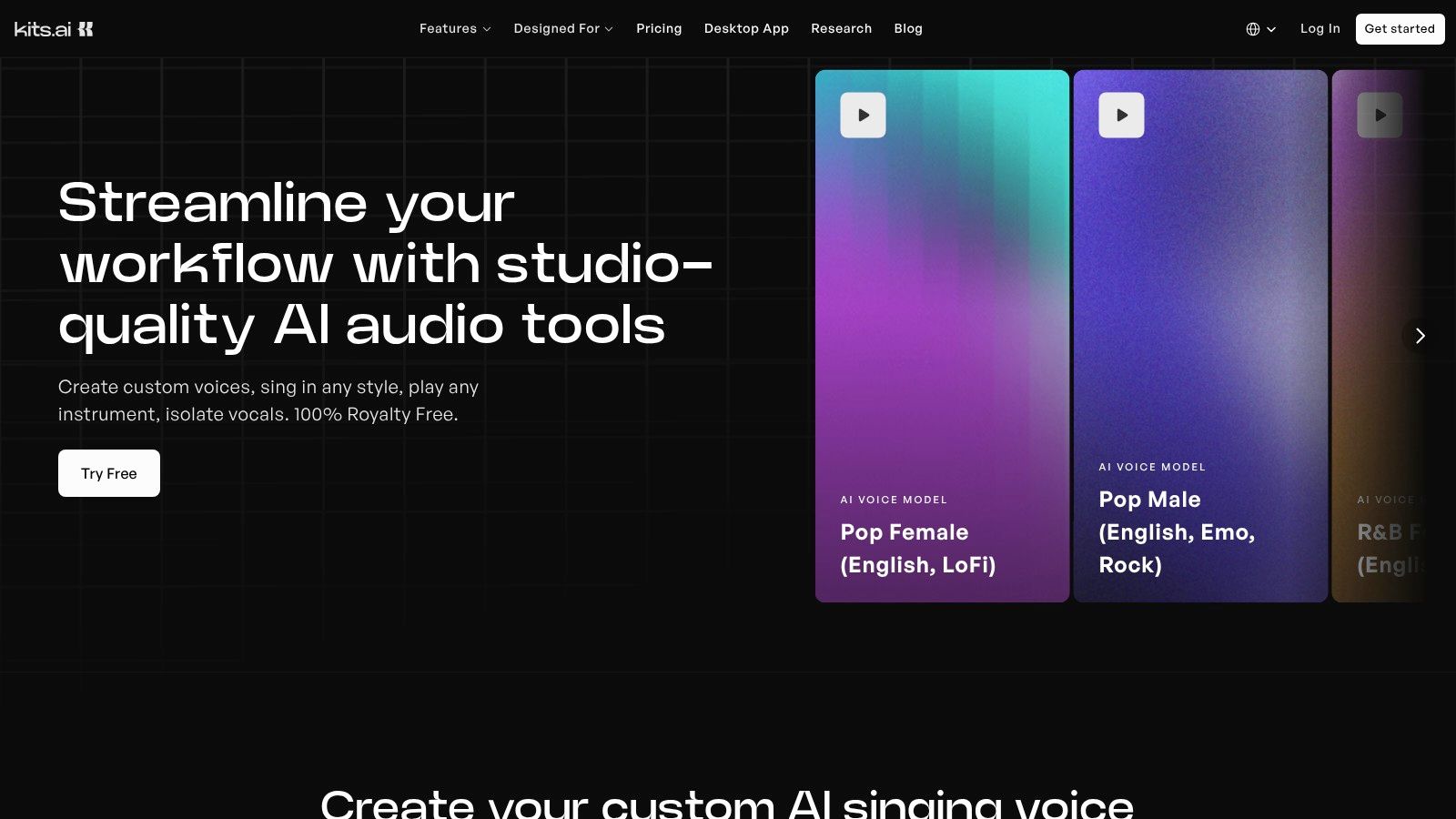
Kits.AI specializes in vocal transformation rather than general music generation. Its toolkit includes voice conversion, verified artist voice models, custom voice training, instant cloning, a Harmony Generator, and text-to-singing features.
For a producer, that opens several practical workflows. You can test a topline with a different vocal character, create harmonies, transform a guide performance, or develop a rap demo before bringing in a vocalist. The value comes from working with an existing musical idea and changing the voice layer, not from asking the platform to invent the entire record.
 Kits.AI
Voice models need careful rights checks
Kits.AI offers 75+ royalty-free singing voices, custom voice training, and model-specific licensing documentation. Those model-specific terms are the part artists need to read closely. Commercial rights may depend on the voice selected, and some releases require registration or additional steps.
The platform's programs for verified voice owners, including Kits Earn, also point toward a permission-based model marketplace. That's a better framework than treating every recognizable voice as free material. Still, responsibility sits with the user to confirm consent, license scope, attribution, and release obligations.
A voice conversion tool doesn't give you permission to imitate a real performer. Select a model whose license covers your use, document that choice, and avoid presenting a transformed performance as someone else's recording.
Kits.AI is a strong choice for vocal transformation, harmonies, and controlled demo production. It isn't the best tool for generating a complete beat, writing a full arrangement, or replacing an artist's creative direction. Review the current Kits.AI voice model terms before using a model in a commercial release.
Top 10 AI Music Tools Comparison
| Product | Core features (✨) | Quality (★) | Target audience (👥) | Pricing/Value (💰) |
|---|---|---|---|---|
| 🏆 DissTrack AI | Purpose-trained on diss/battle rap; style tags & savagery tuning; multi-variant, editable verses; fast export | ★★★★★ 🏆 | Rappers, creators, streamers, roast groups | 💰 Free (1 roast) · Pro $9.99/mo (15) · Creator $29.99/mo (100) · commercial rights on paid |
| Suno | Text-to-song with sung vocals, studio tools, arrangement & prompts | ★★★★☆ | Songwriters, social creators, rapid idea→track users | 💰 Credit-based tiers; paid downloads & monetization |
| Udio | Realistic vocals, line-by-line lyric editor, mobile-first sync & pro controls | ★★★★☆ | Mobile creators, vocalists, producers | 💰 Credit/in-app packs; Pro gating for advanced controls |
| AIVA | Instrumental composer (250+ styles), piano-roll/MIDI editing & export | ★★★★★ | Composers, film/game scorers, producers | 💰 Tiered plans; Pro offers full copyright ownership |
| Mubert Render | Generative background music, stem editing, duration control & API | ★★★★☆ | Brands, video creators, apps, podcasters | 💰 Clear commercial vs non-commercial tiers; API pricing |
| SOUNDRAW | Customizable instrumentals, structure editing, stems & API | ★★★★☆ | Content creators, recording artists, producers | 💰 Creator vs Artist plans; stems on higher tiers |
| Boomy | Fast, low-effort song creation + simple style selection & distribution | ★★★☆☆ | Beginners, social creators, quick-release users | 💰 Free limited · paid plans for downloads & DSP distribution |
| Beatoven.ai | Mood-driven music + AI SFX, MP3/WAV export with licensing per download | ★★★★☆ | Video creators, podcasters, game designers | 💰 Pay-per-track or subscription; licensing included |
| Stable Audio | Text-to-audio & audio-to-audio (inpainting), open-weight models, API/self-host | ★★★★☆ | Developers, researchers, advanced creators | 💰 Credit-based API; community license & enterprise options |
| Kits.AI | Voice conversion, verified/cloned singing voices, harmony & vocal tools | ★★★★☆ | Vocal producers, artists needing custom/topline voices | 💰 Per-model licenses; commercial terms vary |
Build a Workflow, Not Just a Playlist
The best tool depends on the output you need to finish. For personalized roast lyrics, DissTrack AI is the focused option because its inputs, style tags, savagery controls, and variations are designed around battle-ready writing. For complete vocal song sketches, Suno or Udio make more sense. Suno prioritizes fast idea-to-track generation, while Udio gives creators more control over lyric lines, vocal delivery, and arrangement decisions.
Choose AIVA when the core job is composing music with MIDI, piano-roll editing, and flexible exports. It's a better production starting point than a vocal generator if you need to rewrite the harmony, inspect the notes, or adapt a cue for a film or game. Choose SOUNDRAW when you want customizable beats with structural editing and possible stem access. That makes it more useful for rappers who need room for verses and choruses than a fixed background cue.
For creator-safe background music, Beatoven.ai and Mubert Render occupy related but distinct positions. Beatoven.ai is well suited to video, podcast, and game projects where mood, download licensing, and support for platform claims matter. Mubert Render is especially useful for rights-conscious soundbeds, brand workflows, API access, and business integrations, although distribution restrictions can make it unsuitable for a conventional artist release.
Boomy is the low-effort choice for beginners and creators who value fast production and built-in distribution guidance over detailed control. It can help you test ideas without learning a full production environment, but it offers less flexibility than a DAW-centered workflow. Stable Audio is the technical option for audio experimentation, audio-to-audio transformation, API workflows, and self-hosted or enterprise use. It asks more from the user in return for that flexibility.
For vocal transformation, Kits.AI is the specialist. Use it for voice conversion, harmonies, guide vocals, and model-based singing workflows. Don't treat its voice library as a shortcut around permission. Commercial rights depend on the selected model and its terms, so the licensing step belongs in the creative workflow, not after distribution.
A practical selection sequence looks like this:
- Define the deliverable: Decide whether you need lyrics, a complete song sketch, a music-only track, a background cue, a sound effect, or a transformed vocal.
- Test the lowest-commitment option: Use a free tier, trial, pay-per-track option, or small credit purchase where available. Learn how credits, exports, and revisions work before building a project around the platform.
- Verify the rights: Check whether your plan allows downloads, monetization, commercial use, DSP distribution, Content ID, client delivery, or advertising. A “royalty-free” label doesn't answer every one of those questions.
- Preserve the project trail: Save prompts, lyric versions, source audio, model names, downloaded files, invoices, and license pages. This record helps when a platform changes its terms or a distributor asks how the audio was made.
- Edit before publishing: Rewrite lyrics, tighten arrangements, replace weak sounds, check vocals for artifacts, and make sure the final performance reflects a human creative decision.
The wider market explains why this distinction matters. The global generative AI in music market was estimated at $419.85 million in 2024, with a projected value of $4.3 billion by 2029 and $22.57 billion by 2034, according to a 2025 market report. The same report identified song composition and the creative process as the largest segment in 2024. That commercial growth doesn't make every output safe for every use. It makes careful tool selection more important.
Working musicians also tend to adopt practical assistance before they hand over an entire song to a generator. A 2025 musician survey found that 67% of respondents had used AI in music-related work, while stem separation led the listed use cases at 71% and full song generation stood at 24%. The lesson is straightforward. AI earns its place when it removes a specific production obstacle, whether that obstacle is separating a vocal, testing a chorus, extending a cue, or finding a better lyric angle.
Rights remain the hardest part of the workflow. Questions about ownership, training data, opt-in licensing, downloadable stems, editability, and commercial warranties matter as much as sonic quality. SourceAudio's launch of a fully cleared AI dataset marketplace with over 14 million cleared tracks in 2025 illustrates how licensing is becoming a product category of its own, as described in coverage of its cleared AI music dataset marketplace.
Use AI to accelerate decisions, not to avoid making them. The strongest results come from choosing the right specialist, keeping the human edit, and documenting exactly what you're allowed to publish.
DissTrack AI gives rappers and creators a focused way to turn a target, inside jokes, style tags, and tone preferences into structured roast lyrics with multiple variations. If personalized bars are the bottleneck in your next music or social project, visit DissTrack AI and test the workflow for yourself.