
10 Best Custom Ringtone Apps for 2026 (iOS & Android)
Your phone's ringtone is boring. If you're still hearing the default chime every time you miss a call, you're basically letting your device wear beige socks in public. A good custom ringtone app fixes that fast, whether you want a clean cut of a favorite song, a voice memo, or a ridiculous AI diss track you made for one specific friend who absolutely deserves it.
The trick is workflow, not just features. On iPhone, Apple's ringtone rules still shape the whole process, and Apple's support docs confirm the supported path goes through .m4r export and GarageBand for creating, sharing, and assigning the tone from iPhone settings (Apple's ringtone workflow). On Android, the road is usually shorter, but the app you pick decides whether you're trimming audio in seconds or drowning in ads. Below, I've tested the apps the way they are typically used, starting from a file on your phone and ending with a ringtone that really rings.
1. Apple GarageBand iOS
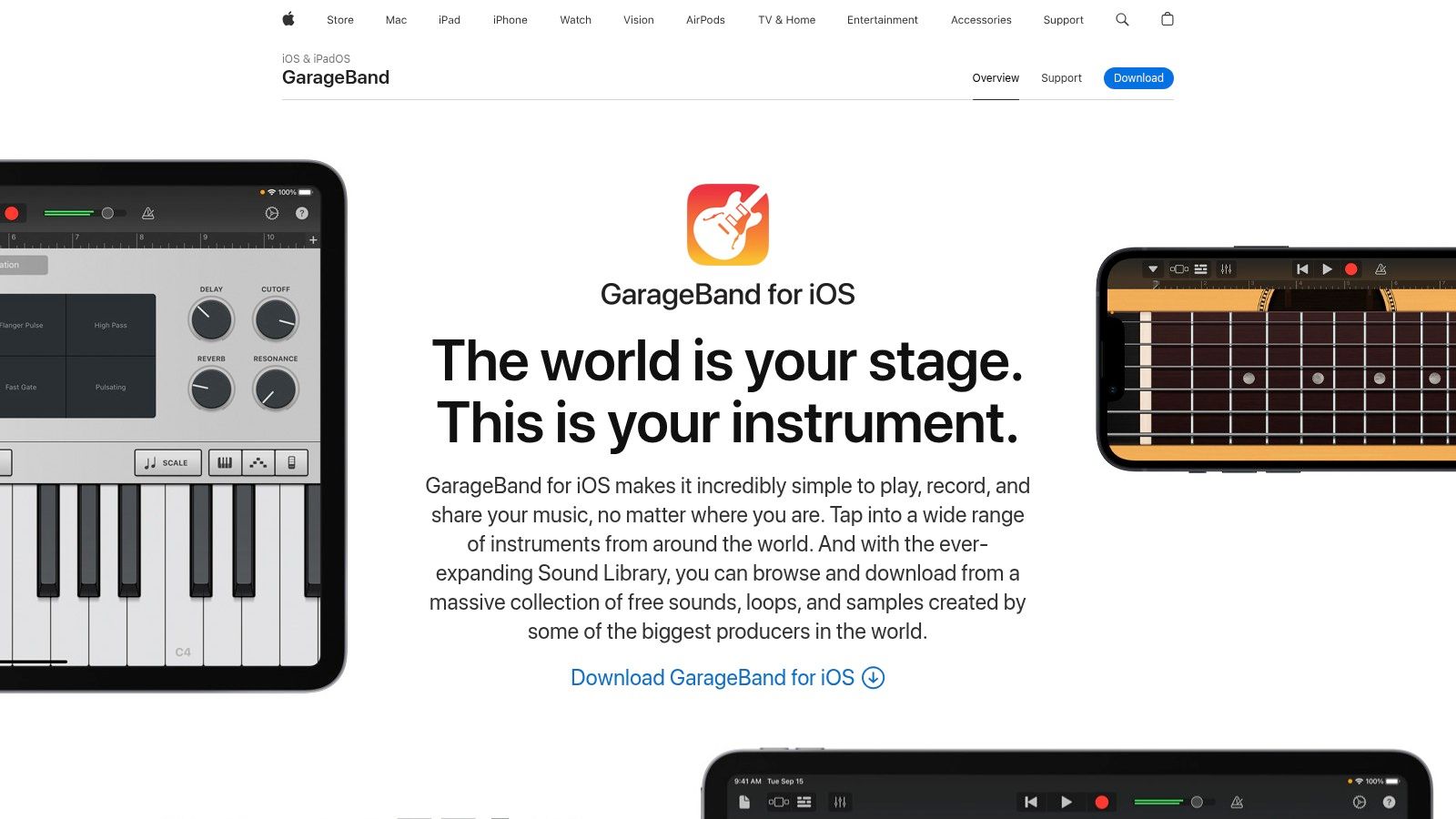 Apple GarageBand (iOS)
GarageBand is the safest answer if you want a free, first-party iPhone ringtone path that Apple supports. It's also the least glamorous option, because it makes you think a music studio is the right place to solve a settings problem, which is very Apple behavior. Still, it works, it's offline, and it doesn't spray ads in your face.
The workflow is straightforward once you know the dance. Import your audio into a project, trim the clip, then export it as a ringtone through GarageBand's share flow. Apple's supported ringtone process still expects a ringtone in .m4r format and points users to GarageBand for creation and assignment on iPhone (Apple support).
What works and what gets annoying
Practical rule: use GarageBand when the audio is already on your iPhone and you want the most official path possible.
The good part is that GarageBand gives you real editing tools, not just a crop handle. You can work with multi-track projects, effects, loops, and instruments, then export the result as a ringtone or alert. The bad part is that users often don't want multi-track editing just to make a 20-second hook their contact tone.
If you're turning an AI-generated roast into a ringtone, GarageBand is solid because it stays local and doesn't require a weird transfer chain. If you want a faster on-ramp for the source audio itself, this guide to an audio editor for iPhone is a good companion before you drop the file into GarageBand.
2. Zedge
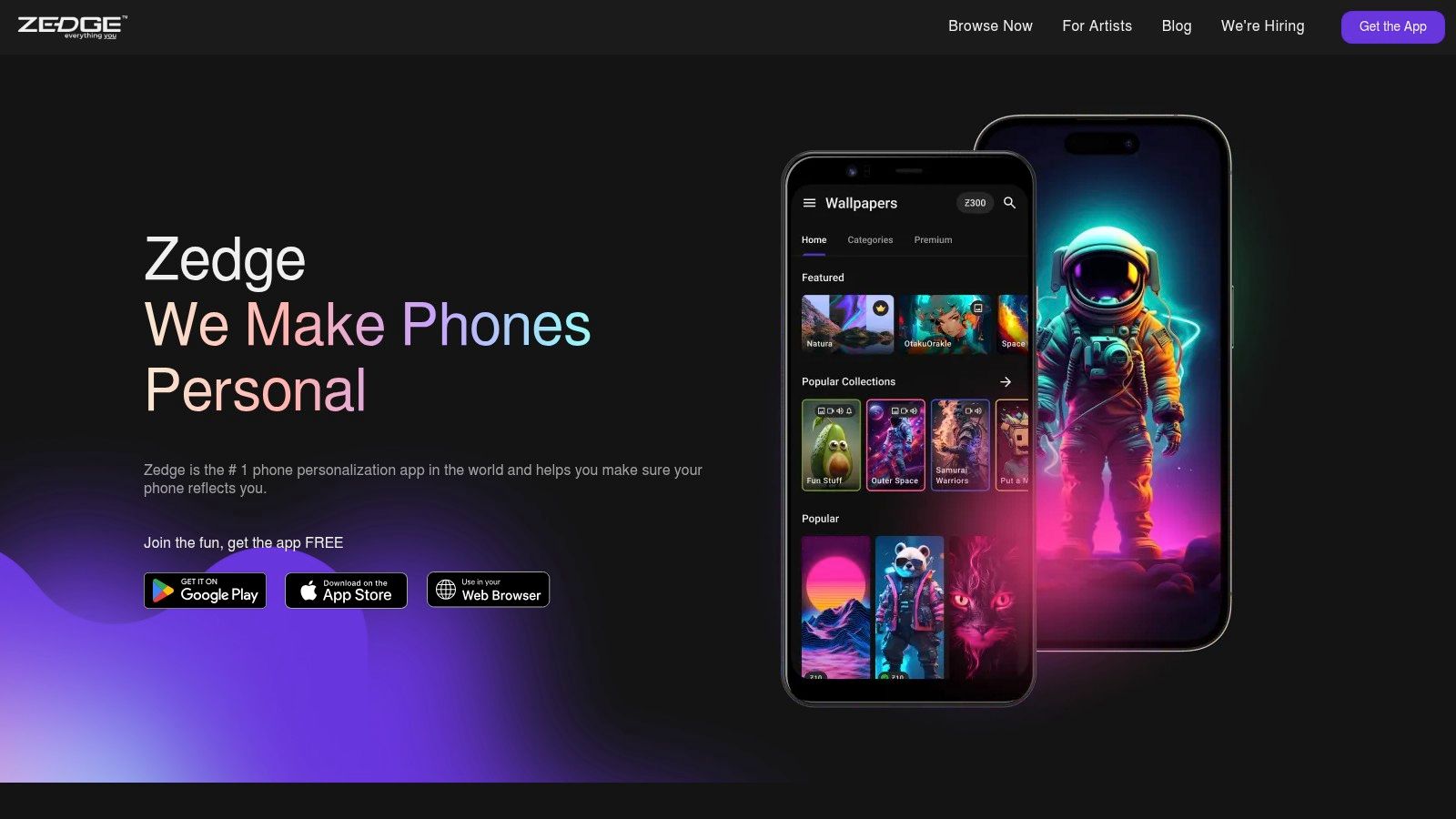 Zedge
Zedge is what you download when you don't want to make a ringtone so much as browse until one feels right. The appeal is obvious, a huge catalog, trending picks, and a creator ecosystem that keeps the library alive instead of stale. For people who want a sound fast, that convenience matters more than fiddly editing.
On Android, the app can usually apply tones directly where supported, which cuts the friction way down. On iPhone, the tone still has to pass through Apple's ringtone workflow, so Zedge is more of a discovery layer than a true one-tap finish line. That's the part users forget when they assume “downloaded” means “installed.”
What Zedge does best is reduce decision fatigue. Search by genre, mood, or popularity, listen fast, and stop making your own mini audio project if that isn't the point. The downside is the free experience, because the app leans on ads and upsells hard enough that you'll feel the product team sitting on your shoulder.
- Best for quick browsing: Pick a tone in a few taps instead of editing audio yourself.
- Best on Android: Use the direct apply flow when the device supports it.
- Less ideal on iPhone: Expect to finish through Apple's ringtone steps anyway.
3. Ringtone Maker by Big Bang Inc.
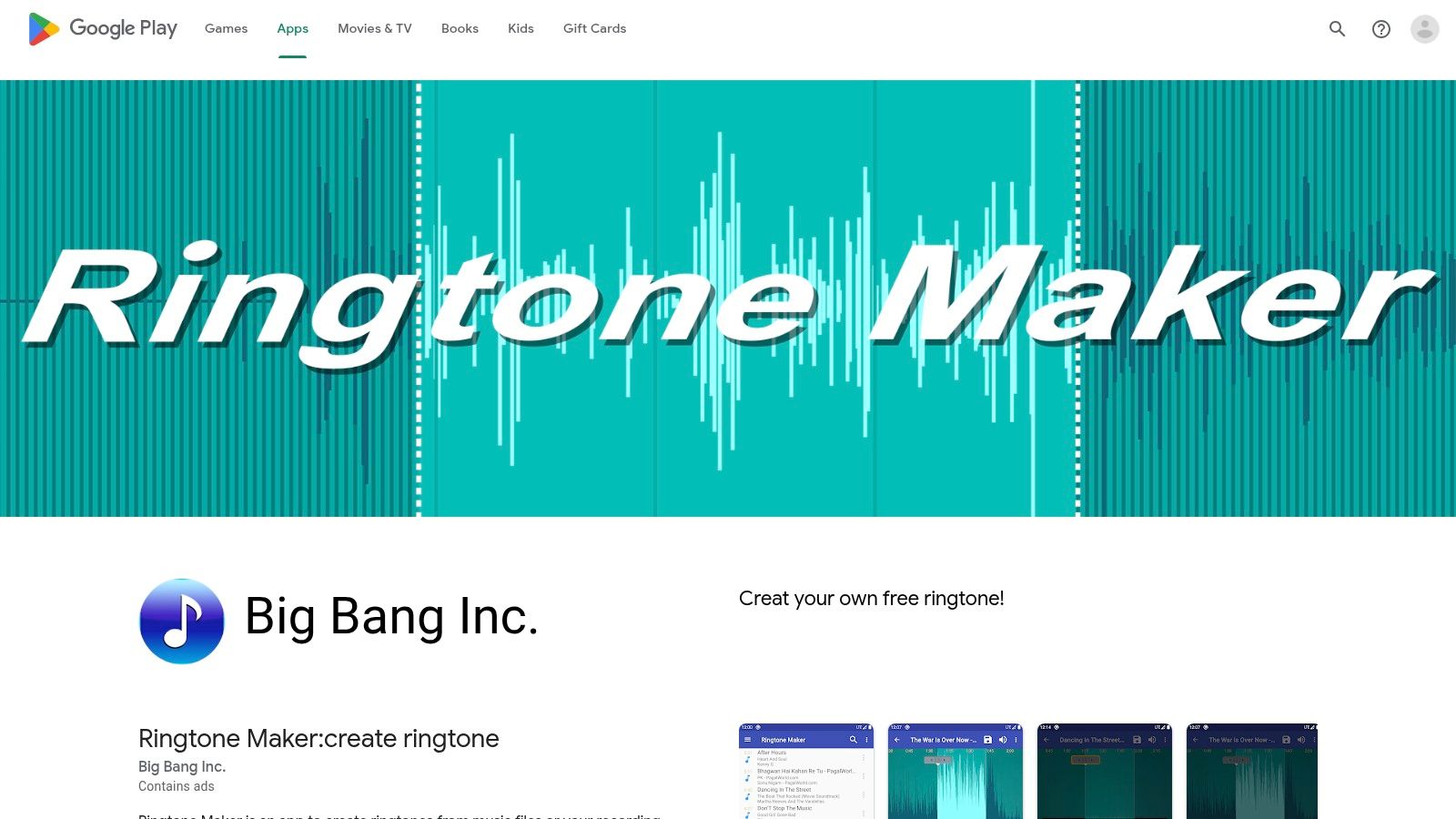 Ringtone Maker – Big Bang Inc. (Android)
This is the Android app I'd hand to someone who just wants to cut a file and move on with life. Ringtone Maker by Big Bang Inc. is small, direct, and focused on trimming MP3s or recordings into ringtone, notification, or alarm sounds. No bloated studio. No pretentious creative dashboard. Just a clean cut and an assignment button.
The workflow is simple enough to do half-awake. Open a local audio file, slide the trim points with precision, add a fade if you want the end to stop sounding abrupt, then assign the result as a ringtone inside the app. That's the whole job, and on Android that's usually all most users need. If you're making a roast clip from a locally saved audio file, the path is clean and fast.
Android users who hate extra steps usually end up happiest with the boring app that only does one thing well.
The trade-off is obvious. The free version shows ads, and you won't get the deeper editing features you'd find in a full audio editor. But for a custom ringtone app, that restraint is a strength. It doesn't try to be a social network, a DJ booth, and a wallpaper marketplace all at once.
If you want a deeper workflow angle for local tracks and short clips, this Android music production apps piece pairs nicely with it.
4. MP3 Cutter and Ringtone Maker by InShot Inc.
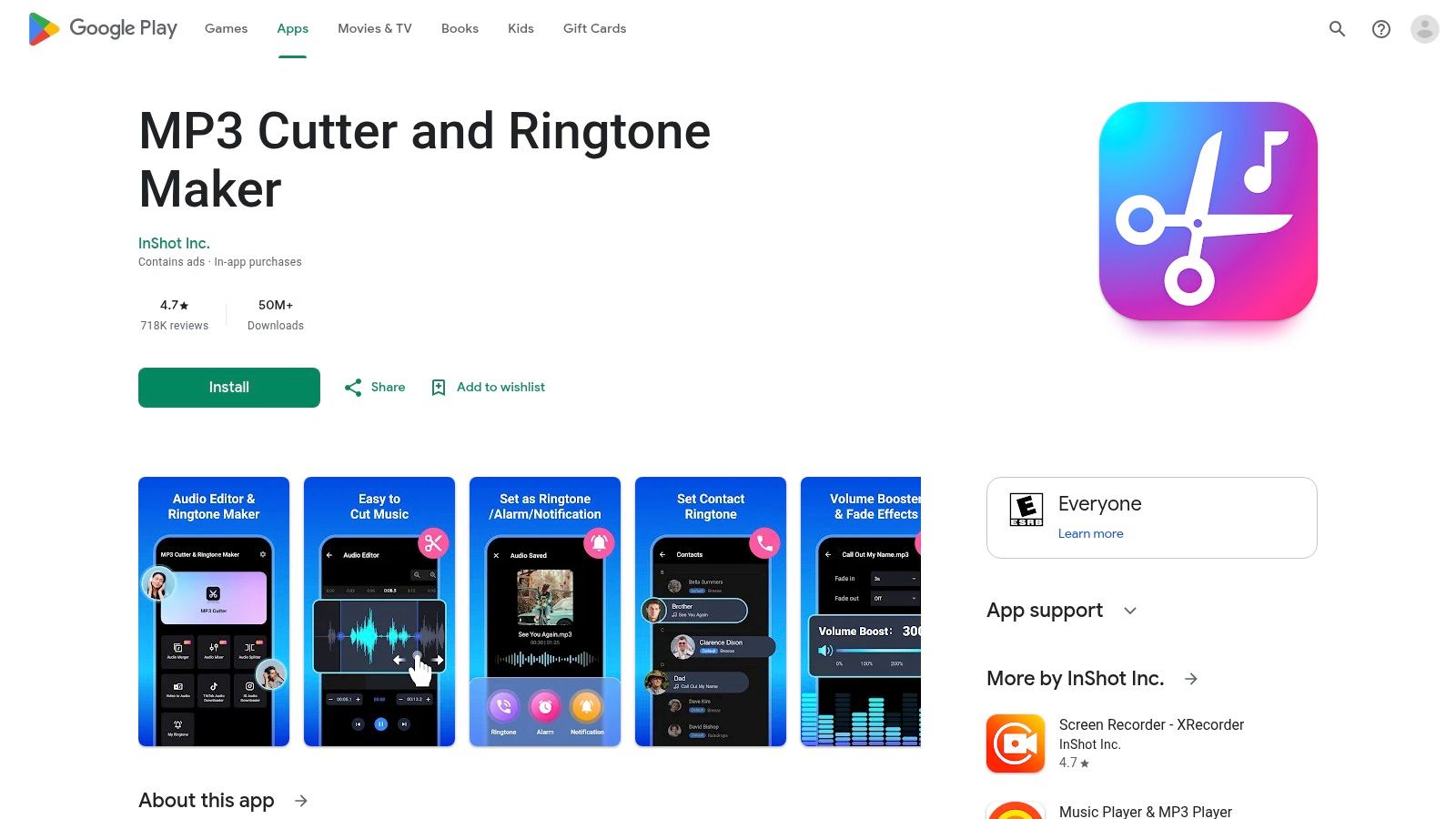 MP3 Cutter & Ringtone Maker – InShot Inc. (Android)
InShot's MP3 Cutter and Ringtone Maker feels like the app you pick when your source audio lives in a messy pile of files and videos. That's the advantage here, it doesn't just trim audio, it can pull audio out of video files first, then turn that extract into a ringtone on Android. For anyone ripping a hilarious clip from a video or turning a short social post into a ringtone, that matters.
The editor includes waveform zoom, which is the feature people ignore until they try to cut a joke line exactly on the beat and discover their fingers are not accurate enough. Once you've got the cut, the app can assign the result as a ringtone or notification tone with Android permissions in place. It's practical, not elegant.
Where it shines
The publisher also matters. InShot is a known app developer, and the product tends to feel maintained rather than abandoned. That doesn't make the ads less annoying, though, and the upsell prompts show up often enough to remind you that “free” usually means “we're monetizing your patience.” The ringtone setter is also Android-only, so iPhone users can stop dreaming.
If your source audio started life as a video, this app saves a step. If your source is already a clean audio file, it's still fine, but Big Bang's tool is a bit leaner for pure ringtone duty. For cutting a song into a tight clip, this how to cut a song guide can help you avoid sloppy timing before you export.
5. Pi Music Player with Built-In Ringtone Cutter
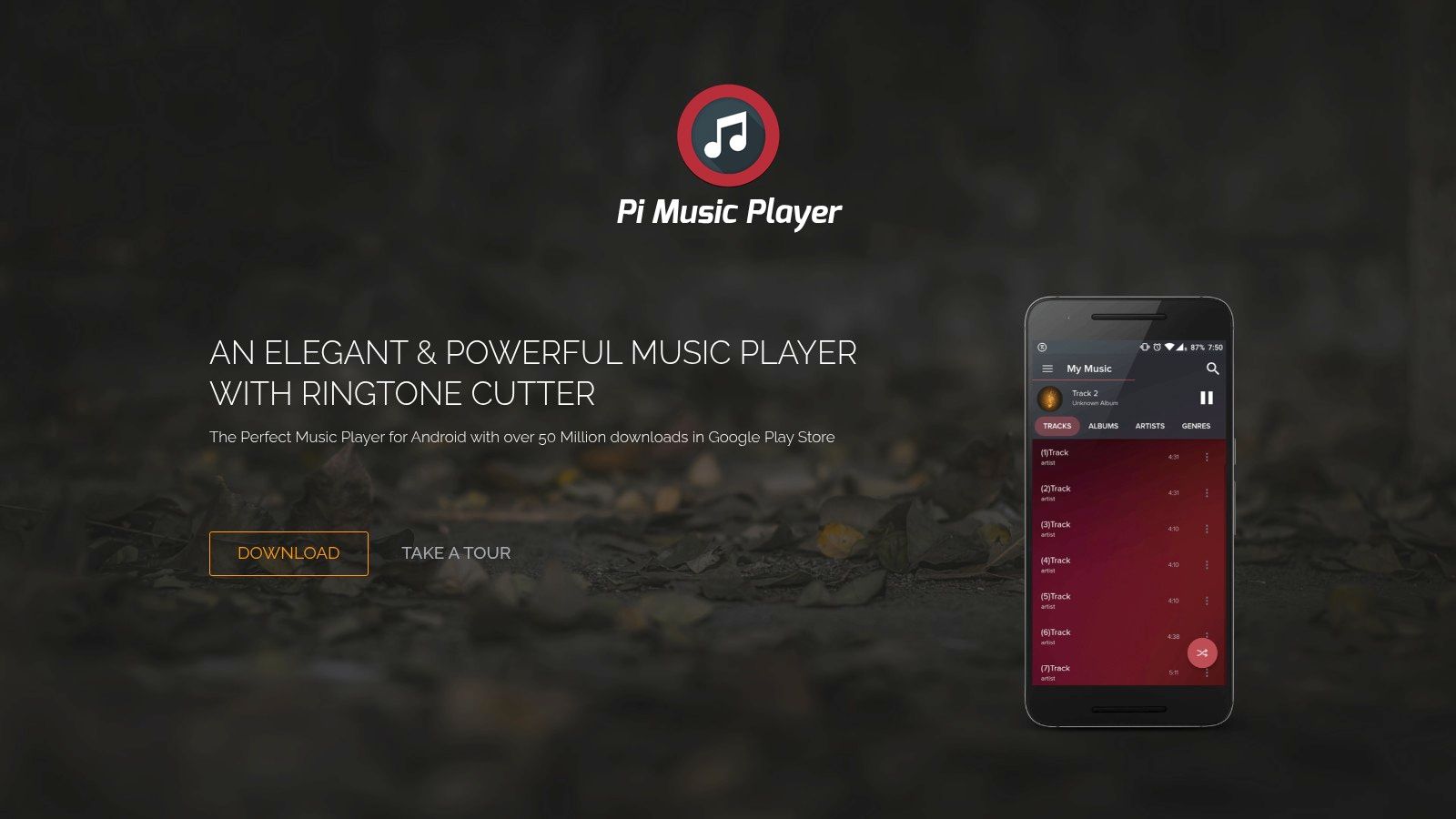 Pi Music Player (Android) – with built‑in Ringtone Cutter
Pi Music Player is for people who already use their phone like a local music library and don't want a separate ringtone utility sitting next to it. The built-in cutter is handy because you can stay inside one app, find the track, trim the section you want, and set it as a ringtone without bouncing between tools. That makes the workflow feel less like maintenance.
The app also gives you a 10-band EQ, themes, and folder views, so it's more than a ringtone app wearing a music-player costume. That's good if you care about local playback. It's not as ideal if you only want a one-off tone and don't care about library management, because then you're carrying a bigger app than necessary.
The biggest strength is consolidation. You can manage playback and ringtone editing in one place, which is perfect if your audio files already live on-device and you like staying organized. The downside is the usual Android utility app tax, ads unless you upgrade, and a design that serves broader music playback before ringtone speed.
6. Ringtones Maker The Ring App
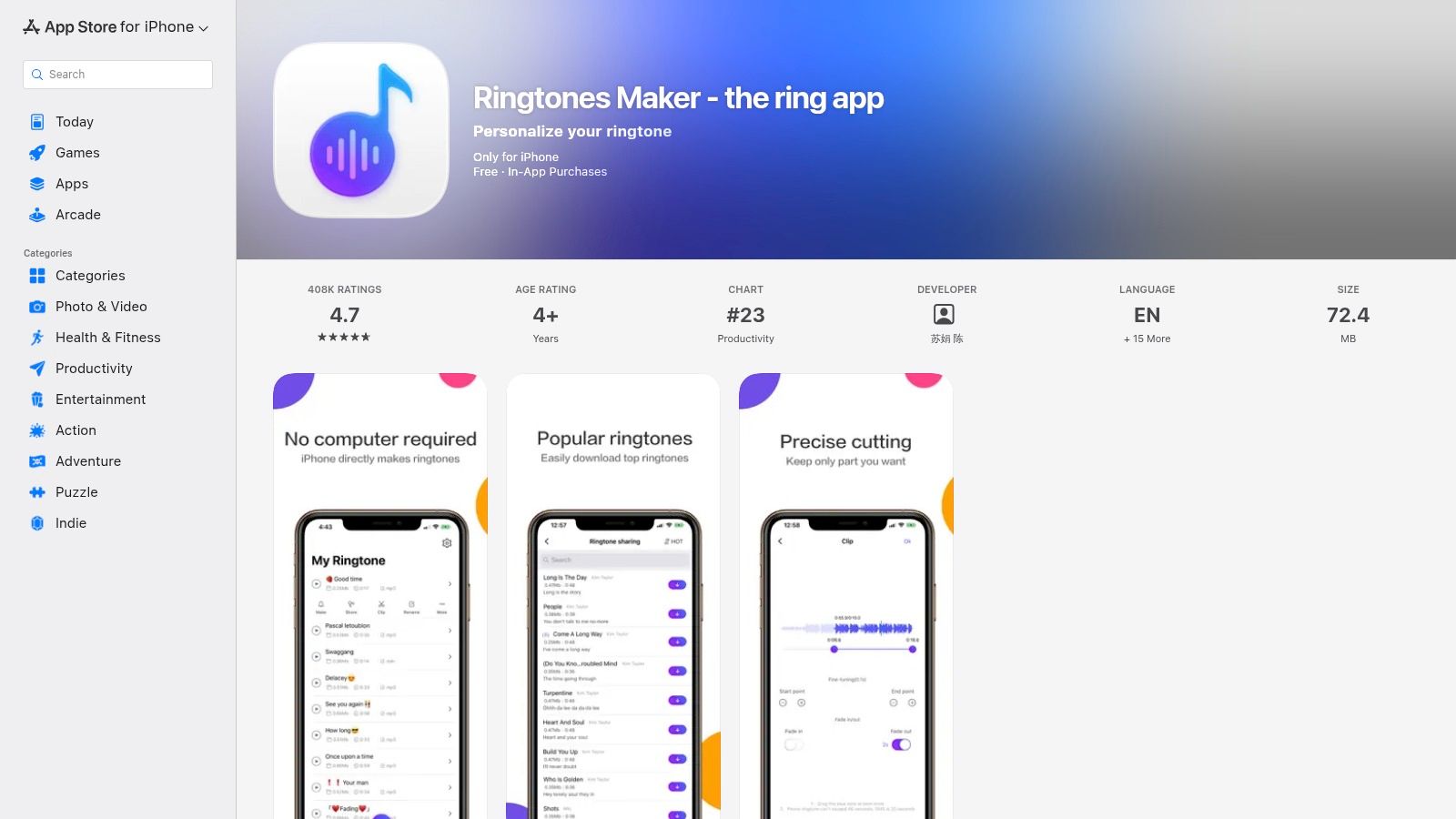 Ringtones Maker – the ring app (iOS)
This one is built for the person who opens an iPhone app and immediately wants the shortest path to “done.” Ringtones Maker The Ring App leans into Apple's newer ringtone flow, including a one-tap Use as Ringtone method on supported iOS versions, plus built-in guidance for older GarageBand and iTunes-style workflows. That mix is helpful because Apple's path hasn't exactly become less confusing over time.
The app's real value is hand-holding without making you feel stupid. You can trim a sound, pick from a library of tones, or create your own, then follow the app's instructions for installation. On supported iOS versions, the one-tap path is the kind of friction reduction iPhone users have been begging for.
What the workflow feels like
Open the app, choose a tone or import your own audio, trim the segment you want, then follow the install prompt. If your device supports the modern handoff, the process is brief. If it doesn't, the app falls back to the more annoying Apple-approved route, which is still better than being left to guess.
The trade-off is that some features are locked behind in-app purchases, and you're still subject to Apple's ringtone-setting rules either way. That's not the app's fault, but it does mean the last step is never completely under its control.
7. Ringtone Maker Garage
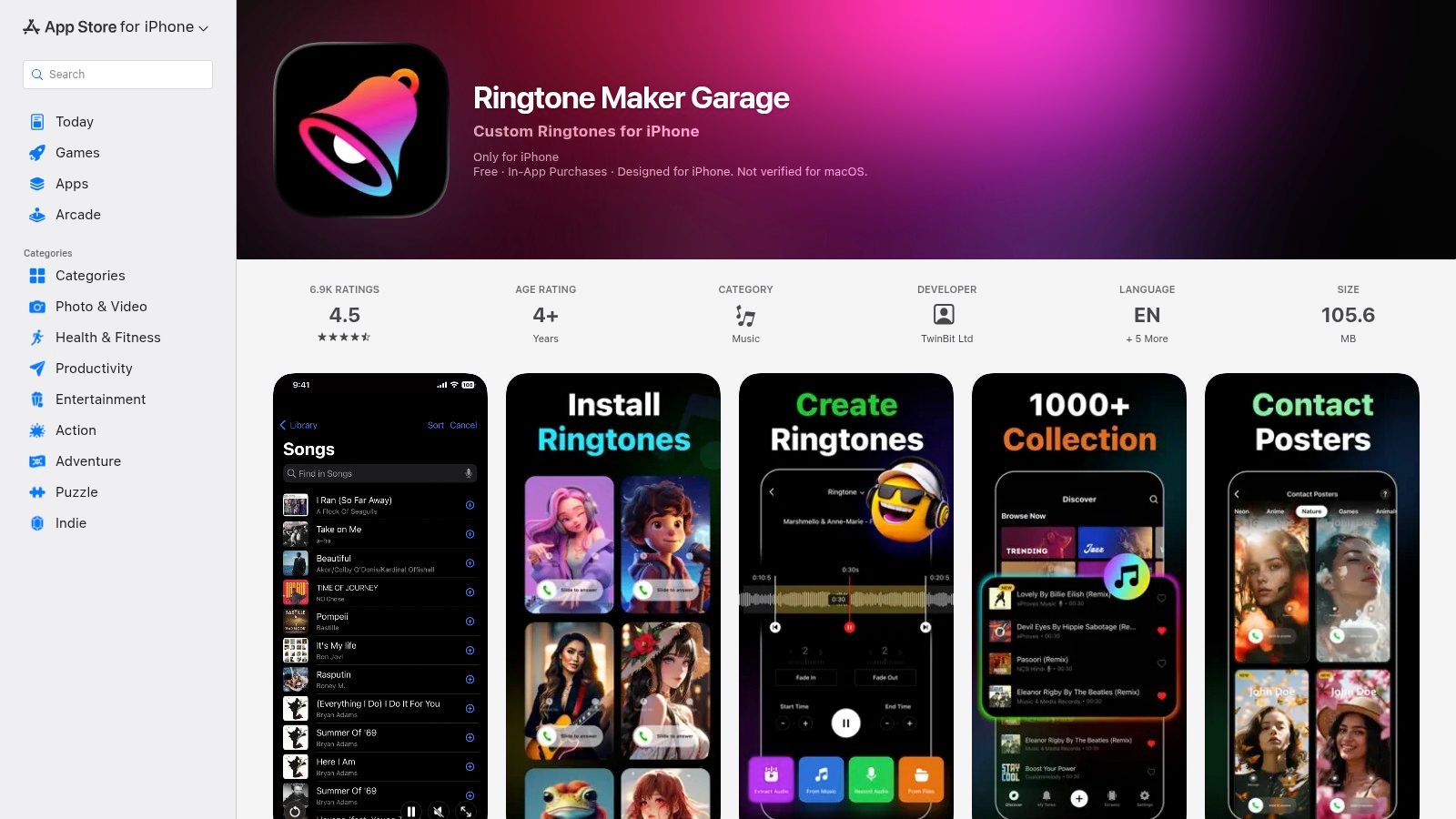 Ringtone Maker Garage (iOS)
Ringtone Maker Garage is the app I'd call the most useful kind of annoying, because it tries to anticipate where iPhone ringtone installs break. It supports trim and fade tools, audio recording, and video-to-audio extraction, then walks you through installation with in-app instructions that match Apple's current workflow. That's not flashy, but it's exactly what people need when they're stuck.
The practical edge here is flexibility. If your source is a file, a recording, or even audio extracted from video, you've got options. That makes it a solid pick for turning a weird source clip into something usable without manually juggling different apps.
If your iPhone supports the newer one-tap flow, the app can use it. If not, it points you toward GarageBand. That means the app isn't pretending Apple's rules don't exist, which I appreciate more than another app promising a magical bypass that vanishes at export time.
The main drawback is the subscription pressure. You'll hit prompts if you want the full feature set, and older devices still have to go through the slower path. Still, for people who want step-by-step guidance instead of guesswork, it's a strong practical choice.
8. RingTune Ringtones for iPhone
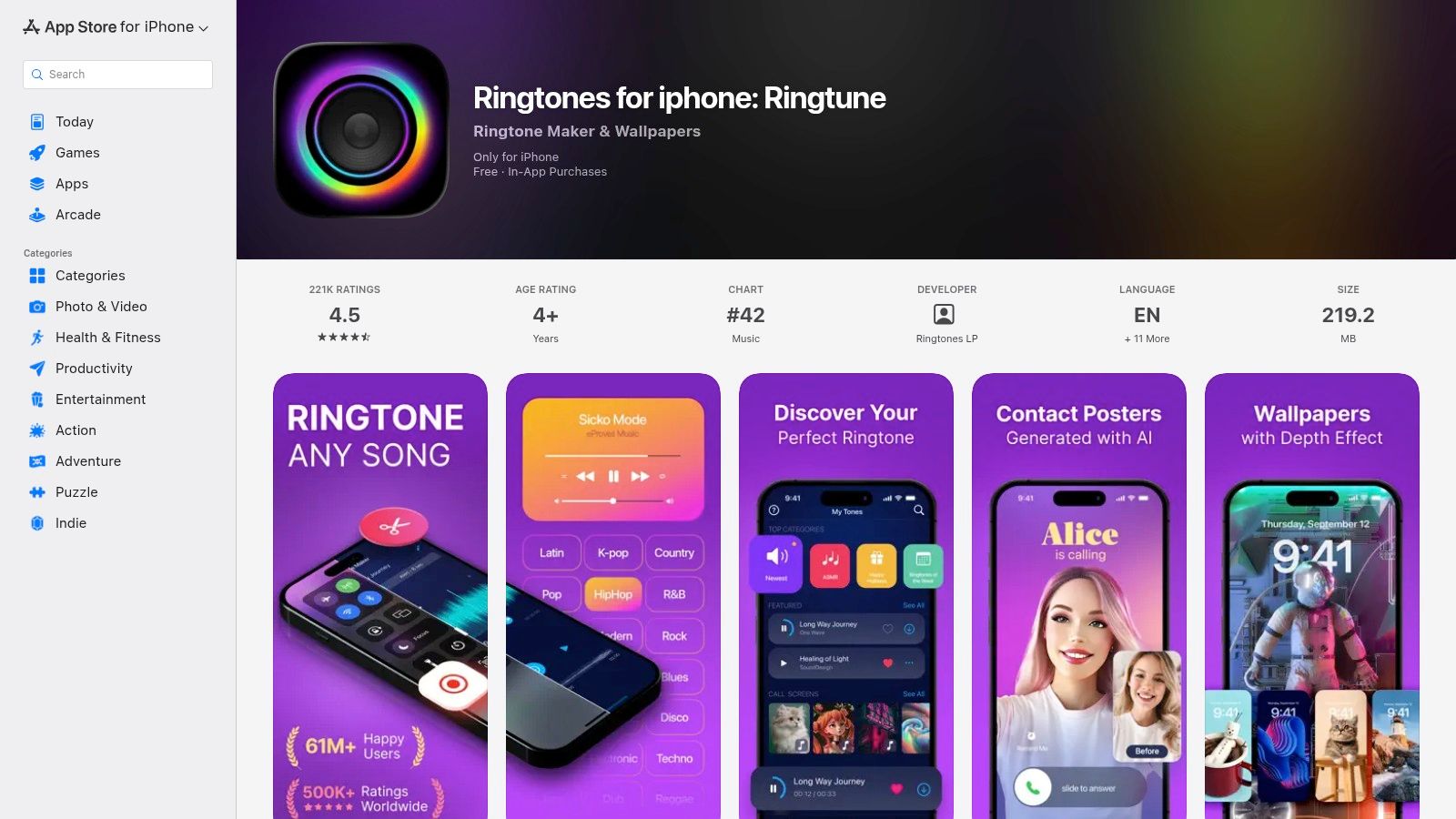 RingTune – Ringtones for iPhone (iOS)
RingTune tries to be a personalization bundle, not just a ringtone cutter. You get a curated ringtone catalog, a custom trimmer, video-to-audio extraction, and extra wallpapers if you want your phone's look and sound to match. For people who like packaged creativity, that combination is easy to understand.
The workflow starts in the app, not in some mystery export flow. Choose a tone, extract audio if needed, trim it, and then follow Apple's install steps. That makes it friendlier than some iPhone tools that assume you already know the difference between a ringtone editor, a file manager, and GarageBand's export screen.
Good fit, bad fit
This app is a nice fit if you like curated content and don't mind a subscription model for full access. It's less compelling if you only want to turn one file into one ringtone and never think about the app again. In that case, you're paying for a whole vibe when you just needed scissors.
The catalog is also the main attraction, so users who enjoy browsing tones and wallpapers will probably have a better time here than minimalists. If your goal is pure utility, RingTune is more polished than simple, and that's a trade-off worth noticing.
9. Audiko Free Ringtone Maker
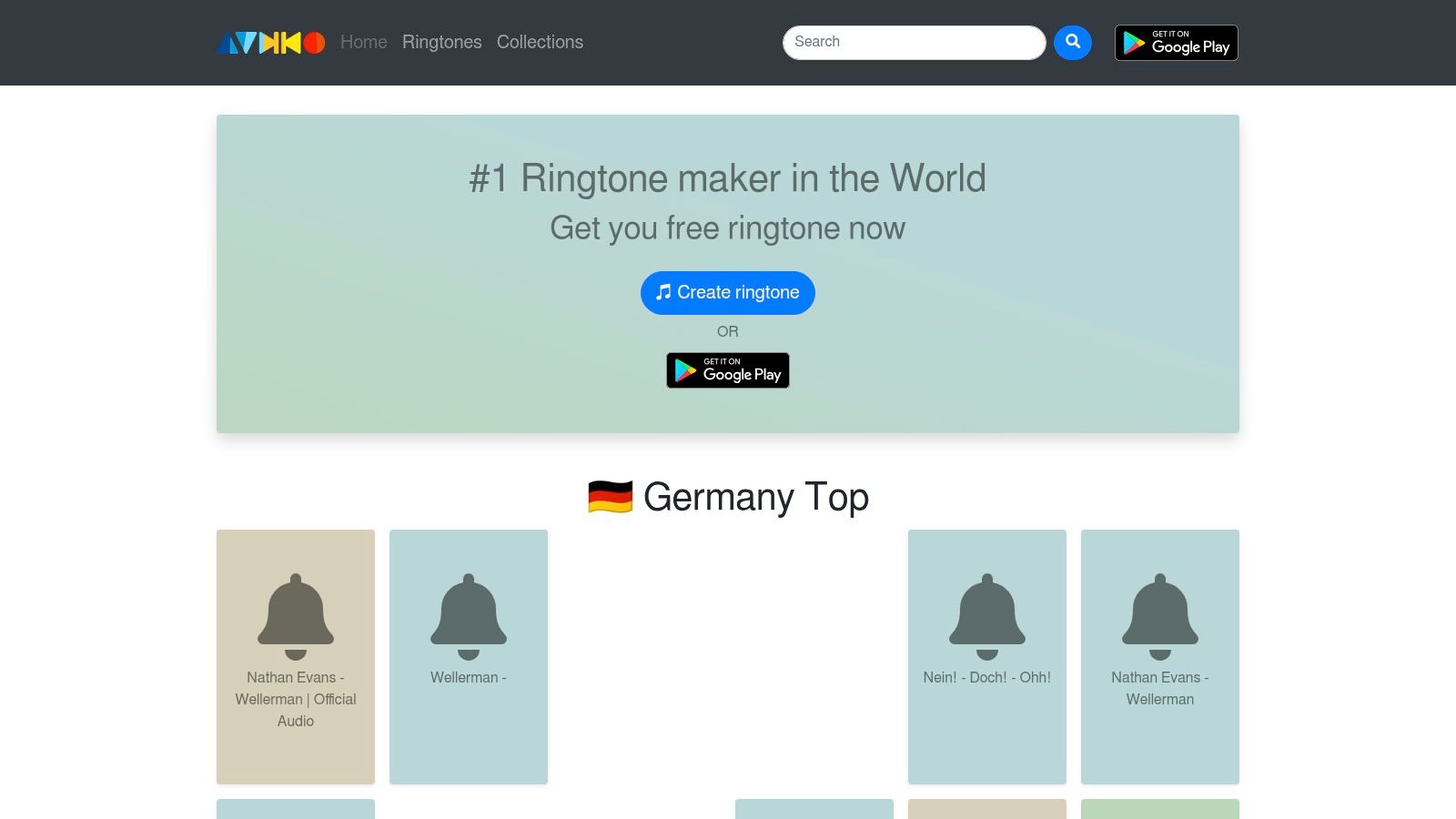 Audiko – Free Ringtone Maker (Web + Apps)
Audiko is the old reliable in this space, especially if you want a browser-based tool and don't feel like installing yet another app just to make one tone. The web maker handles trimming and conversion, and that's the whole reason people keep coming back to it. It's quick for one-off jobs and works across web and mobile.
The process is refreshingly plain. Upload or choose your audio, trim the clip, convert it into the right ringtone format, then finish the install on your device. For iPhone, you still need Apple's workflow on the last step, so Audiko saves you time at the editing stage, not the final assignment stage.
Audiko's downside is visible the second you land on the site. The design feels dated, and the search experience can feel like it's carrying a few internet years on its back. That said, for a user who just wants a fast converter and doesn't care about a fancy interface, it gets the job done.
If all you need is a one-off ringtone conversion, a web tool often beats a feature-heavy app because you spend less time installing and more time finishing the tone.
10. Vibetone Custom Ringtones
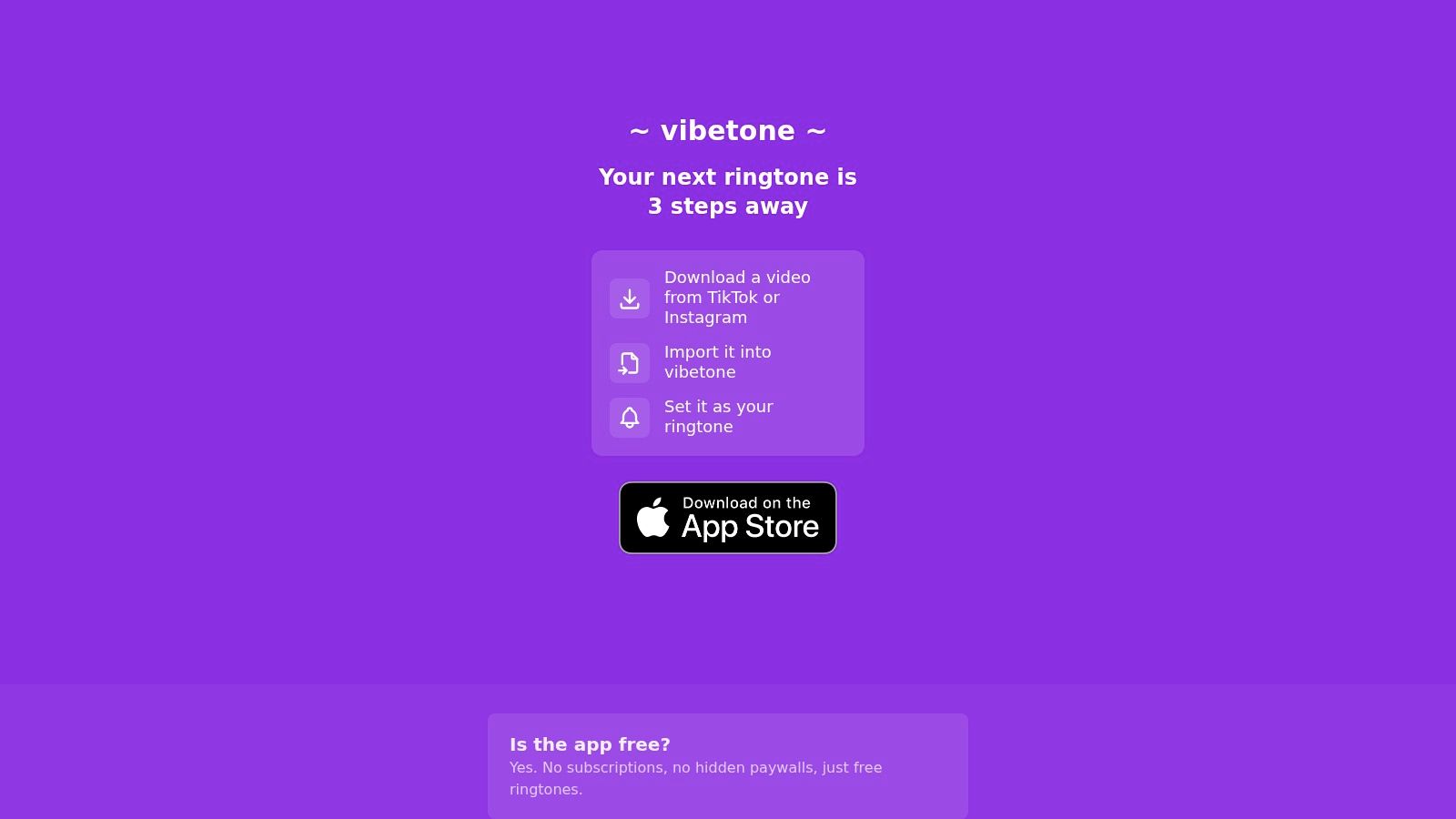 vibetone – Custom Ringtones (iOS 26+)
Vibetone is built for the modern iPhone user who wants the easiest possible path from short-form audio to a ringtone. It focuses on iOS 26 and newer, where the native Use as Ringtone share-sheet option makes the whole process far less painful than the old GarageBand dance. If you're on supported hardware and software, this app is about speed.
The best part is how closely it matches real user behavior. People don't always start with a clean WAV file. They start with a TikTok clip, an Instagram download, or a short audio snippet they want to weaponize as a contact tone. Vibetone's extraction and smart auto-trimming are aimed squarely at that use case.
The trade-off is just as clear. You need iOS 26 or later to get the one-tap method, and it's not a full digital audio workstation. If you want deep editing, layering, or exact sound design, this isn't the tool. It's the shortcut.
The app also respects the practical limit by prompting for the short ringtone length instead of pretending you can jam a full song into the call screen. That restraint is what makes it useful, because the app optimizes for getting a ringtone active instead of pretending to be a studio.
Top 10 Custom Ringtone Apps, Feature Comparison
| App | Core features | UX & quality | Best for 👥 | Unique selling point ✨/🏆 | Price 💰 |
|---|---|---|---|---|---|
| Apple GarageBand (iOS) | Multi‑track editing, effects, direct ringtone export | Stable, offline, pro tools ★★★★ | iOS creators & pros 👥 | Official Apple app; built‑in ringtone export ✨🏆 | Free 💰 |
| Zedge | Massive catalog, search by mood/genre, creator uploads | Fast discovery, community-driven ★★★ | Casual users who want ready‑made tones 👥 | Huge library + one‑tap Android apply ✨ | Free w/ ads, IAPs 💰 |
| Ringtone Maker – Big Bang Inc. (Android) | Precise trim/crop, fades, assign from app | Lightweight, fast workflow ★★★★ | Android users needing quick cuts 👥 | Very small, focused editor; quick assign ✨ | Free w/ ads 💰 |
| MP3 Cutter & Ringtone Maker – InShot | Trimmer, waveform zoom, video→audio extraction | Robust file support, polished UI ★★★★ | Users converting videos or many file types 👥 | Video‑to‑audio extraction from popular app maker ✨ | Freemium (ads + IAP) 💰 |
| Pi Music Player (Android) | Music player + built‑in ringtone cutter, 10‑band EQ | Consolidated playback + editing ★★★★ | Users managing local libraries 👥 | Playback + editing in one mature app ✨ | Free w/ ads, paid upgrade 💰 |
| Ringtones Maker – the ring app (iOS) | One‑tap set (iOS26+), tutorials, tone library | Simple, guided workflow ★★★★ | iPhone users on modern & older iOS 👥 | Built‑in GarageBand/iTunes tutorials for ease ✨ | Freemium (IAPs) 💰 |
| Ringtone Maker Garage (iOS) | Trim, record, video extraction, install walkthroughs | Versatile inputs, helpful guides ★★★★ | iOS users needing multiple input options 👥 | Step‑by‑step GarageBand & one‑tap support ✨ | Freemium (subscribe for full) 💰 |
| RingTune – Ringtones for iPhone (iOS) | Trimmer + curated catalog + wallpapers | All‑in‑one, curated selections ★★★ | Users who want tones + visuals 👥 | Bundled wallpapers and curated updates ✨ | Subscription available 💰 |
| Audiko (Web + Apps) | Browser trimming, format conversion, collections | Quick web workflow, cross‑platform ★★★ | One‑off conversions & quick downloads 👥 | No install web maker; exports .m4r for iPhone ✨ | Free / ad‑supported 💰 |
| vibetone (iOS 26+) | One‑tap 'Use as Ringtone', video extraction, auto‑trim | Extremely quick modern iOS flow ★★★★ | iOS 26+ users working with social clips 👥 | Smart auto‑trimming for short social audio ✨🏆 | Free / Freemium (iOS26 required) 💰 |
So, Which Ringtone App Is Right for You?
The best custom ringtone app depends on your device and how much friction you're willing to tolerate. If you're on Android and want the least annoying trim-and-assign flow, Ringtone Maker by Big Bang Inc. is the cleanest utility pick. If you already keep your music library on your phone and want playback plus editing in one place, Pi Music Player is a smart all-in-one compromise. And if you're on iPhone, the answer depends on your tolerance for Apple's rules, because iOS still makes ringtone setup more awkward than it should be.
For pure iPhone control, GarageBand stays the safest free option because it's Apple's own supported path and handles the export workflow without drama. If you want the fastest modern iPhone experience, Vibetone and Ringtones Maker The Ring App are better shortcuts when your device supports the newer share-sheet flow. For people who just want to browse and apply ready-made tones, Zedge is a quick discovery engine, even if the ads make the free tier feel noisy.
The split is this, do you want to make a ringtone or find one. If you want to make one from an audio file, video clip, or voice memo, pick an app that gets you from source file to ringtone with the fewest weird detours. If you want the least work possible, let a catalog app do the browsing and accept that Apple may still make you finish the job manually on iPhone.
For anyone turning a joke, roast, or AI diss track into a contact tone, the workflow matters more than the marketing. You want fast trimming, easy format handling, and a path that ends with the sound ringing when your friend calls. Pick the app that matches your device first, then your patience second. Backlink: creative testing for app installs
DissTrack AI makes it easy to turn an idea into sharp, personalized roast lyrics in seconds, which is perfect if you want the ringtone itself to be the punchline. If you're making a custom tone from an AI diss track, visit DissTrack AI and turn that audio into something your phone can't wait to play.