Share Lyrics Fast: Export, Post and Send Your Roasts
You just wrote a verse that would end a group chat, and the punchline died in the paste. The line breaks stacked into one gray brick, the hook got buried under a stage note, and someone replied "wait, who is talking?" That is the whole job when you share lyrics: the words have to survive the destination, stay readable with the sound off, and not drag a copyright problem into a roast that was supposed to be funny.
A clean share is three jobs at once. Shape the text for where it is going, make the joke land without audio, and keep the lines yours. Miss one and the bar looks sloppy, unreadable, or risky.
Where Each Lyric Format Belongs
A verse that slaps in the generator can still die in a group chat if you paste the wrong shape of text. Scan this before you copy anything.
| Destination | Best format | How to send it | Watch out for |
|---|---|---|---|
| Instagram or TikTok caption | A 4-8 line stanza, punchline in the first two lines | Paste with real line breaks | Line breaks collapsing in the caption box |
| Video captions or Shorts | Timed lines matched to the beat | Caption file or on-screen text | Timing drifting on fast bars |
| Image or story card | 2-4 lines in large type | Export as image card | Tiny text that disappears on phones |
| Group chat or party thread | Full verse as plain text | Copy and paste, split into two messages if long | Long pastes getting cut or reformatted |
| Collaborator document | One shared file with version labels | Share an editable doc link | Three versions of the same bar |
| Public link | Saved generation link | Send only after you publish | Sharing a link before you decide to reveal it |
Captions are a hook, not a dump. Instagram and TikTok give you a few lines before the fold. Put the punch in the first two lines, then stop around eight. If the app flattens your breaks into one paragraph, retype them. A collapsed caption reads like a grocery list.
Video wants time, not a wall of text. Each line should hit with the beat. Fast bars drift when you drop a whole verse as one caption block. Cut any line that needs a second pass to understand.
Cards fail when the type is cute and tiny. Two to four lines, large, high contrast. If you have to pinch-zoom on your own phone, nobody else will read it.
Chats want the full verse as plain text. Rich-text pastes get reformatted, and a long single bubble often gets chopped. Split a long verse into two messages: setup, then the kill shot.
Docs are for people who will change the words. One file, a date, a version label. Screenshots create arguments about which bar is current.
A public link is a reveal, not a draft. Generations stay private until you publish them, and nobody gets notified on your behalf. Send the link only after you have decided the roast is ready to leave the room.
Practical rule: Read the post at arm's length. If the first line still lands, the format is right. If you are squinting, the share already failed.
How to Export Clean Lyrics Step by Step
A sloppy export is how stray brackets and collapsed lines end up on someone's story. Every share after this point is three jobs: formatting the words for their destination, keeping them readable without sound, and staying rights-safe. Work the text before you copy it and all three get easier.
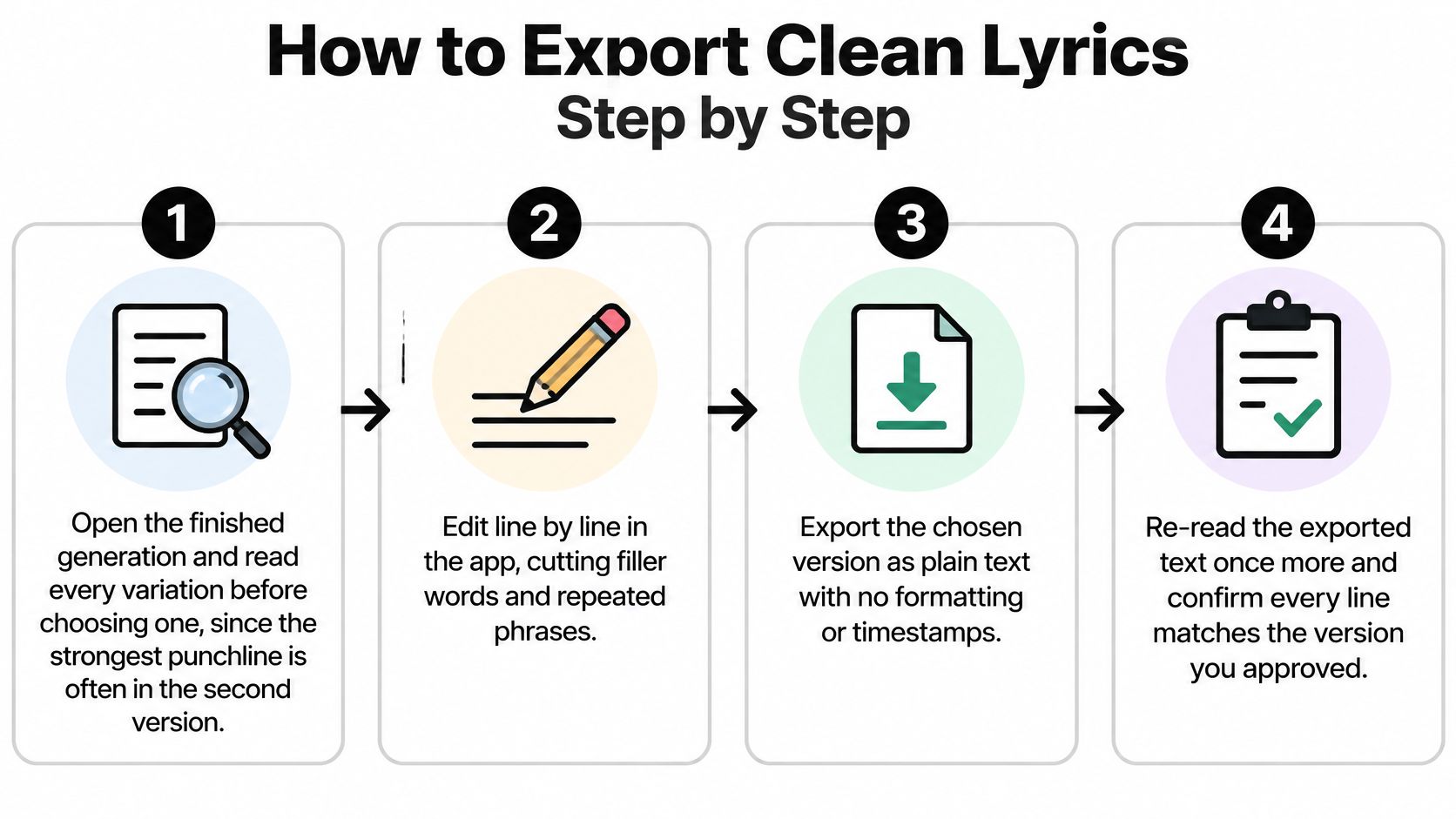 A step-by-step instructional infographic showing how to edit and export clean song lyrics.
The routine I would actually run
- Open the finished generation and read every variation before you pick one. The meanest punchline is often sitting in the second version while the first one only sounds louder. The slip is locking the top result because it loaded first.
- Edit line by line in the app. Cut filler words and repeated phrases so each bar keeps its rhythm. You can edit the lyrics in the app, export them as text, or regenerate until the verse sits right. The slip is fixing flow by adding words, which makes the bar heavier instead of tighter.
- Regenerate weak takes, but save the keepers first. Copy any bar you like into the editor or your notes before you reroll. A fresh take costs 30 seconds. The slip is regenerating blind and losing the hook you came for.
- Copy the text with its structure intact. Keep verse labels, line breaks, and the hook line. Pasting from a rich-text preview often collapses those breaks into one paragraph, which is how a battle verse turns into a run-on. If you are building the roast off a beat you already have, play it on loop while you read the verse aloud so each line lands in its pocket instead of guessing the cadence. Need a reference file moved into place first? Start with the guide to upload a song for free.
- Strip stage directions and notes. Brackets like "[ad-lib]" or "(pause)" look clever in a doc and ridiculous in a caption. The slip is skipping the cleanup pass and posting the generator's scratch marks.
- Save a .txt named with the date and the target. Something like
2026-04-12-jordan-ig-caption.txtbeats "final-FINAL-2." Plain text carries no hidden formatting, timestamps, or fonts for chats to mangle, and a dated file is the master copy behind every version you post. The slip is leaving the only copy inside a chat bubble you cannot search later.
What clean actually looks like
A clean export has consistent line breaks, no stray markers, and one hook line that lands when you read it alone. Verse labels stay in the file you send a co-writer and come off the caption and the image card. The saved .txt is the copy you control, so whatever goes public has a clean original behind it.
Read the exported file once against the version you approved. If a line gained a weird space or lost a rhyme word, the copy step failed. Fix it in the .txt, not in the caption box at the last second. Caption boxes are where line breaks go to die.
If the hook does not make sense with no beat under it, it is not ready to leave the file.
Rights and Quoting Limits Before You Post
"Shareable" does not mean free to republish. People treat lyrics like ordinary text, or assume that streaming a song also licenses them to paste the words. That assumption gets expensive the moment a roast leaves the group chat. Staying rights-safe is the third job every share has to pass, right after formatting for the destination and staying readable without sound.
Lyrics sit inside the copyrighted musical composition. Displaying them, reproducing them, translating them, or reusing them commercially can each need separate authorization even when the recording itself is licensed, which the Music Administration guide on lyric rights lays out clearly. Permission to press play is not permission to post the words on a meme, a caption, a shirt, or a clip.
Lyric platforms increasingly use automated matching to flag copyrighted fragments, so a copied hook can get caught even in a small post. The matcher does not care that the roast was a joke.
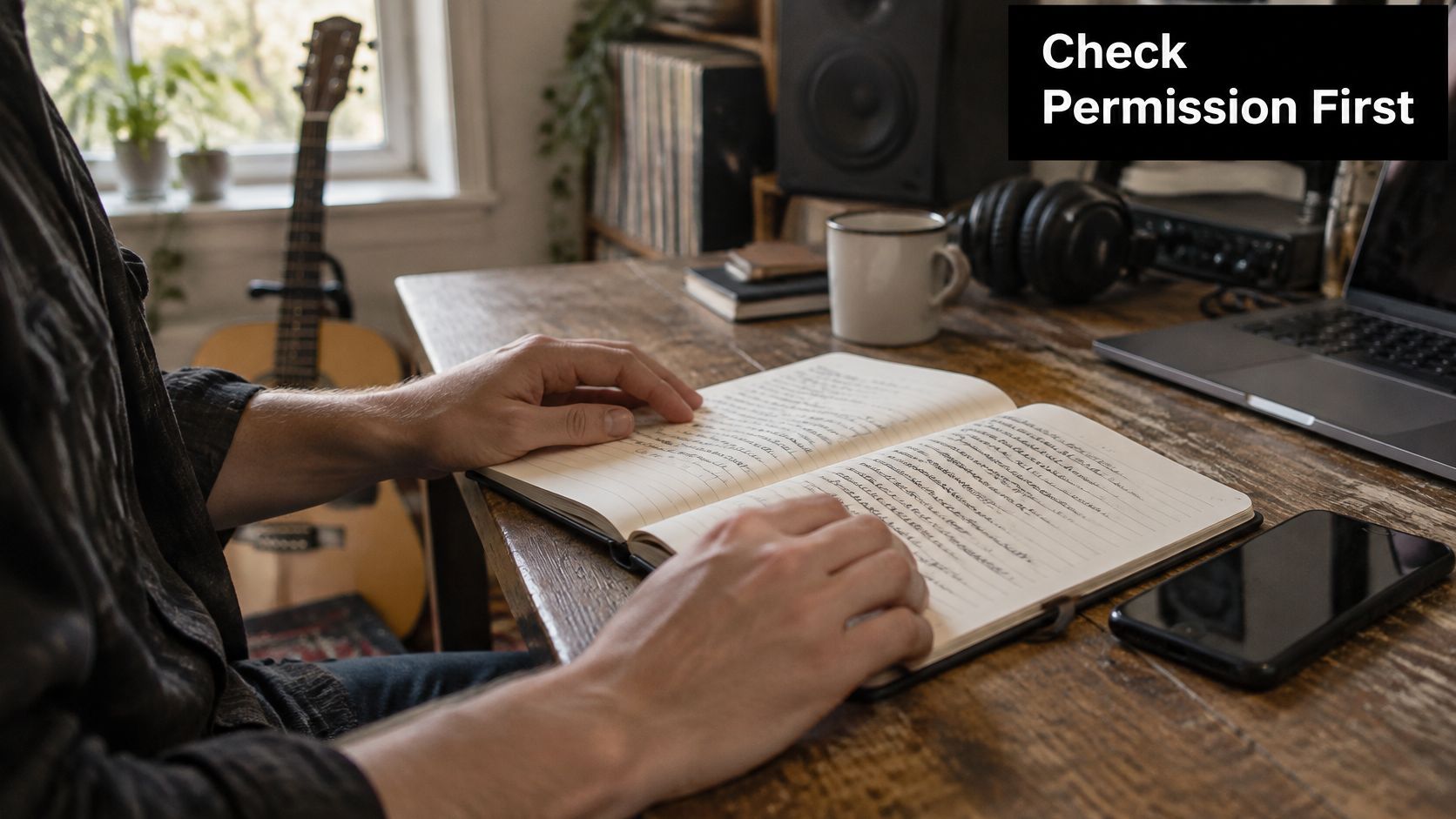 A person writing lyrics in a notebook at a rustic wooden desk with a guitar nearby.
What you actually own
You own everything the AI generates, and we do not claim any rights to your lyrics. That covers your roast, your punchlines, your inside jokes. It does not cover a famous bar you pasted in because it "fit the vibe." For the longer split between a composition and a recording, are lyrics copyrighted walks through that line without the forum-lawyer noise.
| Activity | Risk level | Safer move |
|---|---|---|
| Link to an authorized lyric page | Lower | Link instead of pasting the words |
| Quote a brief excerpt for commentary | Lower | Keep the excerpt short and tied to your commentary |
| Post substantial lyrics in a caption | Higher | Post your own original verse instead |
| Monetize a clip that contains lyrics | Higher | Remove the lyrics or get licensing first |
| Use recognizable copyrighted lines in derivative content | Higher | Rewrite the line using the target's details |
Originality check before you hit post
- Do not paste famous lines from the artists you are quoting or roasting. A wink is not a license.
- Tie the roast to the target. Their handle, the failed project, the height joke. Specific details read as original. A borrowed hook reads as a sample.
- Credit a parody or homage when the reference is obvious. Credit is not a shield, and silence makes the line look like a rip.
- Check the platform's takedown rules before you monetize a clip. A friends-only roast and a boosted Reel sit at different risk levels.
Friends in a chat is one decision. A monetized clip, a merch mockup, or a pinned caption is another. This is general guidance, not legal advice. If money is attached, get a real clearance before the post goes up.
How to Post Lyrics on Social Platforms
The first line decides whether anyone keeps watching. Bury the punch under a setup and the scroll wins.
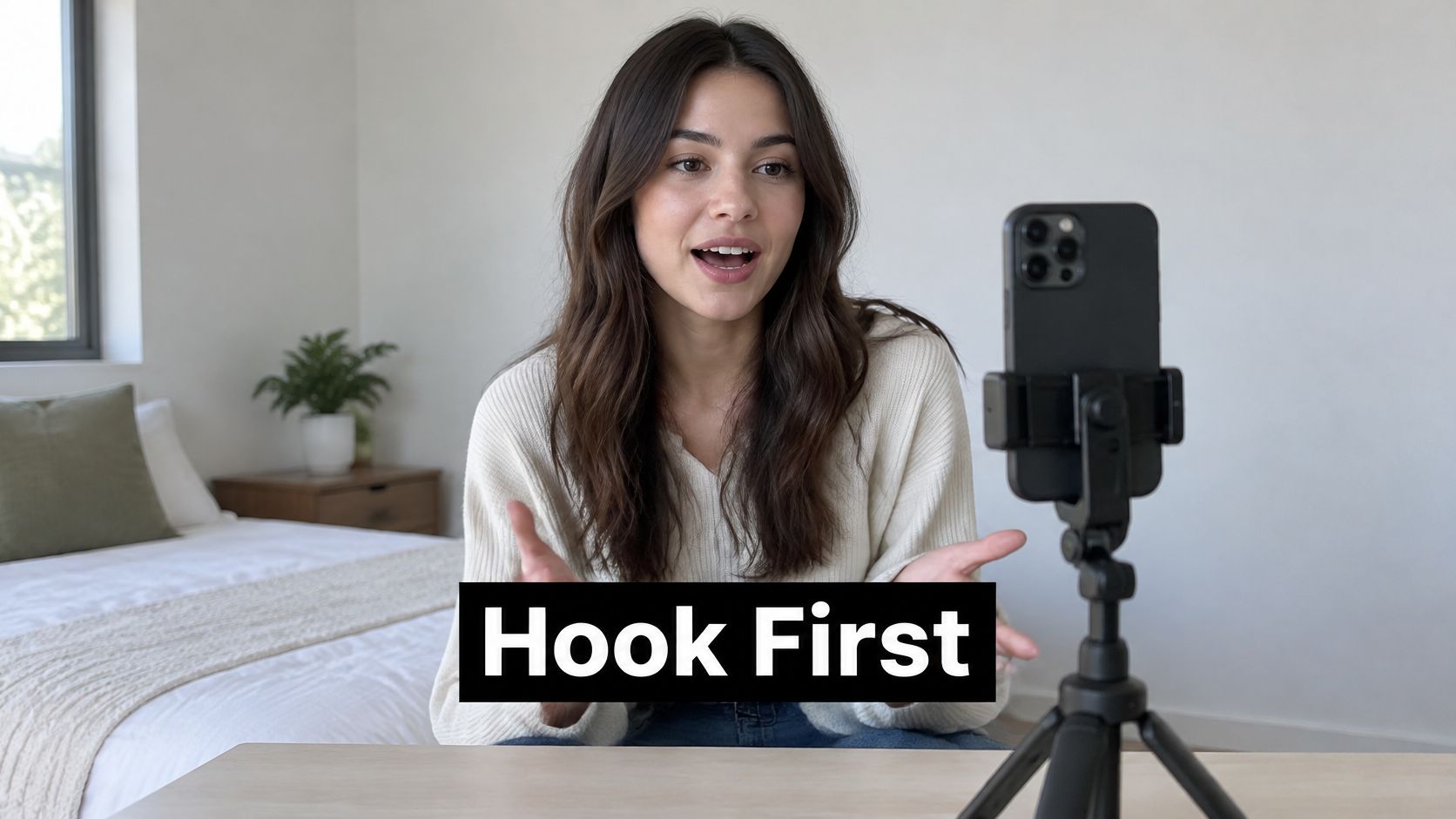 A young woman speaking to a smartphone camera mounted on a tripod for a social media video.
That is not a vibe, it is how people find music now. Deloitte's 2024 Digital Media Trends study found that 82% of Gen Z respondents and 70% of millennials discovered new artists or music through social media or user-generated-video sites, while only 23% of respondents overall cited recommendations from streaming music services. A sharp verse in a caption can move someone from a post to a song. A muddy one just gets skipped.
Post it so the hook survives
- Pick the hook that works as the first two seconds, or as the first line of the caption. If it stalls when you say it out loud over the clip, cut it.
- Match the destination. Caption stanzas get real line breaks. Cards get two to four huge lines. Chats get plain text. Do not invent a seventh format in the compose box.
- Time the on-screen line to the beat and drop any bar that drags. Fast delivery plus a late caption makes the punchline land on the wrong face.
- Preview the card or caption on a phone. If the type is small, it is invisible. Arm's length, same test as a printed flyer.
- Copy the public link only after you publish. Until then, leave it out of the post. A draft link in a caption is how a private roast becomes a public one by accident.
- Use one short tag, and skip tagging the target if the roast should stay playful. A tag turns a joke into a notification.
A longer verse can earn a comment thread, and it also loses people mid-scroll. Keep the shared stanza short. Save the full sixteen for the people who asked.
If the clip needs a real song under it, Crowbert's walkthrough on adding a song to Instagram posts is the practical route for attaching audio without fighting the sticker menu. For the streaming side of the same share, how to share a song on Spotify covers the link behavior that captions cannot.
Watch the cut once with the sound down before you publish. If the punch still reads, you are done.
How to Send Lyrics to Collaborators Safely
A producer, a co-writer, and a party thread do not need the same file. Send the wrong one and you spend the night arguing about which bar is real.
A short handoff
- Put the chosen version in one document with a title, a date, and a version label. "Jordan roast v3, Apr 12" beats a screenshot named IMG_4092.
- Send a view-only link for feedback and a separate editable copy for co-writers. Notes belong on the locked file. Rewrites belong on the open one. If the group is mostly on phones and hates another login wall, a link sharing guide for small businesses is a useful reminder that a clean URL beats a QR code nobody can scan in a dark room.
- Agree on who approves the final lines before anyone posts. One person says yes. Everyone else can argue in the notes.
- Keep the generation private until you decide to reveal it. Generated disses stay private. We do not share, sell, or publicly display them, and targets are not notified. You pick the moment anything goes out.
The common slip is sending a screenshot when the group needs editable text. A picture cannot be searched, cannot be diffed, and cannot be corrected without a new picture. By the third reply you have three slightly different bars and nobody remembers which one you approved.
Lock the approved version in the doc, and move new ideas into a separate section. Argue about lines, not about which file is current.
Say the handoff out loud in the chat: "v3 is locked, new punches go under Ideas." That one sentence stops the 1 a.m. "which version did we post" spiral.
Making Shared Lyrics Readable Without Sound
Rap speed is where captions fall apart. Internal rhymes, slang, and overlapping ad-libs arrive faster than an auto-caption can guess, so the joke turns into nonsense for anyone watching on mute.
Accessibility accommodations in music apps and live events are still imperfect, and visual or haptic options are not widely available or affordable. A 2025 University of Illinois study on Deaf and hard-of-hearing music experiences also points to specific trouble understanding and engaging with lyrics when hearing is not the main way in. Most share-lyrics advice stops at "paste the text." That leaves the actual listener out.
A muted roast that still lands travels further. Feeds autoplay silent. Bar TVs have no sound. Mixed-hearing rooms do not pause the party so someone can catch an ad-lib. Treat this as reach, not paperwork.
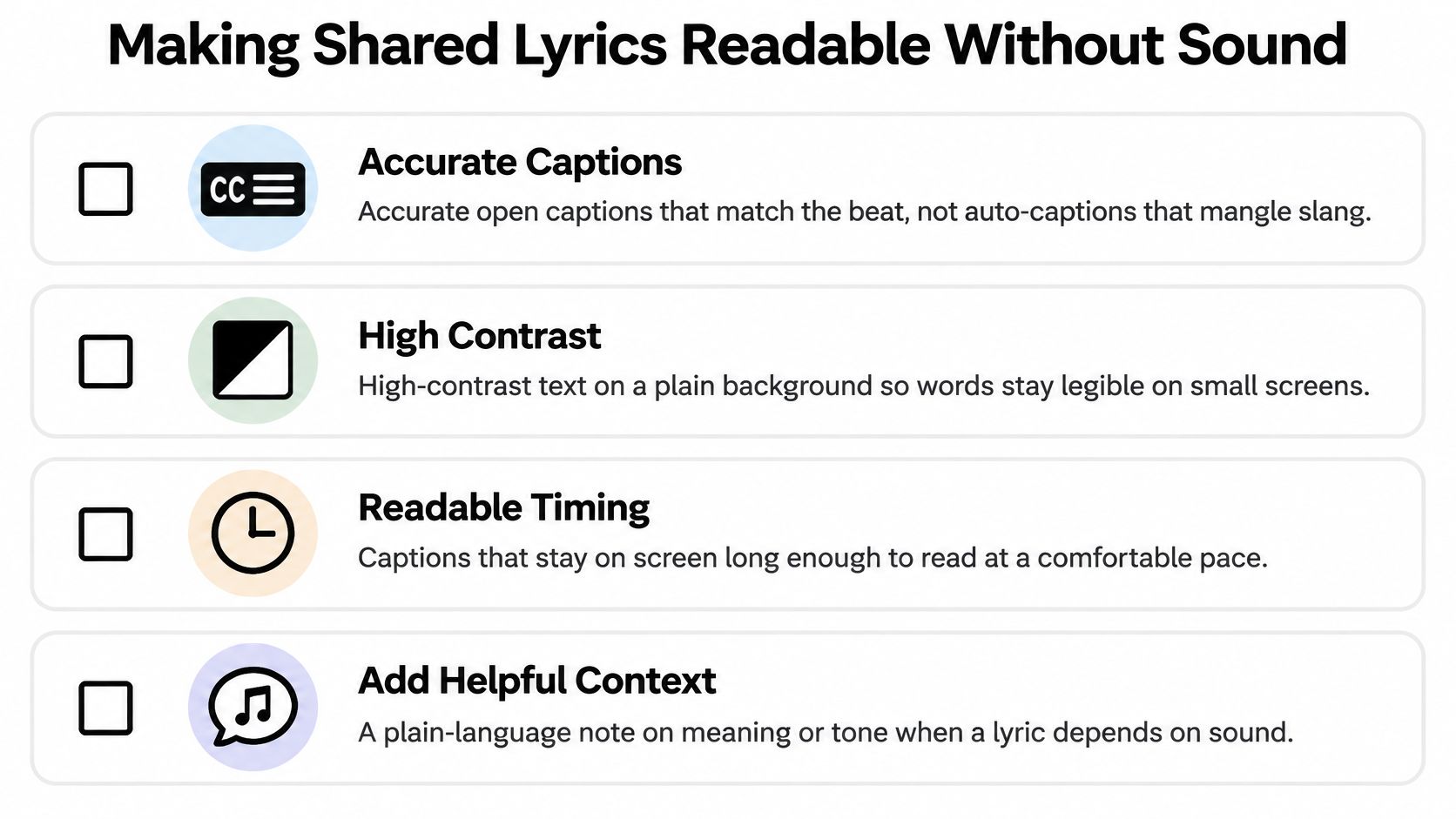 A checklist for making shared lyrics readable without sound, covering captions, contrast, timing, and helpful context.
Make the mute version work
- Open captions, written by you: Match the beat. Do not trust auto-captions with slang, names, or stacked ad-libs. If the caption says a different word than the bar, the joke is gone.
- Contrast and size: High-contrast type on a plain background. Decorative fonts fail on a phone in sunlight. If you want a styled look, PostPulse's notes on Unicode font tricks for captions show what those characters do, and also why a fancy glyph can break a screen reader. Style the card, keep the transcript plain.
- Hold time: Each line stays up long enough to read at rap speed. A flash caption is a blink, not a lyric.
- Speaker labels: When two voices trade in a battle verse, mark who is talking. Otherwise the second punch looks like a typo.
- A plain-language note: One short line for the inside joke or the cultural reference. The verse stays sharp. The note carries the people who were not in the group chat.
- Sign-language interpretation: Worth it on a longer video. Skip it on a four-line card, where space is the constraint.
Publish the original verse on screen, then put a clean transcript in the caption. Hearing viewers get the performance. Everyone else gets the joke. You do not soften the bars to do that. You stop hiding them inside audio.
Export Your First Roast and Share It Today
The Free plan costs $0 forever and includes 1 diss track, and a diss track generates in about 30 seconds. That is enough time to run a real target through a real export instead of saving the idea for later.
Every share is three jobs: format the verse for where it lands, make it readable with the sound off, and keep it rights-safe. Work in this order.
- Choose the destination first. A caption stacks line breaks tight, a group chat loosens them, a doc needs room for a collaborator to edit. The shape of the text follows that choice.
- Clean the text. Pull stage directions, fix the line breaks, and keep one hook that reads alone.
- Run the rights check. You own what the AI generates, so the risk is borrowed bars. If a line is a recognizable copyrighted phrase, rewrite it with the target's details.
- Cover the mute view. Give each punchline a caption so the verse reads with the sound off.
- Post or send only the version your collaborators approved. From there you can share a link or post the roast straight to social media, and the output is lyrics text you can export.
The roast stays private until you choose to publish it. Finish the checklist before anything goes live.
DissTrack AI writes structured roast verses you can edit, export as text, and share once you are ready. If you have a target and a punchline stuck in your head, DissTrack AI will turn it into a verse you can clean and post today.