
10 AI Song Generator Free Tools Worth Trying
You've got four different music jobs in front of you. Maybe you need a polished vocal demo, a roast track built around an inside joke, a clean background cue for a video, or a backing track you can reshape in a DAW. Searching for an AI song generator free option sounds simple until “free” turns out to mean a preview, a public project, limited credits, or a track you can't download for commercial use.
That distinction matters more than flashy demos. A useful tool must fit the job, then survive the practical checks: lyrics, melody, vocals, editing, exports, credits, privacy, and licensing. A generator that makes a strong chorus but blocks downloads may be perfect for brainstorming and useless for a client deliverable. Another that creates no vocals may be exactly right for a podcast bed.
This list groups ten tools by what they do best, not by generic feature count. It also calls out where the free workflow interrupts a real project. If you want a wider research starting point, browse this curated list of AI platforms, then use the breakdown below to choose by output.
1. DissTrack AI
DissTrack AI serves a specific brief: diss lyrics, battle-rap concepts, roast videos, and personalized rap songs. Enter the target's name, your relationship with that person, inside jokes, failures, handles, and other roast material. Then choose a style such as West Coast, Old School Boom Bap, Trap, Battle Rap, Drill, Emo Rap, or UK Grime, and set how severe the writing should sound.
Its free tier aims to produce a usable concept quickly and includes one diss track. Pro is listed at $9.99 per month for 15 tracks, while Creator is listed at $29.99 per month for 100 tracks. Paid plans include commercial licensing options, and generations stay private until you publish them. Check the current plan details on DissTrack AI before paying, particularly if your project needs commercial use or downloadable audio.
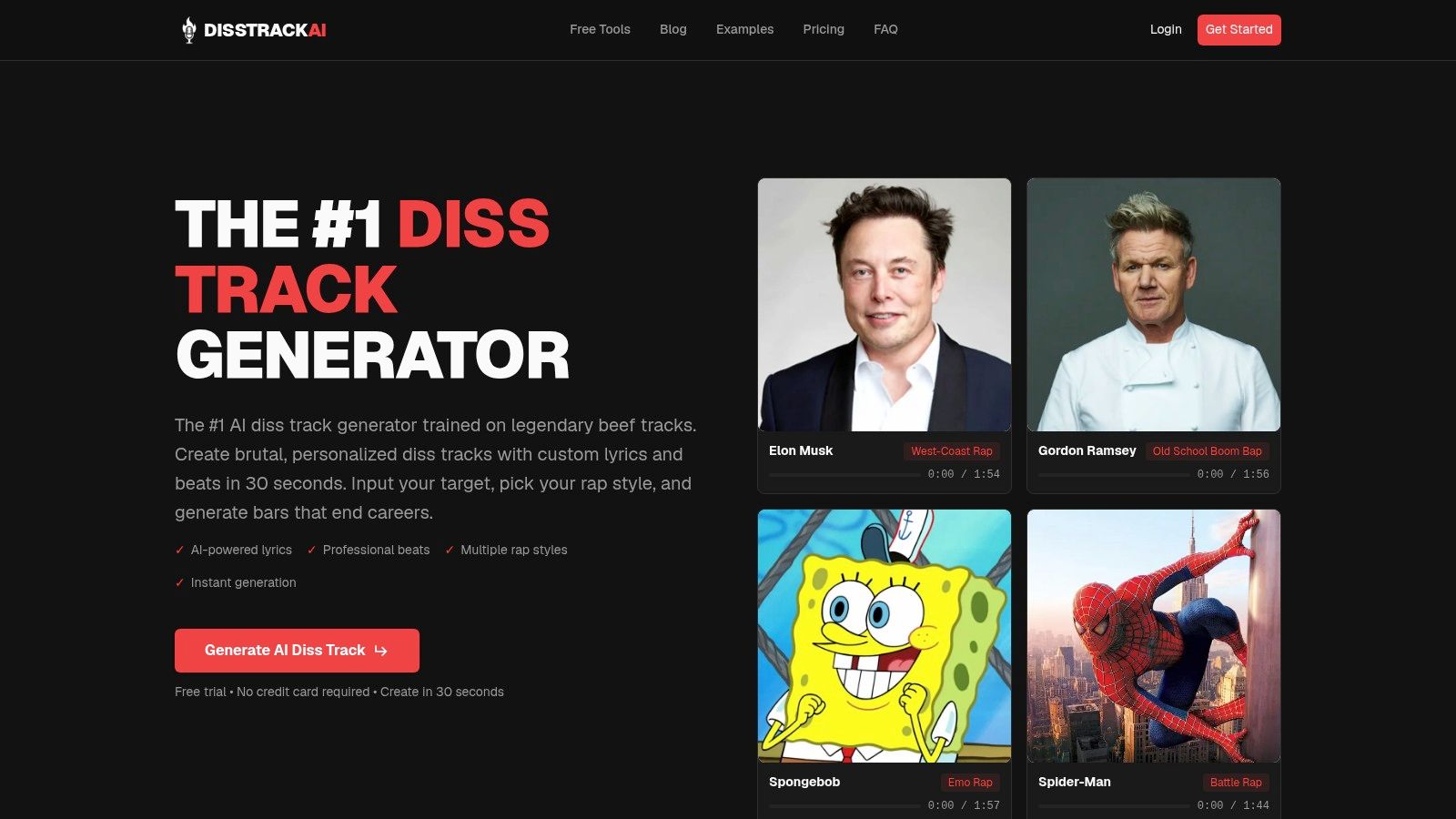 DissTrack AI
Where it earns its place
The practical strength is fast variation. Generate a concept, keep the strongest punchlines, remove material that is too personal or legally risky, then request cleaner alternatives or a different flow. Presets give beginners a starting point, while style and tone controls provide more direction for experienced writers.
The platform is built around battle and diss conventions, including rhyme schemes, wordplay, attack patterns, hooks, verses, and bridges. That narrow focus helps when the brief is “make this roast land,” rather than “write any song in this genre.” You can also use DissTrack AI's text-to-music guidance to separate lyrical generation from a finished audio track.
Practical rule: Treat the first output as a writing room partner, not a release-ready performance.
One limitation deserves attention. The site presents AI vocals, beats, and mixed audio, while an FAQ also says audio generation is not available yet. Verify the current output options and plan terms before paying if vocal exports matter to your project. You remain responsible for avoiding doxxing, unlawful defamation, threats, and material that could cause real-world harm.
2. Suno
You have a chorus idea, a rough lyric, and no vocalist ready to record. Suno is built for turning that starting point into a complete vocal song from a text prompt, combining lyrics, arrangement, instrumentation, and singing in one workflow. It suits catchy demos, parody concepts, chorus experiments, and social posts. The free experience centers on generation and sharing within Suno, while downloads, higher-quality models, and commercial rights depend on paid access and current account policy.
Its strongest job is moving quickly from an idea to a recognizable song. Describe the genre and mood, provide your own lyrics or request new ones, then continue, remix, or refine the result in the platform's Studio tools. You can compare several directions before deciding whether a concept deserves a proper recording.
The free-plan catch
A free account may allow creation and sharing without providing a dependable commercial download path. Download availability can vary by account and policy, and paid tiers include monthly download limits. That workflow works for a private sketch or a link shared with friends. It becomes restrictive when an editor needs an audio file, or a client expects an asset with appropriate rights.
Free access also changes the project handoff. A track that sounds finished inside the platform may still require a paid plan before you can download it in the form your project needs. Check the current account terms before building a campaign, client deliverable, or release around one generation.
Use Suno when the priority is vocal impact and instant song identity. Record the relevant terms when you create the track, keep your lyrics and prompts, and check the destination platform's publishing rules before releasing it.
For a broader look at the creative decisions behind prompt-led tracks, this text-to-music workflow for creators is useful context. Use Suno when you need the generator itself to deliver vocals and a full arrangement.
3. Udio
Udio suits users who care about vocal realism, sections, and producer-style control. Its text-to-song workflow includes vocals and a lyric editor, while the interface gives you more control over song length and structure than a basic prompt-and-download tool. You can extend clips and work with sections, which is valuable when the chorus works but the second verse doesn't.
The free plan uses daily credits, so the constraint is easy to understand but still disruptive. You can spend credits testing prompts, then hit the limit while trying to repair one weak line or arrangement choice. Advanced controls, including some BPM and negative-prompt options, are restricted on free access, and paid plans provide broader editing and capacity.
Best use in practice
Start with a tightly written brief. State the genre, vocal character, energy, instrumentation, structure, and lyrical subject instead of relying on a vague mood word. Udio is at its best when you already know what the song should do and want to explore performance and arrangement options.
Its paid editing tools are more relevant to serious iteration than a simple regeneration button. Upload, inpaint, and section-level changes can reduce the need to throw away a promising track, but they're not part of the full free workflow. Downloads and advanced exports may also require payment, so test the actual handoff before building a project around it.
Udio is a good choice for a vocal-led experiment that needs arrangement control. It's less attractive when you need unlimited rough ideation or a guaranteed free file for a client.
4. Boomy
Boomy is built for people who want to create a song without learning production software first. Its one-click generation produces an editable draft, and style and instrument groups help beginners move beyond a blank prompt. Auto-Vocal options add a vocal direction, while the platform provides guidance for releasing music through an external distributor.
That beginner focus is the product's real strength. You can make a draft, listen, adjust the broad direction, and decide whether it's worth developing. Boomy doesn't ask a non-producer to understand signal flow, arrangement theory, or detailed sound design before hearing an idea.
What free actually means
Free users can create and listen, but downloads and commercial licensing require paid Creator or Pro subscriptions. That distinction makes Boomy useful for exploring hooks and arrangements, not for assuming you've already created a monetizable release. If the track is going to a distributor, social account, client campaign, or paid video, review the current license before you export.
The editing is accessible, but it isn't a replacement for a full DAW. Producers looking for detailed mixing, stem manipulation, or precise sound design will outgrow it quickly. Beginners, teachers, casual creators, and social users may find that limitation helpful because it keeps the workflow focused.
For a practical distinction between generating a sketch and building a usable release, this guide to an AI music app workflow provides a useful comparison point. Boomy wins when low friction matters more than deep control.
5. Splash
Splash is a friendly option for short vocal tracks, social audio, and beginner experimentation. Its text-to-sing and text-to-rap tools let non-musicians generate a vocal idea, while Beatmaker instruments and sound packs add a more hands-on route for users who want to shape the backing track.
The platform also extends beyond a browser workflow through iOS and Android apps and a Roblox presence. That ecosystem matters if your audience already lives in mobile or social spaces. A creator making a short clip for a meme, stream, or community post may value immediate participation more than studio-grade export control.
A good fit for quick content
Splash keeps the first step simple. You can start with lyrics or a short concept, choose a vocal direction, and build something designed to be heard quickly. It's better suited to short-form ideas and social experiments than to a carefully edited release with demanding vocal production.
Free access is available to try, but allowances and pricing can vary across the web and mobile contexts. Check the in-app terms rather than assuming that a feature available in one environment is included in another. Production polish may also fall short of vocal-first tools aimed at full-song generation, so expect to edit, regenerate, or record over the output if the track has to carry a serious campaign.
Splash works when the question is, “Can I make something fun and shareable right now?” It's less convincing when the question is, “Can I deliver a consistent master with clear commercial rights?”
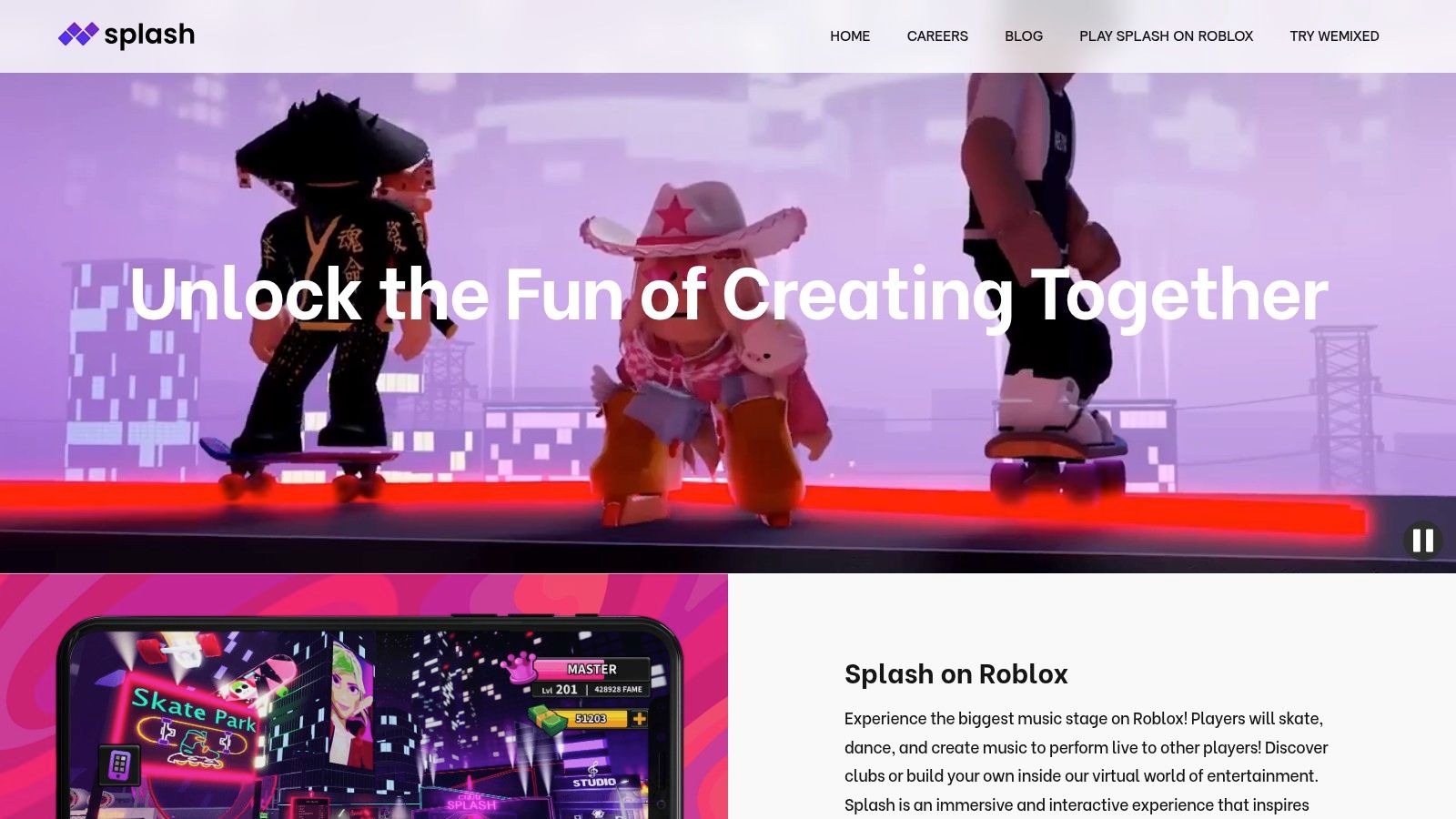 Splash
6. Soundful AI
Soundful AI is more useful for background music, social soundtracks, and template-led creation than for front-and-center vocal performances. You choose a genre or mood, work through a structured flow, and generate music designed to sit behind a video, podcast, post, or campaign.
The workflow is reassuringly practical. Template choices reduce prompt experimentation, and the platform provides plan and licensing guidance instead of hiding the commercial-use question behind a download button. Paid tools add features such as song extension, which matters when a short idea needs to match a longer edit.
The audition problem
The free plan typically allows you to audition tracks on the platform, but not download them. Free generations may also be public by default, while private creation and commercial rights are tied to paid plans. That makes Soundful useful for deciding whether its musical direction suits your project, but not necessarily for finishing the project at no cost.
Many “free AI music generator” comparisons become misleading here. A preview can prove that a tool understands your mood and tempo, but it doesn't give an editor a licensed file. Before you spend time refining a soundtrack, confirm whether the current plan covers download, privacy, monetization, and client work.
Soundful is a sensible pick for creators who want clean, guided background music without wrestling with production controls. Choose another tool if you need unrestricted free exports or highly individualized vocals.
 Soundful AI
7. Stable Audio
Stable Audio is the specialist choice for music beds, sound effects, loops, and developer-oriented experimentation. Its hosted workflow supports text-to-music and sound-effects generation, while deck-style editing encourages iterative sessions rather than a single final prompt. API access gives teams a route to build music generation into products and internal tools.
It's a better match for a video editor needing a tense texture, a game developer exploring effects, or a producer assembling non-vocal material than for someone who mainly wants a convincing lead singer. Vocals aren't the central promise of the hosted experience, and that focus is useful because it keeps the product grounded in sound design and non-vocal work.
Where the free tier stops
The free tier has limits around clip length, downloads, and usage. Commercial rights are connected to paid plans, so a free preview shouldn't be treated as cleared production audio. Developers also need to distinguish between hosted access, API credits, and experimental local models before choosing a workflow.
Free generation is a test of creative fit. It isn't proof that you can publish the resulting file anywhere you want.
Stable Audio makes sense when you need controlled atmosphere rather than a singer-songwriter experience. Generate several textures, audition them against your edit, and verify the license before delivery. If you need to understand the publishing question more fully, this guide on publishing a song written by AI covers the rights issues that free previews often leave unclear.
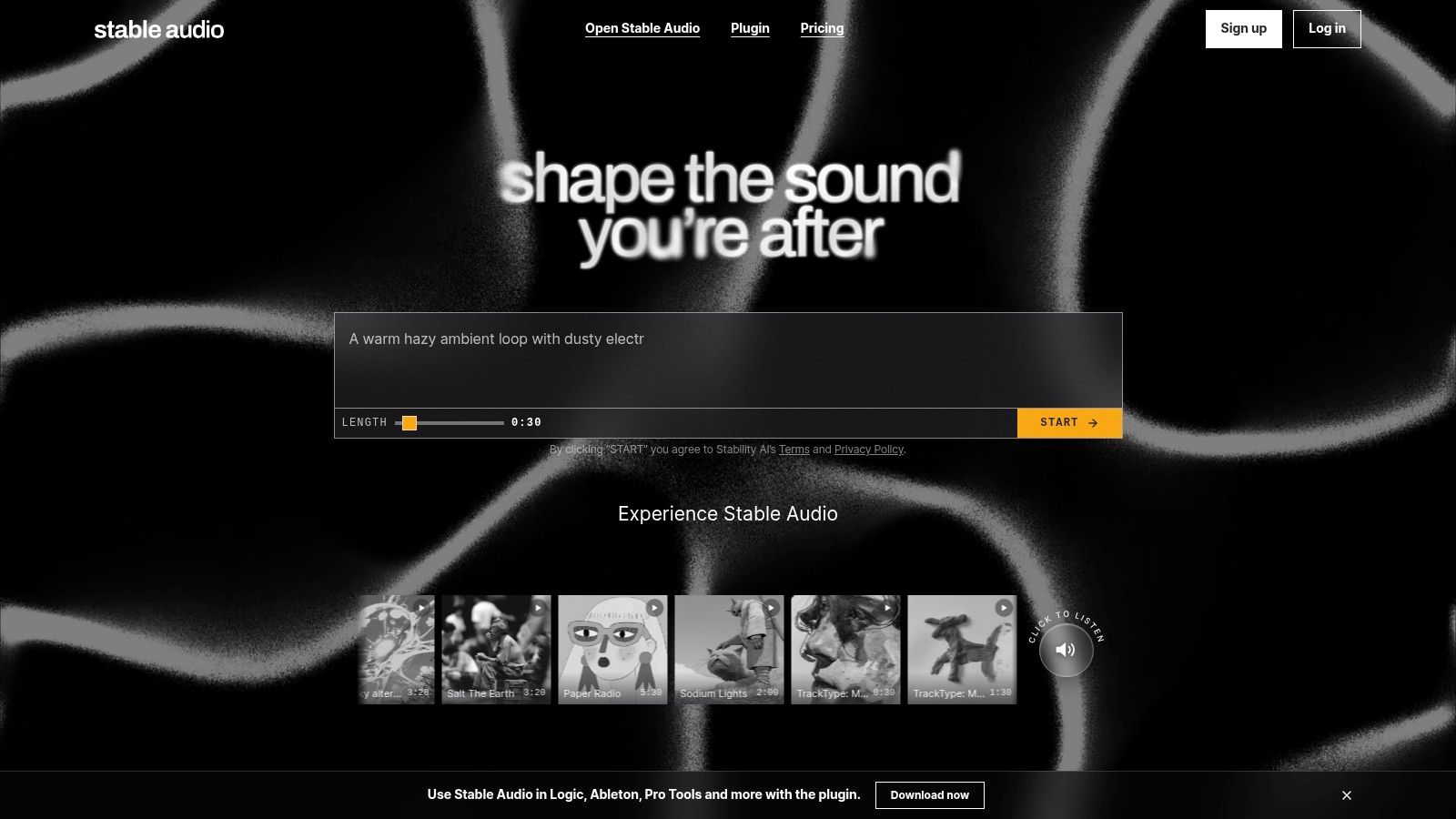 Stable Audio
8. Mubert
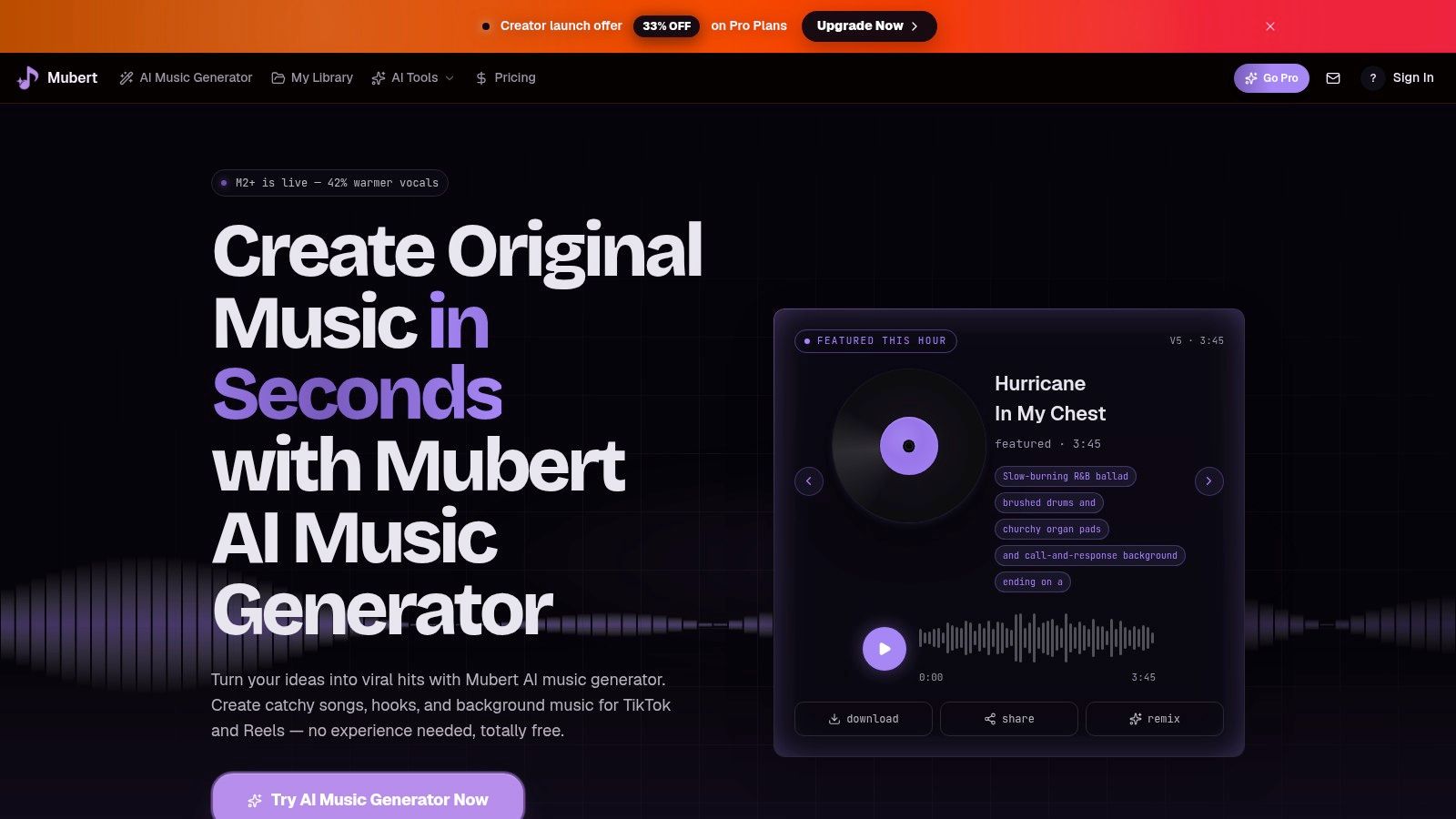
Mubert is designed for royalty-conscious background music and scalable generation. You can generate from tags or prompts, render tracks for creator projects, and explore licensing options intended for creators, businesses, developers, apps, and services.
The product's API and documentation give it an advantage for teams that need music inside a product rather than one track for a personal video. A developer can evaluate a repeatable integration, while a creator can use the simpler prompt and tag workflow for ambient music, transitions, and background beds.
Keep vocals out of the brief
Mubert isn't a vocal-first song generator. If you're looking for a memorable sung hook or a personalized rap performance, it's the wrong category. Its strength is reliable ambient texture, not lyrical storytelling.
The free plan is limited, and commercial use generally requires a paid Creator or Business tier. That may feel restrictive during casual testing, but the clearer license structure can save time for professional users. Review the exact coverage for your destination, especially if an app, game, client campaign, or monetized channel is involved.
Mubert is a strong option for a team that values repeatability, licensing paths, and integrations over flashy vocal demos. It's also a practical way to generate several moods for an edit without asking a producer to compose every background cue from scratch.
 Mubert
9. Loudly
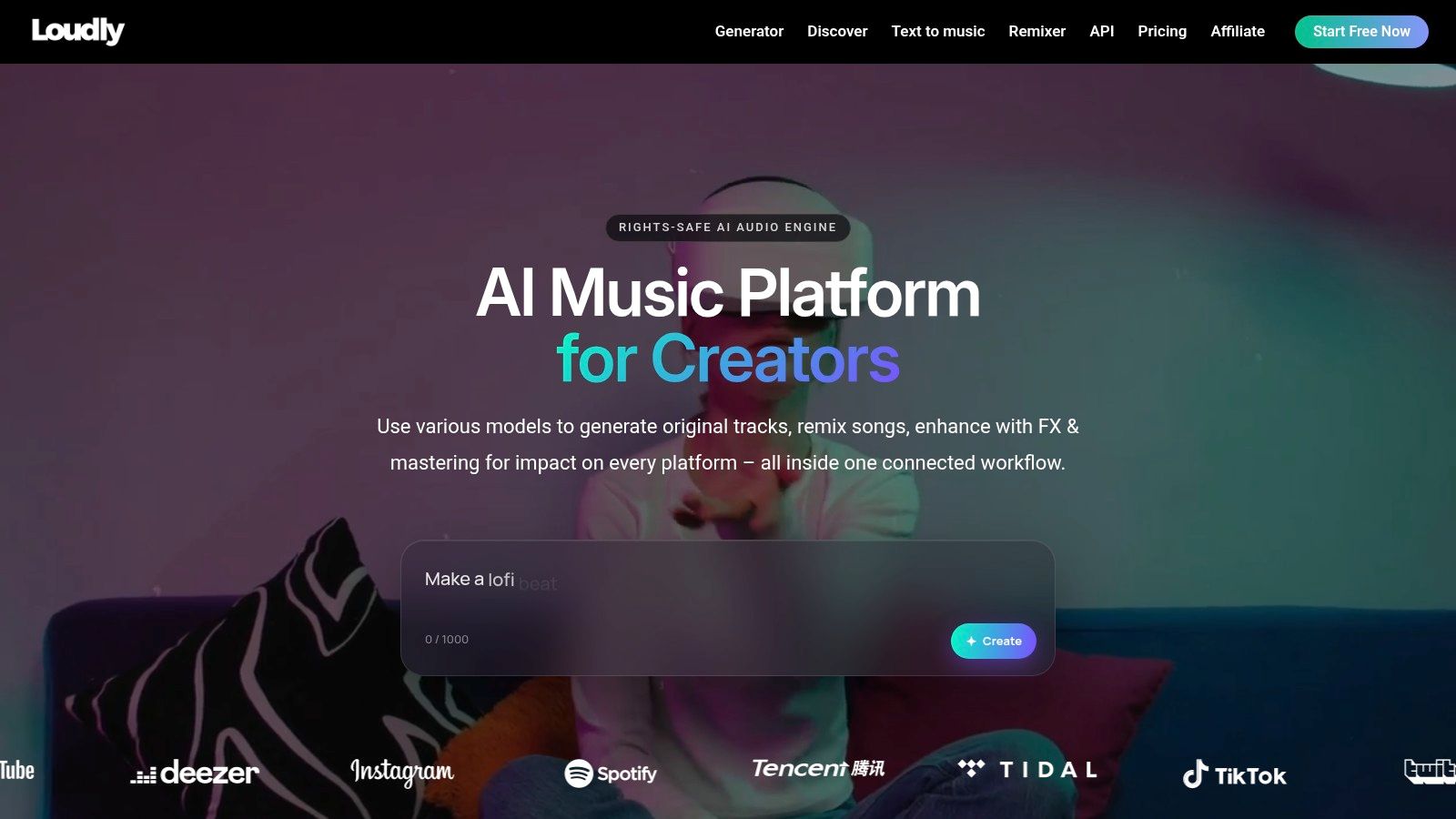
Loudly combines an AI music generator with a broader creator production toolkit. Its value isn't limited to generating a track. The platform also offers an AI Song Remixer, stem splitting, mastering tools, and distribution-related features, which makes it useful when one piece of music needs several versions for different channels.
That makes Loudly a better fit for editors, marketers, and content teams than for someone who only wants to hear a finished song. You can generate a direction, reshape it, separate parts, and adapt the result to a project. Those steps matter when a soundtrack has to fit a cut rather than only exist as a complete song.
Short previews are a real limit
The free tier provides short outputs, listed at about 30 seconds, while longer exports, WAV files, stems, and commercial licensing may require an upgrade. That's enough to test a mood or see whether a hook works under video, but it isn't enough for a full deliverable.
Use Loudly when your workflow includes remixing and adaptation, not just generation. Before you promise a client a final asset, confirm the current export formats and free-download allowances. A tool can be excellent for selecting a direction and still require payment at the exact moment your project needs a usable file.
 Loudly
10. SOUNDRAW
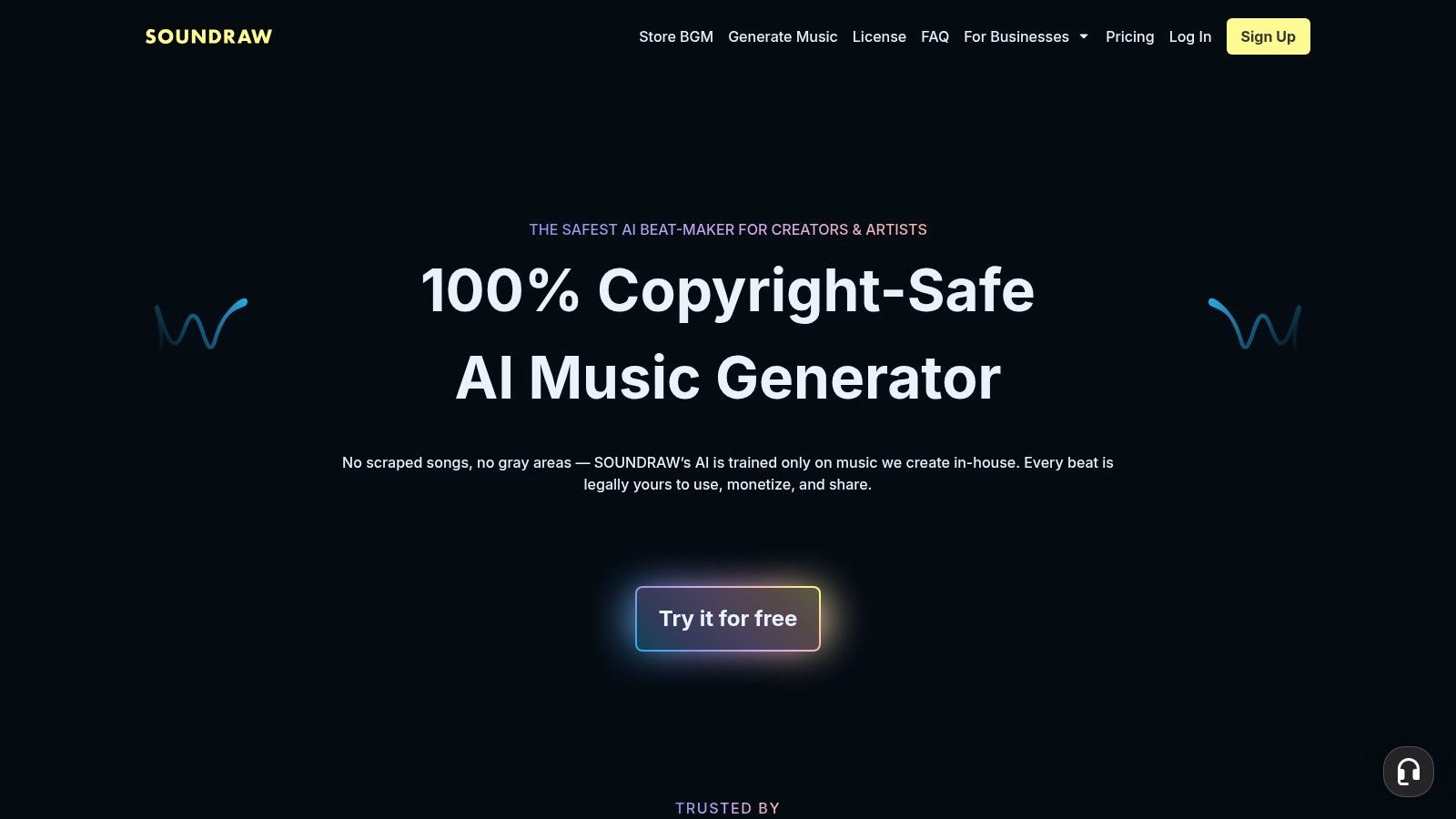
SOUNDRAW focuses on customizable non-vocal tracks for video, podcasts, advertising, and backing tracks. You select a genre, mood, and length, then fine-tune the structure rather than accepting an unchangeable audio block. That makes it especially useful when music has to follow an edit or leave room for a separately recorded vocal.
The preview-before-subscribe workflow is practical. You can test whether the generator produces the right energy, pacing, and arrangement before paying. Detailed structure controls also give you more influence over intro length, transitions, and the sections that need to sit under dialogue.
Free preview, paid export
SOUNDRAW doesn't offer free licensed downloads. You can create and preview music, but subscription plans are required to export and use the relevant commercial licenses. Separate options for creators, artists, and API users make the pricing structure more adaptable, but they also mean you need to choose the right plan for the actual project.
This is not a drawback if you treat the free tier as a selection tool. It becomes a problem if you need to send a client an audio file today without a subscription. SOUNDRAW is strongest for users who already know they need control and a dependable licensing route, especially when vocals will be added later.
 SOUNDRAW
Top 10 Free AI Song Generators, Feature Comparison
| Product | Core features ✨ | Quality ★ | Price / Value 💰 | Target audience 👥 |
|---|---|---|---|---|
| DissTrack AI 🏆 | ✨ Purpose-built diss lyric engine; style tags & savagery dial; presets & multi-variation exports; privacy + commercial license | ★★★★☆ (Punchlines & flow) | 💰 Free (1) • Pro $9.99/mo (15) • Creator $29.99/mo (100); paid commercial license | 👥 Rappers, battle fans, creators, streamers |
| Suno | ✨ Full-song (music+vocals), multiple models, Studio remixes & share embeds | ★★★★☆ (Hook-forward vocals) | 💰 Free w/ limits; paid tiers add downloads & commercial use | 👥 Songwriters, demo-makers, viral creators |
| Udio | ✨ Text-to-song with realistic vocals; granular section/length control; clip extension | ★★★★☆ (High vocal realism) | 💰 Free daily credits; paid unlocks controls & capacity | 👥 Producers, mobile creators, arrangers |
| Boomy | ✨ One‑click song creation, editable outputs, release guidance | ★★★☆☆ (Very easy, basic polish) | 💰 Free create/listen; subscription for downloads & commercial rights | 👥 Beginners, indie artists, fast-release creators |
| Splash | ✨ Text-to-sing/rap + beatmaker, mobile apps & social (Roblox) ecosystem | ★★★☆☆ (Quick social shorts) | 💰 Free to try; web/app pricing differs; in‑app upgrades | 👥 Social creators, mobile-first users, teens |
| Soundful AI | ✨ Template-driven instrumentals & lyric workflows for background music | ★★★☆☆ (Clean templates for social) | 💰 Free audition; paid for downloads, private gens & commercial | 👥 Content creators, video producers |
| Stable Audio | ✨ Text-to-music & SFX, multi-track deck, API & open models for experimenters | ★★★★☆ (Strong instrumentals/SFX) | 💰 Free small tier; paid for longer clips, private & API credits | 👥 Developers, sound designers, studios |
| Mubert | ✨ Prompt/tag-based royalty-free tracks, developer API & licensing | ★★★★☆ (Reliable loops & scale) | 💰 Free limited; Creator/Business licenses for commercial use | 👥 App developers, streamers, large-scale creators |
| Loudly | ✨ Text-to-music + AI Remixer, stem split & mastering; distribution add-ons | ★★★☆☆ (Handy remix toolkit) | 💰 Free previews; subs for long exports, WAV/stems & licenses | 👥 Editors, marketers, remixers |
| SOUNDRAW | ✨ Customizable instrumentals with structure editing & clear licensing | ★★★★☆ (Flexible backing tracks) | 💰 Free preview; subscription required to export/download/commercial | 👥 Video creators, composers, producers |
Choose by Output, Then Check the Fine Print
Start with the deliverable, not the most impressive homepage demo. If you need a complete vocal song for a concept, chorus test, or meme, Suno and Udio are the natural first experiments. Suno makes the path from prompt to catchy vocal arrangement straightforward, while Udio is better suited to users who want more control over sections, extensions, and vocal character.
Choose DissTrack AI when the brief contains a target, a relationship, inside jokes, and a specific rap attack. Its value comes from specialization. You're not asking a general song model to guess what makes a diss verse work. You're giving a purpose-built lyric system material it can shape into verses, hooks, bridges, and variations. Keep the output private while you edit, remove risky claims, and confirm whether the current audio workflow supports the format you need.
For beginner-led social creation, Boomy and Splash offer the gentlest learning curve. Boomy is useful for fast editable drafts and release-oriented guidance, while Splash is a better match for mobile, vocal, and community-driven content. Neither should be treated as a guaranteed free commercial export without checking the current subscription and licensing terms.
Background music requires a different shortlist. Soundful AI, Mubert, Loudly, and SOUNDRAW all make more sense when the music sits under video, podcasts, ads, streams, or games. Soundful provides a template-led process, Mubert is strong for backing tracks and API-oriented use, Loudly adds remixing and stem tools, and SOUNDRAW offers detailed arrangement control. Their free tiers often help you audition a direction, but downloads, privacy, longer outputs, stems, or commercial rights may require payment.
Use Stable Audio for sound effects, loops, textural layers, and technical experimentation. It's the most natural choice in this list when the job is sound design or integration rather than a lead vocal performance.
The rights question deserves equal billing with audio quality. The global AI music market was estimated at approximately $300 million in 2023, representing about 8% of the broader generative-AI market, and a Goldmedia study prepared for GEMA and SACEM projected more than $3 billion by 2028, with roughly 60% average annual growth. The same research estimated that 27% of music creators' revenues could be at risk by 2028, which explains why consent, training material, attribution, and licensing can't be treated as fine print. Read the GEMA and SACEM AI music research before making broad commercial claims about any generator.
Before publishing: Save the tool's terms at creation time, document your prompts and edits, confirm download and commercial permissions, review privacy settings, and check the destination platform's disclosure rules.
Human editing still matters even when an output sounds impressive. Research cited in the brief found that 97% of participants in a survey spanning eight markets failed to distinguish AI-generated tracks from human-composed music, yet a separate Stanford-linked study found that participants generally preferred human-produced samples for creativity, emotion, replay value, and overall rating. The practical lesson is simple. A convincing first listen doesn't guarantee a strong lyric, a coherent story, a memorable hook, or a release-ready arrangement.
Audit every candidate for specificity, syllable stress, rhyme quality, narrative progression, punchline originality, vocal timing, and clean alternatives. If the track will represent a person or brand, listen for awkward claims and privacy problems before sharing it. For teams testing tools seriously, benchmark prompt adherence rather than relying on star ratings. The CMI-RewardBench framework uses more than 110,000 pseudo-labeled preference pairs and 4,000 expert-annotated comparisons, offering a useful model for separating theme compliance, lyrical structure, genre consistency, and overall listener preference. See the Queen Mary University of London benchmark explanation for the methodology.
The best free AI song generator is therefore the one that gets you closest to the next real step. Pick Suno or Udio for vocal experiments, DissTrack AI for targeted roast writing, Boomy or Splash for accessible social creation, Soundful AI, Mubert, Loudly, or SOUNDRAW for background or non-vocal work, and Stable Audio for sound design or API-led exploration. Then verify credits, downloads, privacy, commercial rights, and vocal availability before publishing or monetizing anything.
If you need personalized roast lyrics without staring at a blank page, DissTrack AI turns a target name, inside jokes, style choice, and savagery level into structured rap concepts and variations. Try DissTrack AI for a fast free starting point, then edit the strongest bars into a track that sounds like your voice.